Ana içeriğe geç
Onarım Topluluğuna Katılın - Hesap Oluşturun

Samsung NP300E5C Screen Replacement

Neye ihtiyacın var

    1. Samsung NP300E5C Screen Replacement, Battery: adım 1, 1 resimden 1.
      • Lay laptop down so that the bottom is facing the sky.

      FixBot'a Sor

      Yorum Ekle

    2. Samsung NP300E5C Screen Replacement: adım 2, 3 resimden 1. Samsung NP300E5C Screen Replacement: adım 2, 3 resimden 2. Samsung NP300E5C Screen Replacement: adım 2, 3 resimden 3.
      • Push both tabs away from the center of the device.

      • While both are in the fully unlocked position, slide the battery out.

      FixBot'a Sor

      Yorum Ekle

    1. Samsung NP300E5C Screen Replacement, Screen: adım 3, 1 resimden 1.
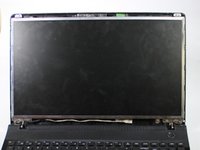
      • Turn the laptop over and open it so that you can see the keyboard and screen.

      • Using a Phillips #000 screwdriver, remove the two 4 mm Phillips #8 screws that are under the black covers on the front of your screen.

      • You can remove the black covers by simply pushing your screwdriver into them.

      FixBot'a Sor

      Yorum Ekle

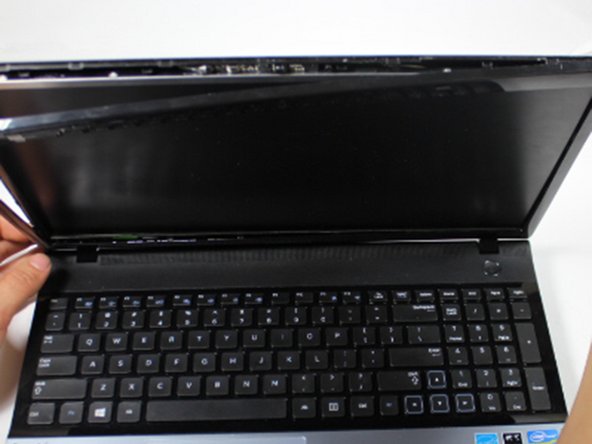
    2. Samsung NP300E5C Screen Replacement: adım 4, 3 resimden 1. Samsung NP300E5C Screen Replacement: adım 4, 3 resimden 2. Samsung NP300E5C Screen Replacement: adım 4, 3 resimden 3.
      • Insert the plastic opening tool into the seam on the top of the screen.

      • The seam is where the back screen cover and the plastic bezel around the edges of the screen meet.

      • Use the plastic opening tool to pop open the clasps that keep the casing on the screen.

      • It helps to use the plastic opening tool like a crowbar.

      • Follow this seam around the laptop's screen with the plastic opening tool until the plastic cover comes off.

      • Don't be afraid to use your fingers to help pop open the clips.

      FixBot'a Sor

      Yorum Ekle

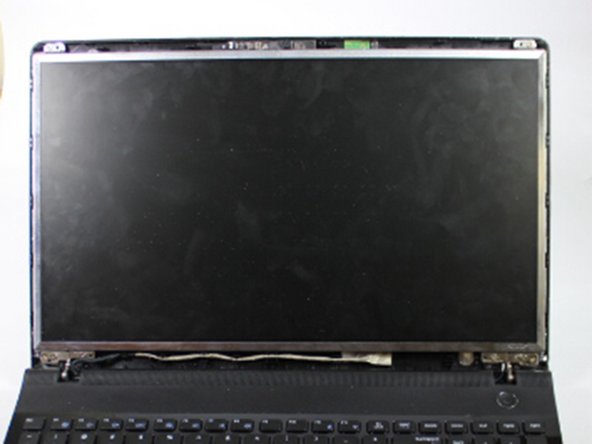
    3. Samsung NP300E5C Screen Replacement: adım 5, 1 resimden 1.
      • Using a Phillips #000 screwdriver, remove the top two 4 mm Phillips #8 screws that join the LCD screen to the plastic casing.

      • Using the same screwdriver, remove the bottom four 4 mm Phillips #8 screws that mount the screen onto the base of the laptop.

      • As you remove these bottom 4 screws, support the screen! As the screws come off, the screen will begin to fall backwards.

      FixBot'a Sor

      Yorum Ekle

    4. Samsung NP300E5C Screen Replacement: adım 6, 3 resimden 1. Samsung NP300E5C Screen Replacement: adım 6, 3 resimden 2. Samsung NP300E5C Screen Replacement: adım 6, 3 resimden 3.
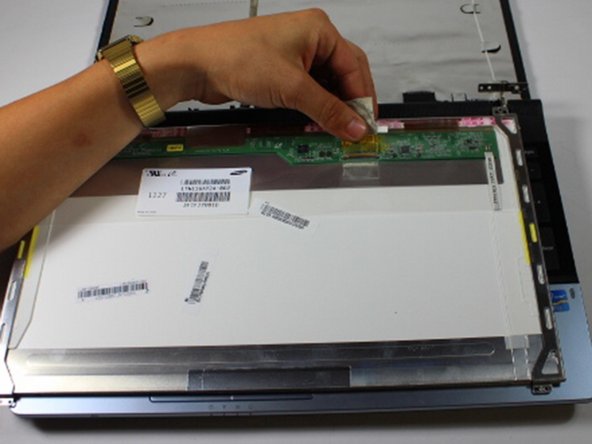
      • Gently lay the LCD on the keyboard, and lay down the back panel of the screen as well. They are not attached and will separate easily.

      • The LCD and the back panel must remain close to one another due to the video connector at the bottom that links the two.

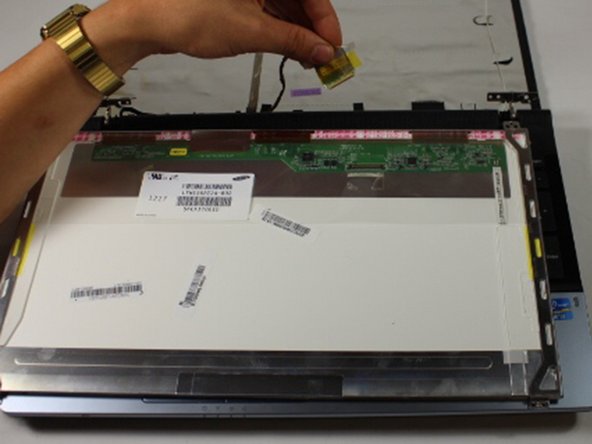
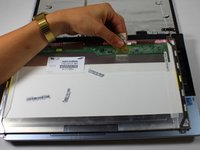
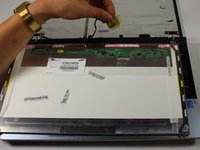
      • Remove the tape that secures the video connector to the LCD.

      • While maintaining a firm grip on the LCD, grasp the video connector at its base, and pull it away from you.

      • Don't be afraid to pull, the video connector is not soldered onto the LCD.

      FixBot'a Sor

      Yorum Ekle

Sonuç

To reassemble your device, follow these instructions in reverse order.

İptal et: Bu kılavuzu tamamlamadım.

10 farklı kişi bu kılavuzu tamamladı.

aliahsan95

Üyelik tarihi: 09/23/15

937 İtibar

4 adet Kılavuz yazıldı

Ekip

Baylor, Team 10-13, Williams Fall 2015 Baylor, Team 10-13, Williams Fall 2015 üyesi

BU-WILLIAMS-F15S10G13

3 Üyeler

20 adet Kılavuz yazıldı

0Kılavuz Yorumları

Yorum Ekle

İstatistikleri Görüntüle:

Son 24 Saat: 1

Son 7 gün: 18

Son 30 gün: 62

Her zaman: 6,798