Ana içeriğe geç
Onarım Topluluğuna Katılın - Hesap Oluşturun

Samsung T139 Pad Buttons Replacement

Neye ihtiyacın var

  1. Samsung T139 Pad Buttons Replacement, Remove Back Cover: adım 1, 3 resimden 1. Samsung T139 Pad Buttons Replacement, Remove Back Cover: adım 1, 3 resimden 2. Samsung T139 Pad Buttons Replacement, Remove Back Cover: adım 1, 3 resimden 3.
    • Power off your phone before beginning disassembly

    • Apply pressure to the back cover and slide towards the base

    FixBot'a Sor

    Yorum Ekle

  2. Samsung T139 Pad Buttons Replacement, Remove Battery: adım 2, 2 resimden 1. Samsung T139 Pad Buttons Replacement, Remove Battery: adım 2, 2 resimden 2.
    • With a plastic opening tool, lift and remove the battery

    FixBot'a Sor

    Yorum Ekle

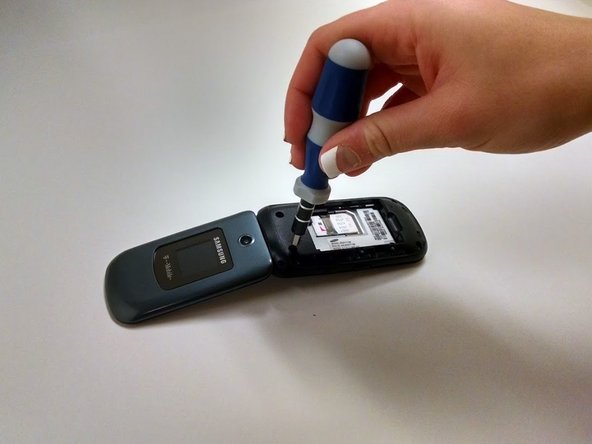
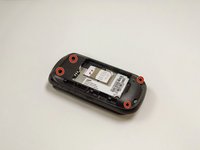
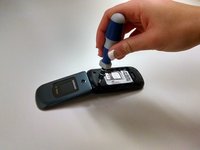
  3. Samsung T139 Pad Buttons Replacement, Remove Screws: adım 3, 2 resimden 1. Samsung T139 Pad Buttons Replacement, Remove Screws: adım 3, 2 resimden 2.
    • Remove the four Phillips 1.0mm #0 screws

    FixBot'a Sor

    Yorum Ekle

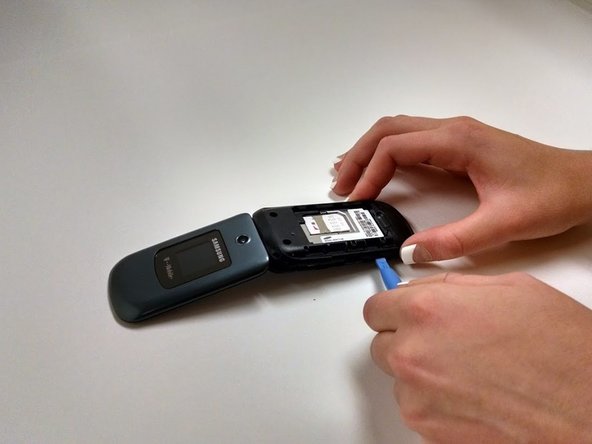
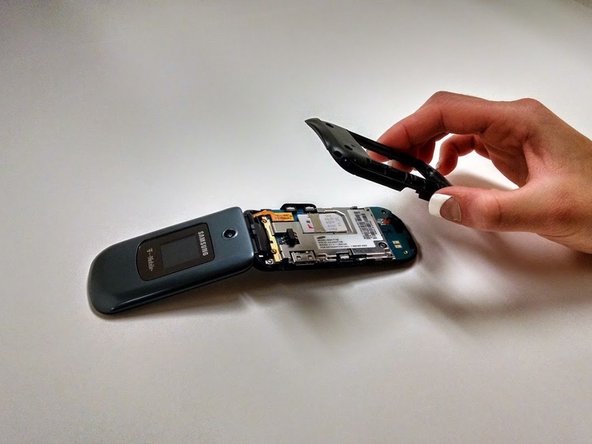
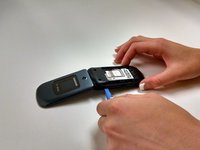
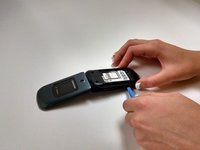
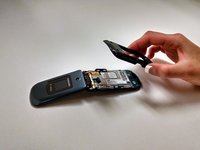
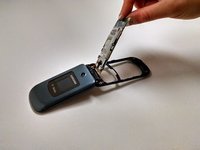
  4. Samsung T139 Pad Buttons Replacement, Remove Black Plastic Cover: adım 4, 3 resimden 1. Samsung T139 Pad Buttons Replacement, Remove Black Plastic Cover: adım 4, 3 resimden 2. Samsung T139 Pad Buttons Replacement, Remove Black Plastic Cover: adım 4, 3 resimden 3.
    • Using the plastic opening tool, work around the edge of the black plastic cover until it pops off

    FixBot'a Sor

    Yorum Ekle

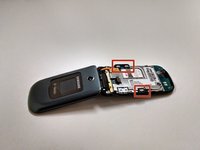
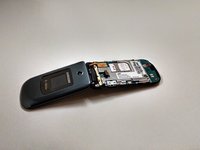
  5. Samsung T139 Pad Buttons Replacement, Remove Side Buttons: adım 5, 2 resimden 1. Samsung T139 Pad Buttons Replacement, Remove Side Buttons: adım 5, 2 resimden 2.
    • Remove side buttons by lifting them off the board

    FixBot'a Sor

    Yorum Ekle

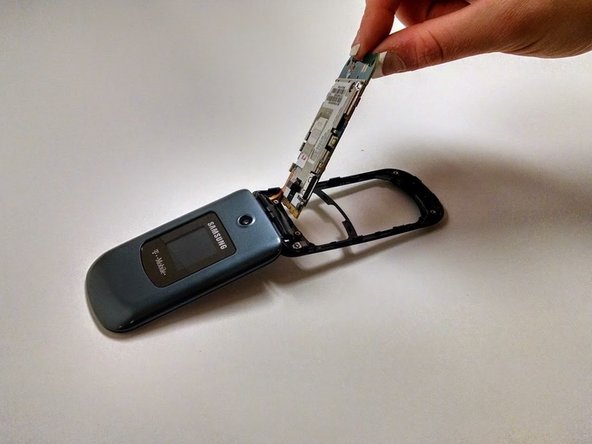
  6. Samsung T139 Pad Buttons Replacement, Remove Circuit Board: adım 6, 1 resimden 1.
    • Lift circuit board up gently

    • Be careful to not pull ribbon cord apart when removing

    FixBot'a Sor

    Yorum Ekle

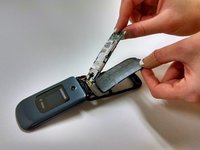
  7. Samsung T139 Pad Buttons Replacement, Remove Button Pad: adım 7, 2 resimden 1. Samsung T139 Pad Buttons Replacement, Remove Button Pad: adım 7, 2 resimden 2.
    • Lift away button pad

    FixBot'a Sor

    Yorum Ekle

Sonuç

To reassemble your device, follow these instructions in reverse order.

İptal et: Bu kılavuzu tamamlamadım.

Reagan May

Üyelik tarihi: 10/23/14

588 İtibar

5 adet Kılavuz yazıldı

Ekip

Michigan Tech, Team 1-1, Lauer Fall 2014 Michigan Tech, Team 1-1, Lauer Fall 2014 üyesi

MTU-LAUER-F14S1G1

3 Üyeler

9 adet Kılavuz yazıldı

0Kılavuz Yorumları

Yorum Ekle

İstatistikleri Görüntüle:

Son 24 Saat: 0

Son 7 gün: 6

Son 30 gün: 28

Her zaman: 589