Giriş
This guide will show how to take the device apart and how to identify components that need to be removed to replace the screen.
Neye ihtiyacın var
-
-
-
Make sure the device is powered off
-
Rotate the device so the ports and screws face you
 FixBot'a Sor
-
-
-
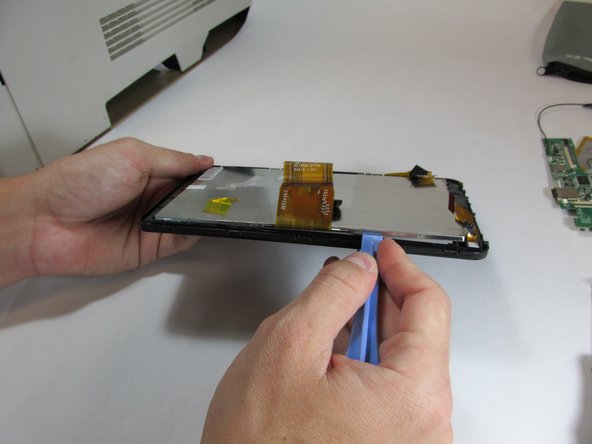
Using a plastic opening tool, work your way around the edge of the device, separating the case from the rest of the device
-
-
-
-
Once the case has been loosened, pry the backing off gently with your hands.
-
-
-
-
-
Follow the Case Replacement to separate the tablet from its backing
-
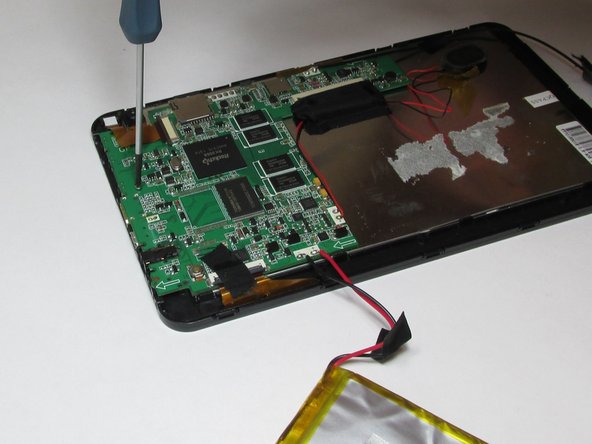
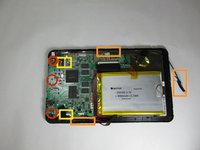
Using a small Phillips screw driver, unscrew all screws connecting circuit board to device
-
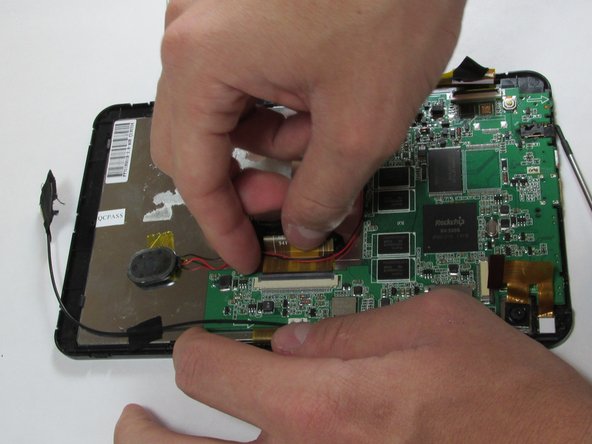
Remove all tape connecting battery and circuit board to front case
-
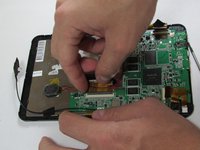
Detach all connector strips from the circuit board
-
-
-
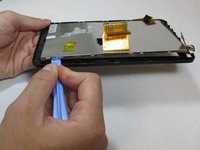
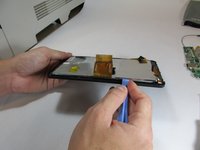
Using the plastic opening tool, begin separating the front screen from the display
-
-
Bu adımda kullanılan alet:Tweezers$4.99
-
Once screen has been separated, use tweezers to remove front camera
-
-





To reassemble your device with a new screen, follow these instructions in reverse order.
İptal et: Bu kılavuzu tamamlamadım.
2 farklı kişi bu kılavuzu tamamladı.

Ekip

USF Tampa, Team 5-1, Brown Winter 2015 USF Tampa, Team 5-1, Brown Winter 2015 üyesi
USFT-BROWN-W15S5G1
4 Üyeler
11 adet Kılavuz yazıldı
