Ana içeriğe geç
Onarım Topluluğuna Katılın - Hesap Oluşturun

Snapfon ezOne Speaker Replacement

Neye ihtiyacın var

  1. Snapfon ezOne Speaker Replacement, Remove the battery cover: adım 1, 1 resimden 1.
    • Turn off the phone to prevent data loss.

    • Press and slide the battery out to remove it.

    • Picture rights belong to Snapfon®. Picture is used for educational purposes only. No copyright infringement intended.

    FixBot'a Sor

    Yorum Ekle

  2. Snapfon ezOne Speaker Replacement, Remove the battery: adım 2, 1 resimden 1.
    • Pry the battery out with your thumb or the iFixit opening tool.

    • Make sure to properly dispose of the old battery at a recycling center.

    • Picture rights belong to Snapfon®. Picture is used for educational purposes only. No copyright infringement intended.

    FixBot'a Sor

    Yorum Ekle

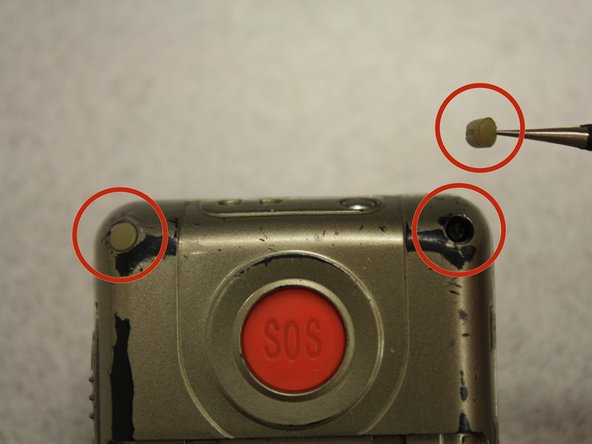
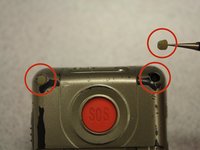
  3. Snapfon ezOne Speaker Replacement, Removing the plastic inserts: adım 3, 2 resimden 1. Snapfon ezOne Speaker Replacement, Removing the plastic inserts: adım 3, 2 resimden 2.
    Bu adımda kullanılan alet:
    Tweezers
    $4.99
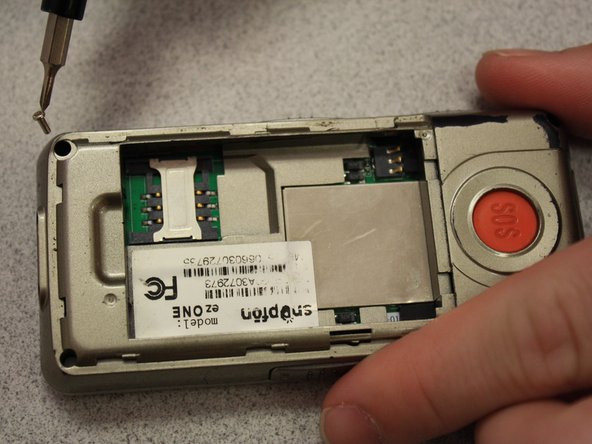
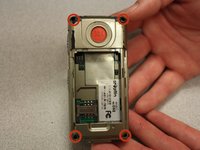
    • Remove the four rubber inserts from the screw holes using a pair of tweezers.

    FixBot'a Sor

    Yorum Ekle

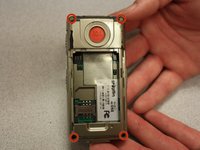
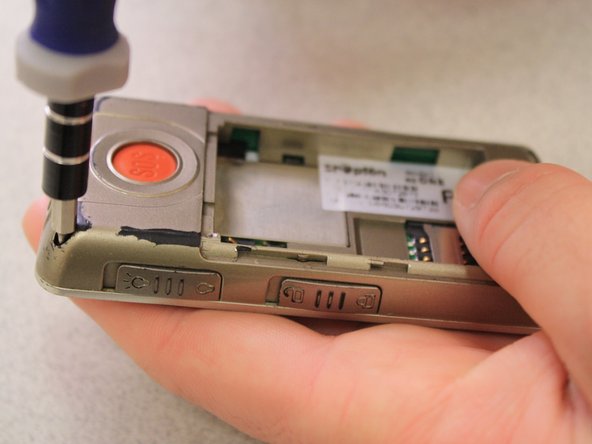
  4. Snapfon ezOne Speaker Replacement, Remove the shield screws: adım 4, 3 resimden 1. Snapfon ezOne Speaker Replacement, Remove the shield screws: adım 4, 3 resimden 2. Snapfon ezOne Speaker Replacement, Remove the shield screws: adım 4, 3 resimden 3.
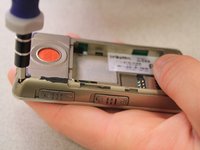
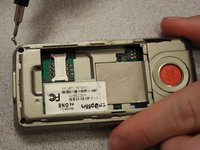
    • Remove the four 3.1mm screws in the corners with a Phillips #00 screwdriver.

    FixBot'a Sor

    Yorum Ekle

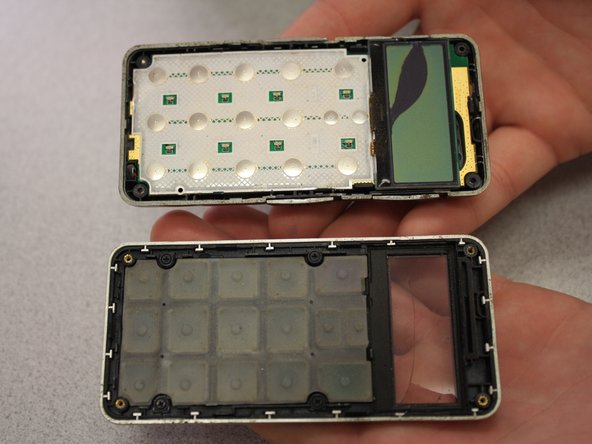
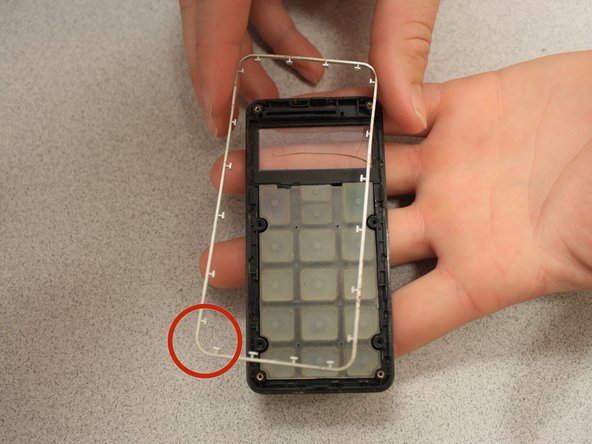
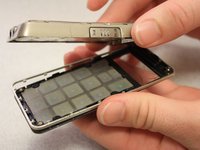
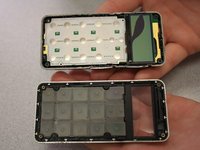
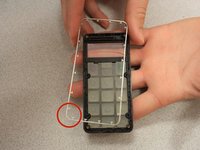
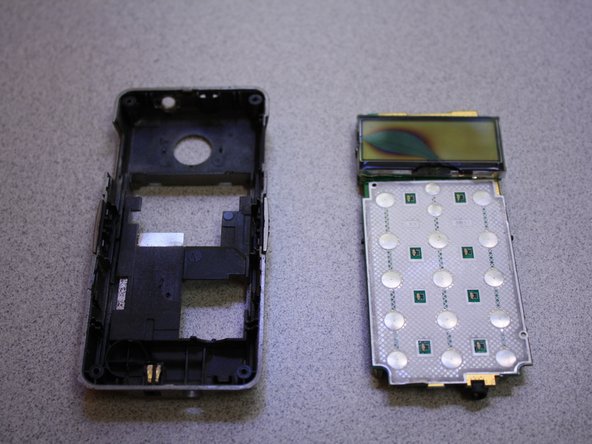
  5. Snapfon ezOne Speaker Replacement, Separate the case: adım 5, 3 resimden 1. Snapfon ezOne Speaker Replacement, Separate the case: adım 5, 3 resimden 2. Snapfon ezOne Speaker Replacement, Separate the case: adım 5, 3 resimden 3.
    • Separate the front case from the back case.

    • Remove the metal bumper from the front case’s perimeter.

    FixBot'a Sor

    Yorum Ekle

  6. Snapfon ezOne Speaker Replacement, Remove the volume slider: adım 6, 1 resimden 1.
    • Pry the volume slider button out with tweezers.

    • The volume slider button may fall out during the separation of the front and back cases. This is OK.

    FixBot'a Sor

    Yorum Ekle

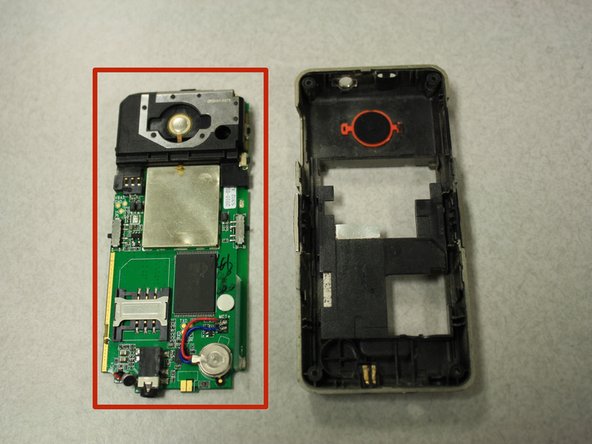
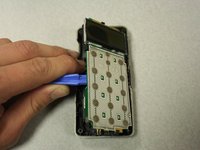
  7. Snapfon ezOne Speaker Replacement, Remove the motherboard: adım 7, 3 resimden 1. Snapfon ezOne Speaker Replacement, Remove the motherboard: adım 7, 3 resimden 2. Snapfon ezOne Speaker Replacement, Remove the motherboard: adım 7, 3 resimden 3.
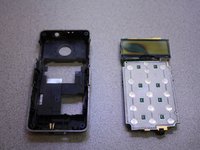
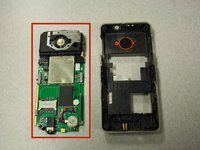
    • Separate the circuit board from the inside of the back case by prying between them with the opening tool.

    • The last picture is a view of the back of the circuit board.

    FixBot'a Sor

    Yorum Ekle

  8. Snapfon ezOne Speaker Replacement, Speaker: adım 8, 2 resimden 1. Snapfon ezOne Speaker Replacement, Speaker: adım 8, 2 resimden 2.
    Bu adımda kullanılan alet:
    Tweezers
    $4.99
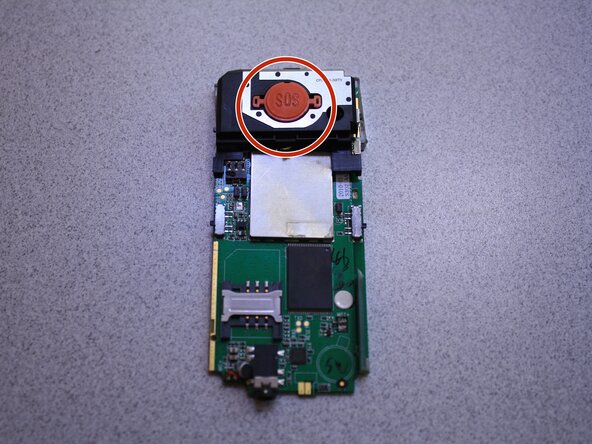
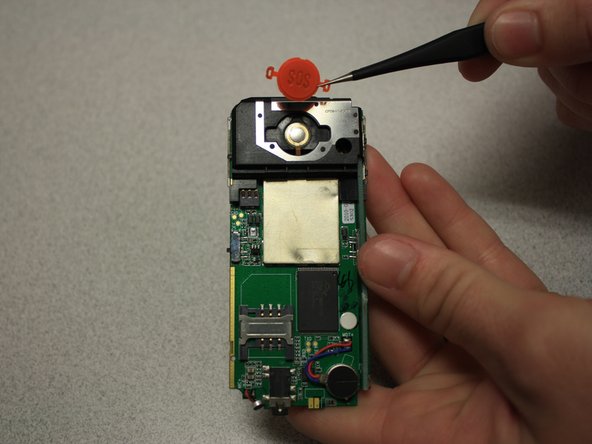
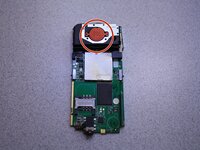
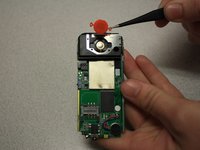
    • Remove SOS button from circuit board with tweezers.

    FixBot'a Sor

    Yorum Ekle

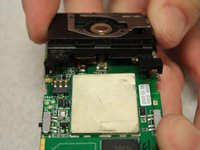
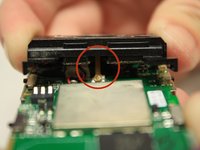
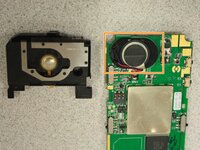
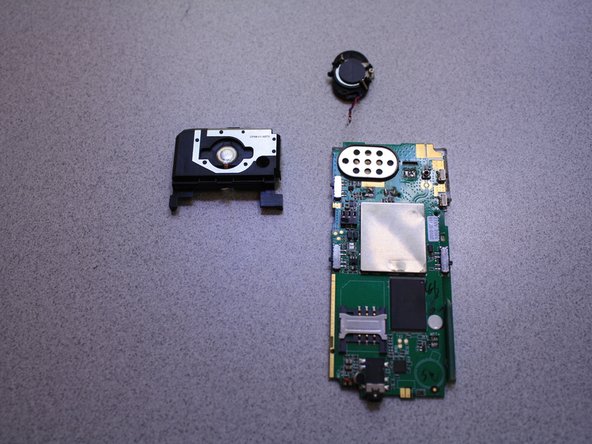
  9. Snapfon ezOne Speaker Replacement: adım 9, 3 resimden 1. Snapfon ezOne Speaker Replacement: adım 9, 3 resimden 2. Snapfon ezOne Speaker Replacement: adım 9, 3 resimden 3.
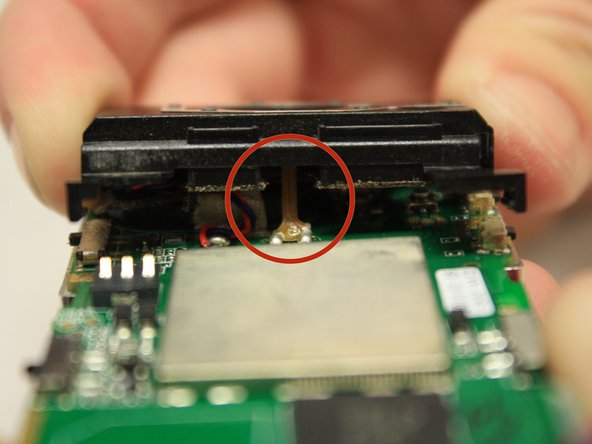
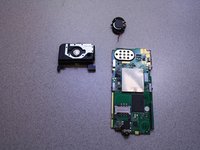
    • Pull black casing from the circuit board with fingers.

    • The black casing will not be able to be fully removed at this point

    • To fully remove the black casing, desolder the SOS button cable from the circuit board with a soldering iron.

    • The solder iron creates high temperatures that may cause bodily harm.

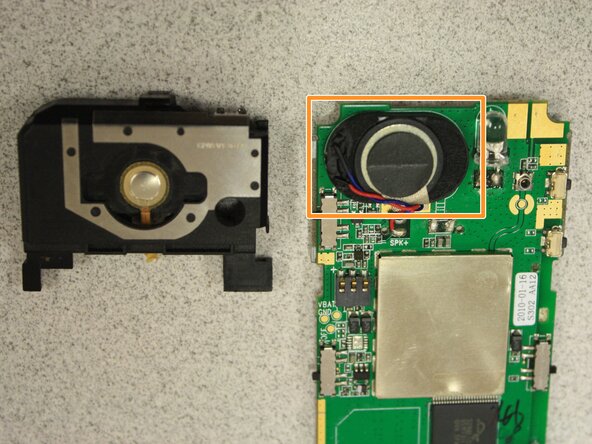
    • Once the black casing is removed, the speaker will now be exposed.

    FixBot'a Sor

    Yorum Ekle

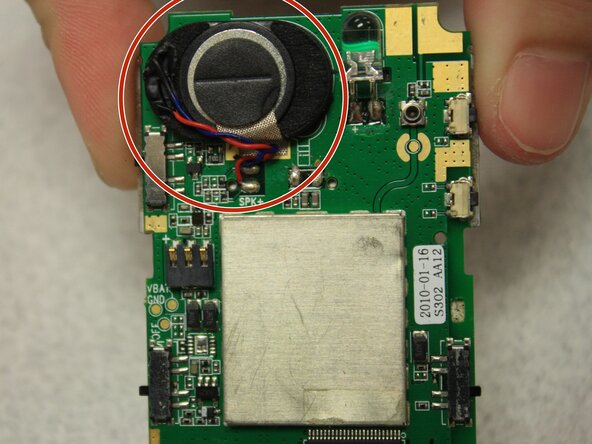
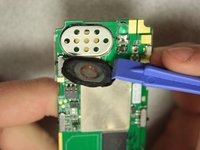
  10. Snapfon ezOne Speaker Replacement: adım 10, 3 resimden 1. Snapfon ezOne Speaker Replacement: adım 10, 3 resimden 2. Snapfon ezOne Speaker Replacement: adım 10, 3 resimden 3.
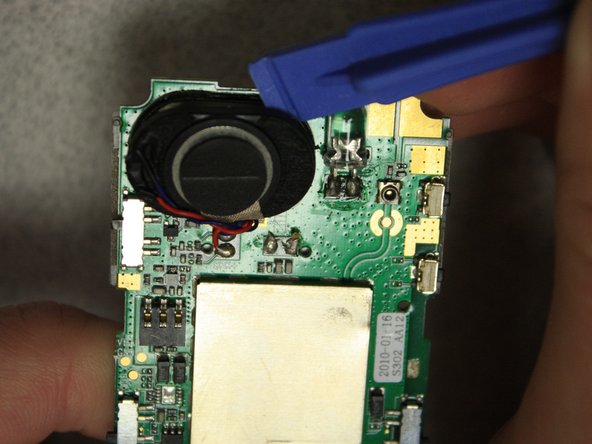
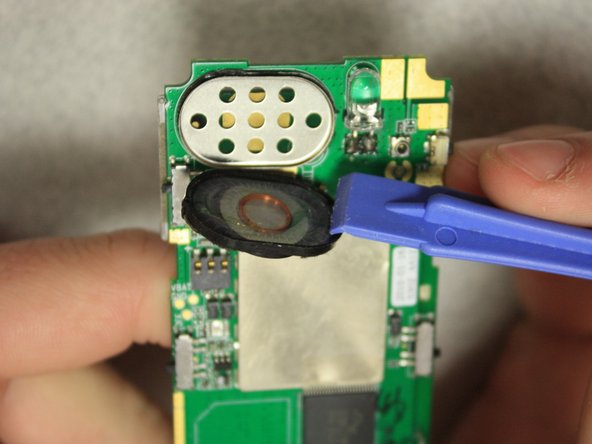
    • With the plastic opening tools, pry off the speaker from the circuit board.

    FixBot'a Sor

    Yorum Ekle

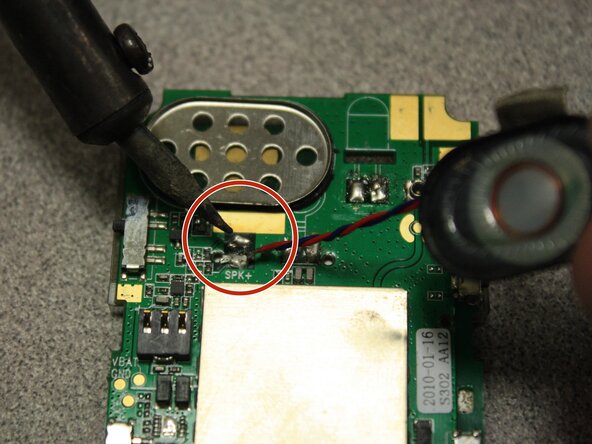
  11. Snapfon ezOne Speaker Replacement: adım 11, 2 resimden 1. Snapfon ezOne Speaker Replacement: adım 11, 2 resimden 2.
    • Desolder the speaker cables from the base of the circuit board with the soldering iron.

    • The soldering iron creates high temperatures that may cause bodily harm.

    • Melt the new speaker wires to the circuit board with the soldering iron.

    FixBot'a Sor

    Yorum Ekle

Sonuç

To reassemble your device, follow these instructions in reverse order.

İptal et: Bu kılavuzu tamamlamadım.

John Bender

Üyelik tarihi: 03/26/14

818 İtibar

8 adet Kılavuz yazıldı

Ekip

Clemson, Team 6-5, Benson Spring 2014 Clemson, Team 6-5, Benson Spring 2014 üyesi

CLEM-BENSON-S14S6G5

3 Üyeler

16 adet Kılavuz yazıldı

0Kılavuz Yorumları

Yorum Ekle

İstatistikleri Görüntüle:

Son 24 Saat: 1

Son 7 gün: 10

Son 30 gün: 31

Her zaman: 616