Ana içeriğe geç
Onarım Topluluğuna Katılın - Hesap Oluşturun
Sony BDP-S1 Optical Drive Motor Replacement

Neye ihtiyacın var

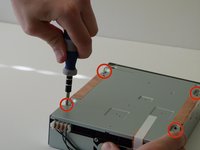
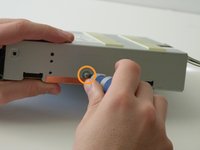
    1. Sony BDP-S1 Optical Drive Motor Replacement, Sony BDP-S1: Getting inside the device: adım 1, 2 resimden 1. Sony BDP-S1 Optical Drive Motor Replacement, Sony BDP-S1: Getting inside the device: adım 1, 2 resimden 2.
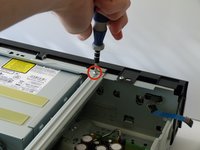
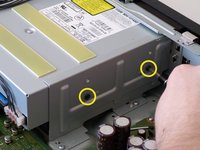
      • Remove the 12mm screws with the Philips #2 screwdriver which keep the plastic panels in place.

      • Don't forget, there are two more 12mm screws on the other side as well.

      FixBot'a Sor

      Yorum Ekle

    2. Sony BDP-S1 Optical Drive Motor Replacement: adım 2, 3 resimden 1. Sony BDP-S1 Optical Drive Motor Replacement: adım 2, 3 resimden 2. Sony BDP-S1 Optical Drive Motor Replacement: adım 2, 3 resimden 3.
      • First, remove the three 12mm black screws holding the top panel on (Phillips #2).

      • Then, remove the two 12mm black screws - one on each side of the back of the device - holding the top panel on.

      • Lastly, remove the three 12mm black screws on each side of device.

      FixBot'a Sor

      Yorum Ekle

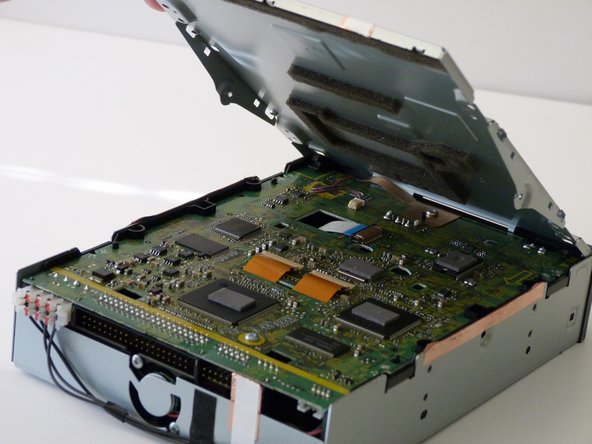
    3. Sony BDP-S1 Optical Drive Motor Replacement: adım 3, 3 resimden 1. Sony BDP-S1 Optical Drive Motor Replacement: adım 3, 3 resimden 2. Sony BDP-S1 Optical Drive Motor Replacement: adım 3, 3 resimden 3.
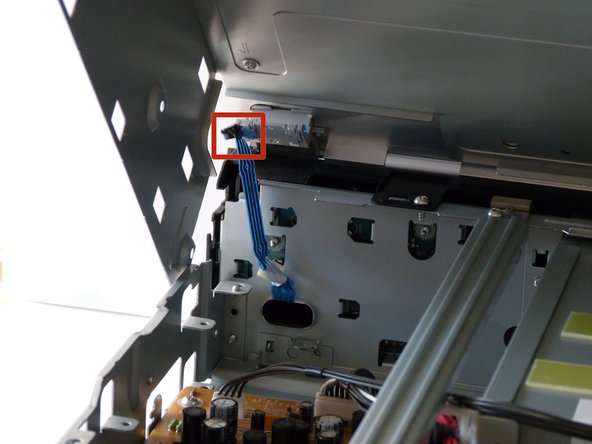
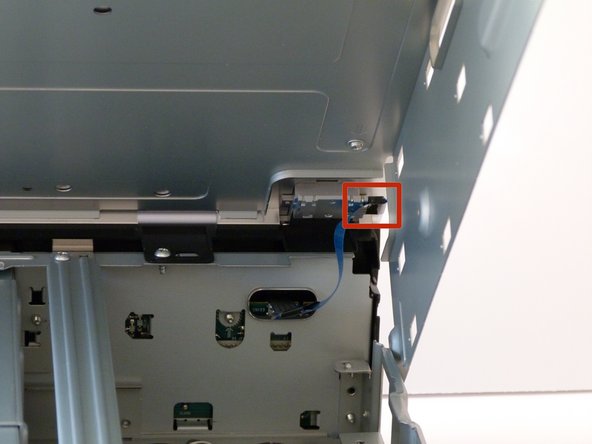
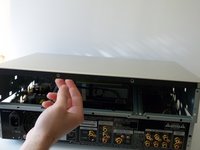
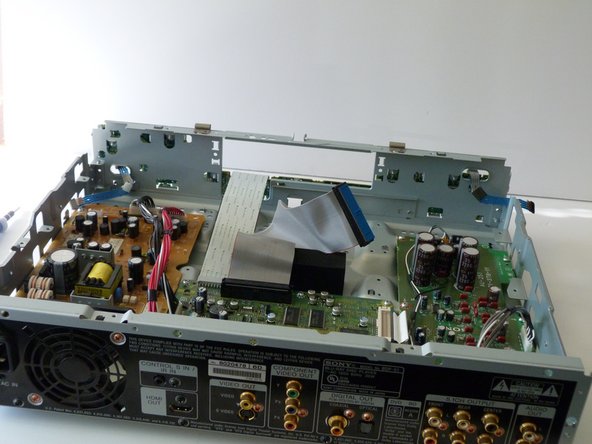
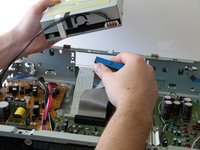
      • Potential for device damage: Carefully lift up the top panel, because there are two blue ribbon cables that must be disconnected before removing the panel, and we do NOT want them to break.

      • After gently disconnecting the two ribbon cables (you can just pull them out with your hand), take the top off and set it to the side.

      FixBot'a Sor

      Yorum Ekle

    4. Sony BDP-S1 Optical Drive Motor Replacement: adım 4, 3 resimden 1. Sony BDP-S1 Optical Drive Motor Replacement: adım 4, 3 resimden 2. Sony BDP-S1 Optical Drive Motor Replacement: adım 4, 3 resimden 3.
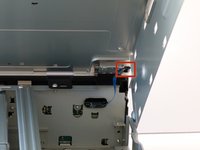
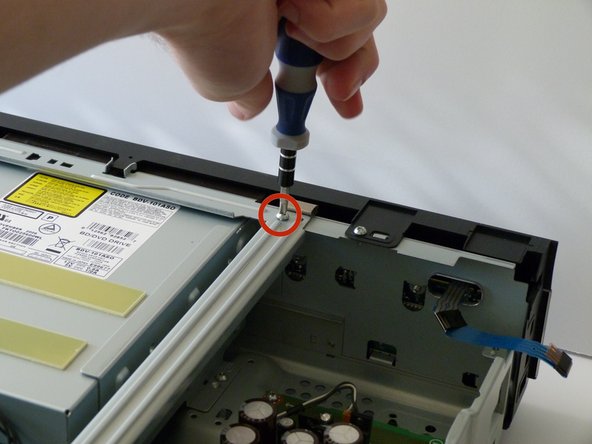
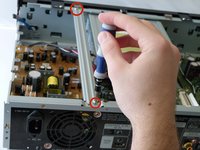
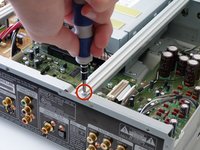
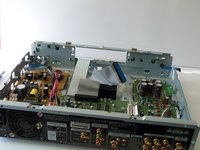
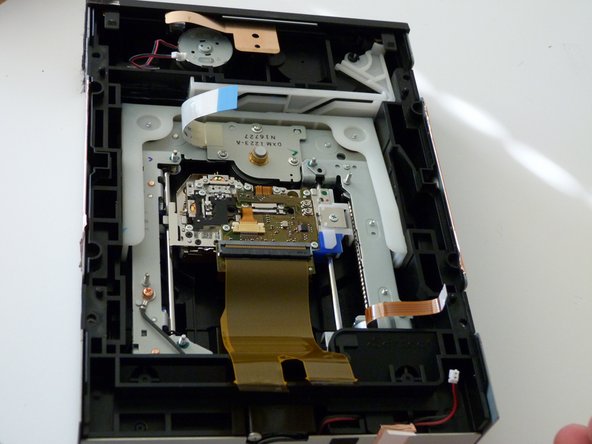
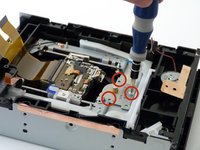
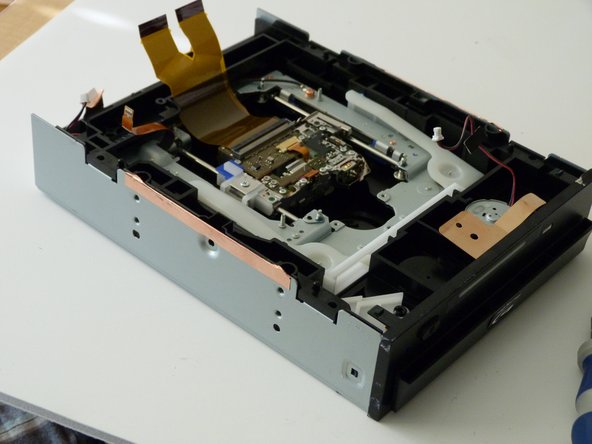
      • After the top is off, you'll see that there are two metal bars that go across the top of the device.

      • Remove each bar by unscrewing the two 10mm silver screws on each end.

      FixBot'a Sor

      Yorum Ekle

    1. Sony BDP-S1 Optical Drive Motor Replacement, Optical Drive: adım 5, 3 resimden 1. Sony BDP-S1 Optical Drive Motor Replacement, Optical Drive: adım 5, 3 resimden 2. Sony BDP-S1 Optical Drive Motor Replacement, Optical Drive: adım 5, 3 resimden 3.
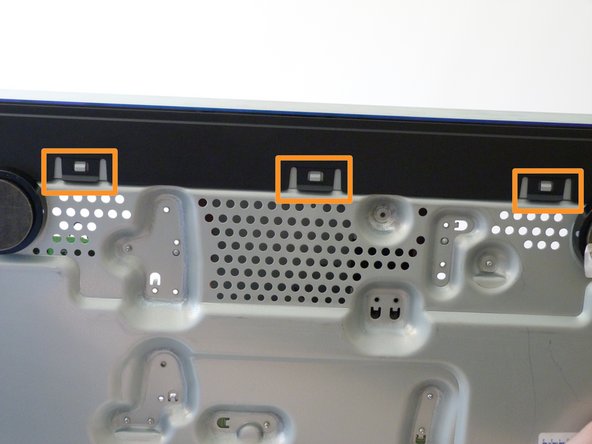
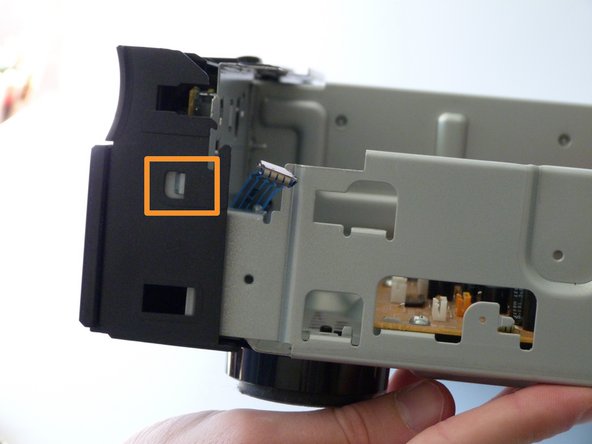
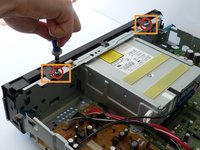
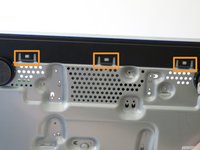
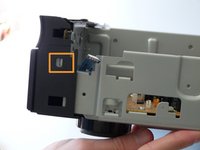
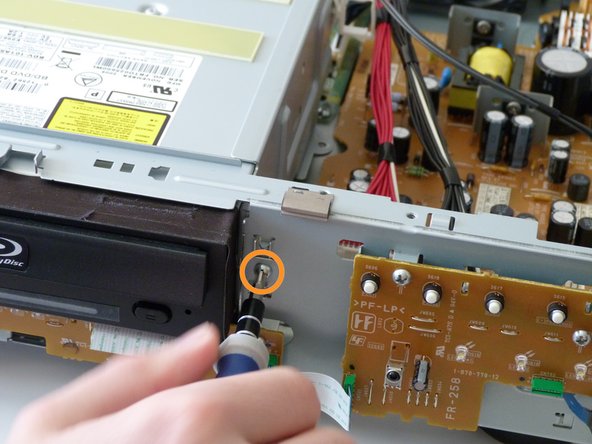
      • Remove the two 10mm silver screws holding the front panel on with the Phillips #2 screwdriver, located on the top side of the front panel.

      • Take off the front panel by depressing the clips (either with your fingers, screwdriver, or other small object) and pulling it off.

      • There are two clips on the top, one on each side, and three on the bottom.

      FixBot'a Sor

      Yorum Ekle

    2. Sony BDP-S1 Optical Drive Motor Replacement: adım 6, 2 resimden 1. Sony BDP-S1 Optical Drive Motor Replacement: adım 6, 2 resimden 2.
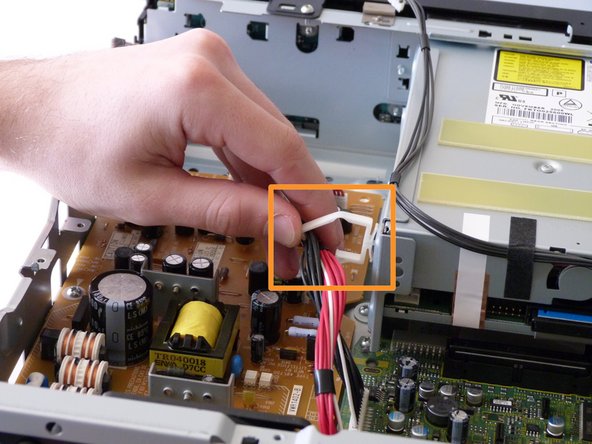
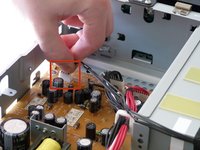
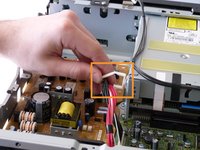
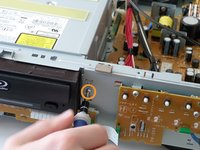
      • Before unscrewing the optical drive enclosure, the small cable on the left of the drive (when looking at the device from the back) needs to be disconnected from the circuit board (the orange one).

      • Also, take the cables out of the white clip that is on the side of the optical drive.

      FixBot'a Sor

      Yorum Ekle

    3. Sony BDP-S1 Optical Drive Motor Replacement: adım 7, 3 resimden 1. Sony BDP-S1 Optical Drive Motor Replacement: adım 7, 3 resimden 2. Sony BDP-S1 Optical Drive Motor Replacement: adım 7, 3 resimden 3.
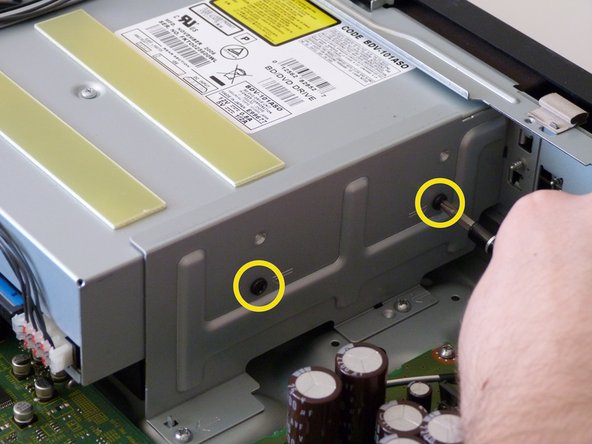
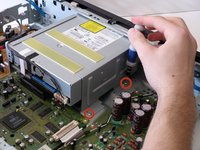
      • Unscrew the two metal clamps on both sides of the optical drive by removing three sets of screws:

      • The two 10mm silver screws on the bottom of the each clamp.

      • The 10mm silver screw holding each clamp from the front.

      • The two 5mm black screws on the sides.

      • Remove the two clamps. They can be removed by hand.

      FixBot'a Sor

      Yorum Ekle

    4. Sony BDP-S1 Optical Drive Motor Replacement: adım 8, 3 resimden 1. Sony BDP-S1 Optical Drive Motor Replacement: adım 8, 3 resimden 2. Sony BDP-S1 Optical Drive Motor Replacement: adım 8, 3 resimden 3.
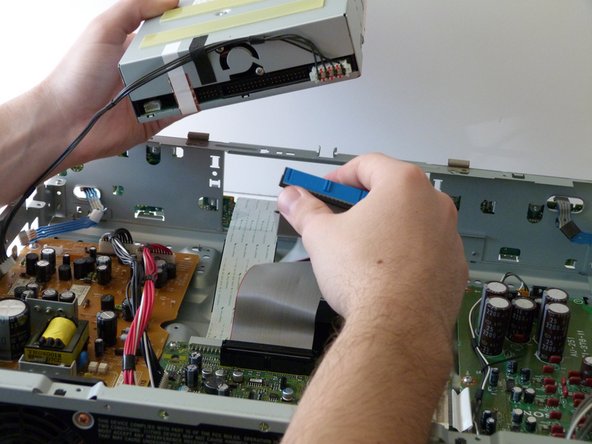
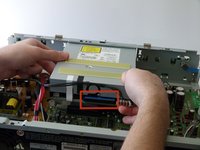
      • Gently pull the optical drive back to dislodge it from the front of the device and then lift it up.

      • Remove the wide ribbon cable from the back of the optical drive.

      FixBot'a Sor

      Yorum Ekle

    1. Sony BDP-S1 Optical Drive Motor Replacement, Optical Drive Motor: adım 9, 1 resimden 1.
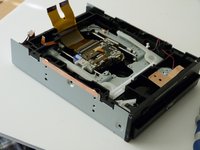
      • Set aside the rest of the blu ray player; the only part you will need for this guide is the optical drive.

      FixBot'a Sor

      Yorum Ekle

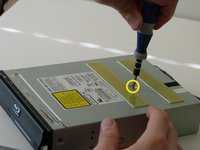
    2. Sony BDP-S1 Optical Drive Motor Replacement: adım 10, 3 resimden 1. Sony BDP-S1 Optical Drive Motor Replacement: adım 10, 3 resimden 2. Sony BDP-S1 Optical Drive Motor Replacement: adım 10, 3 resimden 3.
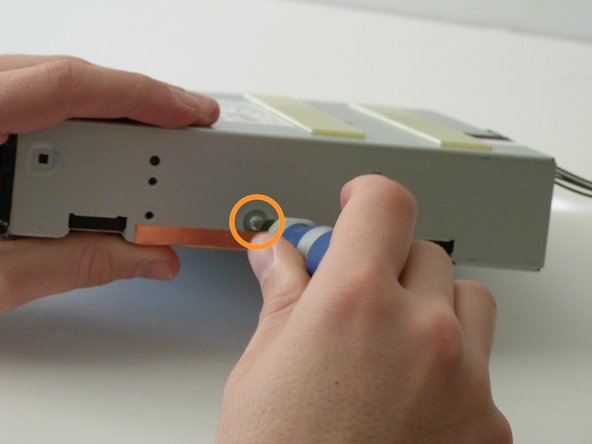
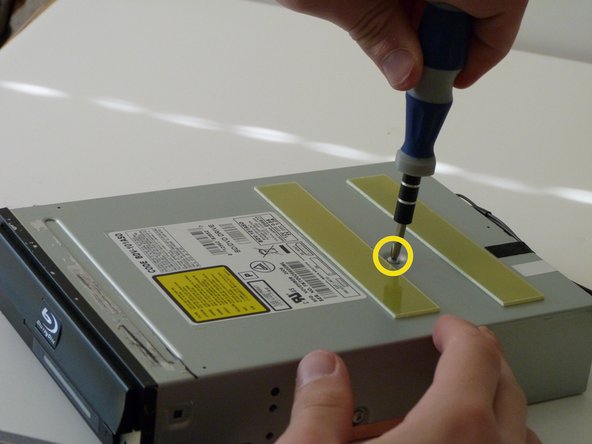
      • Remove the four 10mm silver screws on the bottom of the optical drive.

      • Remove the 10mm silver screw on each side of the optical drive.

      • Remove the single 6mm silver screw on the top of the optical drive.

      FixBot'a Sor

      Yorum Ekle

    3. Sony BDP-S1 Optical Drive Motor Replacement: adım 11, 3 resimden 1. Sony BDP-S1 Optical Drive Motor Replacement: adım 11, 3 resimden 2. Sony BDP-S1 Optical Drive Motor Replacement: adım 11, 3 resimden 3.
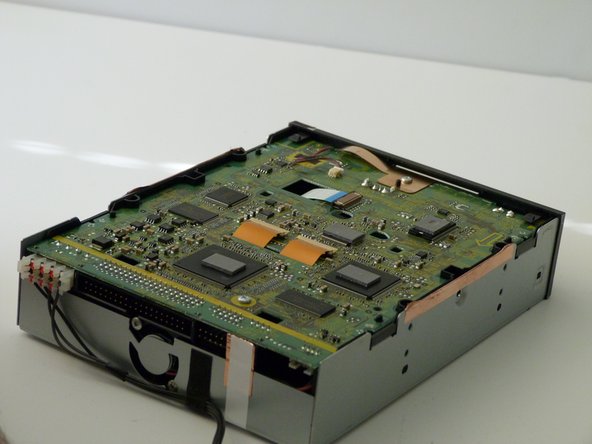
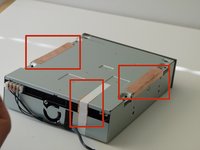
      • Any tape or foil strips need to be removed or cut before the drive can be opened (look at first image for example).

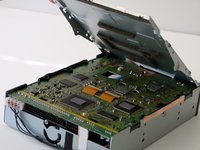
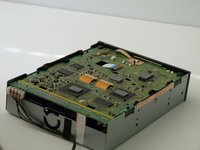
      • Pull off the bottom metal panel of the optical drive. You will see the main circuit board underneath.

      FixBot'a Sor

      Yorum Ekle

    4. Sony BDP-S1 Optical Drive Motor Replacement: adım 12, 3 resimden 1. Sony BDP-S1 Optical Drive Motor Replacement: adım 12, 3 resimden 2. Sony BDP-S1 Optical Drive Motor Replacement: adım 12, 3 resimden 3.
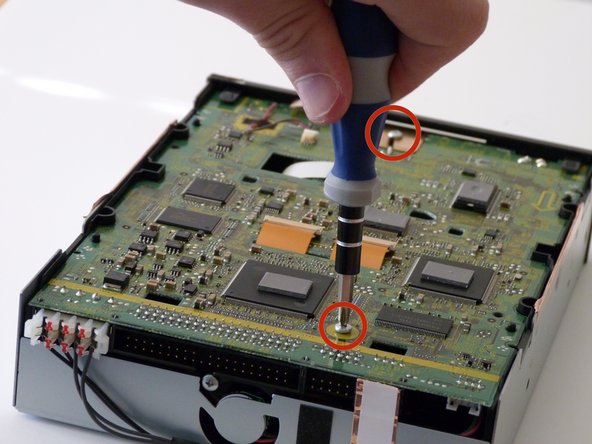
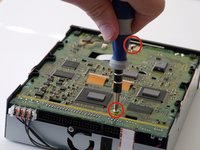
      • Remove the two, 20mm silver screws holding the circuit board in place.

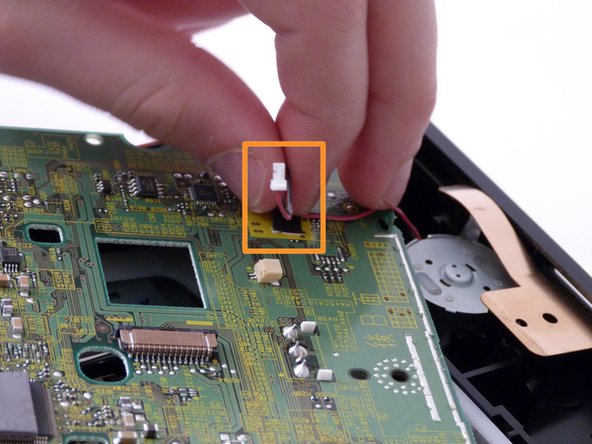
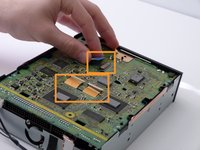
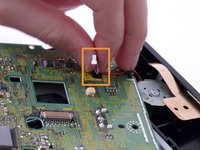
      • Before removing the circuit board, you will need to disconnect the blue ribbon cable, two orange ribbon cables, and a small connector (look at second image for where the small connector is).

      • The orange ribbon cables are held in place by a small locking mechanism. Lift the small brown tabs for easy disconnection.

      FixBot'a Sor

      Yorum Ekle

    5. Sony BDP-S1 Optical Drive Motor Replacement: adım 13, 2 resimden 1. Sony BDP-S1 Optical Drive Motor Replacement: adım 13, 2 resimden 2.
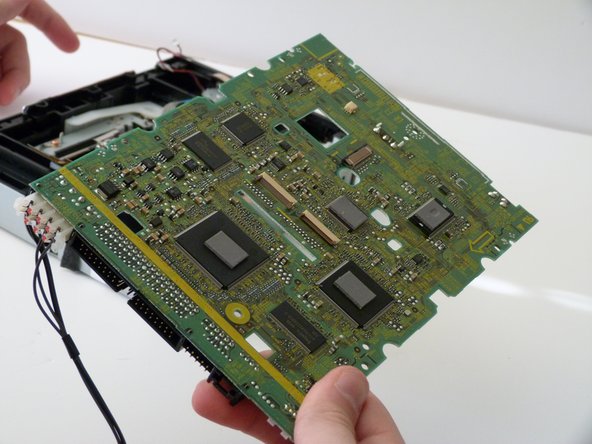
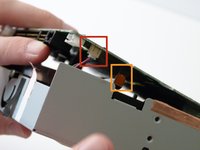
      • Slowly lift up the circuit board. Make sure to disconnect the connector and ribbon cable on the underside of the circuit board before fulling removing it.

      FixBot'a Sor

      Yorum Ekle

    6. Sony BDP-S1 Optical Drive Motor Replacement: adım 14, 2 resimden 1. Sony BDP-S1 Optical Drive Motor Replacement: adım 14, 2 resimden 2.
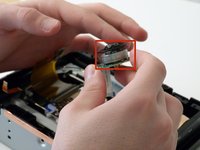
      • Now you can see the inside of the optical drive. The motor is held in by three small 5mm silver screws. Remove them.

      FixBot'a Sor

      Yorum Ekle

    7. Sony BDP-S1 Optical Drive Motor Replacement: adım 15, 2 resimden 1. Sony BDP-S1 Optical Drive Motor Replacement: adım 15, 2 resimden 2.
      • Lift up the motor and replace it with a new one. Now you just need to put it back together!

      FixBot'a Sor

      Yorum Ekle

Sonuç

To reassemble your device, follow these instructions in reverse order.

İptal et: Bu kılavuzu tamamlamadım.

Bir başkası bu kılavuzu tamamladı.

Sam

Üyelik tarihi: 01/26/14

376 İtibar

3 adet Kılavuz yazıldı

Ekip

Cal Poly, Team 9-30, Maness Winter 2014 Cal Poly, Team 9-30, Maness Winter 2014 üyesi

CPSU-MANESS-W14S9G30

3 Üyeler

60 adet Kılavuz yazıldı

0Kılavuz Yorumları

Yorum Ekle

İstatistikleri Görüntüle:

Son 24 Saat: 3

Son 7 gün: 37

Son 30 gün: 62

Her zaman: 1,516