Giriş
If your device is not holding a charge or simply will not turn on, it is possible that you need to replace the battery. This easy guide will take you through the necessary steps in order to remove the battery so you may install a new one.
Neye ihtiyacın var
-
-
Unscrew the 1.9mm screw located at the top of the device with a Phillips #00 screwdriver.
-
-


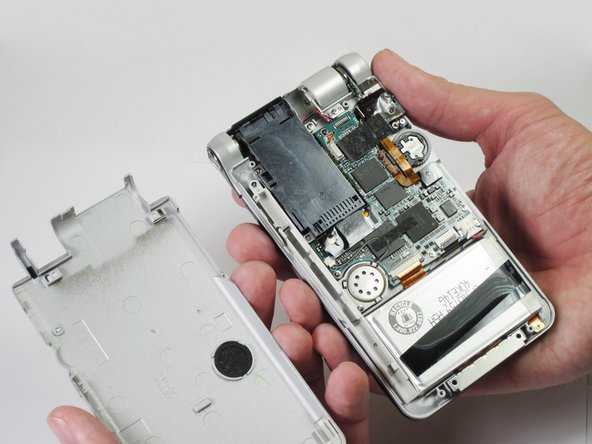
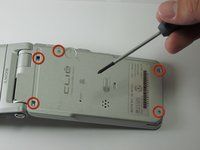
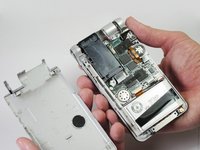

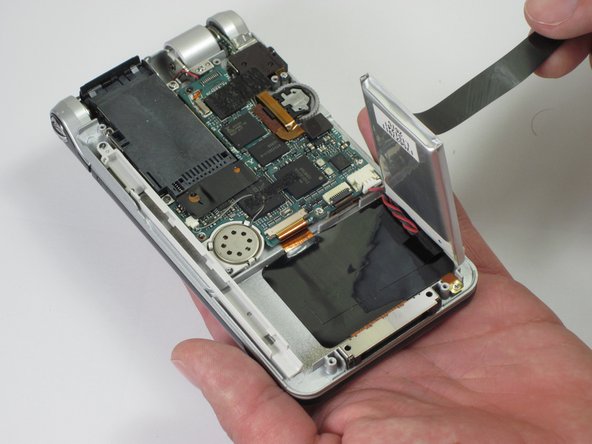
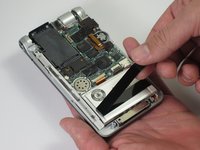
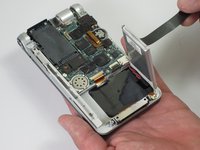


To reassemble your device, follow these instructions in reverse order.
To reassemble your device, follow these instructions in reverse order.
İptal et: Bu kılavuzu tamamlamadım.
4 farklı kişi bu kılavuzu tamamladı.



Ekip

Cal Poly, Team 14-11, Maness Spring 2013 Cal Poly, Team 14-11, Maness Spring 2013 üyesi
CPSU-MANESS-S13S14G11
5 Üyeler
8 adet Kılavuz yazıldı
