Giriş
The cable is the power supply for the DVD player it is used to give power to every component and is an external cord that stays outside the DVD Player. Make sure to unplug the cable before beginning.
Neye ihtiyacın var
-
-
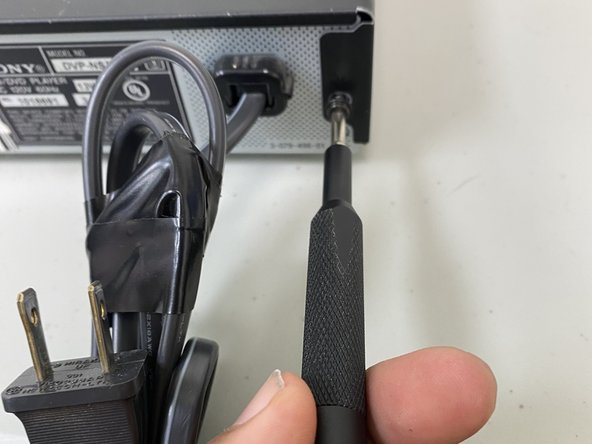
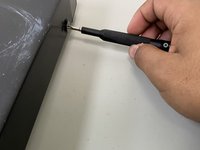
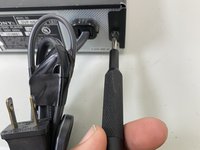
Use the Philips screwdriver to remove the screws located on the sides and the back.
-
-
-
-
Unscrew all screws using a Phillips screwdriver removing the outer case to access the power cable.
-
-
-
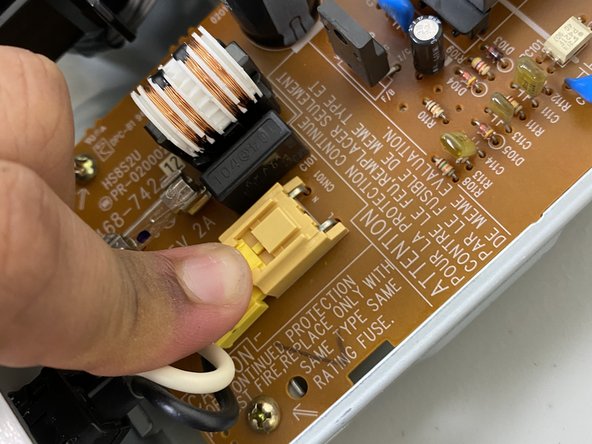
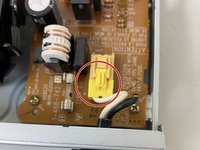
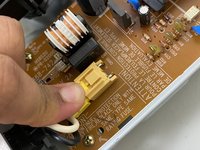
Using a finger, press down on the clip to remove the connector for the cable.
-
-
-
Using two fingers, press in both the top and bottom clips to release the holder for the power cable to remove the cable completely.
-


 FixBot'a Sor





To reassemble your device, follow these instructions in reverse order.
İptal et: Bu kılavuzu tamamlamadım.
Bir başkası bu kılavuzu tamamladı.

Ekip

University of North Texas, Team 6-7, Kilpatrick Fall 2023 University of North Texas, Team 6-7, Kilpatrick Fall 2023 üyesi
UNT-KILPATRICK-F23S6G7
1 Üye
4 adet Kılavuz yazıldı
