Ana içeriğe geç
Onarım Topluluğuna Katılın - Hesap Oluşturun

Sony Ericsson W350a Keypad Replacement

Neye ihtiyacın var

  1. Sony Ericsson W350a Keypad Replacement, Flip Cover: adım 1, 1 resimden 1.
    • Place the plastic opening tool in the bottom corner of the phone in the crevice between the flap to remove the cover.

    FixBot'a Sor

    Yorum Ekle

  2. Sony Ericsson W350a Keypad Replacement: adım 2, 1 resimden 1.
    • Remove the cover with a slight twisting motion.

    FixBot'a Sor

    Yorum Ekle

  3. Sony Ericsson W350a Keypad Replacement, Battery: adım 3, 2 resimden 1. Sony Ericsson W350a Keypad Replacement, Battery: adım 3, 2 resimden 2.
    • Place the phone face down on a flat smooth surface so that the camera, logos, and speaker face up.

    • Using the provided notch on the bottom of the back cover, insert a plastic opening tool and lift upwards to remove the back cover of the phone.

    FixBot'a Sor

    Yorum Ekle

  4. Sony Ericsson W350a Keypad Replacement: adım 4, 3 resimden 1. Sony Ericsson W350a Keypad Replacement: adım 4, 3 resimden 2. Sony Ericsson W350a Keypad Replacement: adım 4, 3 resimden 3.
    • Set the cover to the side upon removal.

    • Insert the plastic opening tool into the crevice between the camera and the battery of the phone. Using a gentle prying motion, lift the end of the battery and remove.

    • After removal, recycle the defective battery appropriately.

    FixBot'a Sor

    Yorum Ekle

  5. Sony Ericsson W350a Keypad Replacement, Speaker: adım 5, 2 resimden 1. Sony Ericsson W350a Keypad Replacement, Speaker: adım 5, 2 resimden 2.
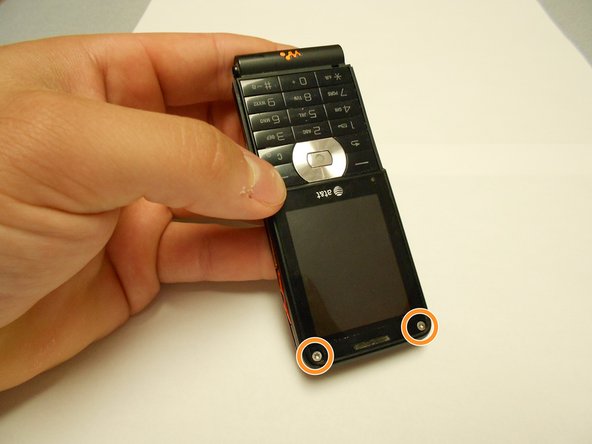
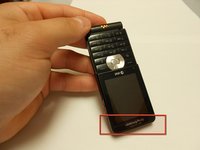
    • Flip the phone over and remove the Sony Ericsson sticker that is over the phone's ear speaker.

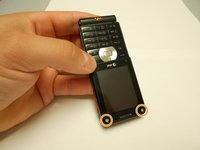
    • Using a T5 screwdriver, loosen and remove the two screws under the Sony Ericsson sticker by turning them counterclockwise.

    FixBot'a Sor

    Yorum Ekle

  6. Sony Ericsson W350a Keypad Replacement: adım 6, 1 resimden 1.
    • Using a mini Phillips screwdriver, remove two screws by turning them counterclockwise.

    FixBot'a Sor

    Yorum Ekle

  7. Sony Ericsson W350a Keypad Replacement: adım 7, 1 resimden 1.
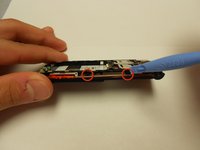
    • Insert an opening tool in the bottom crack between the front and back plates and use a gentle upward pull to separate the back case from the front case.

    • Side buttons/controls may fall from their place in between the back and front casings.

    FixBot'a Sor

    Yorum Ekle

  8. Sony Ericsson W350a Keypad Replacement: adım 8, 1 resimden 1.
    • Using a T5 screwdriver, remove the two screws by turning them counterclockwise.

    FixBot'a Sor

    Yorum Ekle

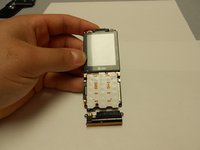
  9. Sony Ericsson W350a Keypad Replacement: adım 9, 2 resimden 1. Sony Ericsson W350a Keypad Replacement: adım 9, 2 resimden 2.
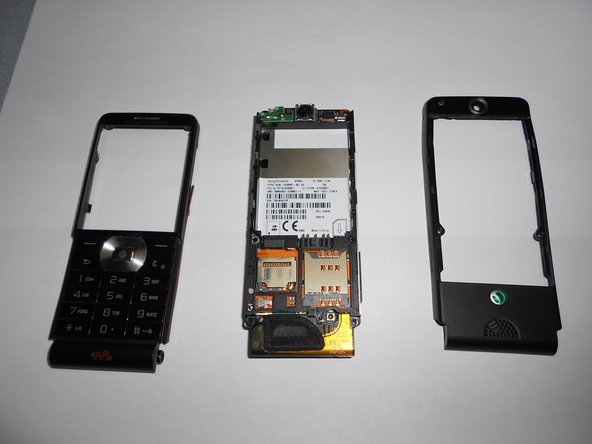
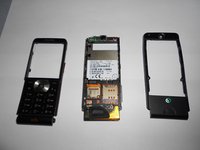
    • Using an opening tool and a gentle outward motion, separate the front plate from the inner phone workings.

    FixBot'a Sor

    Yorum Ekle

  10. Sony Ericsson W350a Keypad Replacement: adım 10, 2 resimden 1. Sony Ericsson W350a Keypad Replacement: adım 10, 2 resimden 2.
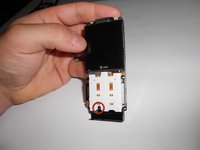
    • Using a Phillips head screwdriver, remove the screw from the front number pad by turning it counterclockwise.

    • Remove the speaker from the phone.

    FixBot'a Sor

    Yorum Ekle

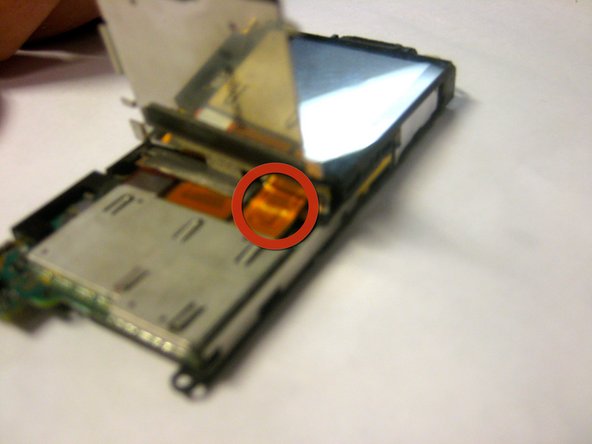
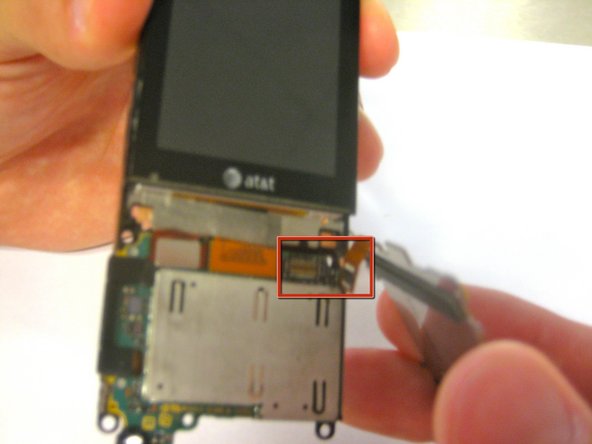
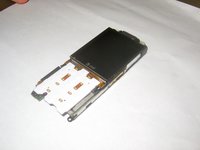
  11. Sony Ericsson W350a Keypad Replacement, Keypad: adım 11, 3 resimden 1. Sony Ericsson W350a Keypad Replacement, Keypad: adım 11, 3 resimden 2. Sony Ericsson W350a Keypad Replacement, Keypad: adım 11, 3 resimden 3.
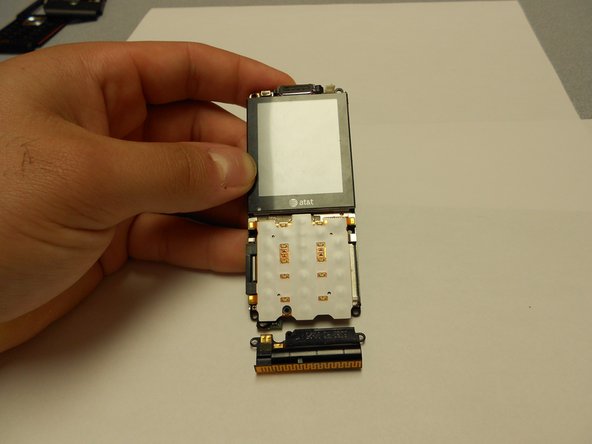
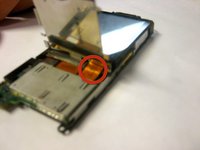
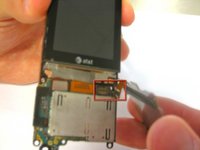
    • Disconnect the ribbon cable from its connection until the keypad "pops" off.

    • Remove the keypad from the phone.

    FixBot'a Sor

    Yorum Ekle

Sonuç

To reassemble your device, follow these instructions in reverse order.

İptal et: Bu kılavuzu tamamlamadım.

Bir başkası bu kılavuzu tamamladı.

Ldellos

Üyelik tarihi: 03/12/12

112 İtibar

3 adet Kılavuz yazıldı

Ekip

Clemson, Team 1-4, Benson Spring 2012 Clemson, Team 1-4, Benson Spring 2012 üyesi

CLEM-BENSON-S12S1G4

4 Üyeler

14 adet Kılavuz yazıldı

0Kılavuz Yorumları

Yorum Ekle

İstatistikleri Görüntüle:

Son 24 Saat: 1

Son 7 gün: 4

Son 30 gün: 39

Her zaman: 1,622