Ana içeriğe geç
Onarım Topluluğuna Katılın - Hesap Oluşturun

Sony Ericsson Z500a Camera Replacement

Neye ihtiyacın var

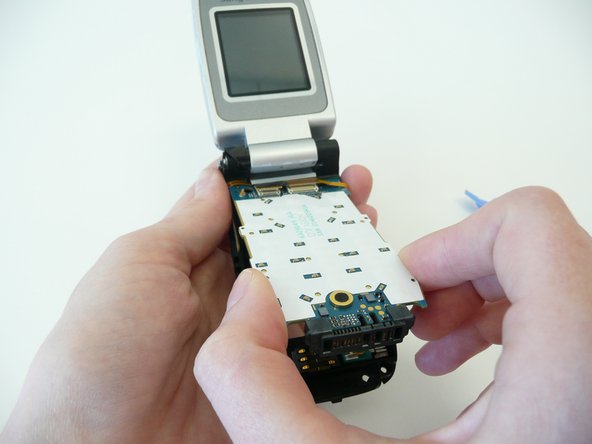
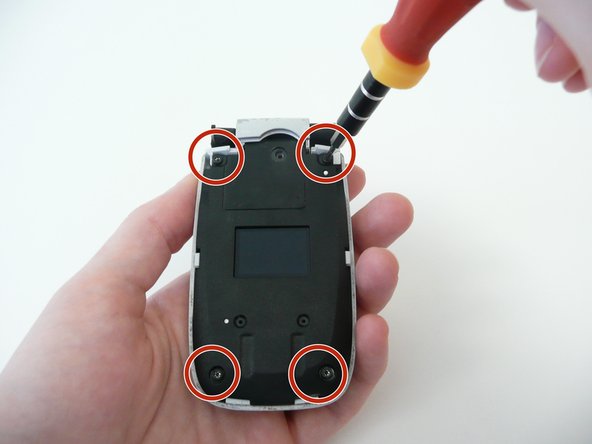
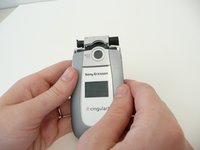
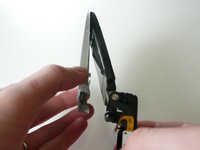
  1. Sony Ericsson Z500a Camera Replacement, Keypad: adım 1, 3 resimden 1. Sony Ericsson Z500a Camera Replacement, Keypad: adım 1, 3 resimden 2. Sony Ericsson Z500a Camera Replacement, Keypad: adım 1, 3 resimden 3.
    • Remove the back cover by pulling it down, and then take out the battery.

    • Using a T6 Torx screwdriver, remove the 4 screws.

    • Keep the phone open with the back cover facing you.

    FixBot'a Sor

    Yorum Ekle

  2. Sony Ericsson Z500a Camera Replacement: adım 2, 1 resimden 1.
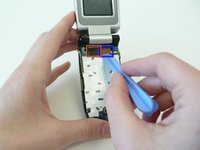
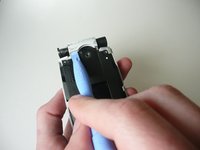
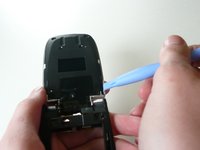
    • Use the plastic opening tool and run it between the case and the body of the device to loosen the keyboard

    • There are 2 clamps that lock the keyboard to the case (1 on each side)

    FixBot'a Sor

    Yorum Ekle

  3. Sony Ericsson Z500a Camera Replacement: adım 3, 1 resimden 1.
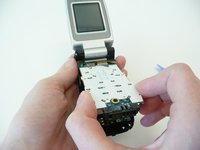
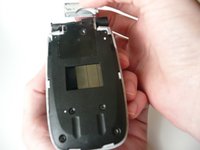
    • Flip the phone over and lift straight up on the key pad to remove it.

    • Be sure to hold the phone flat (parallel to the table) so that no loose parts fall out.

    FixBot'a Sor

    Yorum Ekle

  4. Sony Ericsson Z500a Camera Replacement, Logic Board: adım 4, 2 resimden 1. Sony Ericsson Z500a Camera Replacement, Logic Board: adım 4, 2 resimden 2.
    • Use the opening tool to remove the 2 ribbon wires (boxed in the photo) from the logic board.

    • Gently lift the back of the logic board and then pull outwards. Be careful not to rip the ribbon wire.

    FixBot'a Sor

    Yorum Ekle

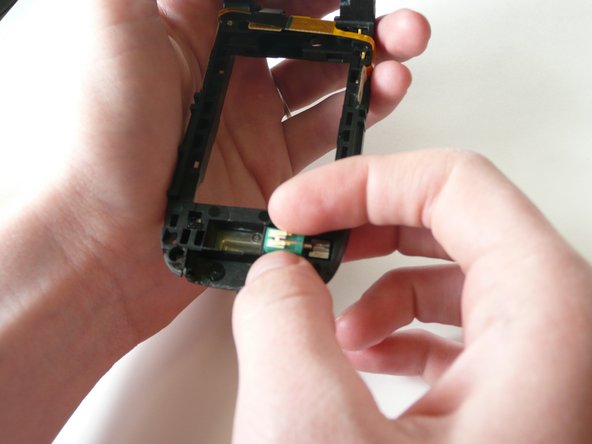
  5. Sony Ericsson Z500a Camera Replacement: adım 5, 2 resimden 1. Sony Ericsson Z500a Camera Replacement: adım 5, 2 resimden 2.
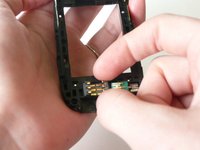
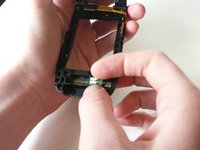
    • Remove the black sim card reader and green vibrator before continuing to ensure they do not fall out.

    FixBot'a Sor

    Yorum Ekle

  6. Sony Ericsson Z500a Camera Replacement, Screen: adım 6, 2 resimden 1. Sony Ericsson Z500a Camera Replacement, Screen: adım 6, 2 resimden 2.
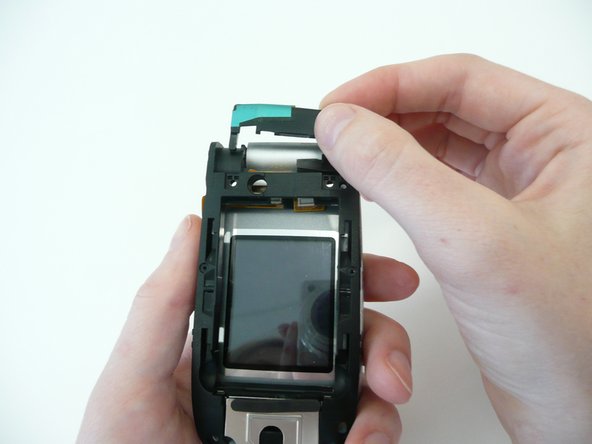
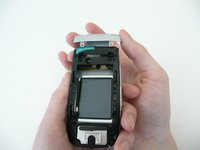
    • Close the phone, flip it over, grab the remaining gray covering of the phone and pull it straight up to remove it.

    • Be careful when pulling upward to ensure that you do not break the piece below it.

    • Once the cover is removed, remove the black piece underneath.

    FixBot'a Sor

    Yorum Ekle

  7. Sony Ericsson Z500a Camera Replacement: adım 7, 2 resimden 1. Sony Ericsson Z500a Camera Replacement: adım 7, 2 resimden 2.
    • Remove the face of the phone by sliding it down.

    • Unscrew the 4 screws connecting the screen to the base using a T6 Torx Screwdriver.

    FixBot'a Sor

    Yorum Ekle

  8. Sony Ericsson Z500a Camera Replacement: adım 8, 2 resimden 1. Sony Ericsson Z500a Camera Replacement: adım 8, 2 resimden 2.
    • Use the opening tool to pry up the edge of the remaining silver hinge cover. Once it is loose, pull it off the rest of the way

    FixBot'a Sor

    Yorum Ekle

  9. Sony Ericsson Z500a Camera Replacement: adım 9, 2 resimden 1. Sony Ericsson Z500a Camera Replacement: adım 9, 2 resimden 2.
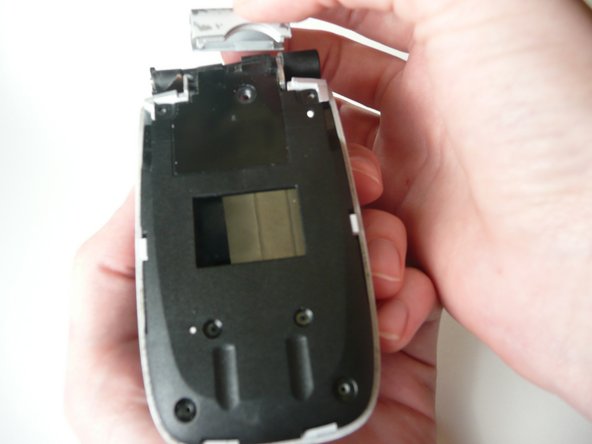
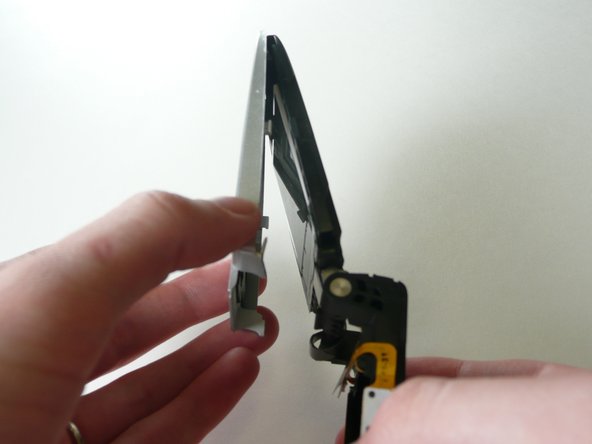
    • To remove the plastic cover on the screen, run the opening tool along the sides between the cover and the body of the phone (like you did for the keyboard) and gently pry upward until it is loose.

    • Like the keyboard there is one clamp on each side.

    • Grab the cover at the bottom of the screen (near the hinge) and pull outward while leaving the top (near the speaker) connected.

    FixBot'a Sor

    Yorum Ekle

  10. Sony Ericsson Z500a Camera Replacement: adım 10, 1 resimden 1.
    • Remove the tape on the bottom of the screen so that the screen will be able to come out.

    • There is a finger notch on the top of the screen, gently pull out halfway.

    • Caution: the back of the screen is connected to the base of the phone. So do not pull out or the connection will be broken.

    FixBot'a Sor

    Yorum Ekle

  11. Sony Ericsson Z500a Camera Replacement: adım 11, 1 resimden 1.
    • Use the opening device to remove the ribbon wire where it connects to the screen.

    FixBot'a Sor

    Yorum Ekle

  12. Sony Ericsson Z500a Camera Replacement, Camera: adım 12, 1 resimden 1.
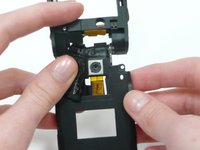
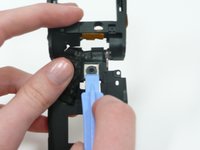
    • Use iPod opening device to remove the metal cover.

    FixBot'a Sor

    Yorum Ekle

  13. Sony Ericsson Z500a Camera Replacement: adım 13, 1 resimden 1.
    • Gently pop off the ribbon wire with the plastic opening tool.

    FixBot'a Sor

    Yorum Ekle

  14. Sony Ericsson Z500a Camera Replacement: adım 14, 1 resimden 1.
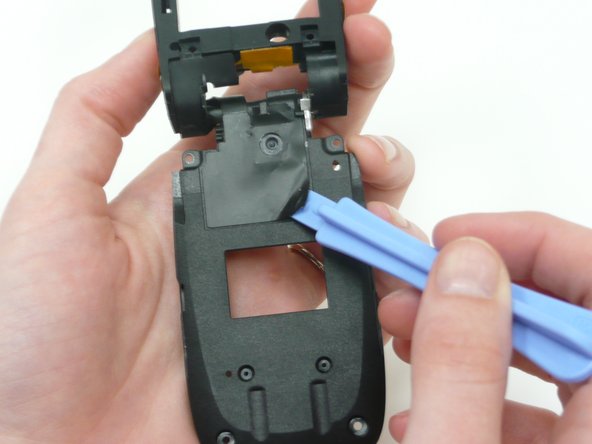
    • Flip the phone over and gently use iPod opening device to remove the right half of the black tape.

    • Be careful because the tape is holding a ribbon wire.

    FixBot'a Sor

    Yorum Ekle

  15. Sony Ericsson Z500a Camera Replacement: adım 15, 2 resimden 1. Sony Ericsson Z500a Camera Replacement: adım 15, 2 resimden 2.
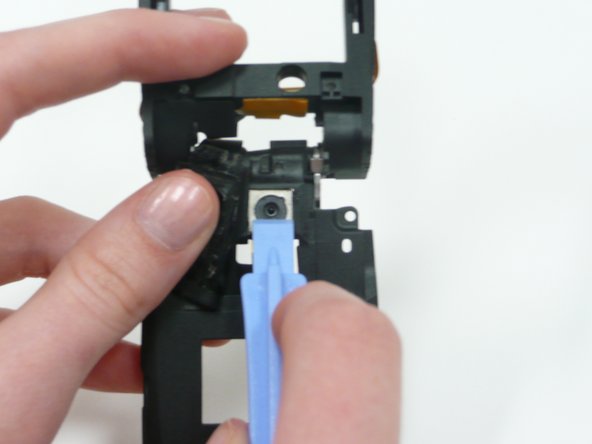
    • Push metal camera cover through the hole to remove camera.

    FixBot'a Sor

    Yorum Ekle

Sonuç

To reassemble your device, follow these instructions in reverse order.

İptal et: Bu kılavuzu tamamlamadım.

Richard

Üyelik tarihi: 04/16/10

3 İtibar

1 Kılavuz yazıldı

Ekip

Cal Poly, Team 7-12, Maness Spring 2010 Cal Poly, Team 7-12, Maness Spring 2010 üyesi

CPSU-MANESS-S10S7G12

4 Üyeler

10 adet Kılavuz yazıldı

0Kılavuz Yorumları

Yorum Ekle

İstatistikleri Görüntüle:

Son 24 Saat: 0

Son 7 gün: 4

Son 30 gün: 32

Her zaman: 2,044