Ana içeriğe geç
Onarım Topluluğuna Katılın - Hesap Oluşturun

Sony Vaio VGN-SR140E RAM Replacement

Neye ihtiyacın var

    1. Sony Vaio VGN-SR140E RAM Replacement, Battery: adım 1, 1 resimden 1.
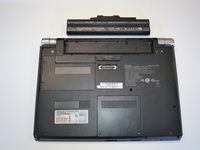
      • Turn the laptop over and orient it as shown in the figure.

      FixBot'a Sor

      Yorum Ekle

    2. Sony Vaio VGN-SR140E RAM Replacement: adım 2, 1 resimden 1.
      • Slide the lock latch to the right to release the battery lock.

      • Slide and hold the release latch to the left.

      FixBot'a Sor

      Yorum Ekle

    3. Sony Vaio VGN-SR140E RAM Replacement: adım 3, 2 resimden 1. Sony Vaio VGN-SR140E RAM Replacement: adım 3, 2 resimden 2.
      • Use a fingernail or plastic opening tool lift the battery while holding the release latch.Rotate the battery up and away from you to remove it from the laptop.

      FixBot'a Sor

      Yorum Ekle

    1. Sony Vaio VGN-SR140E RAM Replacement, RAM: adım 4, 1 resimden 1.
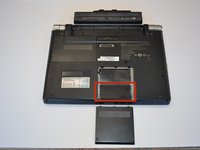
      • Using a Phillips #1 screwdriver, remove both screws. The screws are secured to the cover with retaining clips.

      FixBot'a Sor

      Yorum Ekle

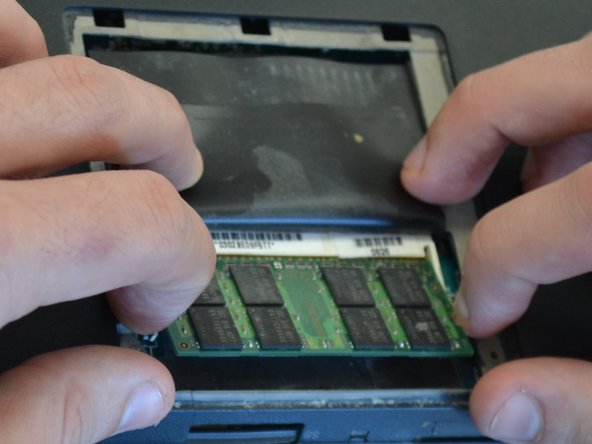
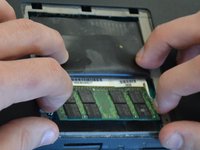
    2. Sony Vaio VGN-SR140E RAM Replacement: adım 5, 2 resimden 1. Sony Vaio VGN-SR140E RAM Replacement: adım 5, 2 resimden 2.
      • Lift the thin black plastic cover to access the RAM.

      FixBot'a Sor

      Yorum Ekle

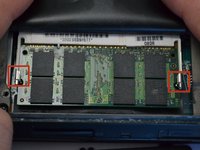
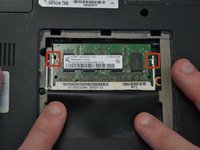
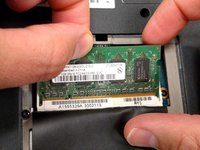
    3. Sony Vaio VGN-SR140E RAM Replacement: adım 6, 2 resimden 1. Sony Vaio VGN-SR140E RAM Replacement: adım 6, 2 resimden 2.
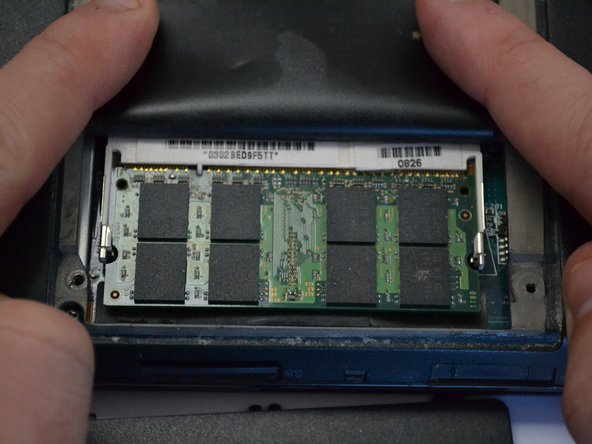
      • Apply light outward pressure to the locks on either side of the RAM. Rotate the RAM up slightly. Pull the RAM toward you to remove it.

      FixBot'a Sor

      Yorum Ekle

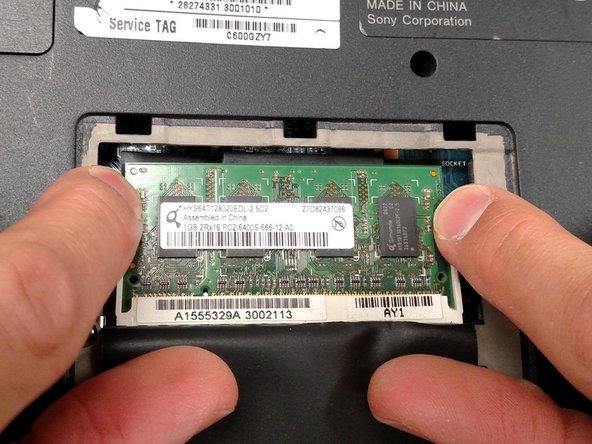
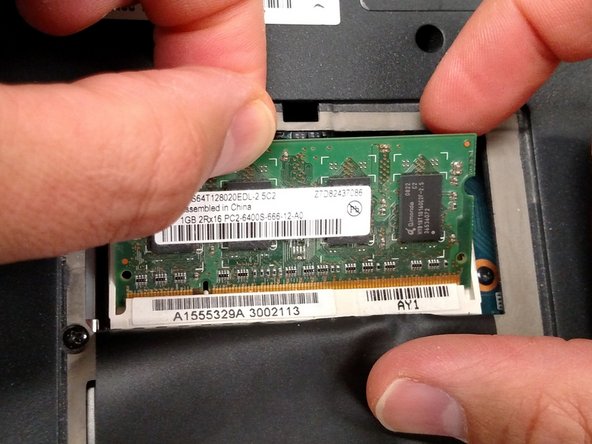
    4. Sony Vaio VGN-SR140E RAM Replacement: adım 7, 3 resimden 1. Sony Vaio VGN-SR140E RAM Replacement: adım 7, 3 resimden 2. Sony Vaio VGN-SR140E RAM Replacement: adım 7, 3 resimden 3.
      • Using the same light outward pressure on the locks, lift the secondary RAM up and slide it away from you to remove it from its slot.

      FixBot'a Sor

      Yorum Ekle

Sonuç

To reassemble your device, follow these instructions in reverse order.

İptal et: Bu kılavuzu tamamlamadım.

Jeremy

Üyelik tarihi: 03/18/15

735 İtibar

4 adet Kılavuz yazıldı

Ekip

Michigan Tech, Team 1-6, Lauer Spring 2015 Michigan Tech, Team 1-6, Lauer Spring 2015 üyesi

MTU-LAUER-S15S1G6

2 Üyeler

20 adet Kılavuz yazıldı

1Rehber Yorum

C'est trop cool

Joël Zanou - Yanıt Paylaş

Yorum Ekle

İstatistikleri Görüntüle:

Son 24 Saat: 2

Son 7 gün: 7

Son 30 gün: 35

Her zaman: 886