Ana içeriğe geç
Onarım Topluluğuna Katılın - Hesap Oluşturun

Sony Vaio VPCEL17FX RAM Sticks Replacement

Neye ihtiyacın var

    1. Sony Vaio VPCEL17FX RAM Sticks Replacement, RAM Sticks: adım 1, 1 resimden 1.
      • Use a Phillips #00 screwdriver to unscrew the single RAM cover screw.

      FixBot'a Sor

      Yorum Ekle

    2. Sony Vaio VPCEL17FX RAM Sticks Replacement: adım 2, 1 resimden 1.
      • Pull the cover of the RAM sticks up.

      FixBot'a Sor

      Yorum Ekle

    3. Sony Vaio VPCEL17FX RAM Sticks Replacement: adım 3, 2 resimden 1. Sony Vaio VPCEL17FX RAM Sticks Replacement: adım 3, 2 resimden 2.
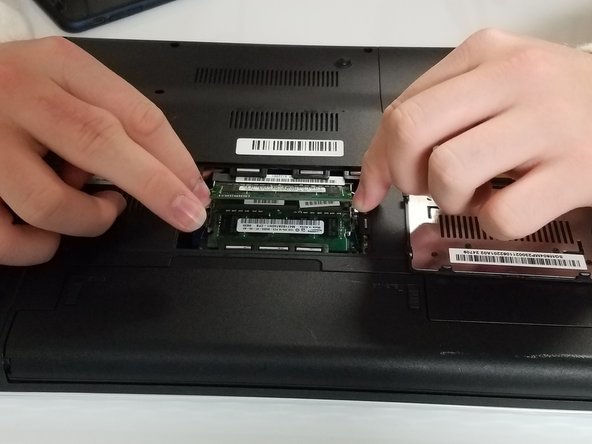
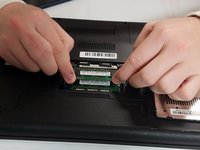
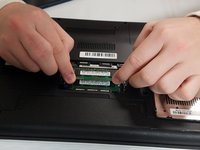
      • Pull apart the metal sides on the sides of the top RAM stick to pop it up.

      • Repeat that process with the bottom RAM stick.

      FixBot'a Sor

      Yorum Ekle

    4. Sony Vaio VPCEL17FX RAM Sticks Replacement: adım 4, 3 resimden 1. Sony Vaio VPCEL17FX RAM Sticks Replacement: adım 4, 3 resimden 2. Sony Vaio VPCEL17FX RAM Sticks Replacement: adım 4, 3 resimden 3.
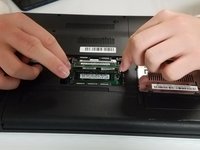
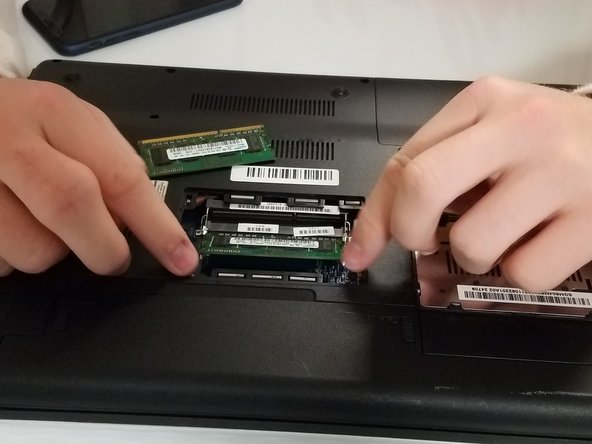
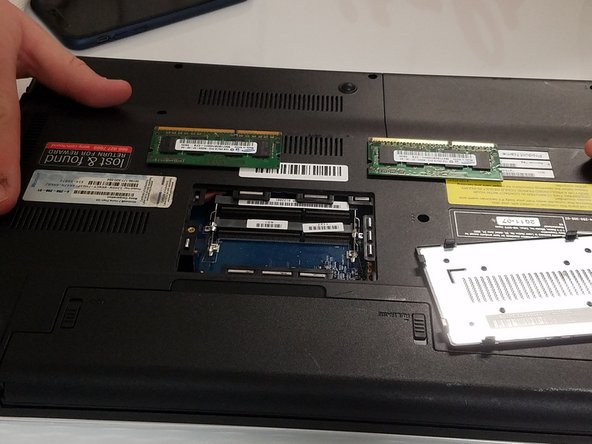
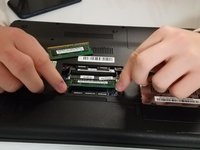
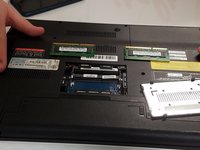
      • Remove both RAM sticks.

      • Take care removing the RAM sticks as they are fragile.

      FixBot'a Sor

      Yorum Ekle

Sonuç

Congratulations!

İptal et: Bu kılavuzu tamamlamadım.

Michael Miller

Üyelik tarihi: 09/21/18

161 İtibar

1 Kılavuz yazıldı

0Kılavuz Yorumları

Yorum Ekle

İstatistikleri Görüntüle:

Son 24 Saat: 1

Son 7 gün: 5

Son 30 gün: 24

Her zaman: 992