Bu çeviri bir makine tarafından oluşturulmuştur ve henüz bir kişi tarafından incelenmemiştir. Bu dili konuşuyor musunuz? İnceleme için.

Sony Xperia Z Ekran Düzeneği Değişimi

ZFix ve 5 diğer katkıda bulunanlar
En son 9 Ağu 2026 tarihinde güncellendi
Görüntüleme: 241 B
İstatistikleri görüntüle:
- Son 24 Saat:
- 2
- Son 7 Gün:
- 24
- Son 30 Gün:
- 117
- Her zaman:
- 241.287
Yorumlar: 56
2 comments on steps, 54 guide comments.
Go to guide commentsTamamlandı: 76 77
76 kişi bu kılavuzu "tamamlandı" olarak işaretledi. Sıradaki sen olacak mısın?
77 kişi bu kılavuzu "tamamlandı" olarak işaretledi. Siz de dahil - harika iş!
Sık Kullanılanlar: 82 83
82 kişi bu kılavuzu favorilerine ekledi (ve abone oldu). Sıradaki sen olacak mısın?
Siz de dahil olmak üzere 83 kişi bu kılavuzu favorilerine ekledi (ve abone oldu)!
Topluluk-Katkılı Kılavuz
Topluluğumuzdan muhteşem birisi bu kılavuzu hazırladı. Bu kılavuz iFixit elemanları tarafından oluşturulmamıştır.
Giriş
1. adıma git ↓Xperia Z LT36i, Xperia C6603, Xperia C6602, Xperia Z LTE, Xperia Z HSPA+ olarak da bilinir.
Kırık veya çalışmayan sayısallaştırıcı veya ekranın nasıl değiştirileceğini gösterir.
Bu işlem oldukça zordur. Bunu yapmak için deneyim sahibi olmanız gerekir.
Neye ihtiyacın var


Videoya Genel Bakış
-
-
-
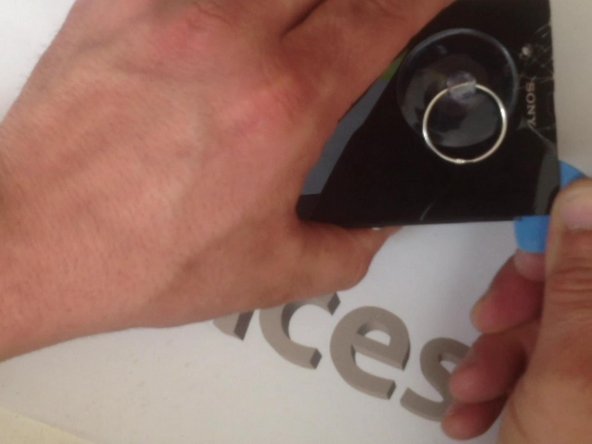
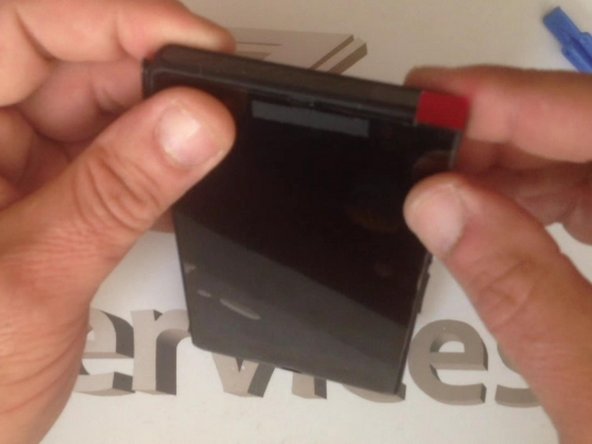
Sökmeye başlamadan önce Batarya kapağını ısıtın.
 FixBot'a Sor
-
-
-
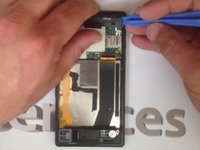
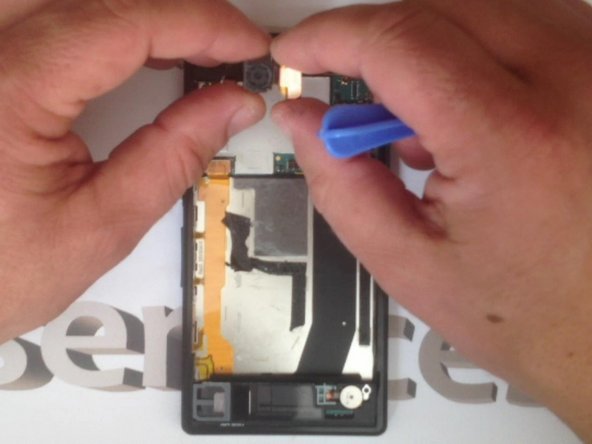
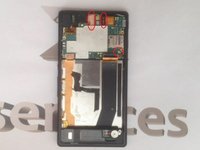
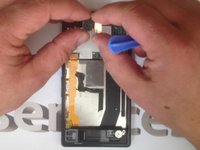
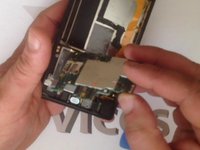
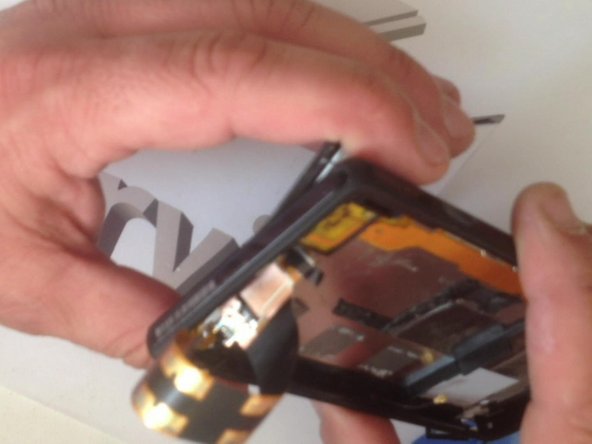
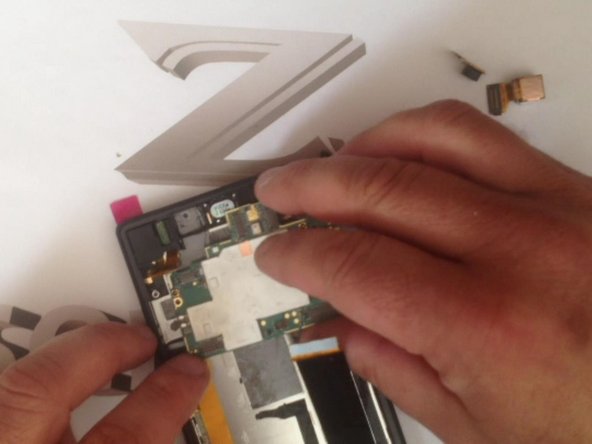
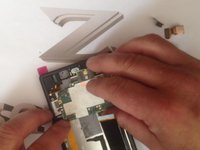
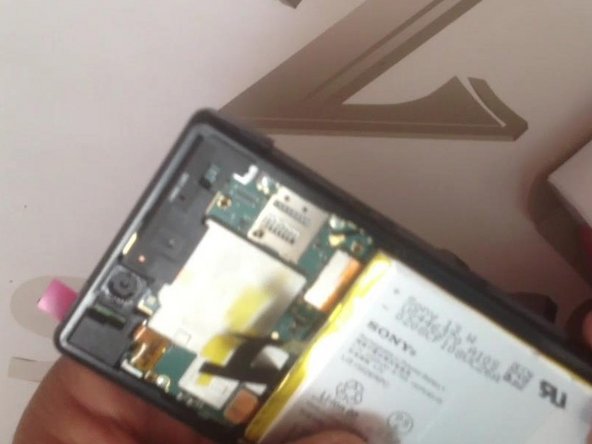
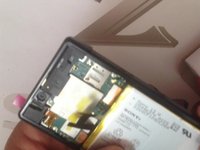
Anakartı serbest bırakmak için 4x vidayı sökün ve 3x fleks kabloyu ayırın.
-
-
-
Bunlar: ana Kamera, ön kamera ve anten kablosu fleks kablosudur.
-
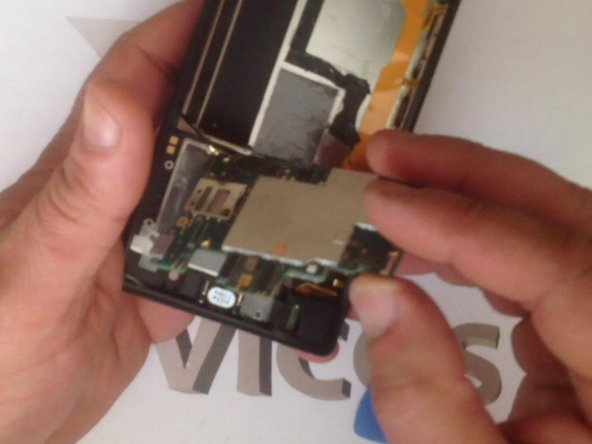
Artık anakartı çıkarabiliriz.
-
-
-
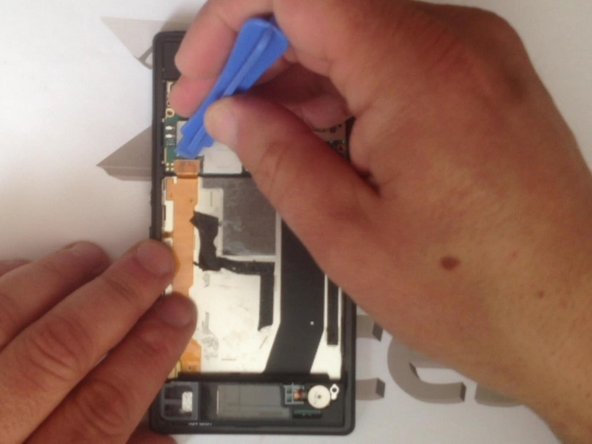
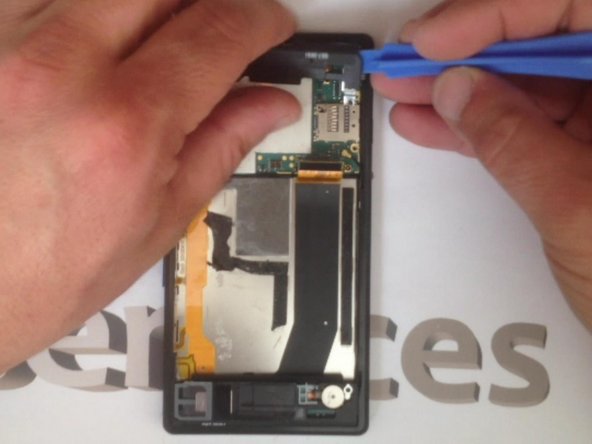
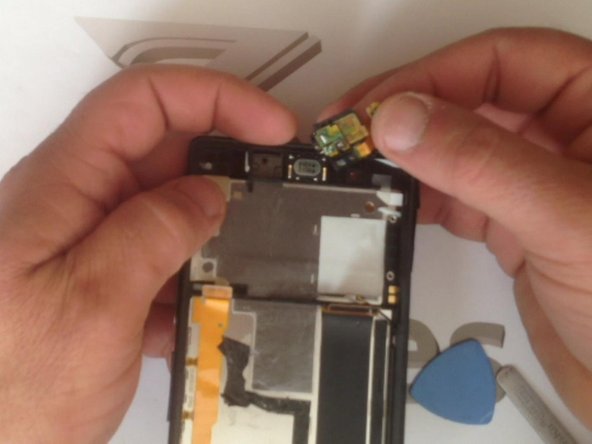
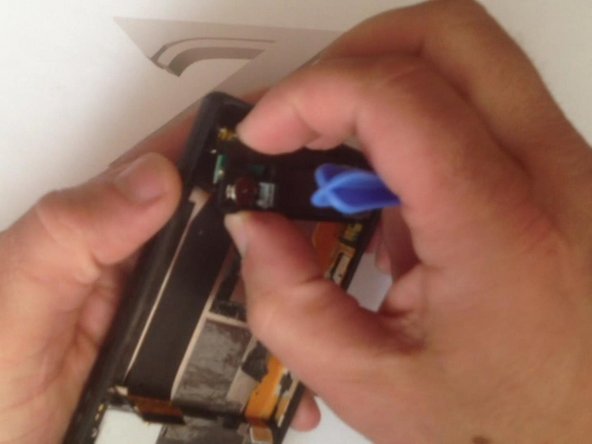
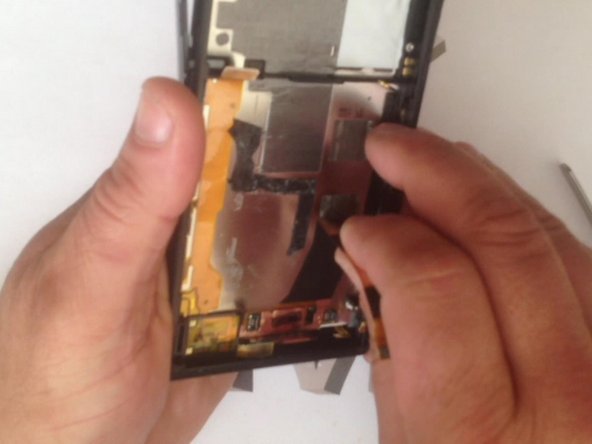
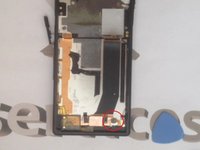
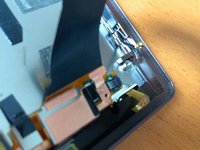
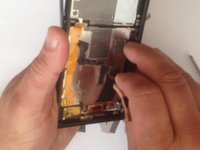
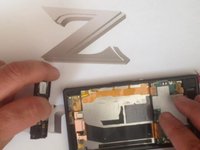
Siyah plastiği yukarı kaldırarak LCD ışık fleks kablosunu bağlantısından ayırın ve fleks kabloyu sağ taraftan çıkarın; artık hazırız.
-
-
-
-
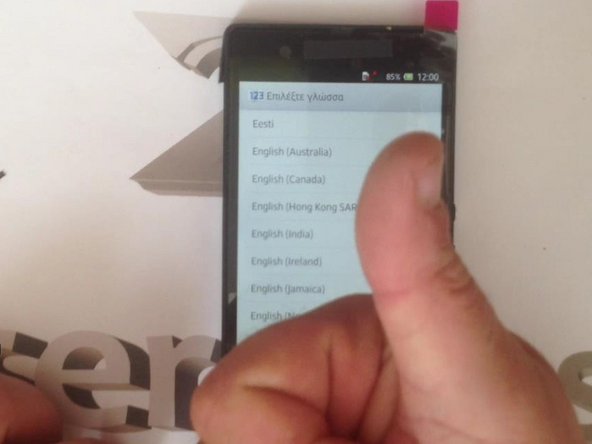
Sonu iyi biten her şey iyidir. :)
-
.
-
Başarıyla gerçekleştirdiniz mi?
-
-




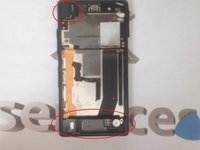
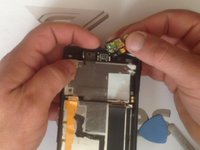
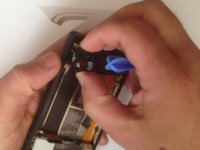

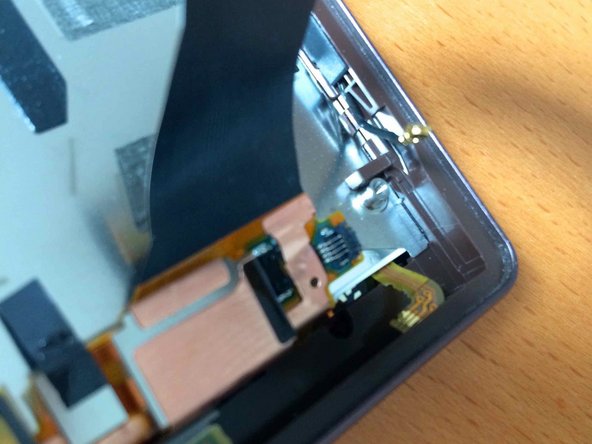




Cihazınızı yeniden toplamak için bu talimatları ters sırayla uygulayın.
İptal et: Bu kılavuzu tamamlamadım.
76 farklı kişi bu kılavuzu tamamladı.


