Giriş
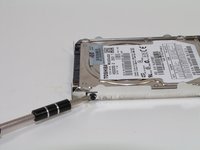
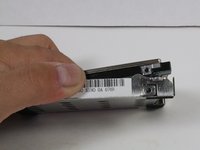
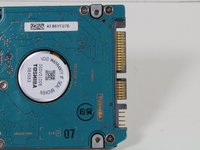
Replacing a hard drive is a great yet simple fix. Make sure your new drive is the 2.5" laptop hard drive!
Neye ihtiyacın var
-
-
Close the laptop and turn it over so that the base is facing upwards and the spine is facing away from you.
-
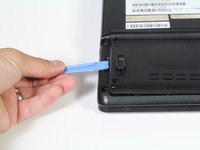
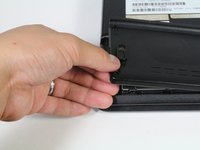
Find the battery compartment.
-
Slide the left slider which is just beneath the battery compartment into its leftmost position.
-
-
-
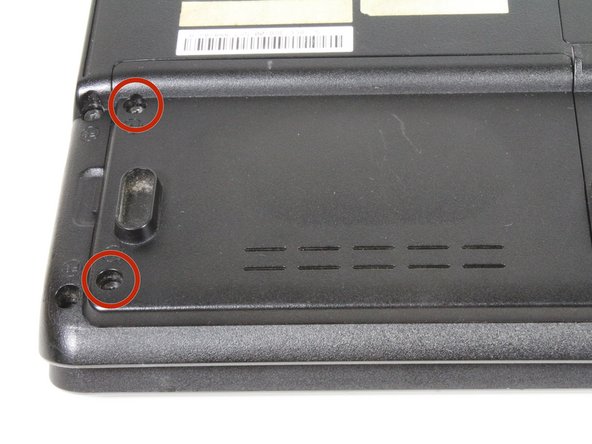
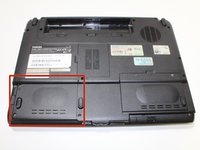
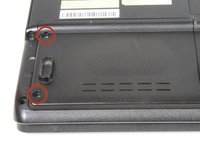
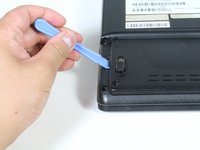
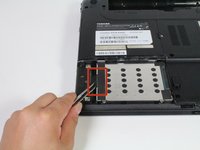
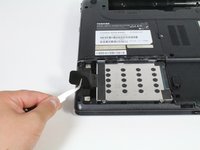
Locate the hard drive in the left hand corner, and remove the two 4mm Phillips #1 screws.
-
-








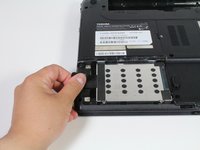
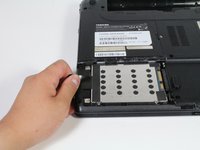
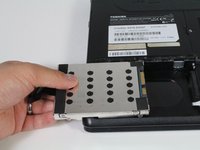


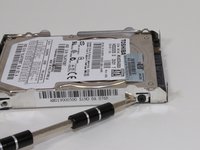


To reassemble your device, follow these instructions in reverse order.
To reassemble your device, follow these instructions in reverse order.
İptal et: Bu kılavuzu tamamlamadım.
14 farklı kişi bu kılavuzu tamamladı.


Ekip

Cal Poly, Team 4-12, Maness Spring 2013 Cal Poly, Team 4-12, Maness Spring 2013 üyesi
CPSU-MANESS-S13S4G12
4 Üyeler
18 adet Kılavuz yazıldı
2Kılavuz Yorumları
What if I don't have the metal housing
I bought the laptop from someone and it didn't have the metal housing and the laptop just keeps going from startup screen to loading back and fourth can someone help
