Ana içeriğe geç
Onarım Topluluğuna Katılın - Hesap Oluşturun

Uniden TCX905 Button Keypad Cleaning Guide

Neye ihtiyacın var

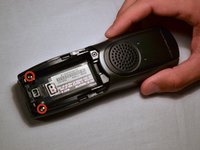
  1. Uniden TCX905 Button Keypad Cleaning Guide, Battery Cover: adım 1, 2 resimden 1. Uniden TCX905 Button Keypad Cleaning Guide, Battery Cover: adım 1, 2 resimden 2.
    • Starting from the top of the cover, slide down and away from the phone with your thumb

    • Lift battery cover off of batter and place it to the side

    FixBot'a Sor
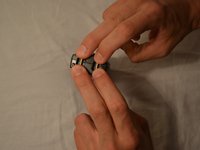
  2. Uniden TCX905 Button Keypad Cleaning Guide, Battery Pack: adım 2, 2 resimden 1. Uniden TCX905 Button Keypad Cleaning Guide, Battery Pack: adım 2, 2 resimden 2.
    • Once battery cover is removed, place your thumb and index fingers on the the wires near the receptacle

    • Gently pull straight up on the wires until a click is heard which signifies the battery is completely disconnected

    • Place battery pack to the side

    FixBot'a Sor
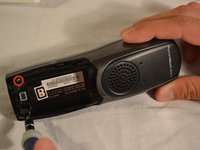
  3. Uniden TCX905 Button Keypad Cleaning Guide, Back Shell: adım 3, 2 resimden 1. Uniden TCX905 Button Keypad Cleaning Guide, Back Shell: adım 3, 2 resimden 2.
    • Remove the two 11mm screws inside the battery storage compartment using Phillips #1 screwdriver (located near the very bottom of the phone)

    FixBot'a Sor
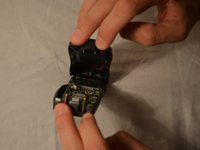
  4. Uniden TCX905 Button Keypad Cleaning Guide: adım 4, 3 resimden 1. Uniden TCX905 Button Keypad Cleaning Guide: adım 4, 3 resimden 2. Uniden TCX905 Button Keypad Cleaning Guide: adım 4, 3 resimden 3.
    • Gently open phone casing along the seam at the bottom of the phone using index and middle fingers of both hands

    FixBot'a Sor
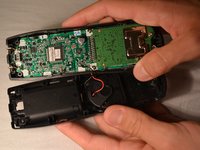
  5. Uniden TCX905 Button Keypad Cleaning Guide: adım 5, 3 resimden 1. Uniden TCX905 Button Keypad Cleaning Guide: adım 5, 3 resimden 2. Uniden TCX905 Button Keypad Cleaning Guide: adım 5, 3 resimden 3.
    • Ensure that wired connection between circuit board and back shell is not strained

    • Fold the back shell underneath the front shell and circuit board

    FixBot'a Sor
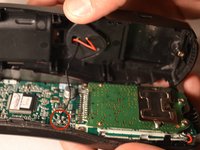
  6. Uniden TCX905 Button Keypad Cleaning Guide, Circuit Board: adım 6, 2 resimden 1. Uniden TCX905 Button Keypad Cleaning Guide, Circuit Board: adım 6, 2 resimden 2.
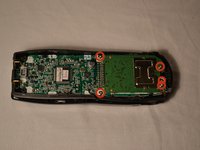
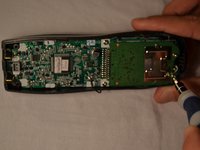
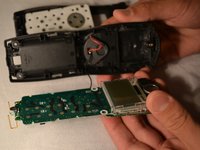
    • Carefully remove the middle two 7mm screws, the outer top 9mm screws, and the top middle 7 mm screw that hold the logic board to the front shell of the phone casing using the Phillips #1 screwdriver

    FixBot'a Sor
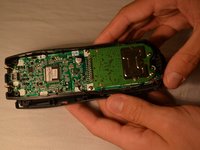
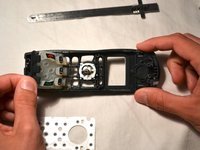
  7. Uniden TCX905 Button Keypad Cleaning Guide: adım 7, 3 resimden 1. Uniden TCX905 Button Keypad Cleaning Guide: adım 7, 3 resimden 2. Uniden TCX905 Button Keypad Cleaning Guide: adım 7, 3 resimden 3.
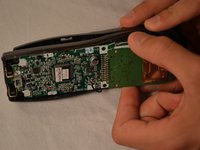
    • Using index finger and thumb, carefully remove the circuit board from the front shell of phone

    FixBot'a Sor
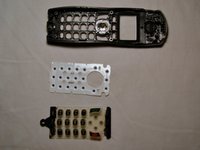
  8. Uniden TCX905 Button Keypad Cleaning Guide, Button Keypad: adım 8, 3 resimden 1. Uniden TCX905 Button Keypad Cleaning Guide, Button Keypad: adım 8, 3 resimden 2. Uniden TCX905 Button Keypad Cleaning Guide, Button Keypad: adım 8, 3 resimden 3.
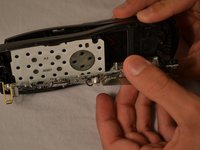
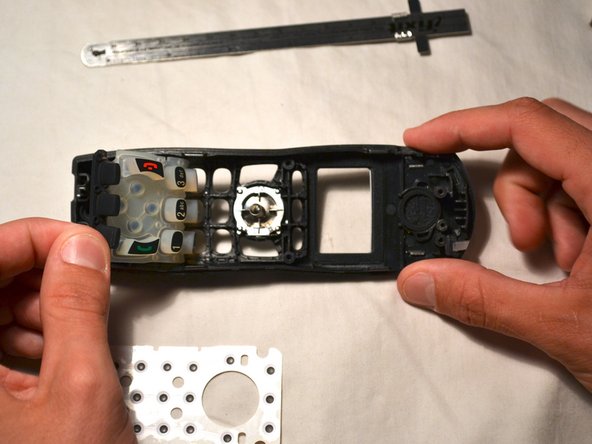
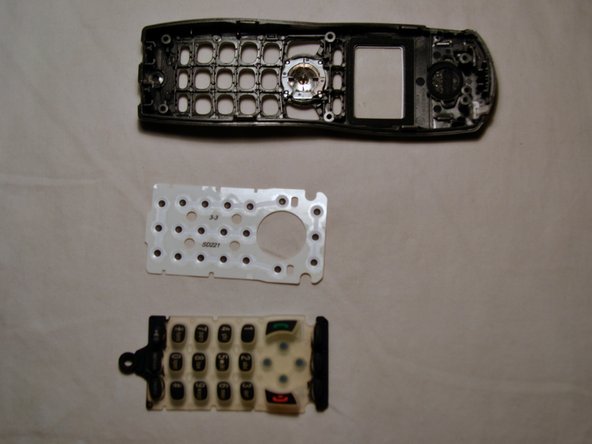
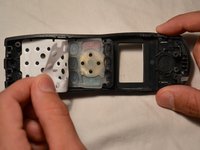
    • Remove the white plastic sheet covering the button pad with your fingers

    • Gently remove the silicon button pad

    FixBot'a Sor
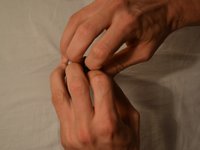
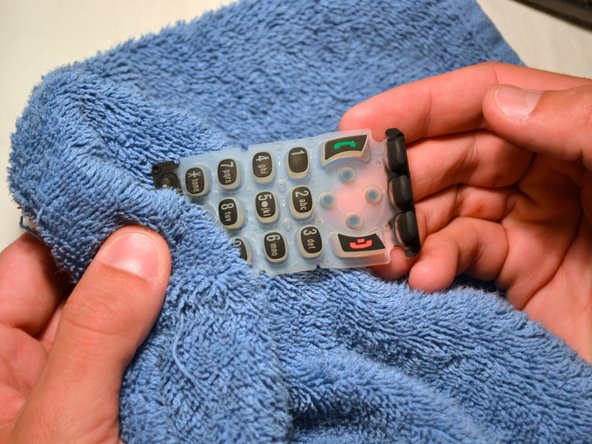
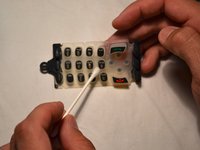
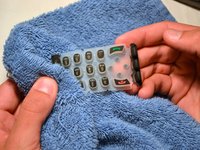
  9. Uniden TCX905 Button Keypad Cleaning Guide: adım 9, 2 resimden 1. Uniden TCX905 Button Keypad Cleaning Guide: adım 9, 2 resimden 2.
    • Wet one end of the cotton swab with water and clean button pad as needed

    • Repeat process with multiple cotton swabs if needed

    • Dry the button pad with a clean, soft rag before replacing

    FixBot'a Sor
Sonuç

To reassemble your device, follow these instructions in reverse order.

Gary Pence

Üyelik tarihi: 03/26/14

807 İtibar

8 adet Kılavuz yazıldı

Ekip

Clemson, Team 1-1, Benson Spring 2014 Clemson, Team 1-1, Benson Spring 2014 üyesi

CLEM-BENSON-S14S1G1

3 Üyeler

16 adet Kılavuz yazıldı

0Kılavuz Yorumları

Yorum Ekle

İstatistikleri Görüntüle:

Son 24 Saat: 4

Son 7 gün: 10

Son 30 gün: 69

Her zaman: 1,182