Ana içeriğe geç
Onarım Topluluğuna Katılın - Hesap Oluşturun

VENSTAR Taco Logic Board Replacement Replacement

Neye ihtiyacın var

  1. VENSTAR Taco Logic Board Replacement Replacement, VENSTAR Taco Disassembly: adım 1, 3 resimden 1. VENSTAR Taco Logic Board Replacement Replacement, VENSTAR Taco Disassembly: adım 1, 3 resimden 2. VENSTAR Taco Logic Board Replacement Replacement, VENSTAR Taco Disassembly: adım 1, 3 resimden 3.
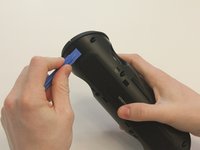
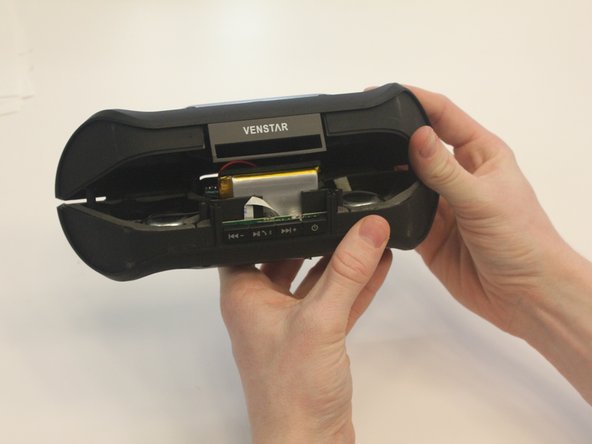
    • Starting with the Taco on its side, use the plastic opening tool to pop off the outer casing near the base.

    • The base labeled "VENSTAR TACO" is glued. Be careful separating the two sides of the device.

  2. VENSTAR Taco Logic Board Replacement Replacement: adım 2, 2 resimden 1. VENSTAR Taco Logic Board Replacement Replacement: adım 2, 2 resimden 2.
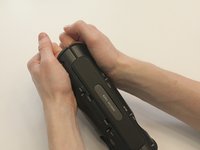
    • Repeat the previous step on the opposite side to remove the other outer casing.

  3. VENSTAR Taco Logic Board Replacement Replacement: adım 3, 2 resimden 1. VENSTAR Taco Logic Board Replacement Replacement: adım 3, 2 resimden 2.
    Bu adımda kullanılan alet:
    Phillips #0 Screwdriver
    $5.49
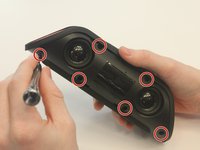
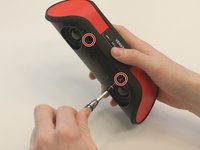
    • Using a Phillips PH0 3 mm-bit screwdriver, remove the six screws on the inner layer of the Taco.

    • The screws are small and can get stuck. Use tweezers to pull them out if you are having trouble.

  4. VENSTAR Taco Logic Board Replacement Replacement: adım 4, 2 resimden 1. VENSTAR Taco Logic Board Replacement Replacement: adım 4, 2 resimden 2.
    • From the same side you just unscrewed, use a plastic opening tool to unwedge the inner cover on both sides of the base.

  5. VENSTAR Taco Logic Board Replacement Replacement: adım 5, 2 resimden 1. VENSTAR Taco Logic Board Replacement Replacement: adım 5, 2 resimden 2.
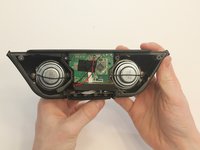
    • Slide off the inner cover. It pulls apart and is held on by a small amount of glue.

  6. VENSTAR Taco Logic Board Replacement Replacement, Logic Board Replacement: adım 6, 1 resimden 1.
    • Remove the rubber covering from the buttons.

  7. VENSTAR Taco Logic Board Replacement Replacement: adım 7, 3 resimden 1. VENSTAR Taco Logic Board Replacement Replacement: adım 7, 3 resimden 2. VENSTAR Taco Logic Board Replacement Replacement: adım 7, 3 resimden 3.
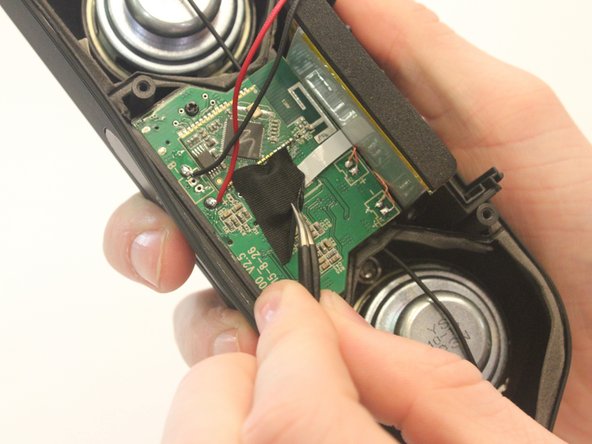
    • Remove the black fabric covering the logic board.

  8. VENSTAR Taco Logic Board Replacement Replacement: adım 8, 2 resimden 1. VENSTAR Taco Logic Board Replacement Replacement: adım 8, 2 resimden 2.
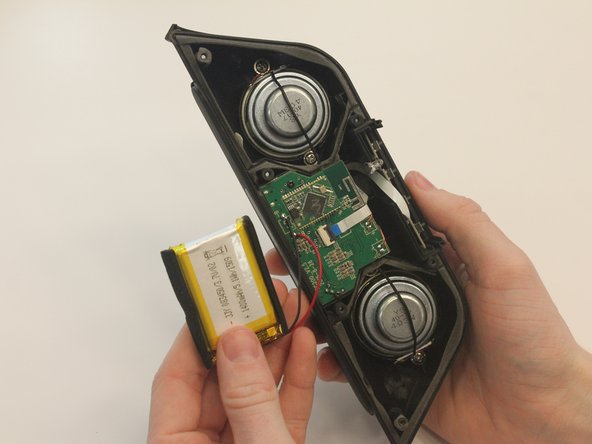
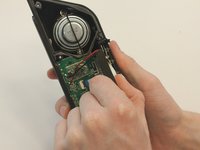
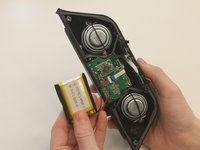
    • Move the battery out of the way of the connector.

  9. VENSTAR Taco Logic Board Replacement Replacement: adım 9, 2 resimden 1. VENSTAR Taco Logic Board Replacement Replacement: adım 9, 2 resimden 2.
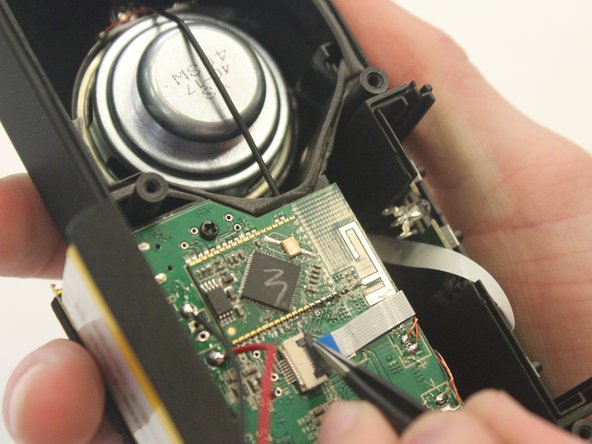
    • Undo the connector of the flat white ribbon between the switches and the logic board.

  10. VENSTAR Taco Logic Board Replacement Replacement: adım 10, 1 resimden 1.
    • Undo the two black 3mm screws on the logic board using the PH0 screwdriver.

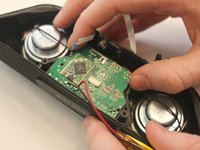
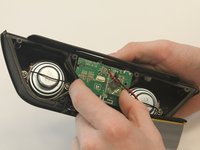
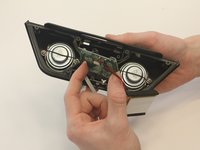
  11. VENSTAR Taco Logic Board Replacement Replacement: adım 11, 3 resimden 1. VENSTAR Taco Logic Board Replacement Replacement: adım 11, 3 resimden 2. VENSTAR Taco Logic Board Replacement Replacement: adım 11, 3 resimden 3.
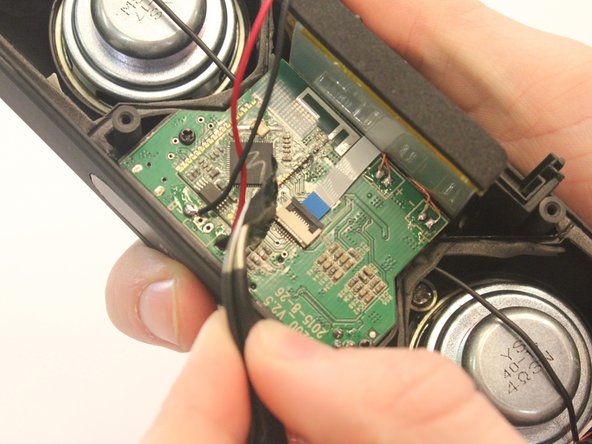
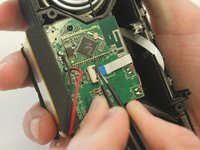
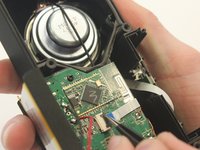
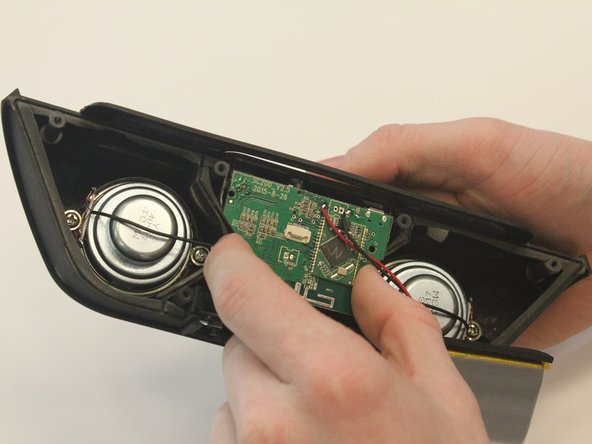
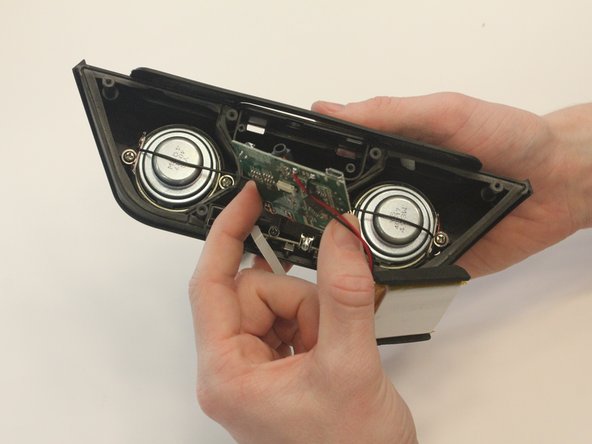
    • Gently pull out the logic board.

    • Note that the battery and the logic board are connected and must be removed together.

Sonuç

To reassemble your device, follow these instructions in reverse order.

0Kılavuz Yorumları

Yorum Ekle

İstatistikleri Görüntüle:

Son 24 Saat: 0

Son 7 gün: 3

Son 30 gün: 11

Her zaman: 426