Giriş
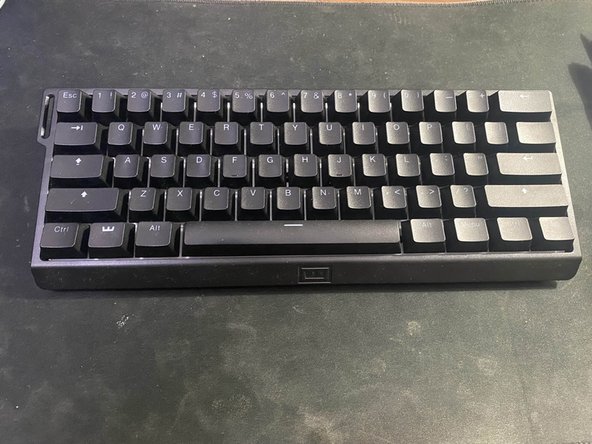
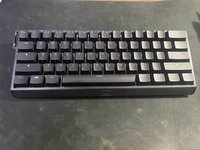
Often times with many keyboards, especially this one, certain keys may experience a lag, or may just not register at all. The majority of the time, it is due to debris being present inside the keyboard, preventing the proper connection when a key is pressed. In this guide, we will be going through a detailed step-by-step process on how to replace a Wooting 60HE keycap.
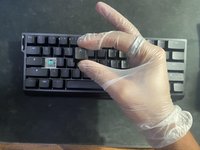
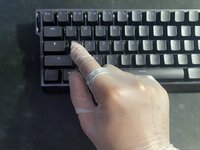
Wear gloves at all times during this replacement to help prevent the oils from your skin coming into contact with the keyboard's lubricant.
Neye ihtiyacın var
-
-
Use a small, soft bristle brush to remove small hairs or dust from the keyboard.
 FixBot'a Sor
-
-
-
Hook the two metal brackets of the keycap puller at a slight angle on the corners of the key.
-
Slightly tug upwards, and the key should come out smoothly. Place the key to the side.
-
-
Bu adımda kullanılan alet:Tweezers$4.99
-
Using tweezers, carefully extract debris from the exposed backboard of the keyboard.
-
-
-
-
Hold a multi-purpose electronics duster three inches away and at an angle from the exposed key.
-
Press the trigger in short bursts.
-
-
-
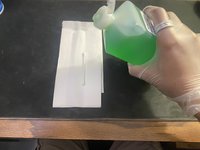
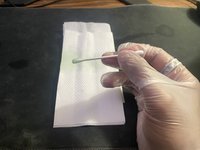
Place a cotton swab on a napkin and lightly coat the head of the swab with 70% isopropyl alcohol.
-
-
-
Gently pat around the white backboard of the keyboard with the cotton swab.
-
-
-
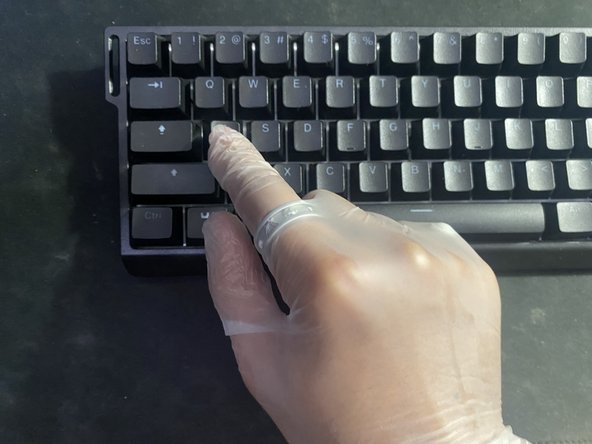
Line the keycap in the upright position above the nub and press down lightly.
-





Ekip

CSU Los Angeles, Team 1-1, Briggs Fall 2023 CSU Los Angeles, Team 1-1, Briggs Fall 2023 üyesi
CSULA-BRIGGS-F23S1G1
6 Üyeler
5 adet Kılavuz yazıldı
