Ana içeriğe geç

Xbox Duke Controller 6-Pin Cable Replacement

Neye ihtiyacın var

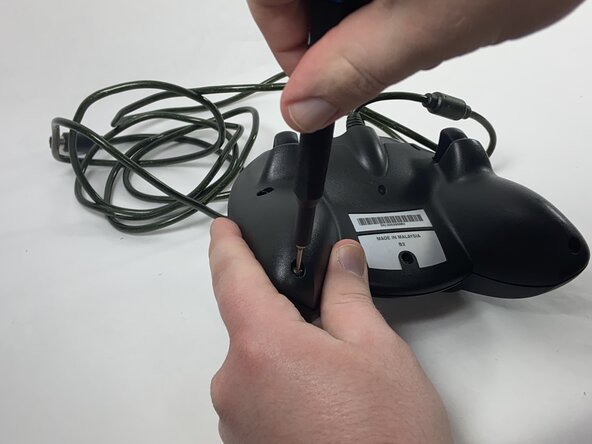
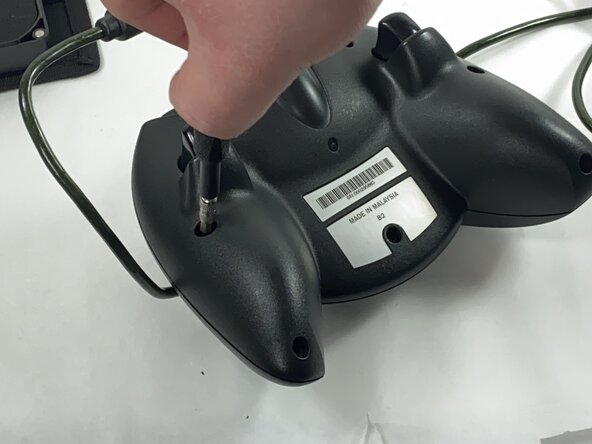
  1. Xbox Duke Controller 6-Pin Cable Replacement, Face Plate: adım 1, 3 resimden 1. Xbox Duke Controller 6-Pin Cable Replacement, Face Plate: adım 1, 3 resimden 2. Xbox Duke Controller 6-Pin Cable Replacement, Face Plate: adım 1, 3 resimden 3.
    • Remove the seven black 8 mm screws holding the two halves of the Duke together using a Phillips #1 screwdriver.

    • To reach the deeply set screws, use a longer screw driver or a 4.0 socket bit in addition to the PH1 bit.

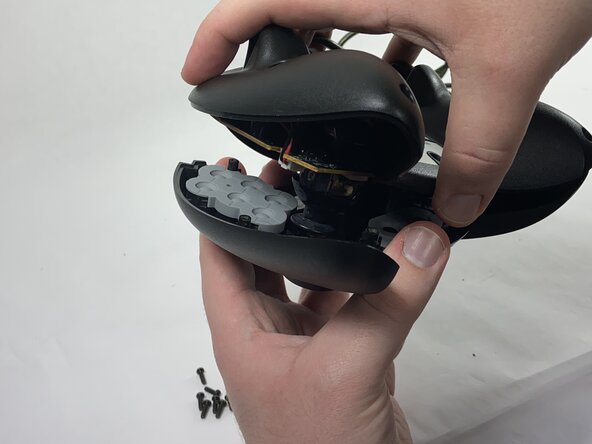
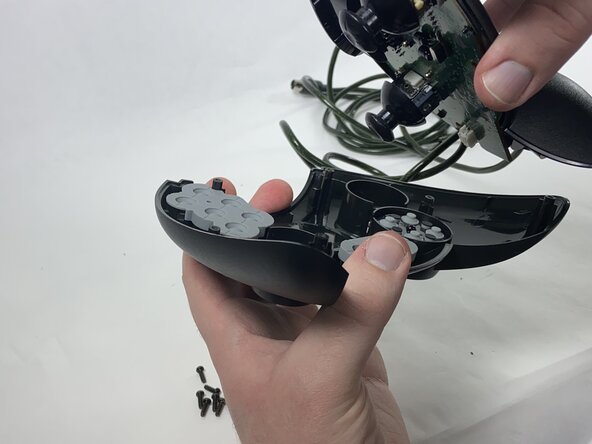
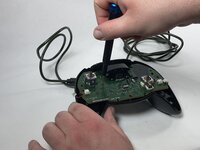
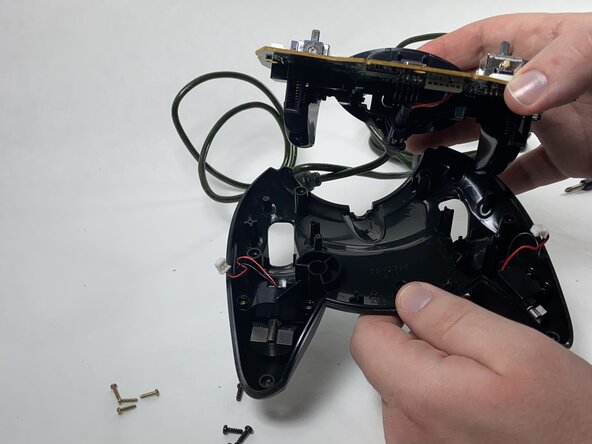
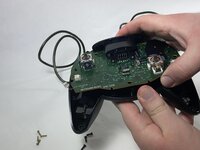
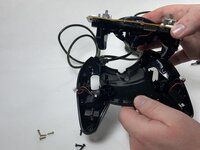
  2. Xbox Duke Controller 6-Pin Cable Replacement: adım 2, 3 resimden 1. Xbox Duke Controller 6-Pin Cable Replacement: adım 2, 3 resimden 2. Xbox Duke Controller 6-Pin Cable Replacement: adım 2, 3 resimden 3.
    • Remove the two halves of the Duke, placing the top plate face-down so the buttons don't fall out.

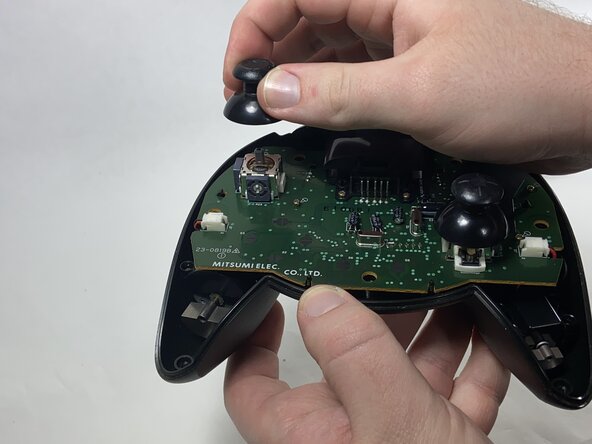
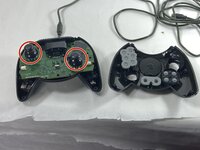
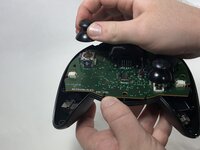
  3. Xbox Duke Controller 6-Pin Cable Replacement, Potentiometer: adım 3, 2 resimden 1. Xbox Duke Controller 6-Pin Cable Replacement, Potentiometer: adım 3, 2 resimden 2.
    • Remove the stick caps from the potentiometers.

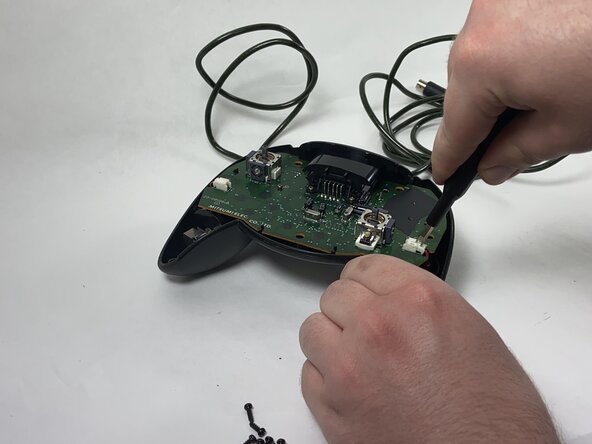
  4. Xbox Duke Controller 6-Pin Cable Replacement: adım 4, 2 resimden 1. Xbox Duke Controller 6-Pin Cable Replacement: adım 4, 2 resimden 2.
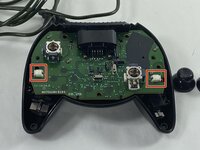
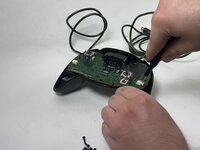
    • Disconnect the connectors attaching the rumble motors to the motherboard using a pair of tweezers.

    • Be gentle when slipping the tweezers underneath the flaps of the connectors; they are fragile and can snap.

  5. Xbox Duke Controller 6-Pin Cable Replacement: adım 5, 2 resimden 1. Xbox Duke Controller 6-Pin Cable Replacement: adım 5, 2 resimden 2.
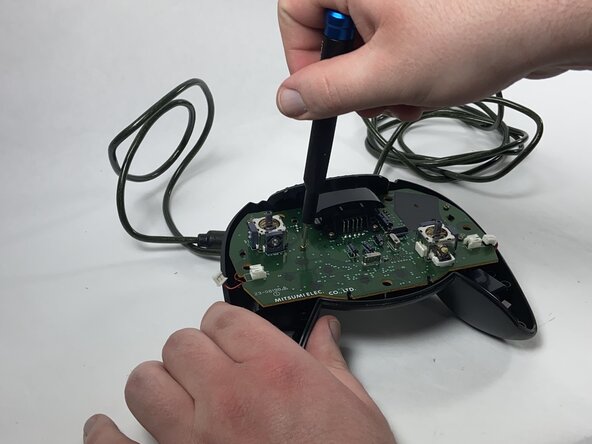
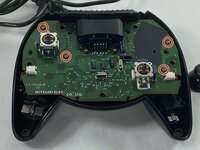
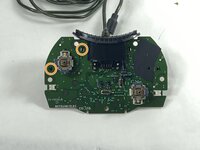
    • Using a Phillips #1 screwdriver, remove the four yellow 8 mm screws holding the motherboard to the bottom half of the controller.

  6. Xbox Duke Controller 6-Pin Cable Replacement: adım 6, 2 resimden 1. Xbox Duke Controller 6-Pin Cable Replacement: adım 6, 2 resimden 2.
    • Remove the motherboard from the bottom half of the controller.

  7. Xbox Duke Controller 6-Pin Cable Replacement: adım 7, 3 resimden 1. Xbox Duke Controller 6-Pin Cable Replacement: adım 7, 3 resimden 2. Xbox Duke Controller 6-Pin Cable Replacement: adım 7, 3 resimden 3.
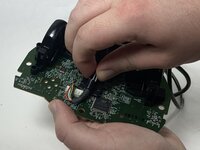
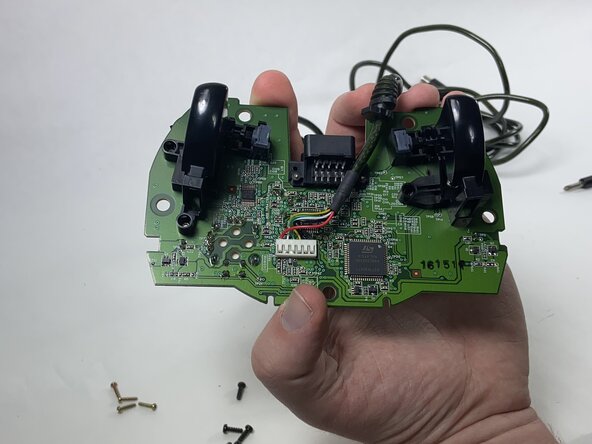
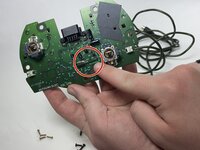
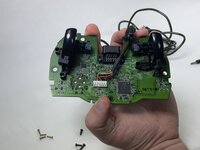
    • Desolder the connector pins holding the left trigger assembly in place.

    • Remove the trigger assembly by pushing on the black connectors that hold them to the motherboard.

  8. Xbox Duke Controller 6-Pin Cable Replacement: adım 8, 1 resimden 1.
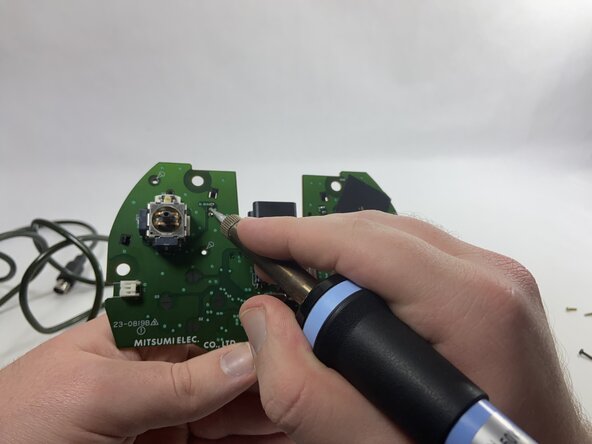
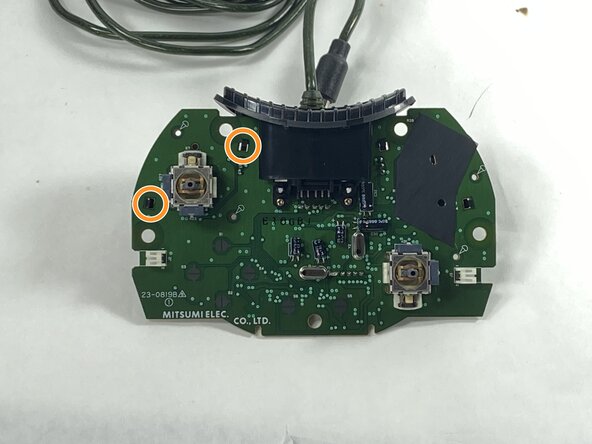
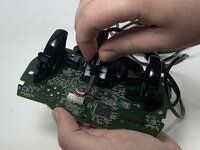
    • Desolder all of the connector pins holding the potentiometer in place.

    • Pull out the potentiometers and solder the new ones into place.

  9. Xbox Duke Controller 6-Pin Cable Replacement, 6-Pin Cable: adım 9, 3 resimden 1. Xbox Duke Controller 6-Pin Cable Replacement, 6-Pin Cable: adım 9, 3 resimden 2. Xbox Duke Controller 6-Pin Cable Replacement, 6-Pin Cable: adım 9, 3 resimden 3.
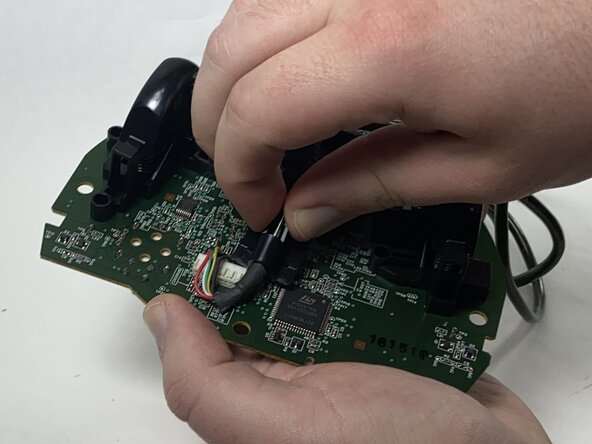
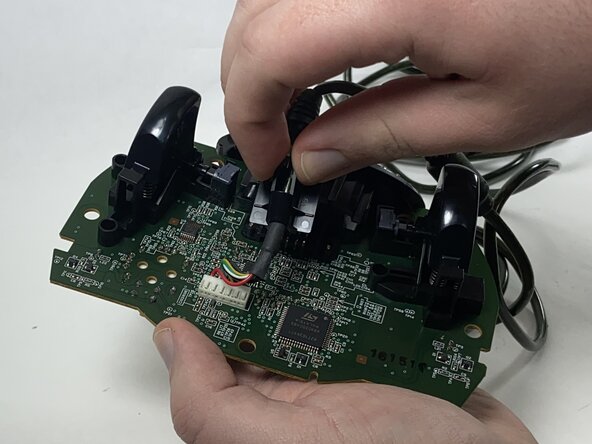
    • Disconnect the cable from the memory card slot, sliding the black plastic holder out of the slot.

    • Remove the plastic piece from the cable.

  10. Xbox Duke Controller 6-Pin Cable Replacement: adım 10, 2 resimden 1. Xbox Duke Controller 6-Pin Cable Replacement: adım 10, 2 resimden 2.
    • Remove the memory card slot by sliding it away from the motherboard.

  11. Xbox Duke Controller 6-Pin Cable Replacement: adım 11, 2 resimden 1. Xbox Duke Controller 6-Pin Cable Replacement: adım 11, 2 resimden 2.
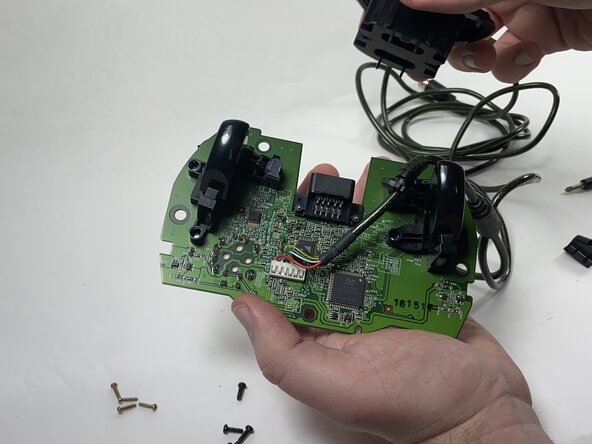
    • Desolder the pins holding the cable in place, then pull the cable away from the motherboard.

    • Solder the new cable into the motherboard.

Sonuç

To reassemble your device, follow these instructions in reverse order.

2 farklı kişi bu kılavuzu tamamladı.

Anthony Casino

Üyelik tarihi: 02/15/25

630 İtibar

4 adet Kılavuz yazıldı

Ekip

0Kılavuz Yorumları

Yorum Ekle

İstatistikleri Görüntüle:

Son 24 Saat: 1

Son 7 gün: 9

Son 30 gün: 52

Her zaman: 348