Ana içeriğe geç
Onarım Topluluğuna Katılın - Hesap Oluşturun

Xbox One Kinect Infrared Camera Replacement

Görüntüleme: 2,6 B

İstatistikleri görüntüle:

Son 24 Saat:
2
Son 7 Gün:
15
Son 30 Gün:
100
Her zaman:
2.649
Yorumlar: 1

1 guide comment.

Go to guide comments
Tamamlandı: 0

Hiç kimse bu kılavuzu "tamamlandı" olarak işaretlemedi. İlk mi olacaksın?

Sık Kullanılanlar: 1

1 kişi bu kılavuzu favorilerine ekledi (ve abone oldu). Sıradaki sen olacak mısın?

Gerekli Süre: 15 - 30 dakika
Zorluk: Orta
Daha İyi Resimler Gerekli

Daha iyi fotoğraflar bu kılavuzu geliştirecektir. Yeni fotoğraflar çekerek, düzenleyerek ya da yükleyerek katkıda bulunun!

Eksik Adımlar

Hata! Bu kılavuzda şu anda bir veya daha fazla önemli adım eksik.

Xbox One Kinect Infrared Camera Replacement

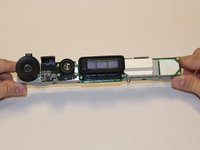
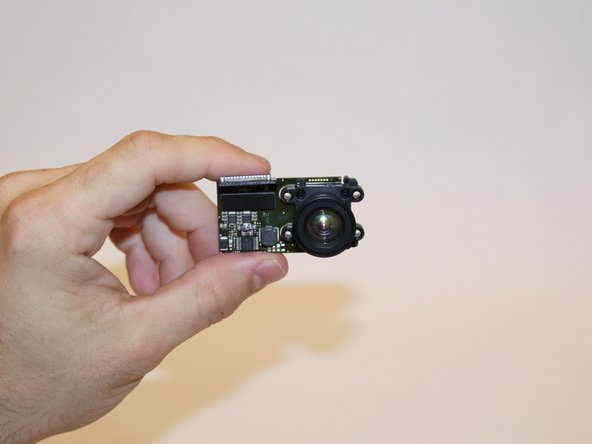
The infrared camera receives IR signals emitted from the blasters. This permits the Kinect to measure the distance to an object in its vicinity. The IR camera is mounted on the heat sink inside the device.

Neye ihtiyacın var

Aletler

    1. Xbox One Kinect Infrared Camera Replacement, Outer Shell: adım 1, 1 resimden 1.
      • Remove the sticker on the underside of the device.

      • Remove the four 3.1x23.5 mm T10 screws underneath the sticker.

      • While you're at it, remove the four 3.1x7.5 mm T10 screws beneath the sticker. Make note of the sizes and locations of the screws.

      FixBot'a Sor

      Yorum Ekle

    2. Xbox One Kinect Infrared Camera Replacement: adım 2, 3 resimden 1. Xbox One Kinect Infrared Camera Replacement: adım 2, 3 resimden 2. Xbox One Kinect Infrared Camera Replacement: adım 2, 3 resimden 3.
      • Remove the back panel.

      • Remove the black panels on either side of the Kinect, and remove the 3.1x7.5mm T10 screws underneath them.

      FixBot'a Sor

      Yorum Ekle

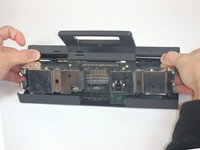
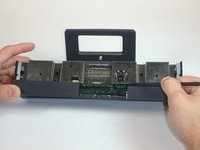
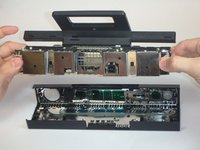
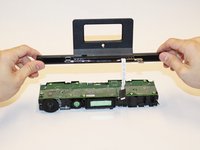
    3. Xbox One Kinect Infrared Camera Replacement: adım 3, 3 resimden 1. Xbox One Kinect Infrared Camera Replacement: adım 3, 3 resimden 2. Xbox One Kinect Infrared Camera Replacement: adım 3, 3 resimden 3.
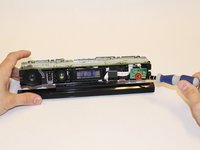
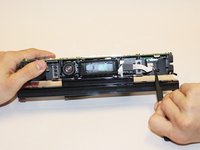
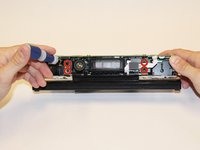
      • Using your thumbs, press firmly against the outer case on either side of the stand. This will disengage the internal assembly.

      • Lift the internal assembly with the spudger.

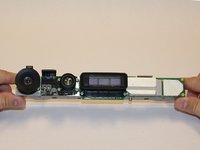
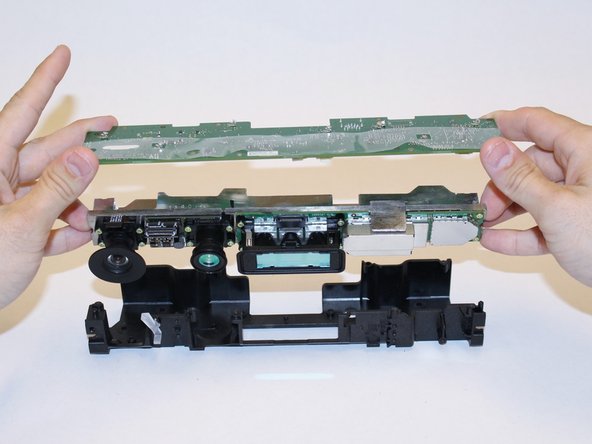
      • Remove the assembly from the case. You now have access to the inner shell of the kinect, along with the heat sink, microphone, and LED sensor.

      FixBot'a Sor

      Yorum Ekle

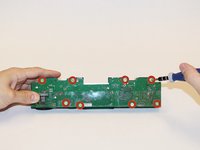
    1. Xbox One Kinect Infrared Camera Replacement, Heat Sink Assembly: adım 4, 2 resimden 1. Xbox One Kinect Infrared Camera Replacement, Heat Sink Assembly: adım 4, 2 resimden 2.
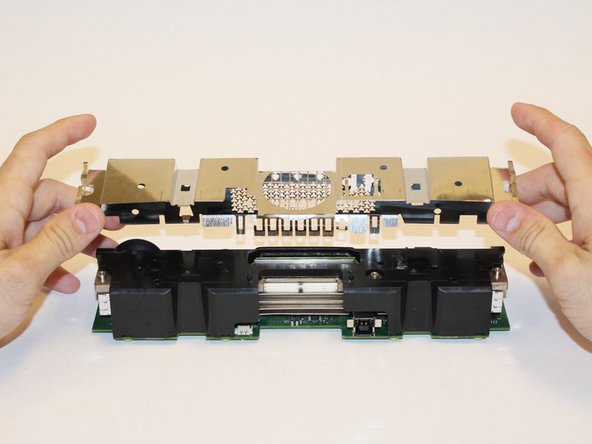
      • Remove the eight 2.9x7.6 mm T9 screws from the rear of the internal case.

      • Lift the internal metal case from the plastic shell enclosing the heat sink assembly.

      FixBot'a Sor

      Yorum Ekle

    2. Xbox One Kinect Infrared Camera Replacement: adım 5, 3 resimden 1. Xbox One Kinect Infrared Camera Replacement: adım 5, 3 resimden 2. Xbox One Kinect Infrared Camera Replacement: adım 5, 3 resimden 3.
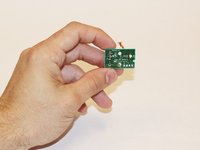
      • Disconnect the ribbon cable between the sensor driver board and the motherboard.

      • Remove the 3.0x7.5 mm T9 screw holding the sensor driver board to the heat sink.

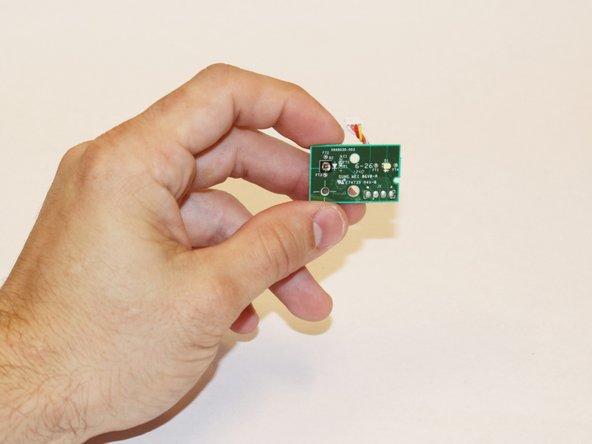
      • Remove the infrared sensor board for the Kinect.

      FixBot'a Sor

      Yorum Ekle

    3. Xbox One Kinect Infrared Camera Replacement: adım 6, 3 resimden 1. Xbox One Kinect Infrared Camera Replacement: adım 6, 3 resimden 2. Xbox One Kinect Infrared Camera Replacement: adım 6, 3 resimden 3.
      Bu adımda kullanılan alet:
      Tweezers
      $4.99
      • Detach the ribbon cable leading to the microphone with the tweezers.

      • Remove the four 3.1x7.7 mm T9 screws connecting the microphone to the heat sink assembly.

      • Remove the stand.

      FixBot'a Sor

      Yorum Ekle

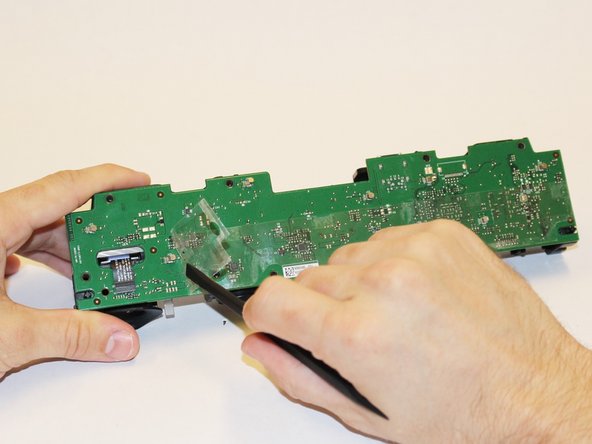
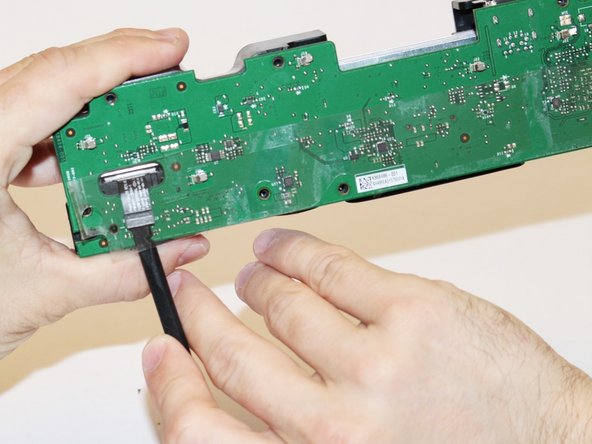
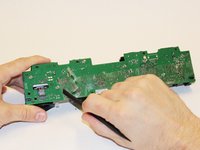
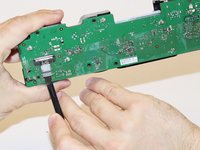
    4. Xbox One Kinect Infrared Camera Replacement: adım 7, 3 resimden 1. Xbox One Kinect Infrared Camera Replacement: adım 7, 3 resimden 2. Xbox One Kinect Infrared Camera Replacement: adım 7, 3 resimden 3.
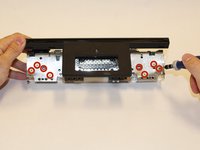
      • Remove the eight 3.0x7.6 mm T9 screws from the motherboard.

      • Peel away the plastic film from the motherboard using the spudger.

      • Detach the ribbon cable leading to the color camera using the spudger.

      FixBot'a Sor

      Yorum Ekle

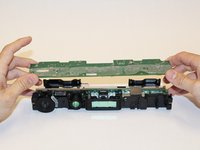
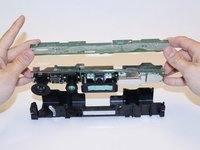
    5. Xbox One Kinect Infrared Camera Replacement: adım 8, 3 resimden 1. Xbox One Kinect Infrared Camera Replacement: adım 8, 3 resimden 2. Xbox One Kinect Infrared Camera Replacement: adım 8, 3 resimden 3.
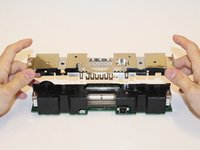
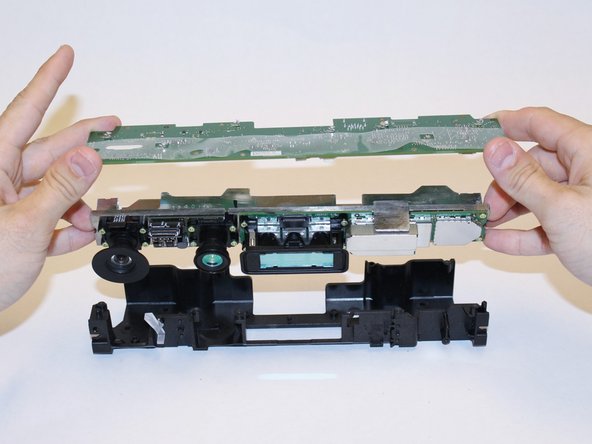
      • Lift the motherboard and the heat sink assembly from the plastic shell. The components attached to the heat sink are now accessible.

      FixBot'a Sor

      Yorum Ekle

    1. Xbox One Kinect Infrared Camera Replacement, Infrared Camera: adım 9, 3 resimden 1. Xbox One Kinect Infrared Camera Replacement, Infrared Camera: adım 9, 3 resimden 2. Xbox One Kinect Infrared Camera Replacement, Infrared Camera: adım 9, 3 resimden 3.
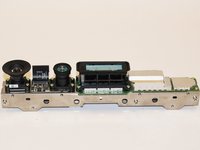
      • First step is to make sure that the inner compartment containg the camera is separated from the outer casing.

      FixBot'a Sor

      Yorum Ekle

    2. Xbox One Kinect Infrared Camera Replacement: adım 10, 2 resimden 1. Xbox One Kinect Infrared Camera Replacement: adım 10, 2 resimden 2.
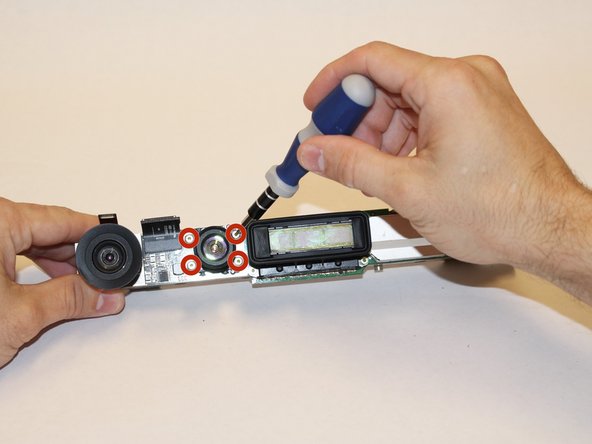
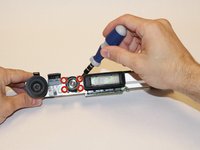
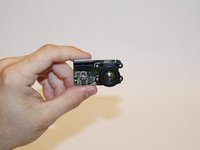
      • Once the area where the camera is found is uncovered, use the T5 Torx Screwdriver to remove the four 1.9x10.2 mm screws.

      FixBot'a Sor

      Yorum Ekle

    3. Xbox One Kinect Infrared Camera Replacement: adım 11, 2 resimden 1. Xbox One Kinect Infrared Camera Replacement: adım 11, 2 resimden 2.
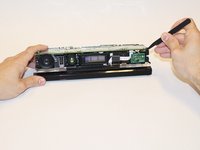
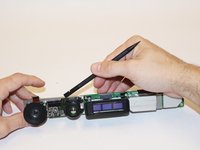
      • Using the spudger, detach the camera from the base.

      FixBot'a Sor

      Yorum Ekle

Sonuç

To reassemble your device, follow these instructions in reverse order.

İptal et: Bu kılavuzu tamamlamadım.

Laura Gonzalez

Üyelik tarihi: 09/22/14

106 İtibar

1 Kılavuz yazıldı

Ekip

USF Tampa, Team 1-3, Hickman Fall 2014 USF Tampa, Team 1-3, Hickman Fall 2014 üyesi

USFT-HICKMAN-F14S1G3

4 Üyeler

84 adet Kılavuz yazıldı

1Rehber Yorum

I have the new Infrared Camera ,1080p HD wide-angle camera,motherboard, IR projectors board.If you need please contact me.

mouyi chen - Yanıt Paylaş
Yorum Ekle

İstatistikleri Görüntüle:

Son 24 Saat: 2

Son 7 gün: 15

Son 30 gün: 100

Her zaman: 2,649