Ana içeriğe geç
Onarım Topluluğuna Katılın - Hesap Oluşturun
YCCTEAM YCC-SW4001 Shoulder Buttons Replacement

Neye ihtiyacın var

  1. YCCTEAM YCC-SW4001 Shoulder Buttons Replacement, Front Case: adım 1, 1 resimden 1.
    • Use a Phillips screwdriver to remove the eight 9.15 mm screws that secure the rear case.

    FixBot'a Sor

    Yorum Ekle

  2. YCCTEAM YCC-SW4001 Shoulder Buttons Replacement: adım 2, 3 resimden 1. YCCTEAM YCC-SW4001 Shoulder Buttons Replacement: adım 2, 3 resimden 2. YCCTEAM YCC-SW4001 Shoulder Buttons Replacement: adım 2, 3 resimden 3.
    • Use an opening pick to pry the back cover off of the controller.

    FixBot'a Sor

    Yorum Ekle

  3. YCCTEAM YCC-SW4001 Shoulder Buttons Replacement: adım 3, 1 resimden 1.
    • Use a Phillips screwdriver to remove the three 9.15 mm screws from the back of the controller.

    FixBot'a Sor

    Yorum Ekle

  4. YCCTEAM YCC-SW4001 Shoulder Buttons Replacement, Remove two additional screws: adım 4, 1 resimden 1.
    • On some models there are two more Phillips head screws on the sides that need to be removed before the front and back panels can be separated.

    FixBot'a Sor

    Yorum Ekle

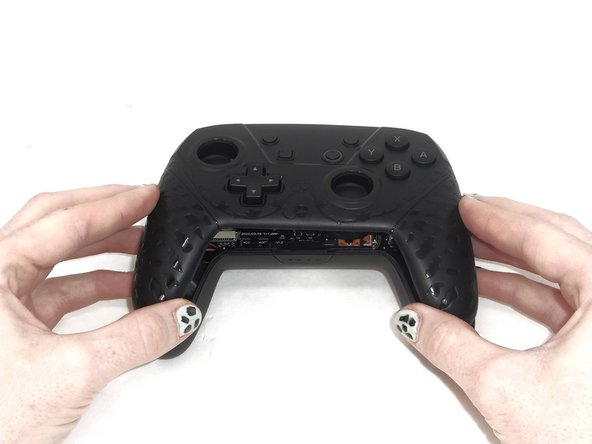
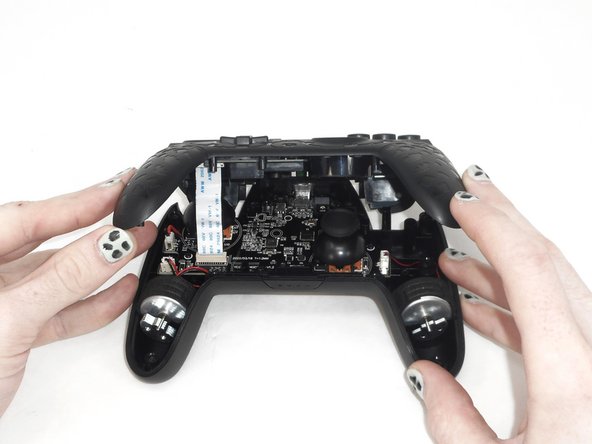
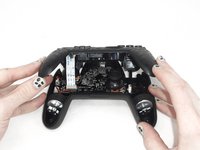
  5. YCCTEAM YCC-SW4001 Shoulder Buttons Replacement: adım 5, 3 resimden 1. YCCTEAM YCC-SW4001 Shoulder Buttons Replacement: adım 5, 3 resimden 2. YCCTEAM YCC-SW4001 Shoulder Buttons Replacement: adım 5, 3 resimden 3.
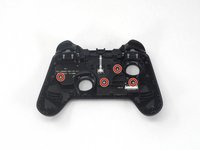
    • Slightly lift the front case.

    • Do not remove the front cover completely; it is still attached to the motherboard by a white ribbon cable.

    FixBot'a Sor

    Yorum Ekle

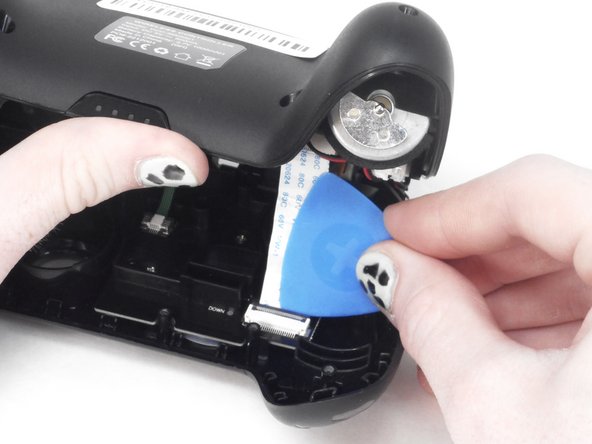
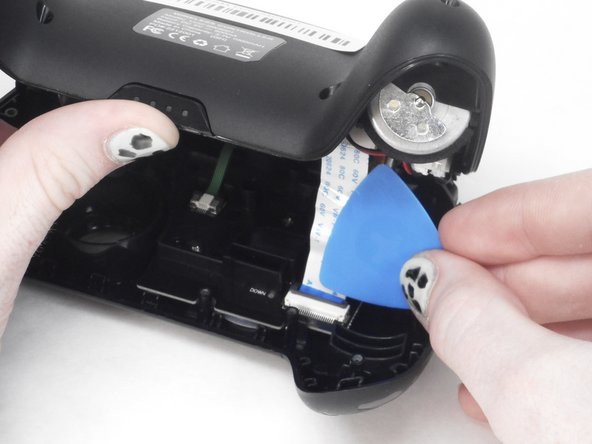
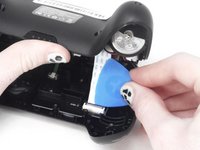
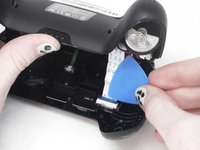
  6. YCCTEAM YCC-SW4001 Shoulder Buttons Replacement: adım 6, 3 resimden 1. YCCTEAM YCC-SW4001 Shoulder Buttons Replacement: adım 6, 3 resimden 2. YCCTEAM YCC-SW4001 Shoulder Buttons Replacement: adım 6, 3 resimden 3.
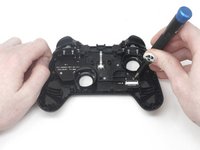
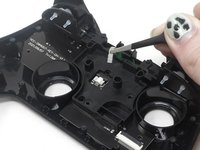
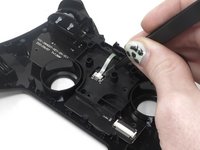
    • Use the tip of the opening pick to flip up the black locking flap of the ZIF connector.

    • The black flap holds the white ribbon cable in place.

    FixBot'a Sor

    Yorum Ekle

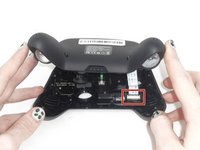
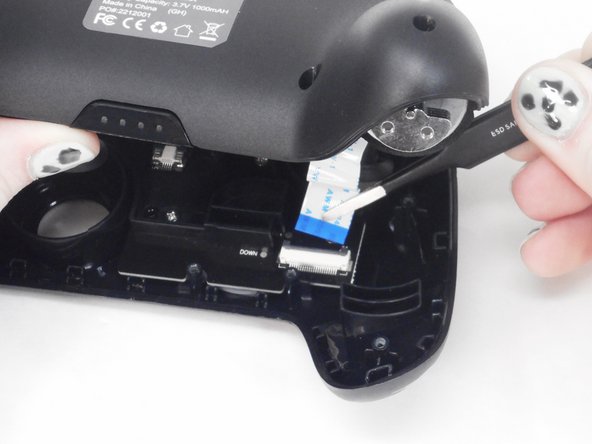
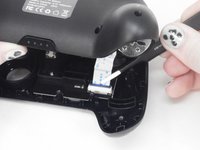
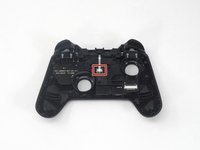
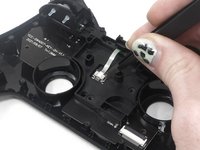
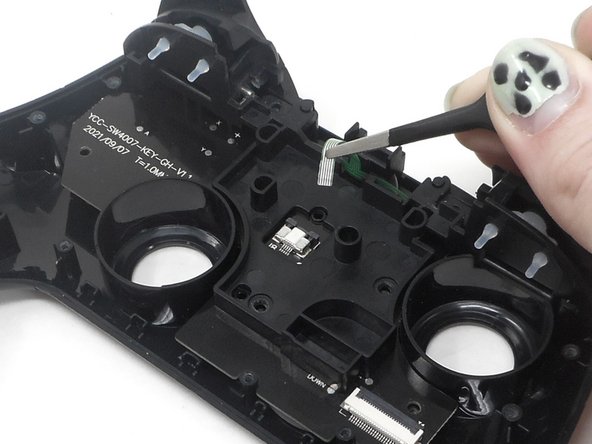
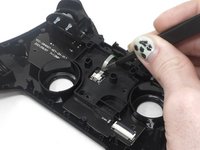
  7. YCCTEAM YCC-SW4001 Shoulder Buttons Replacement: adım 7, 2 resimden 1. YCCTEAM YCC-SW4001 Shoulder Buttons Replacement: adım 7, 2 resimden 2.
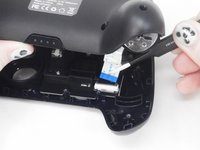
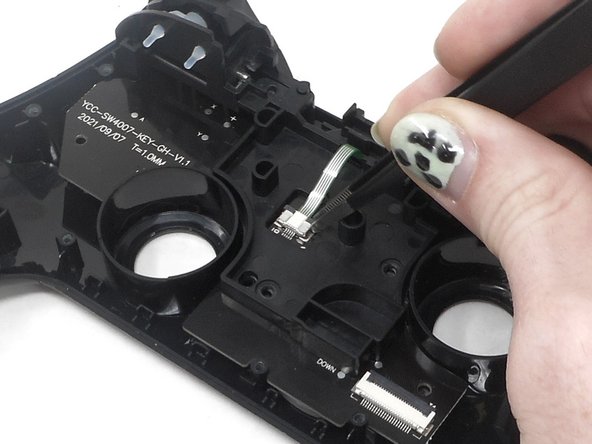
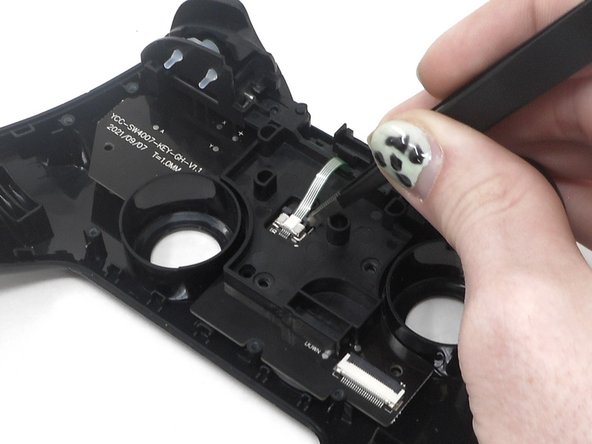
    • Use tweezers to disconnect the white ribbon cable from the ZIF connector.

    FixBot'a Sor

    Yorum Ekle

  8. YCCTEAM YCC-SW4001 Shoulder Buttons Replacement: adım 8, 1 resimden 1.
    • Remove the front case.

    FixBot'a Sor

    Yorum Ekle

  9. YCCTEAM YCC-SW4001 Shoulder Buttons Replacement, Shoulder Buttons: adım 9, 3 resimden 1. YCCTEAM YCC-SW4001 Shoulder Buttons Replacement, Shoulder Buttons: adım 9, 3 resimden 2. YCCTEAM YCC-SW4001 Shoulder Buttons Replacement, Shoulder Buttons: adım 9, 3 resimden 3.
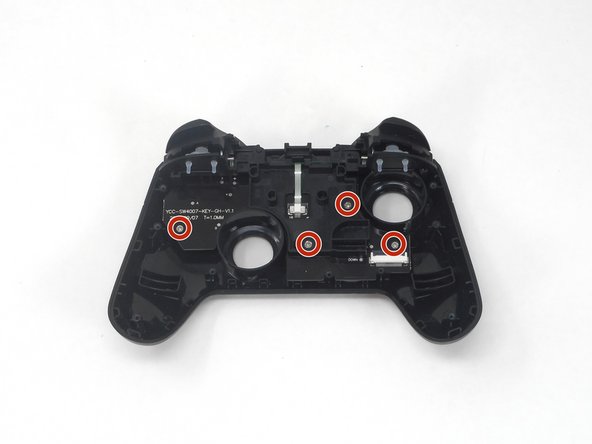
    • Flip over the front cover and remove the four 5.8 mm screws from the rear of the front cover using a Phillips screwdriver.

    FixBot'a Sor

    Yorum Ekle

  10. YCCTEAM YCC-SW4001 Shoulder Buttons Replacement: adım 10, 3 resimden 1. YCCTEAM YCC-SW4001 Shoulder Buttons Replacement: adım 10, 3 resimden 2. YCCTEAM YCC-SW4001 Shoulder Buttons Replacement: adım 10, 3 resimden 3.
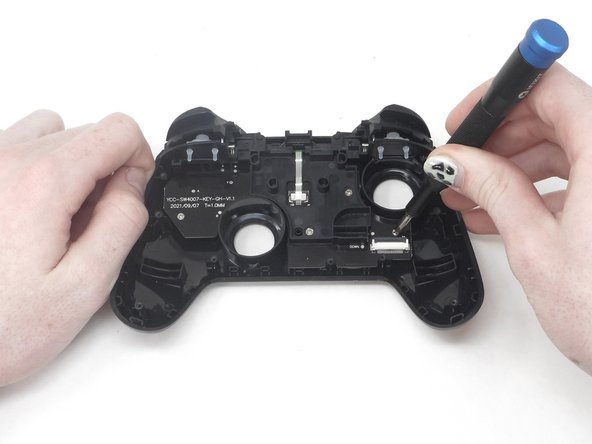
    • Flip up the ZIF locking flap.

    FixBot'a Sor

    Yorum Ekle

  11. YCCTEAM YCC-SW4001 Shoulder Buttons Replacement: adım 11, 2 resimden 1. YCCTEAM YCC-SW4001 Shoulder Buttons Replacement: adım 11, 2 resimden 2.
    • Disconnect the cable from the ZIF connector using tweezers or by hand.

    FixBot'a Sor

    Yorum Ekle

  12. YCCTEAM YCC-SW4001 Shoulder Buttons Replacement: adım 12, 2 resimden 1. YCCTEAM YCC-SW4001 Shoulder Buttons Replacement: adım 12, 2 resimden 2.
    • Remove the circuit board and shoulder buttons assembly from the front cover.

    FixBot'a Sor

    Yorum Ekle

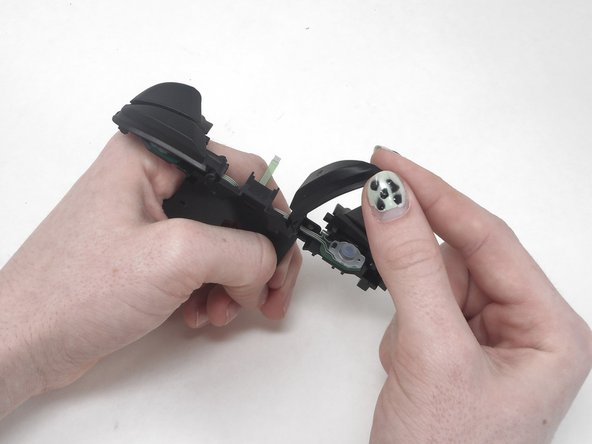
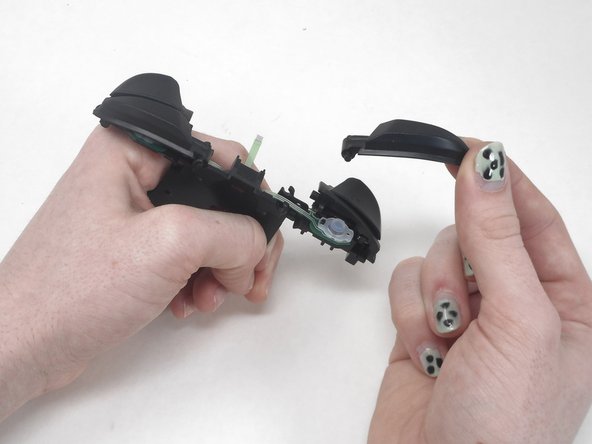
  13. YCCTEAM YCC-SW4001 Shoulder Buttons Replacement: adım 13, 3 resimden 1. YCCTEAM YCC-SW4001 Shoulder Buttons Replacement: adım 13, 3 resimden 2. YCCTEAM YCC-SW4001 Shoulder Buttons Replacement: adım 13, 3 resimden 3.
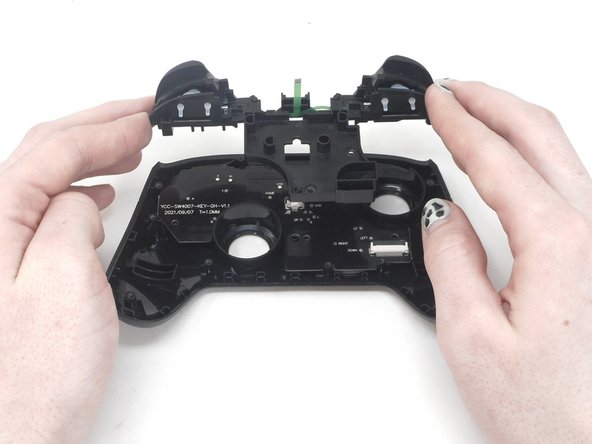
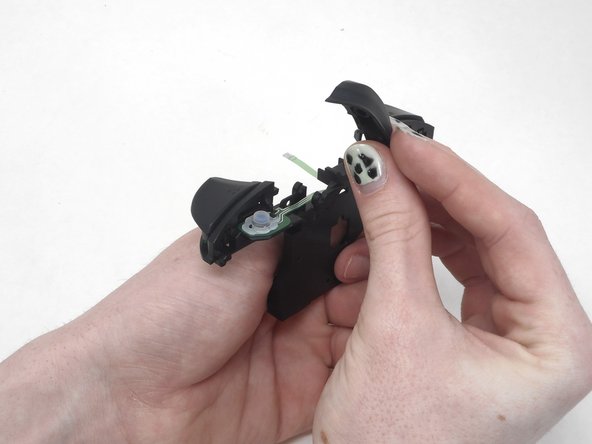
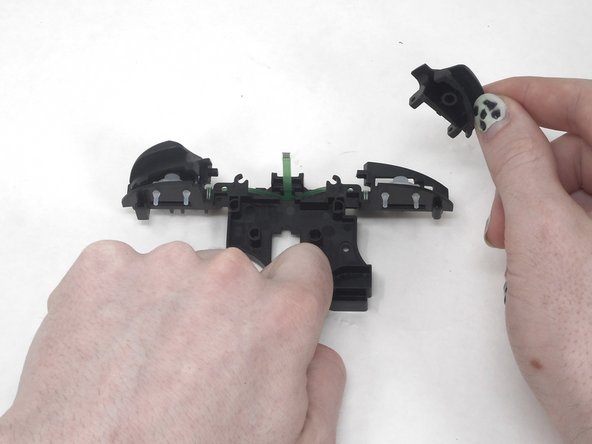
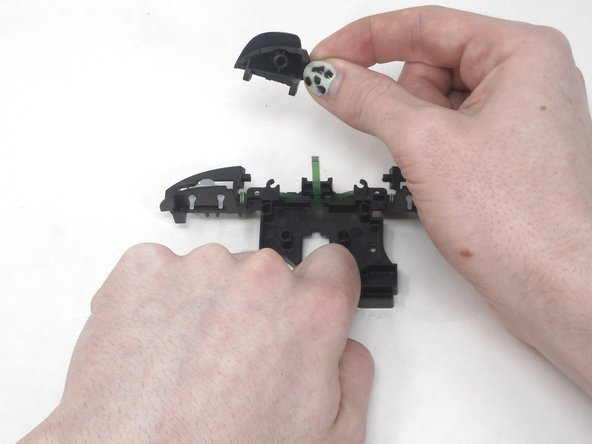
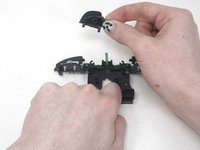
    • Remove the R button by hand.

    FixBot'a Sor

    Yorum Ekle

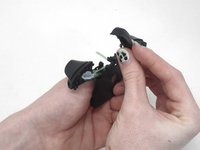
  14. YCCTEAM YCC-SW4001 Shoulder Buttons Replacement: adım 14, 3 resimden 1. YCCTEAM YCC-SW4001 Shoulder Buttons Replacement: adım 14, 3 resimden 2. YCCTEAM YCC-SW4001 Shoulder Buttons Replacement: adım 14, 3 resimden 3.
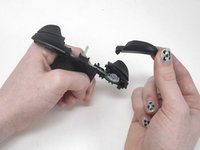
    • Remove the L button by hand.

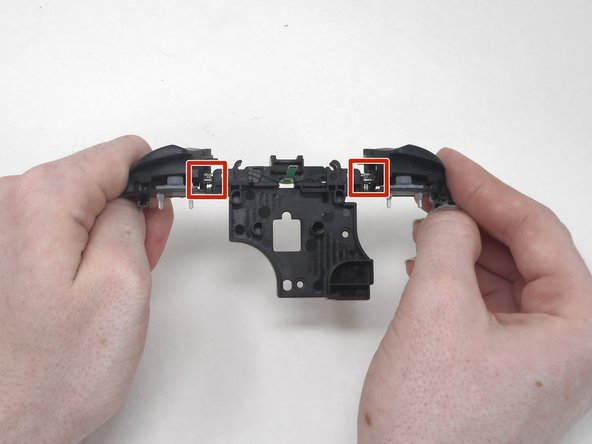
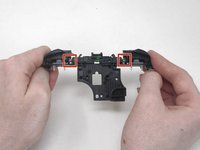
    • Flip the shoulder buttons attachment and look at the metal rods.

    FixBot'a Sor

    Yorum Ekle

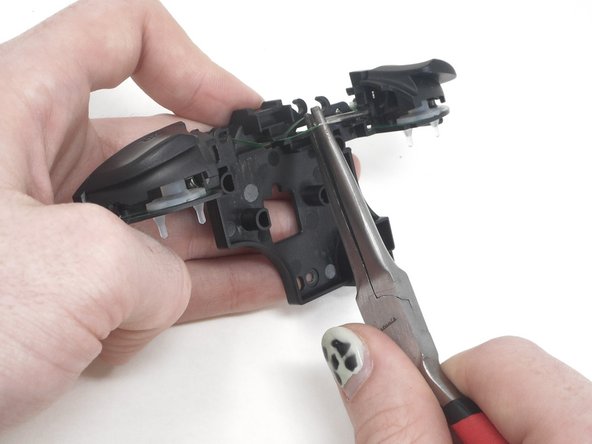
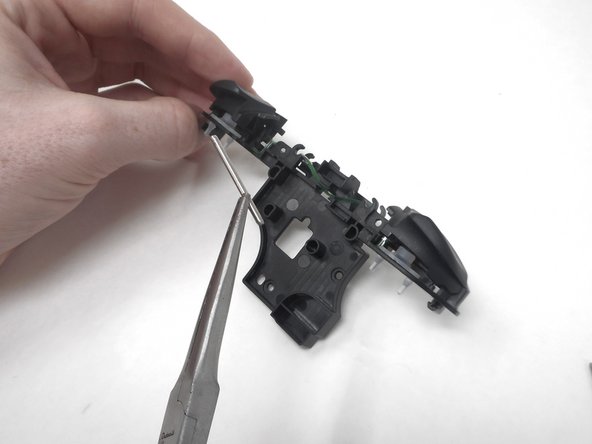
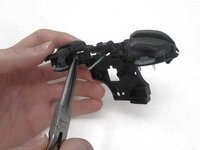
  15. YCCTEAM YCC-SW4001 Shoulder Buttons Replacement: adım 15, 3 resimden 1. YCCTEAM YCC-SW4001 Shoulder Buttons Replacement: adım 15, 3 resimden 2. YCCTEAM YCC-SW4001 Shoulder Buttons Replacement: adım 15, 3 resimden 3.
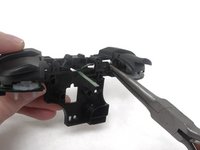
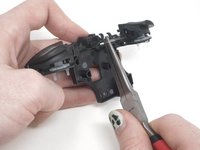
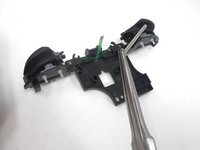
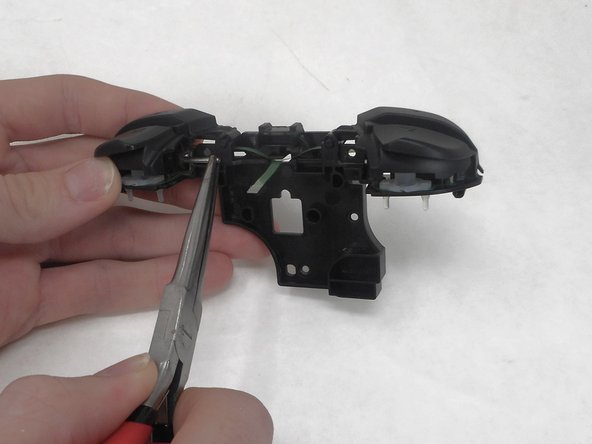
    • Remove the metal rod under "ZL" using the small needle nose pliers.

    FixBot'a Sor

    Yorum Ekle

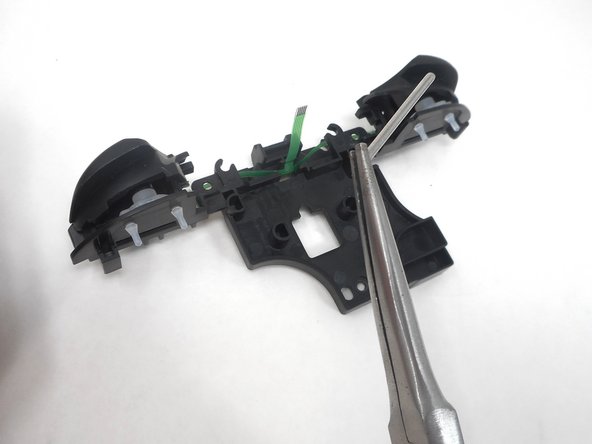
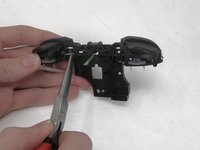
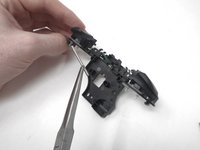
  16. YCCTEAM YCC-SW4001 Shoulder Buttons Replacement: adım 16, 3 resimden 1. YCCTEAM YCC-SW4001 Shoulder Buttons Replacement: adım 16, 3 resimden 2. YCCTEAM YCC-SW4001 Shoulder Buttons Replacement: adım 16, 3 resimden 3.
    • Remove the metal rod under "ZR" using small needle nose pliers.

    FixBot'a Sor

    Yorum Ekle

  17. YCCTEAM YCC-SW4001 Shoulder Buttons Replacement: adım 17, 3 resimden 1. YCCTEAM YCC-SW4001 Shoulder Buttons Replacement: adım 17, 3 resimden 2. YCCTEAM YCC-SW4001 Shoulder Buttons Replacement: adım 17, 3 resimden 3.
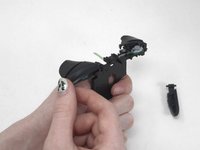
    • Remove the ZL and ZR buttons by hand.

    FixBot'a Sor

    Yorum Ekle

Sonuç

To reassemble your device, follow these instructions in reverse order.

İptal et: Bu kılavuzu tamamlamadım.

Sam Borwick

Üyelik tarihi: 02/15/24

333 İtibar

2 adet Kılavuz yazıldı

0Kılavuz Yorumları

Yorum Ekle

İstatistikleri Görüntüle:

Son 24 Saat: 0

Son 7 gün: 23

Son 30 gün: 53

Her zaman: 393