Giriş
Use this guide to replace the iSight camera.
Neye ihtiyacın var
-
Bu adımda kullanılan alet:Plastic Cards$2.99
-
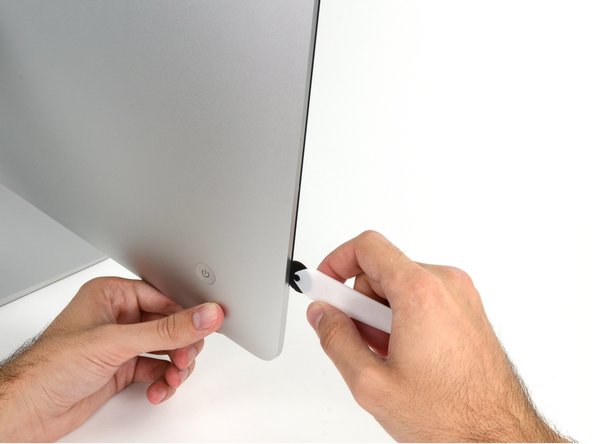
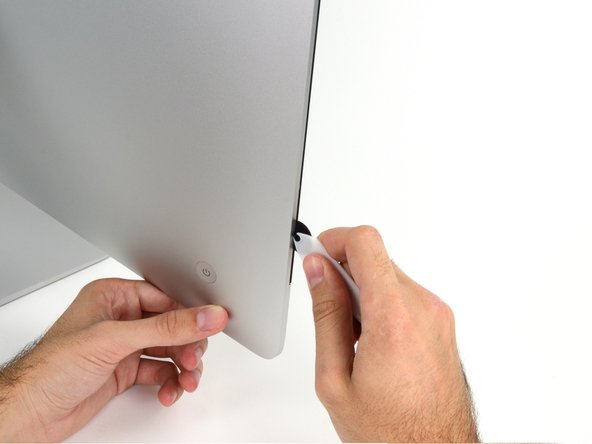
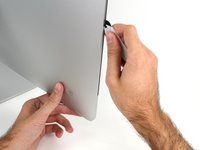
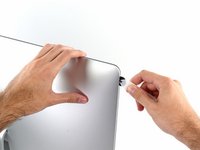
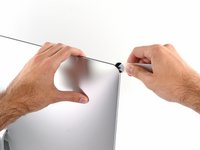
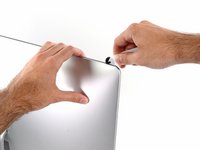
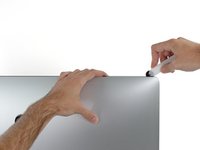
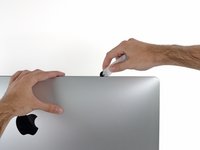
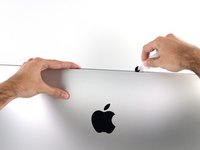
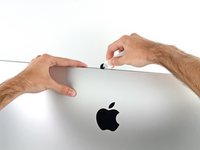
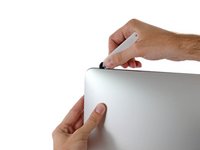
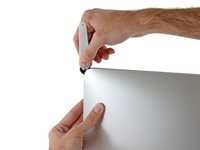
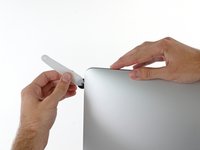
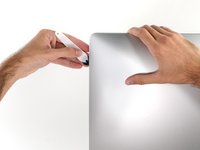
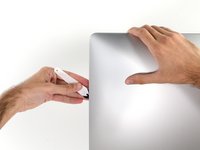
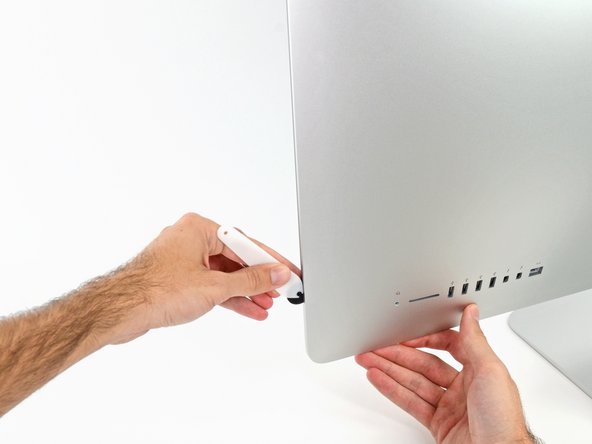
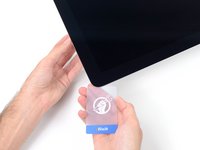
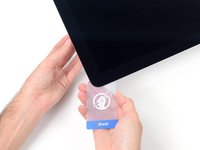
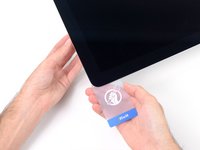
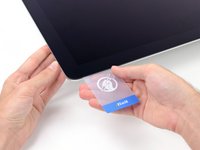
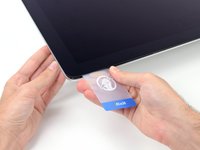
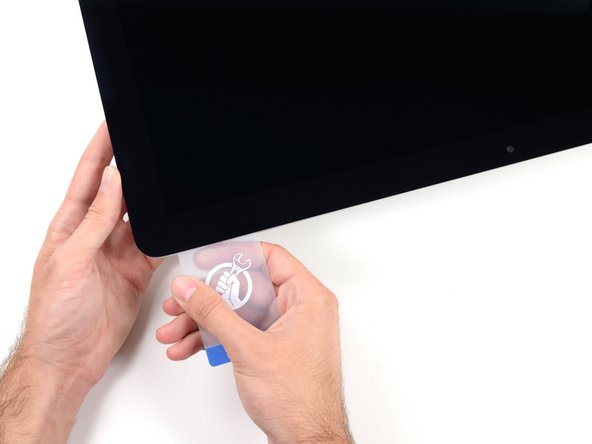
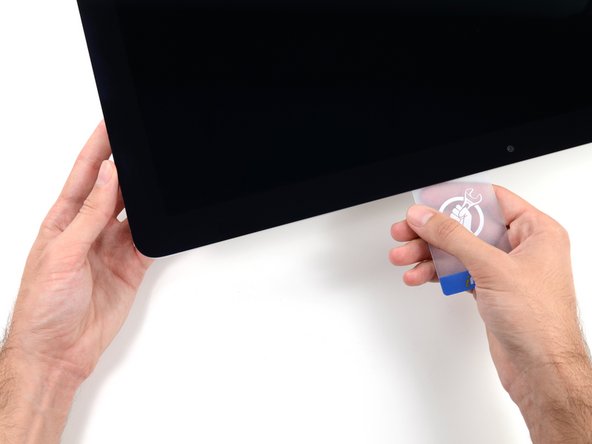
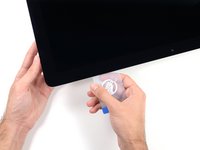
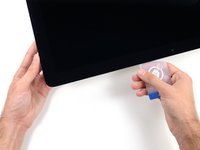
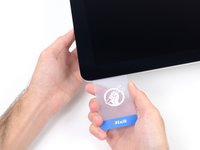
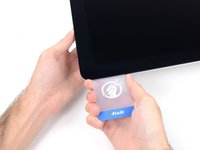
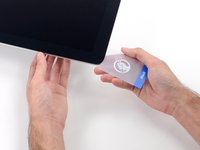
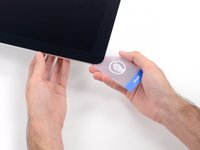
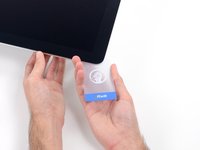
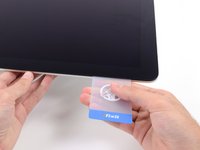
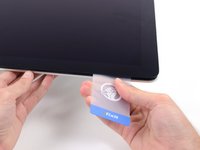
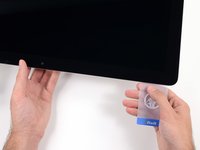
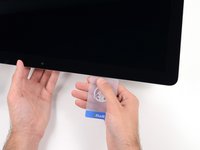
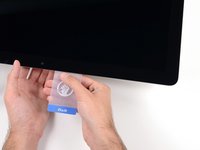
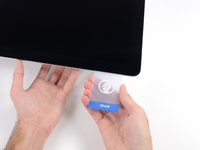
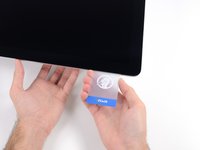
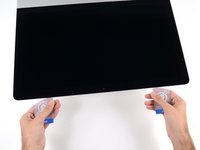
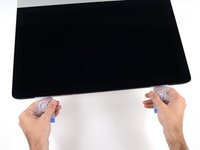
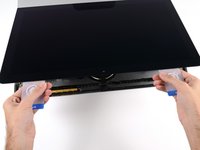
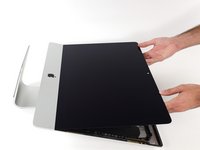
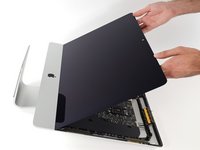
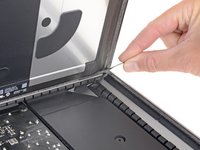
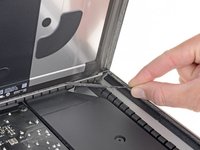
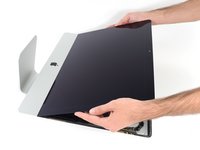
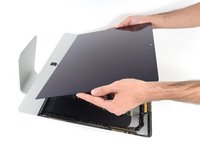
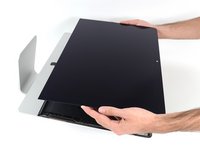
Starting from the top right corner of the iMac, wedge a plastic card between the display and frame.
-
-
-
-
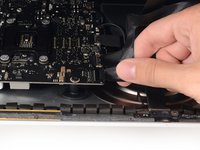
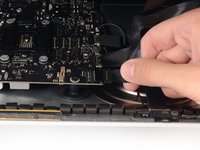
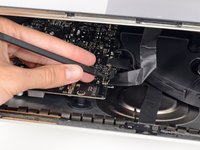
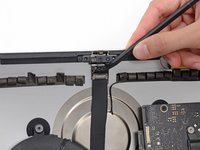
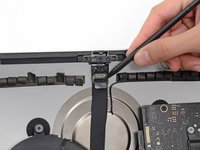
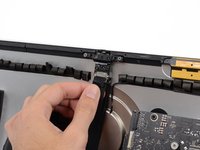
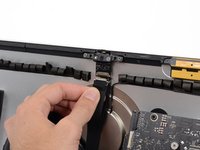
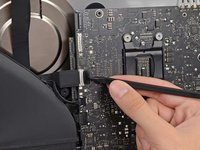
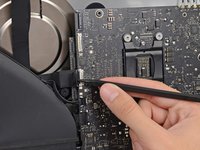
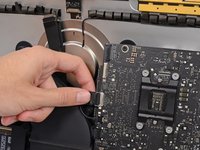
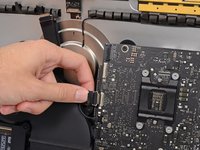
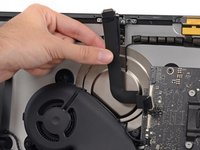
Use the tip of a spudger to flip down the metal retaining bracket on the camera cable.
-
-
-
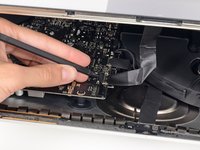
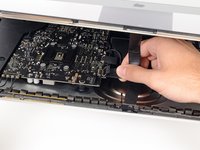
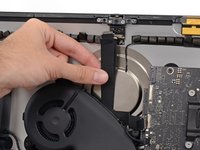
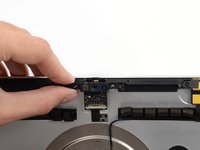
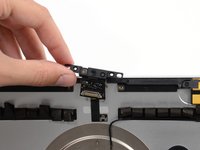
Remove the two 4.3 mm T5 Torx screws securing the camera board to the top of the rear enclosure.
-
























































To reassemble your device, follow these instructions in reverse and use our Adhesive Strips Guide to reattach the display glass.
İptal et: Bu kılavuzu tamamlamadım.
Bir başkası bu kılavuzu tamamladı.



1Rehber Yorum
Hi, thanks for sharing the tutorials. I've been replacing HD and memory and everything went right but the microphone seems not functioning properly. Indeed, I have to speak very close to the camera to get some audio input. Do you have any tip to fix it ? Thanks
PS: iMac Retina 4K - 2019 ... the connector for the microphone doesn't exist.
