Giriş
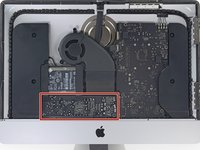
Use this guide to replace the power supply.
Neye ihtiyacın var
-
Bu adımda kullanılan alet:iMac Intel 21.5" Cardboard Service Wedge$4.99
-
Before beginning any work on your iMac: Unplug the computer and press and hold the power button for ten seconds to discharge the power supply's capacitors.
-
-
Bu adımda kullanılan alet:Plastic Cards$2.99
-
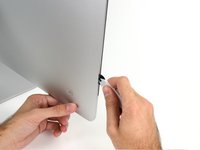
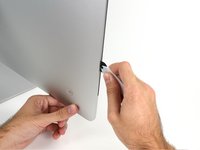
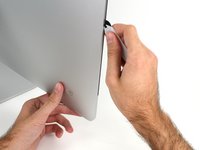
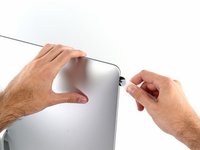
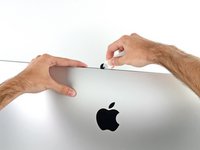
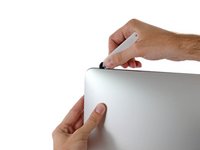
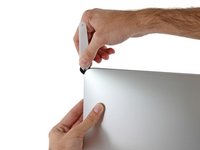
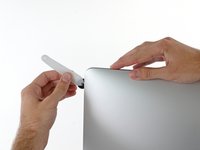
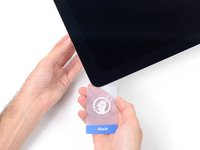
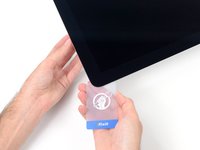
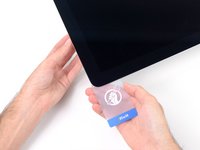
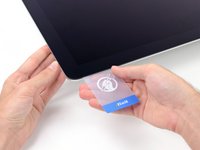
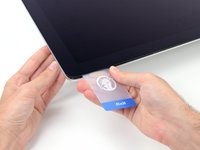
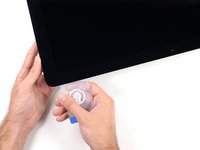
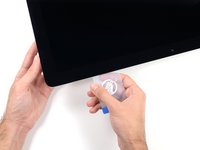
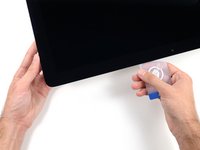
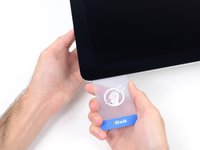
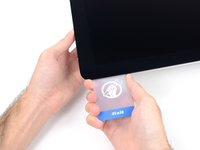
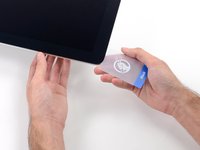
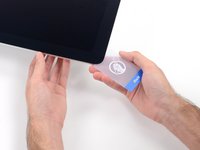
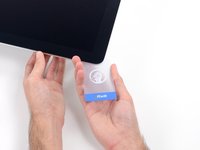
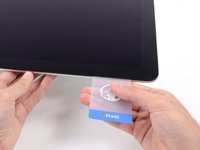
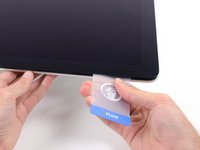
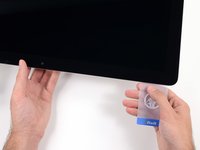
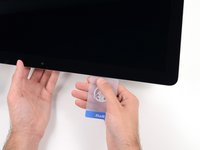
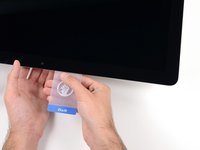
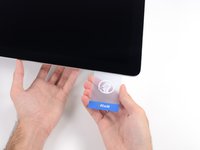
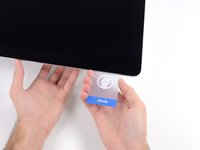
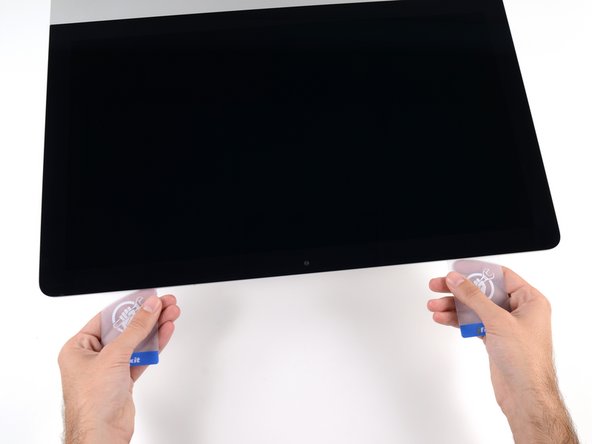
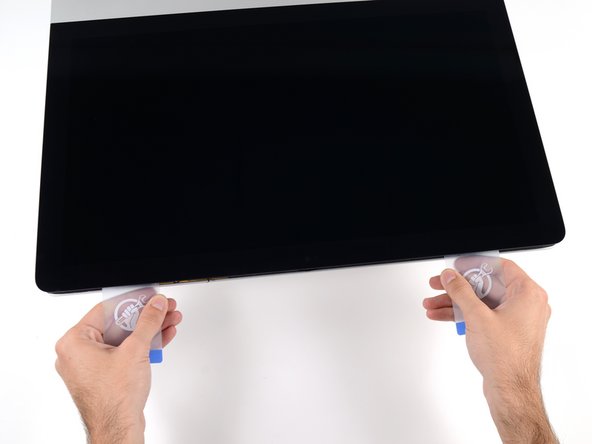
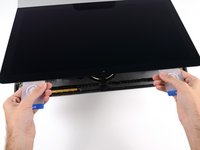
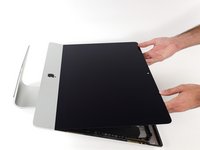
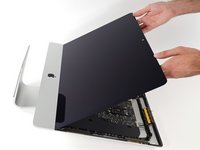
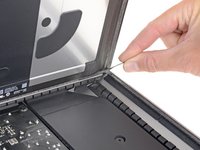
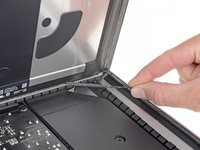
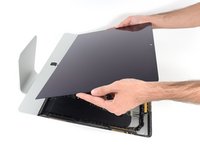
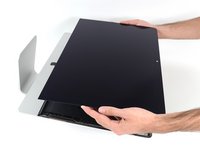
Starting from the top right corner of the iMac, wedge a plastic card between the display and frame.
-
-
-
Bu adımda kullanılan alet:Tweezers$4.99
-
Use a pair of tweezers to flip up the metal retaining bracket on the display data cable.
-
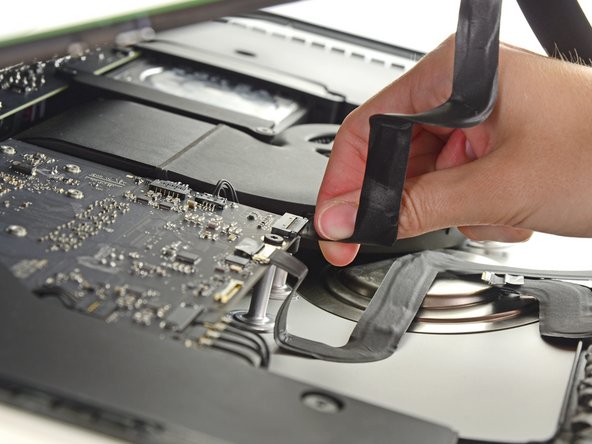
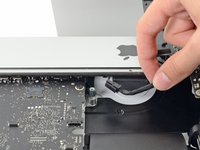
Carefully pull the display data cable from its socket on the logic board.
-
-
-
Remove the following five Phillips screws holding the lower support bracket in place:
-
Four 3.2 mm screws
-
One 1.7 mm screw
-
-
-
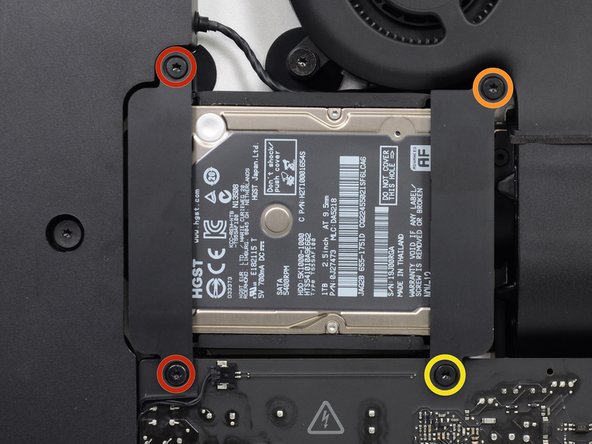
Remove the following screws securing the hard drive bracket to the rear enclosure:
-
Two 21 mm T10 Torx screws from the left-hand hard drive bracket.
-
One 9 mm T10 Torx screw.
-
One 27 mm T10 Torx screw.
-
-
-
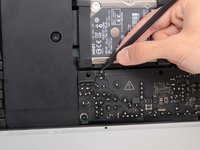
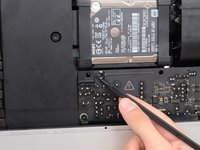
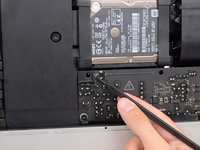
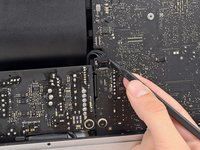
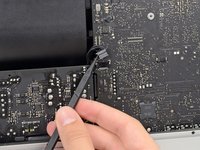
Use the tip of a spudger to push each side of the power button cable connector and gently walk it out of its socket.
-




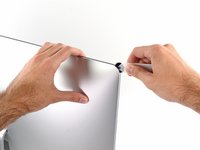
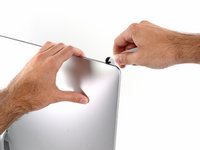



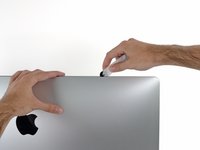


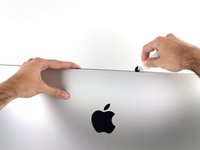




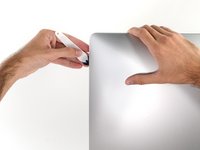
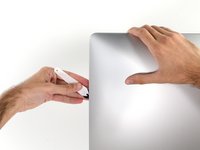


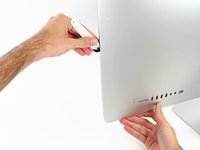
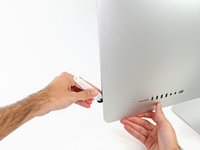

























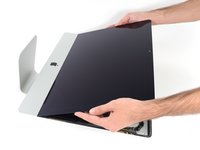







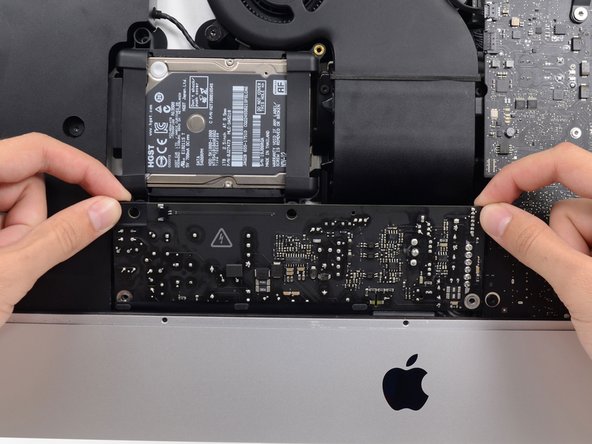



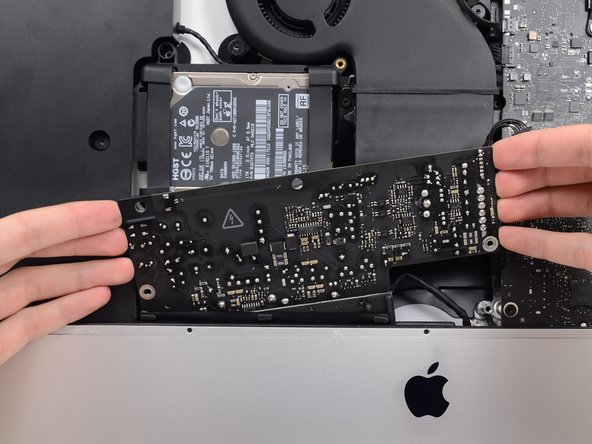
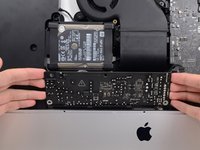
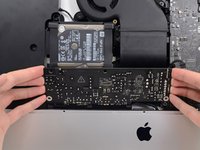
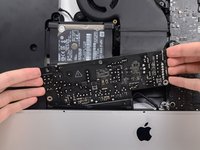


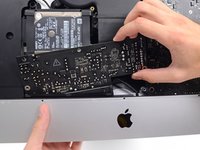
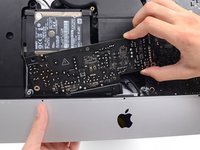


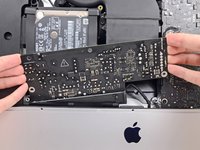
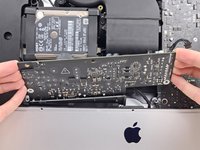
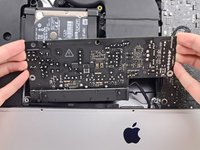


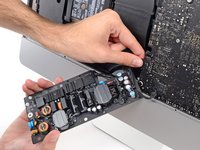
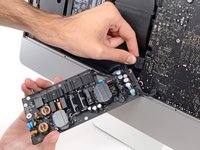


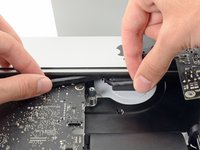
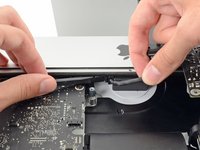

To reassemble your device, follow these instructions in reverse and use our Adhesive Strips Guide to reattach the display glass.
İptal et: Bu kılavuzu tamamlamadım.
7 farklı kişi bu kılavuzu tamamladı.


