Ana içeriğe geç
Onarım Topluluğuna Katılın - Hesap Oluşturun

Bu teardown bir tamir kılavuzu değildir. glorious Model 02 Pro cihazınızı onarmak için, servis kılavuzumuzu kullanın.

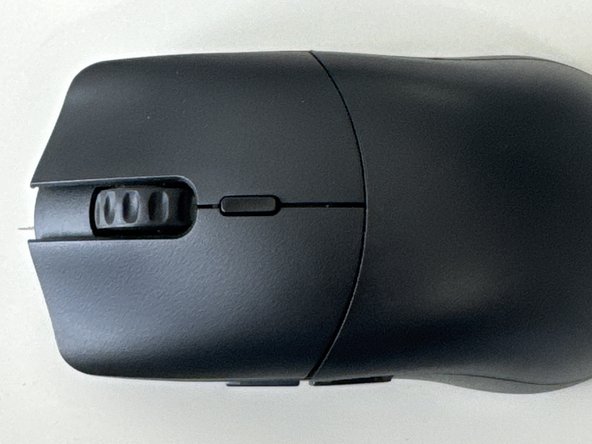
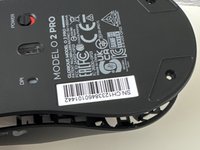
  1. Glorious Model O2 Pro Teardown, Flip Over: adım 1, 2 resimden 1. Glorious Model O2 Pro Teardown, Flip Over: adım 1, 2 resimden 2.
    • Turn the mouse to the bottom

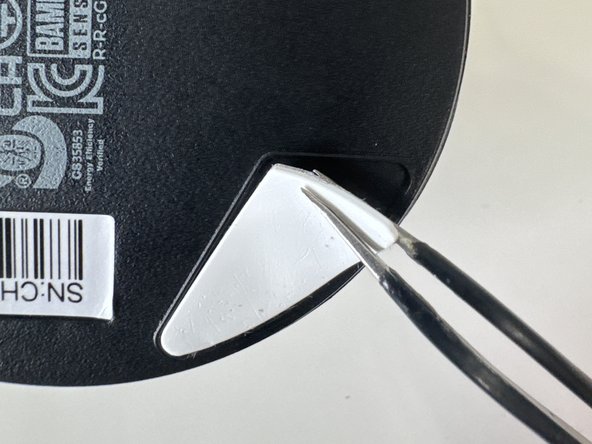
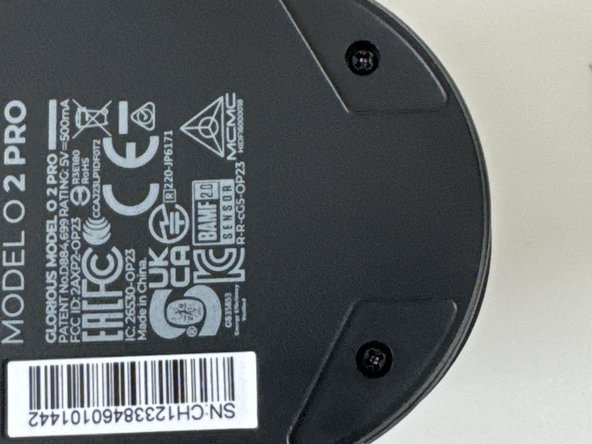
  2. Glorious Model O2 Pro Teardown, Remove feet: adım 2, 3 resimden 1. Glorious Model O2 Pro Teardown, Remove feet: adım 2, 3 resimden 2. Glorious Model O2 Pro Teardown, Remove feet: adım 2, 3 resimden 3.
    • Remove top and bottom feet

    • Make sure to keep these and don't loose then

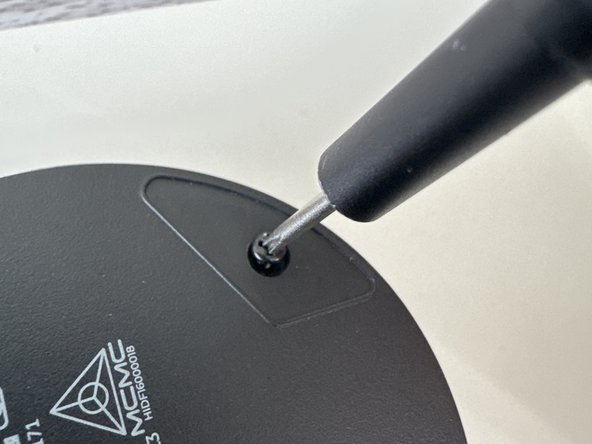
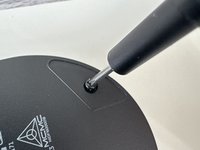
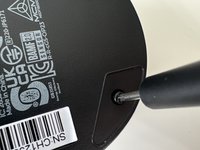
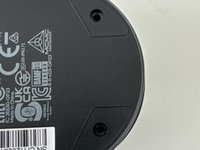
  3. Glorious Model O2 Pro Teardown, Remove Screws: adım 3, 3 resimden 1. Glorious Model O2 Pro Teardown, Remove Screws: adım 3, 3 resimden 2. Glorious Model O2 Pro Teardown, Remove Screws: adım 3, 3 resimden 3.
    • Use a PH001 Screwdriver to remove both screws

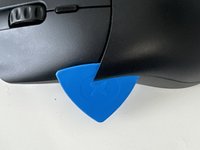
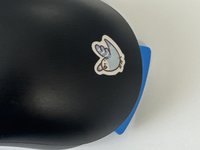
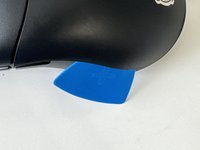
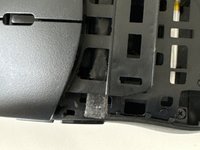
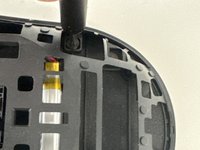
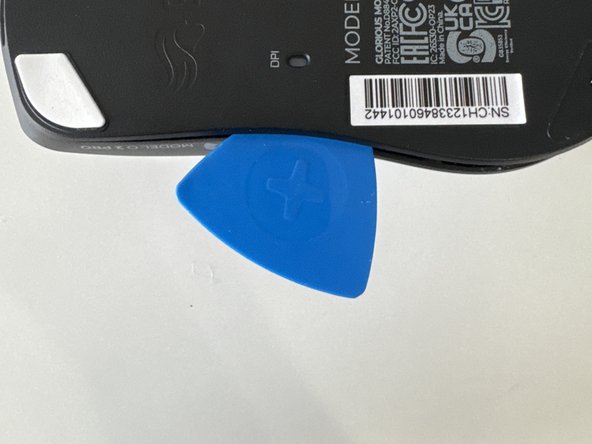
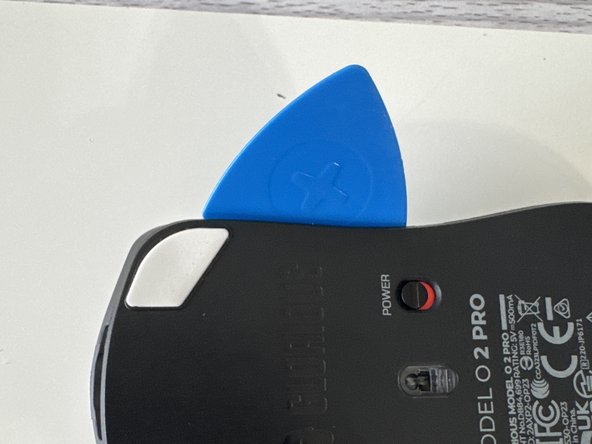
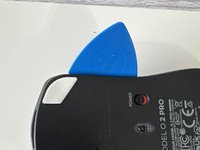
  4. Glorious Model O2 Pro Teardown, Unclip Plastic Piece: adım 4, 3 resimden 1. Glorious Model O2 Pro Teardown, Unclip Plastic Piece: adım 4, 3 resimden 2. Glorious Model O2 Pro Teardown, Unclip Plastic Piece: adım 4, 3 resimden 3.
    • (Ignore Bird Sticker)

    • Slide in an opening pick and gently wiggle across the plate

  5. Glorious Model O2 Pro Teardown, Same as step 4: adım 5, 1 resimden 1.
    • After undoing the last clip the playe should come off to reveal…. (Drum roll) More Clips!

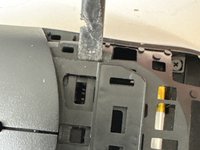
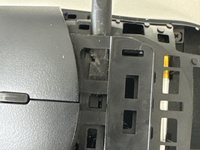
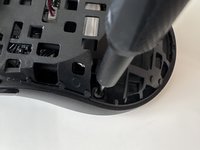
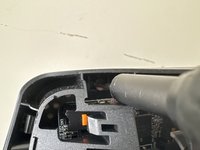
  6. Glorious Model O2 Pro Teardown, Remove Mouse Buttons: adım 6, 3 resimden 1. Glorious Model O2 Pro Teardown, Remove Mouse Buttons: adım 6, 3 resimden 2. Glorious Model O2 Pro Teardown, Remove Mouse Buttons: adım 6, 3 resimden 3.
    • Insert a plastic spudger through the clips

  7. Glorious Model O2 Pro Teardown, Unscew: adım 7, 3 resimden 1. Glorious Model O2 Pro Teardown, Unscew: adım 7, 3 resimden 2. Glorious Model O2 Pro Teardown, Unscew: adım 7, 3 resimden 3.
    • Make sure to get the 4th one that is horizontally straight from the other top screw

    • Keep these screws separate from the ones from the start these 4 are slightly smaller

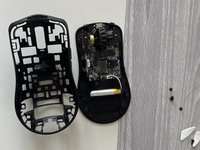
  8. Glorious Model O2 Pro Teardown, Remove Inner shell: adım 8, 3 resimden 1. Glorious Model O2 Pro Teardown, Remove Inner shell: adım 8, 3 resimden 2. Glorious Model O2 Pro Teardown, Remove Inner shell: adım 8, 3 resimden 3.
    • Do a combination of using the puck and prying with your hands use caution because the motherboard and battery cables can be damaged

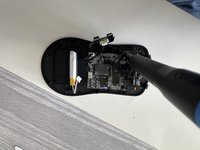
  9. Glorious Model O2 Pro Teardown, Remove housing: adım 9, 2 resimden 1. Glorious Model O2 Pro Teardown, Remove housing: adım 9, 2 resimden 2.
    • Lift it from the housing

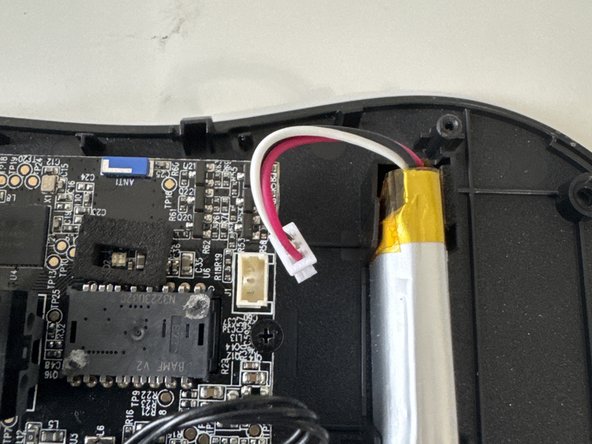
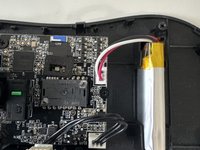
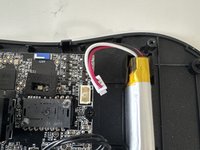
  10. Glorious Model O2 Pro Teardown, Unplug battery: adım 10, 2 resimden 1. Glorious Model O2 Pro Teardown, Unplug battery: adım 10, 2 resimden 2.
    • Unplug the JST connector from the lipo-cell battery

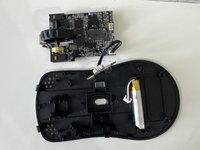
  11. Glorious Model O2 Pro Teardown, Remove mainboard: adım 11, 2 resimden 1. Glorious Model O2 Pro Teardown, Remove mainboard: adım 11, 2 resimden 2.
    • Unscew the 3 smaller screws then remove mainboard from housing
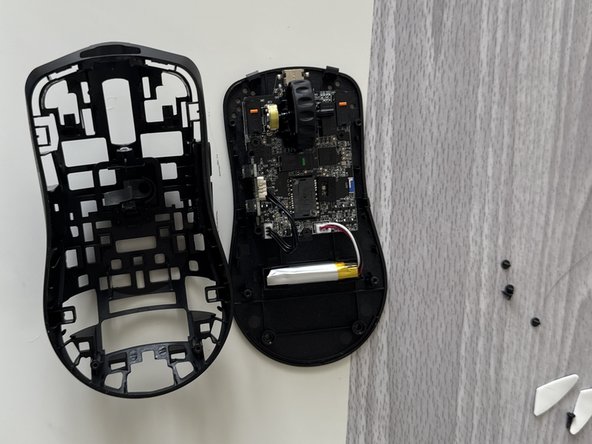
    • Thanks for reading my first ifixit guide (R.I.P my prying puck)

0DanDan0

Üyelik tarihi: 08/17/23

262 İtibar

1 Kılavuz yazıldı

3Kılavuz Yorumları

They removed the last photo with all the pieces 😭

0DanDan0 - Yanıt Paylaş

can you send me the photo with all the pieces?

Fok Pop - Yanıt Paylaş

Dont think i can...

0DanDan0 - Paylaş

Yorum Ekle

İstatistikleri Görüntüle:

Son 24 Saat: 6

Son 7 gün: 25

Son 30 gün: 137

Her zaman: 2,204