
 1
1 Display Trouble Shooting Steps?
Hi
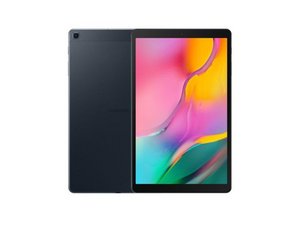
I am trying to fix a broken screen on a SM-T510.
I have replaced the screen, and tablet is turning on ( as charge sound can be heard when cable is connected) but there is nothing displaying, and nothing visible when shining a light. I have reattached the old screen ( which had been showing display behind all the damage) and now that is not showing anything either.
I have ordered a new LCD flex cable just in case, but it may have been something else damaged while changing the screen as I only realised after I had not disconnected the battery fully.
Following the troubleshooting steps for display, it says to test C7020 for 27v, and if abnormal resolder or replace U7003.
I have a schematic diagram and can see C7020, but where is U7003 as I can't make out it anywhere when the quality is lost after I zoom in?
Also just in case, the next steps are
Check C7018 and C7019 for 5.6v, if abnormal replace or resolder U7001.
Check C7017 for 1.8V, if abnormal check the U7000.
Where are all these located also?
Thanks
Bu iyi bir soru mu?

 978
978  2,4b
2,4b 
