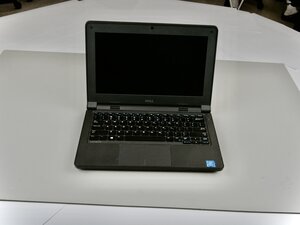

No boot device found
My Dell is unable to find a bootable device
Bu iyi bir soru mu?
Puan
0
İtibar: 1
 3
3
Your problem means it can’t detect your hard drive or operating system. First, restart and enter the BIOS (press F2 or F12 at startup) to check if the hard drive is listed. If not, reset the drive or replace it. If it’s detected, ensure the boot mode (UEFI/Legacy) matches your OS installation. You can also run Dell Diagnostics (F12 menu) to check for hardware issues. If everything seems fine, use a Windows recovery USB to repair the boot files or reinstall Windows to restore proper startup functionality.
Bu yanıt yardımcı oldu mu?
İtibar: 1
3
 3
3
Well I will suggest you to checkout the following video: https://www.youtube.com/watch?v=LxxINiDD...
Bu yanıt yardımcı oldu mu?
Son 24 Saat: 1
Son 7 gün: 2
Son 30 gün: 13
Her zaman: 149


