Giriş
This guide will walk you through the replacement process for the display found within your Amazon Echo Show 10 3rd Gen device. The display is responsible for showing the UI of the device as well as allowing the user to control the device's settings and functions. If you are having problems with the device display not turning on, not responding to touch controls, or it is cracked or damaged, replacement may be necessary.
If possible, a restart of the device using the physical power button is recommended before replacement of the screen, since that may fix the issue without the need for disassembly. Please make sure to refer to the Amazon Echo Show 10 3rd Gen troubleshooting page before committing to replacement.
If the screen of your device is cracked or shattered, please refer to the guide linked here for information on preparing broken screens for replacement.
Neye ihtiyacın var
-
-
With the Echo device standing upright, firmly grip the base and use the blue opening tool to gently pry the lid from the mesh speaker base.
-
Remove the lid and set aside.
 FixBot'a Sor
-
-
-
Use a TR8 Torx Security screwdriver to remove the six 9 mm screws from the perimeter of the plastic bezel on the top edge of the device.
-
-
-
Release the adhesive seal connecting the bezel to the main base by inserting a Jimmy underneath the edge, and gently sliding from one side to another.
-
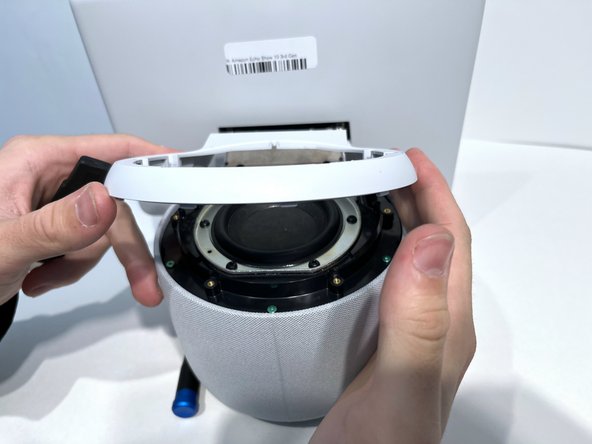
Lift up the outermost edge of the plastic bezel (furthest from the display) to remove it and set it aside.
-
-
-
Use a Torx T6 screwdriver to remove the five 10 mm screws from the perimeter of the top surface of the base.
-
-
-
-
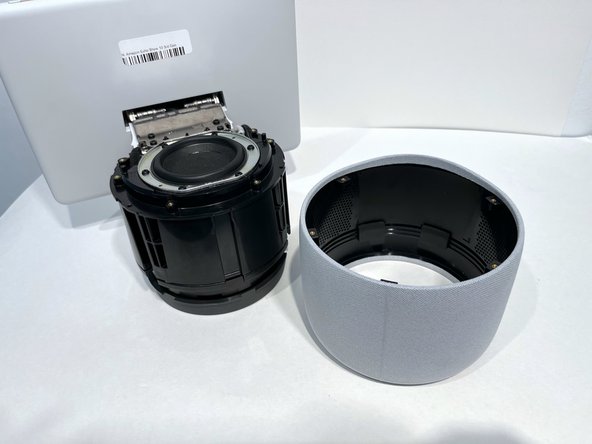
With one hand securely holding the neck of the display and the other holding the device base, gently lift the device out of the mesh shell.
-
Place the shell aside.
-
-
-
Tilt the device so that the underside of the display and its neck are facing you.
-
Use a T6 Torx screwdriver to remove the two 5mm screws from the underside of the display neck.
-
-
-
Use an opening tool to flip up the small locking flap on the ribbon cable connector located in the center of the exposed underside of the display neck.
-
Gently pull the cable out.
-
-
-
Tilt the device so it is in the upright position.
-
Use a TR10 Torx Security screwdriver to remove the four 11 mm screws from the top of the display neck.
-




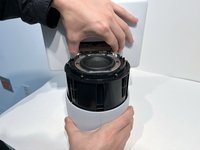
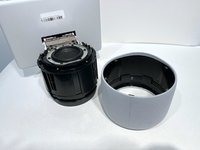


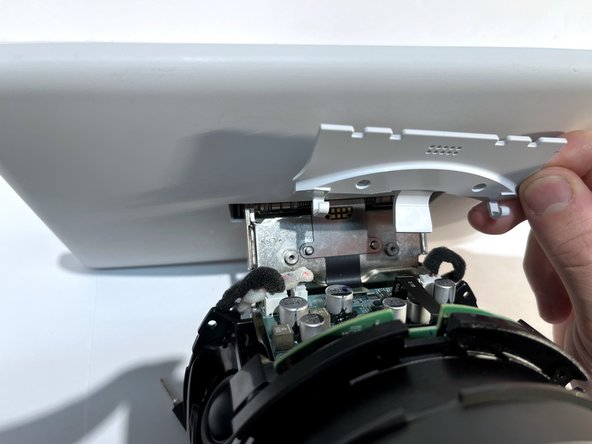
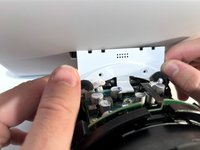
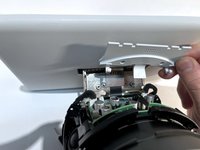


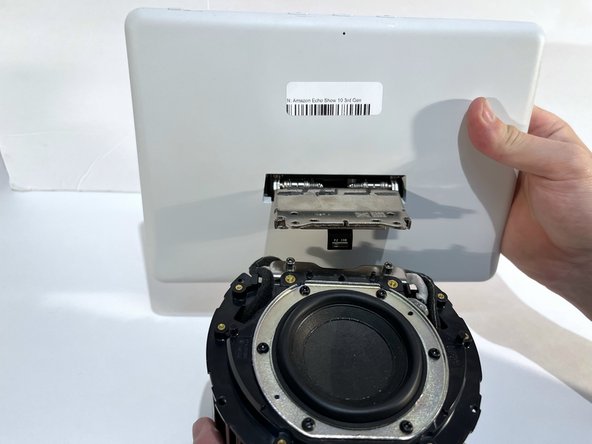
To reassemble your device, follow these instructions in reverse order.
İptal et: Bu kılavuzu tamamlamadım.
Bir başkası bu kılavuzu tamamladı.

Ekip

Western Carolina University, Team 1-4, Virtue Fall 2023 Western Carolina University, Team 1-4, Virtue Fall 2023 üyesi
WCU-VIRTUE-F23S1G4
4 Üyeler
6 adet Kılavuz yazıldı
6Kılavuz Yorumları
@tomaszk64280 por la plataforma de amazon, pero no aparece el tutorial para cambiar solo la pantalla
Wenn ihr eine Quelle gefunden habt wäre eine info schön ich suche nun auch nach einem kleinen missgeschick...
