Ana içeriğe geç
Onarım Topluluğuna Katılın - Hesap Oluşturun

Backbone One Left Trigger Replacement

Neye ihtiyacın var

  1. Backbone One Left Trigger Replacement, Unfasten the screws: adım 1, 1 resimden 1.
    • Use a Phillips screwdriver to remove the four 5.9 mm-long screws.

    FixBot'a Sor

    Yorum Ekle

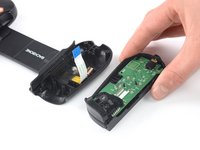
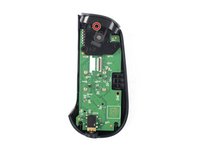
  2. Backbone One Left Trigger Replacement, Rotate the upper cover: adım 2, 3 resimden 1. Backbone One Left Trigger Replacement, Rotate the upper cover: adım 2, 3 resimden 2. Backbone One Left Trigger Replacement, Rotate the upper cover: adım 2, 3 resimden 3.
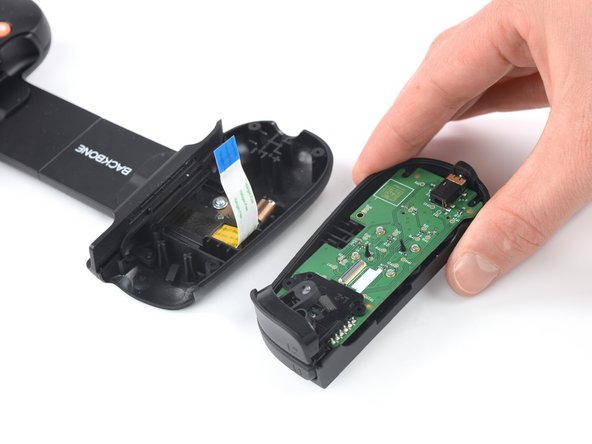
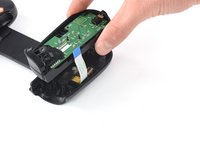
    • Lift up the upper part of the controller.

    • Swing over the upper cover and place it on the controller case.

    • Take care that the interconnecting cable has no tension.

    FixBot'a Sor

    Yorum Ekle

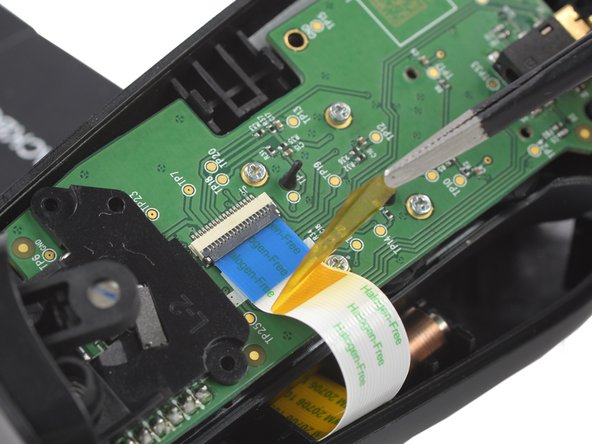
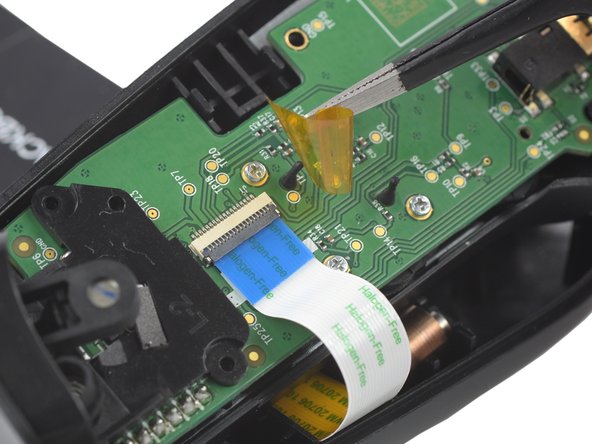
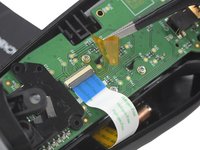
  3. Backbone One Left Trigger Replacement, Remove the protective tape: adım 3, 3 resimden 1. Backbone One Left Trigger Replacement, Remove the protective tape: adım 3, 3 resimden 2. Backbone One Left Trigger Replacement, Remove the protective tape: adım 3, 3 resimden 3.
    Bu adımda kullanılan alet:
    Tweezers
    $4.99
    • Use a pair of tweezers to remove the yellow protective tape which is placed over the interconnect cable connector.

    FixBot'a Sor

    Yorum Ekle

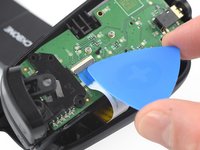
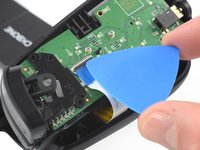
  4. Backbone One Left Trigger Replacement, Open the ZIF connector: adım 4, 2 resimden 1. Backbone One Left Trigger Replacement, Open the ZIF connector: adım 4, 2 resimden 2.
    • Use the tip of an opening pick to open the gray flap of the ZIF connector by pushing it upwards.

    FixBot'a Sor

    Yorum Ekle

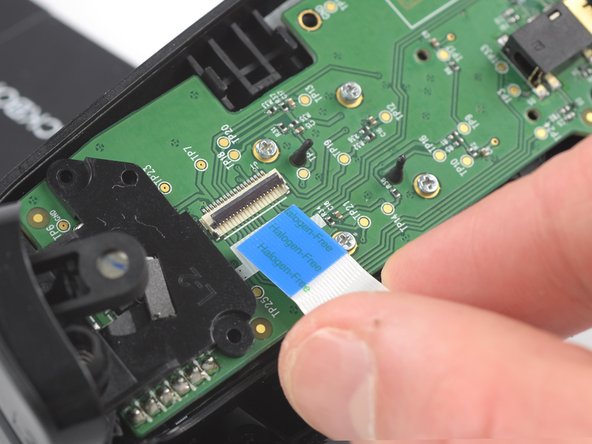
  5. Backbone One Left Trigger Replacement, Disconnect the interconnect cable: adım 5, 2 resimden 1. Backbone One Left Trigger Replacement, Disconnect the interconnect cable: adım 5, 2 resimden 2.
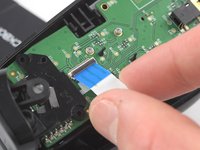
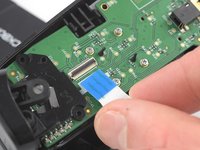
    • Use your fingers to disconnect the interconnect cable from its connector.

    FixBot'a Sor

    Yorum Ekle

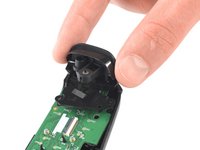
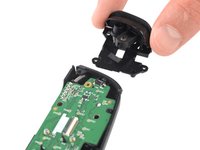
  6. Backbone One Left Trigger Replacement: adım 6, 2 resimden 1. Backbone One Left Trigger Replacement: adım 6, 2 resimden 2.
    • Remove the upper half of the left controller assembly.

    FixBot'a Sor

    Yorum Ekle

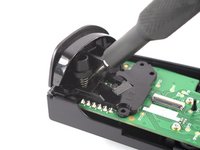
  7. Backbone One Left Trigger Replacement, Remove the screw: adım 7, 2 resimden 1. Backbone One Left Trigger Replacement, Remove the screw: adım 7, 2 resimden 2.
    • Use a Phillips screwdriver to remove the 5.9 mm-long screw which is securing the trigger.

    • The screw is difficult to reach. Insert the screwdriver at an angle of 45 degrees.

    FixBot'a Sor

    Yorum Ekle

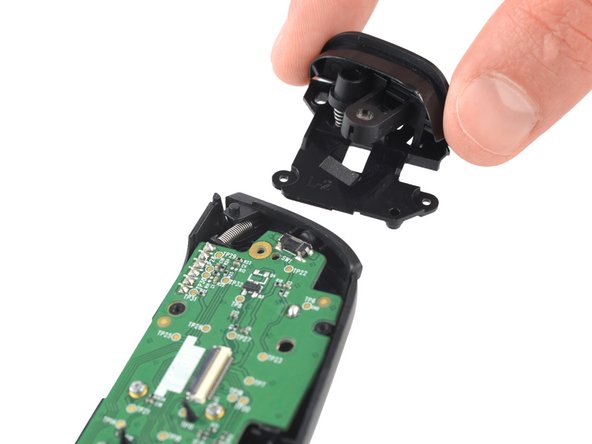
  8. Backbone One Left Trigger Replacement, Remove the trigger: adım 8, 2 resimden 1. Backbone One Left Trigger Replacement, Remove the trigger: adım 8, 2 resimden 2.
    • Remove the left trigger.

    FixBot'a Sor

    Yorum Ekle

Sonuç

To reassemble your device, follow these instructions in reverse order.

Repair didn’t go as planned? Ask our Answers community for help.

İptal et: Bu kılavuzu tamamlamadım.

2 farklı kişi bu kılavuzu tamamladı.

Adriana Zwink

Üyelik tarihi: 12/18/19

67.702 İtibar

167 adet Kılavuz yazıldı

Ekip

iFixit iFixit üyesi

Staff

123 Üyeler

28.230 adet Kılavuz yazıldı

1Rehber Yorum

Where can I buy the trigger

Zach - Yanıt Paylaş

Yorum Ekle

İstatistikleri Görüntüle:

Son 24 Saat: 4

Son 7 gün: 22

Son 30 gün: 73

Her zaman: 4,091