Ana içeriğe geç
Onarım Topluluğuna Katılın - Hesap Oluşturun

Cineyo BT-03 Device Page Button Replacement

Neye ihtiyacın var

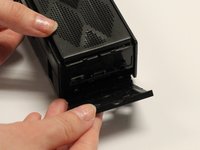
  1. Cineyo BT-03 Device Page Button Replacement, Cineyo BT-03 Device Disassembly: adım 1, 3 resimden 1. Cineyo BT-03 Device Page Button Replacement, Cineyo BT-03 Device Disassembly: adım 1, 3 resimden 2. Cineyo BT-03 Device Page Button Replacement, Cineyo BT-03 Device Disassembly: adım 1, 3 resimden 3.
    • Remove the top (button side) rubber cover using your hands.

    FixBot'a Sor

    Yorum Ekle

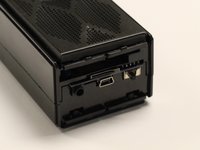
  2. Cineyo BT-03 Device Page Button Replacement: adım 2, 2 resimden 1. Cineyo BT-03 Device Page Button Replacement: adım 2, 2 resimden 2.
    • Flip over the device and remove the bottom rubber cover using your hands.

    FixBot'a Sor

    Yorum Ekle

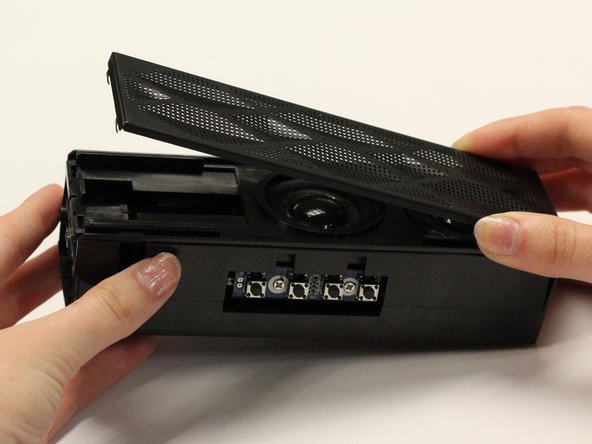
  3. Cineyo BT-03 Device Page Button Replacement: adım 3, 3 resimden 1. Cineyo BT-03 Device Page Button Replacement: adım 3, 3 resimden 2. Cineyo BT-03 Device Page Button Replacement: adım 3, 3 resimden 3.
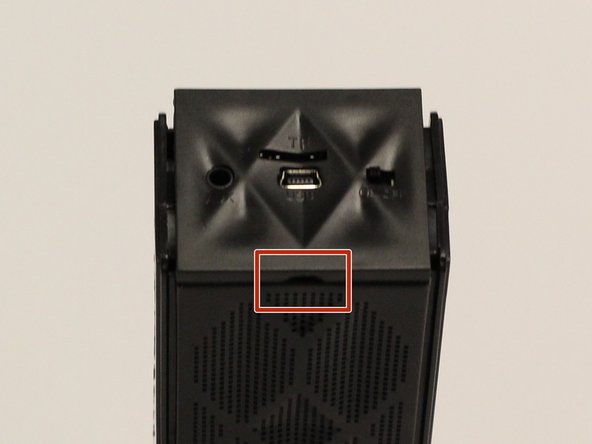
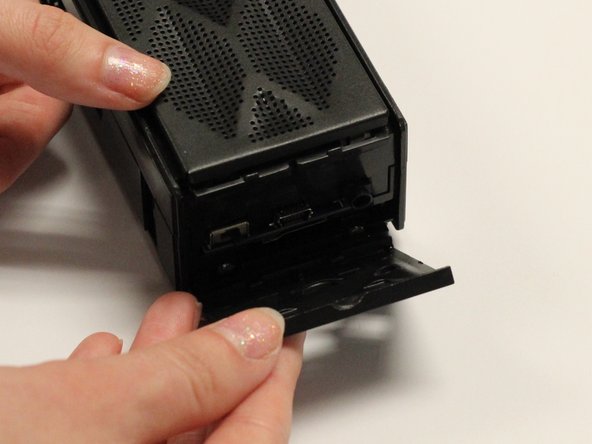
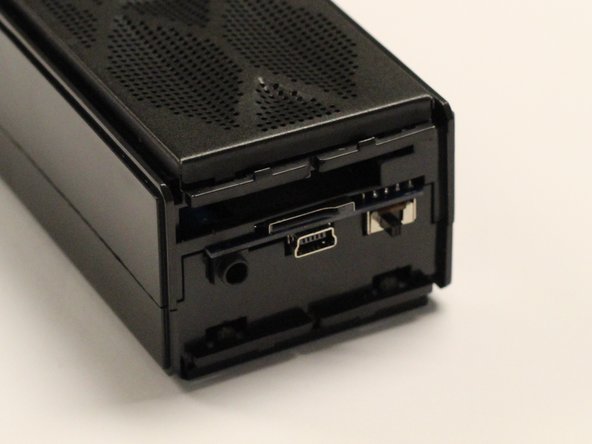
    • Using your hands, pull off the plastic side cover (on the side with the audio jack) using the indented tab. The indented tab has been highlighted in the picture.

    FixBot'a Sor

    Yorum Ekle

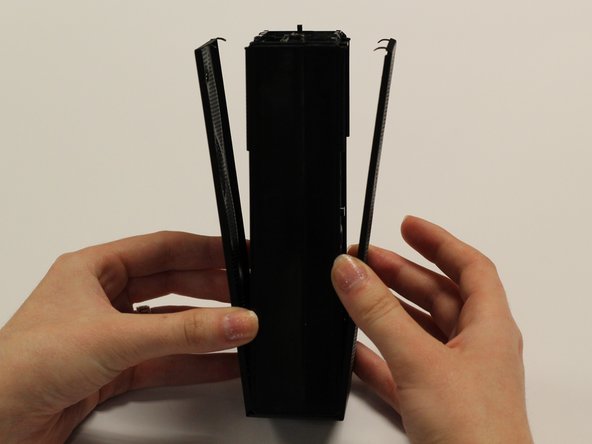
  4. Cineyo BT-03 Device Page Button Replacement: adım 4, 3 resimden 1. Cineyo BT-03 Device Page Button Replacement: adım 4, 3 resimden 2. Cineyo BT-03 Device Page Button Replacement: adım 4, 3 resimden 3.
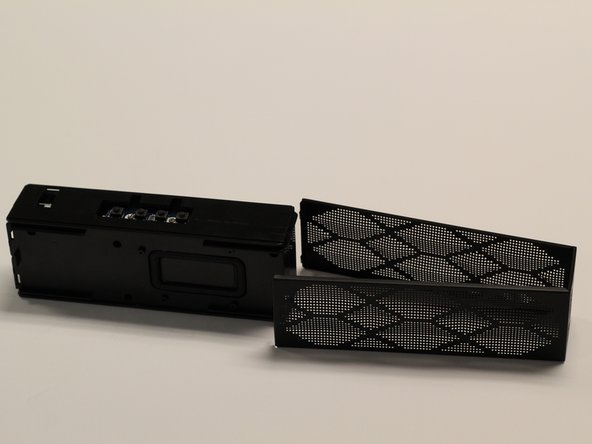
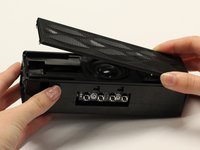
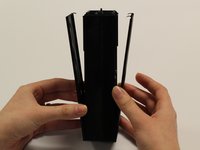
    • Detach the plastic speaker cover on both the front and back sides. Then slide the cover off of the device.

    • The cover should remain as one solid piece.

    FixBot'a Sor

    Yorum Ekle

  5. Cineyo BT-03 Device Page Button Replacement: adım 5, 1 resimden 1.
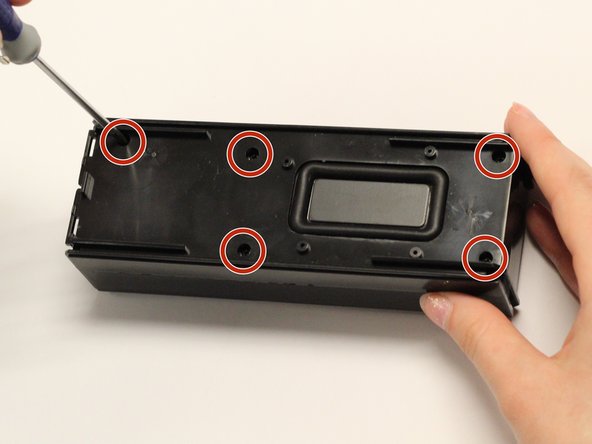
    • Remove the five 1 cm screws on the back side (opposite of the speakers) of the device using a Phillips #1 screwdriver.

    FixBot'a Sor

    Yorum Ekle

  6. Cineyo BT-03 Device Page Button Replacement: adım 6, 1 resimden 1.
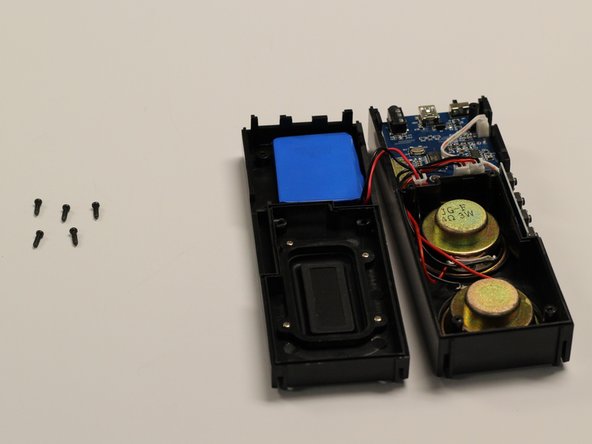
    • Gently pull apart the two sections of the device.

    FixBot'a Sor

    Yorum Ekle

  7. Cineyo BT-03 Device Page Button Replacement, Button: adım 7, 2 resimden 1. Cineyo BT-03 Device Page Button Replacement, Button: adım 7, 2 resimden 2.
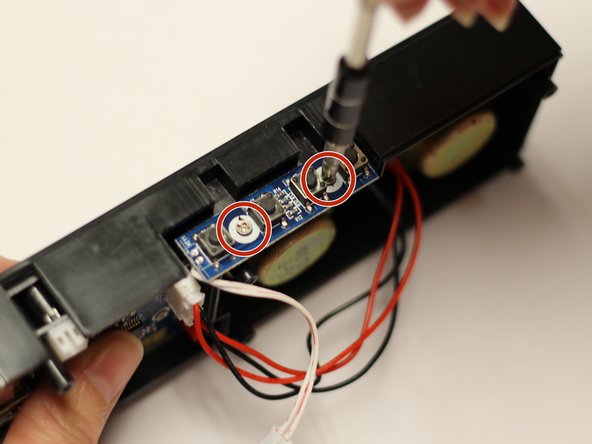
    • With a Phillips #1 screwdriver, remove the two 5mm screws which attach the button mount to the plastic casing of the device.

    FixBot'a Sor

    Yorum Ekle

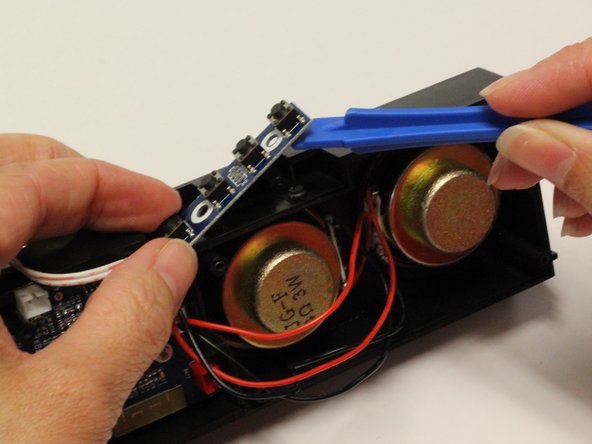
  8. Cineyo BT-03 Device Page Button Replacement: adım 8, 2 resimden 1. Cineyo BT-03 Device Page Button Replacement: adım 8, 2 resimden 2.
    • Using a plastic opening tool, pry the button mount off of the plastic casing of the device.

    FixBot'a Sor

    Yorum Ekle

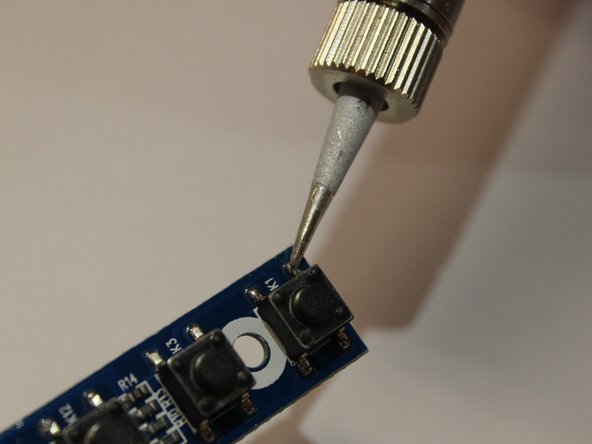
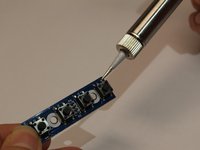
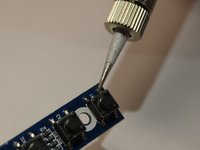
  9. Cineyo BT-03 Device Page Button Replacement: adım 9, 2 resimden 1. Cineyo BT-03 Device Page Button Replacement: adım 9, 2 resimden 2.
    • Using a soldering iron and iFixit’s Soldering Guide, remove the individual buttons.

    FixBot'a Sor

    Yorum Ekle

Sonuç

To reassemble your device, follow these instructions in reverse order.

İptal et: Bu kılavuzu tamamlamadım.

Rene Klopf

Üyelik tarihi: 01/30/17

487 İtibar

4 adet Kılavuz yazıldı

Ekip

Baylor, Team 8-3, Whitney Spring 2017 Baylor, Team 8-3, Whitney Spring 2017 üyesi

BU-WHITNEY-S17S8G3

5 Üyeler

5 adet Kılavuz yazıldı

0Kılavuz Yorumları

Yorum Ekle

İstatistikleri Görüntüle:

Son 24 Saat: 1

Son 7 gün: 2

Son 30 gün: 32

Her zaman: 344