Giriş
To replace the battery you will need a sharp edged tool, be sure to be careful. The glue on the battery is sticky and hard to get off.
Neye ihtiyacın var
-
-
-
With a J00 Philips head screwdriver, unscrew the two 4mm black screws located at the bottom of the device.
 FixBot'a Sor
-
-
-
Using a plastic opening tool, begin softly prying open device by first inserting it in between the front and back panels.
-
Continue prying the edges while moving around the device's perimeter until the back can be easily removed.
-
-
-
-
-
-
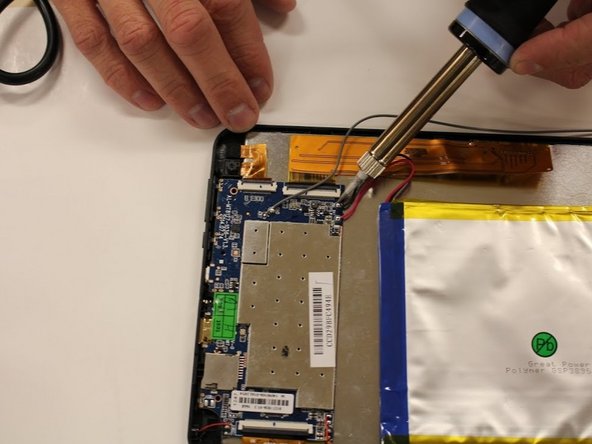
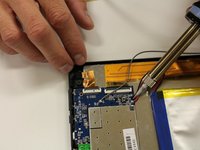
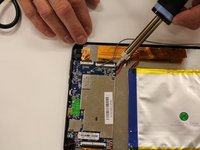
Desolder positive and negative, red and black, wires from the mother board that are connected to the battery.
-
-
-
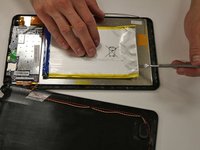
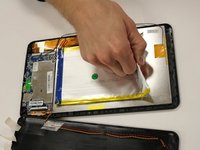
Using a metal spudger tool, wedge between battery and metal screen.
-
Follow the edge of the battery to loosen the glue.
-
-
-
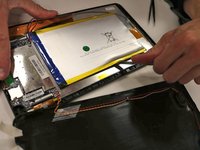
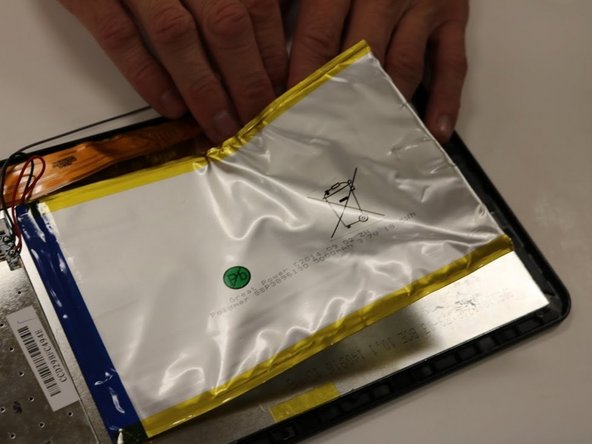
Once the glue is loosened, you should be able to pry off the battery from the screen.
-
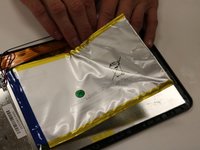
Using your hands, pull up on the battery to pull battery off.
-
The battery will be completely disconnected and you can set the battery aside in a safe place.
-
-





To reassemble your device, follow these instructions in reverse order.
İptal et: Bu kılavuzu tamamlamadım.
Bir başkası bu kılavuzu tamamladı.

Ekip

Eastern Washington University, Team 1-5, Matresse Fall 2015 Eastern Washington University, Team 1-5, Matresse Fall 2015 üyesi
EWU-MATRESSE-F15S1G5
4 Üyeler
13 adet Kılavuz yazıldı
3Kılavuz Yorumları
the replacemet has 3 wires .where go the 3 wire?
