Ana içeriğe geç
Onarım Topluluğuna Katılın - Hesap Oluşturun

Digital2 D2-861G LCD Screen Replacement

Neye ihtiyacın var

  1. Digital2 D2-861G LCD Screen Replacement, Battery: adım 1, 1 resimden 1.
    • Working on your device while powered on may result in electric shock. Make sure to unplug and power down your device before you begin.

    • Place your device on a soft cloth to avoid scratching the screen.

    • Flip your device over so back panel is facing upwards

    FixBot'a Sor

    Yorum Ekle

  2. Digital2 D2-861G LCD Screen Replacement: adım 2, 2 resimden 1. Digital2 D2-861G LCD Screen Replacement: adım 2, 2 resimden 2.
    • Do not use a lot of force as it can break the clips or the back panel.

    • Insert spudger in the slot below the micro SD card

    • You should hear clips releasing as you pry along the edges.

    • With the spudger tool, run along the edges of the backing undoing 20 plastic clips.

    FixBot'a Sor

    Yorum Ekle

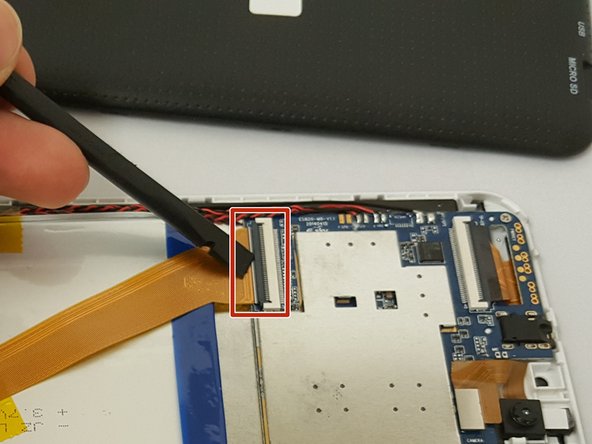
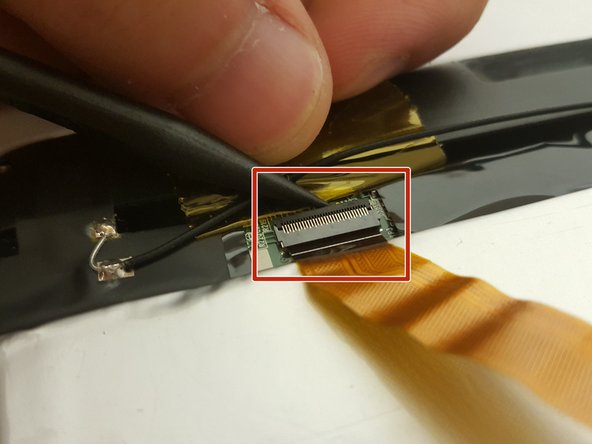
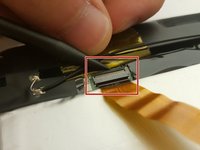
  3. Digital2 D2-861G LCD Screen Replacement: adım 3, 3 resimden 1. Digital2 D2-861G LCD Screen Replacement: adım 3, 3 resimden 2. Digital2 D2-861G LCD Screen Replacement: adım 3, 3 resimden 3.
    • Look at the images to locate the black tabs.

    • Carefully remove the tape to avoid damaging the device.

    • Remove ALL the yellow tape securing the gold colored ZIF (Zero insertion force) connector and the battery. Discard or save the tape if you would like.

    • To unclip the connector. Go under the black tab with a spudger or finger nail and simply lift up.

    FixBot'a Sor

    Yorum Ekle

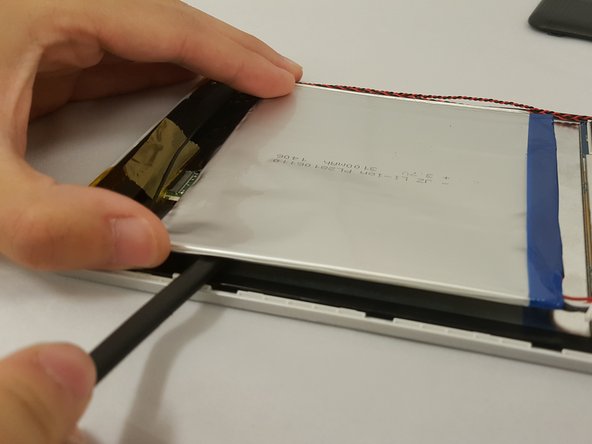
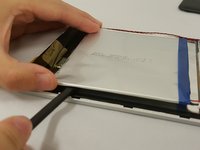
  4. Digital2 D2-861G LCD Screen Replacement: adım 4, 2 resimden 1. Digital2 D2-861G LCD Screen Replacement: adım 4, 2 resimden 2.
    • Make sure to not bend or puncture the battery when removing it.

    • Locate the bundled cable connector and disconnect it by simply pulling it gently with your hands or using a spudger.

    • Use prying tools to carefully break the adhesive under the battery

    FixBot'a Sor

    Yorum Ekle

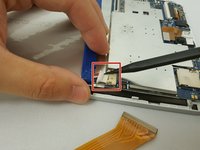
  5. Digital2 D2-861G LCD Screen Replacement, LCD Screen: adım 5, 2 resimden 1. Digital2 D2-861G LCD Screen Replacement, LCD Screen: adım 5, 2 resimden 2.
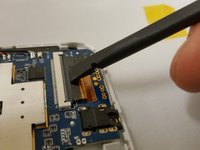
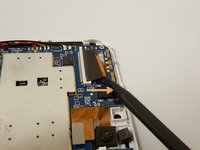
    • Locate the flat-top connector. Go under it with the spudger and simply lift up.

    FixBot'a Sor

    Yorum Ekle

  6. Digital2 D2-861G LCD Screen Replacement: adım 6, 2 resimden 1. Digital2 D2-861G LCD Screen Replacement: adım 6, 2 resimden 2.
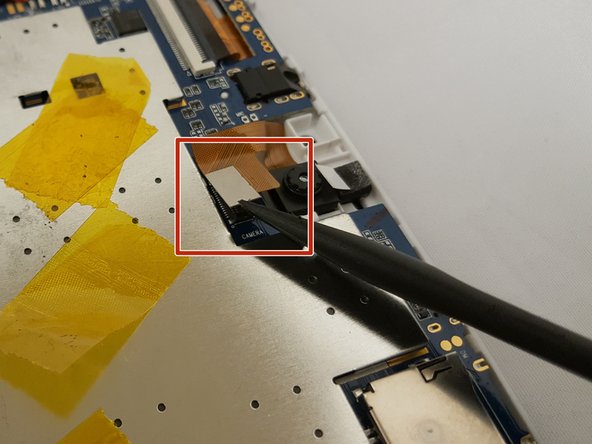
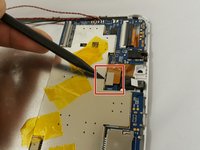
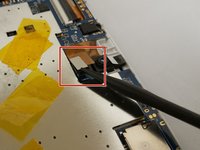
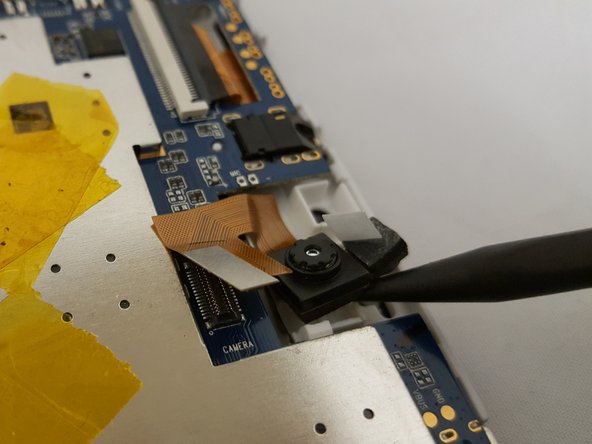
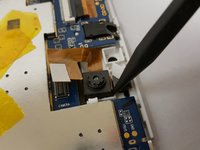
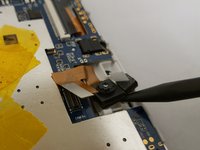
    • To remove the camera, simply use the pointed end of the spudger and insert it in the corner and gently lift.

    FixBot'a Sor

    Yorum Ekle

  7. Digital2 D2-861G LCD Screen Replacement: adım 7, 2 resimden 1. Digital2 D2-861G LCD Screen Replacement: adım 7, 2 resimden 2.
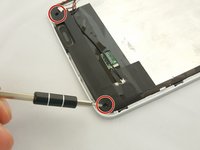
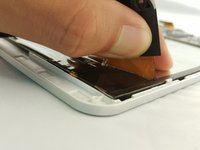
    • Be sure to have a magnetic mat or anything magnetic to hold your screws!

    • Remove two 3.51mm screws located on the bottom corners of the device with your Phillips #00 Screwdriver.

    • Carefully lift the casing and pull back the tape along with the soldered wire.

    • You can remove the soldered wire if you want or leave it connected. Refer to iFixit's guide on how to Solder Lehimleme ve Lehim Sökme Bağlantıları Nasıl Yapılır

    FixBot'a Sor
    Yorum Ekle

  8. Digital2 D2-861G LCD Screen Replacement: adım 8, 3 resimden 1. Digital2 D2-861G LCD Screen Replacement: adım 8, 3 resimden 2. Digital2 D2-861G LCD Screen Replacement: adım 8, 3 resimden 3.
    • Make sure to have your magnetic board to hold your screws!

    • Remove the two 3.51mm screws that are located on the top corners of the device with the same phillips screwdriver..

    • Next, unplug the ZIF connector and slide it out with the pointed side of the spudger.

    • To unclip the connector, go under the black tap and simply lift with your finger nail or spudger.

    FixBot'a Sor

    Yorum Ekle

  9. Digital2 D2-861G LCD Screen Replacement: adım 9, 1 resimden 1.
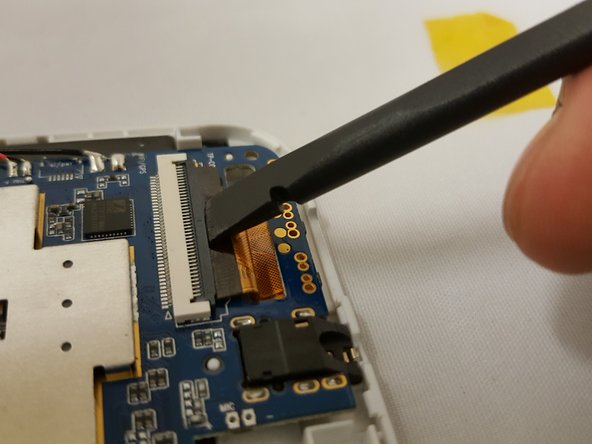
    • Use little force or else you risk breaking the motherboard.

    • Watch out for the ZIF connector!

    • To remove the motherboard, grab the component on the top left and gently lift. Be careful with the clip holding the motherboard.

    FixBot'a Sor
    Yorum Ekle

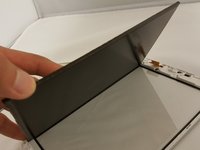
  10. Digital2 D2-861G LCD Screen Replacement: adım 10, 3 resimden 1. Digital2 D2-861G LCD Screen Replacement: adım 10, 3 resimden 2. Digital2 D2-861G LCD Screen Replacement: adım 10, 3 resimden 3.
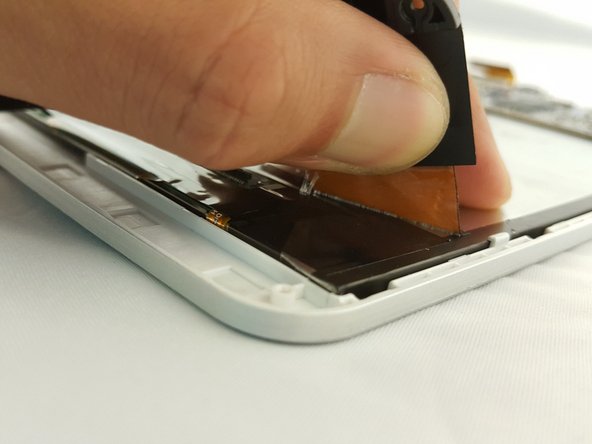
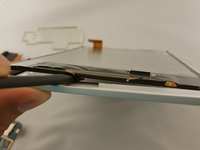
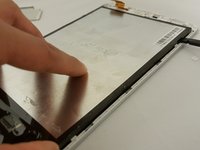
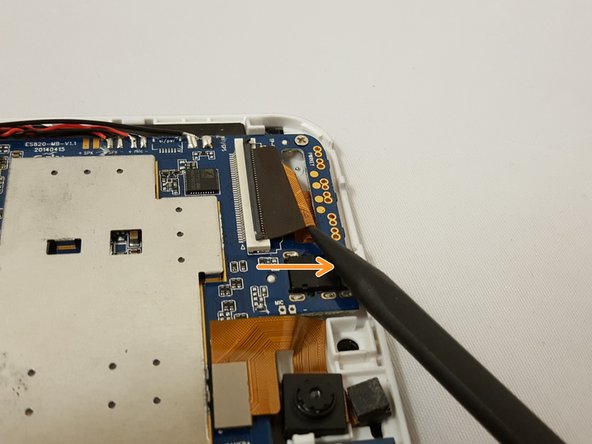
    • Now that every component is removed, use the flat side of the spudger and insert it on the bottom of the screen.

    • Gently move along the edges to lift the screen.

    FixBot'a Sor
    Yorum Ekle

  11. Digital2 D2-861G LCD Screen Replacement: adım 11, 1 resimden 1.
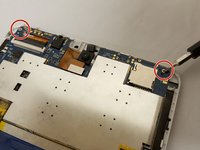
    • If you have a damaged front case, take the opportunity to replace that as well.

    FixBot'a Sor
    Yorum Ekle

Sonuç

To reassemble your device, follow these instructions in reverse order.
İptal et: Bu kılavuzu tamamlamadım.

0Kılavuz Yorumları

Yorum Ekle

İstatistikleri Görüntüle:

Son 24 Saat: 2

Son 7 gün: 6

Son 30 gün: 31

Her zaman: 782