Giriş
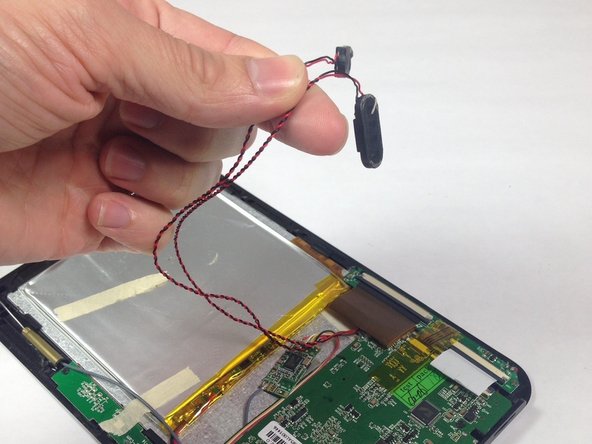
This guide will help you replace the internal speakers for your Ematic eGlide 4 and where to locate the speaker connection. The speakers are connected to the rear panel using a mild adhesive that does not need special care. The speakers are also connected to the motherboard via soldered wire connections, which must be desoldered in order to replace the speakers.
Neye ihtiyacın var
-
-
-
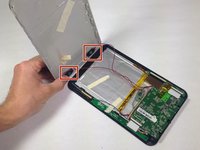
Remove the 4.6mm Phillips #00 screw at the base of the device.
 FixBot'a Sor
-
-
-
-
Carefully remove the speakers from the rear panel.
-
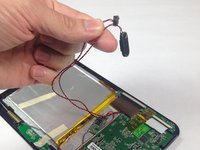
Pull the speakers off of the rear panel.
-
-
-



To reassemble your device, follow these instructions in reverse order.

Ekip

Baylor, Team 5-8, Williams Spring 2015 Baylor, Team 5-8, Williams Spring 2015 üyesi
BU-WILLIAMS-S15S5G8
3 Üyeler
30 adet Kılavuz yazıldı
