Giriş
If the volume of your audio is low or the audio is distorted your speaker may be damaged and in need of replacement. This guide will show you how to replace the speaker.
Neye ihtiyacın var
-
-
Insert the hooked end of the plastic opening tool in the gap between the screen and the back panel on the edge of the device.
-
Slide the plastic opening tool down the long side of the device.
-
Insert tool again and slide it down the long slide of the case a second time.
 FixBot'a Sor
-
-
-
-
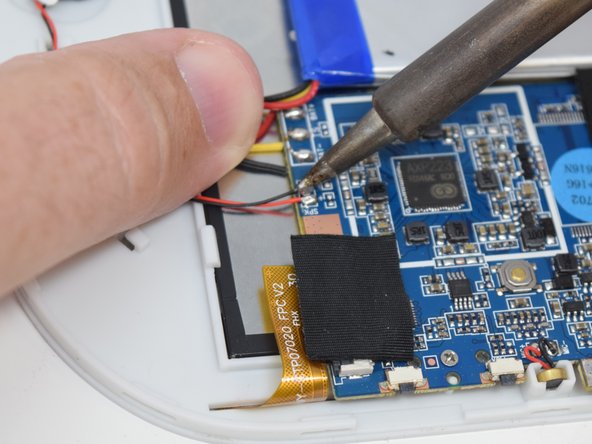
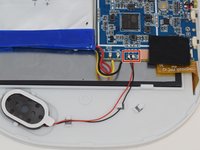
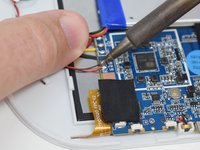
Remove the wires from the motherboard using a soldering iron tool. Here is a link on How To Solder and Desolder Connections.
-
-
-
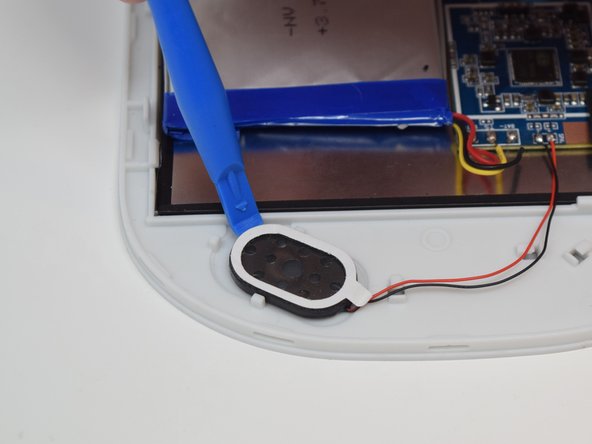
After the connections are desoldered, remove the speaker by prying it up using a plastic opening tool.
-



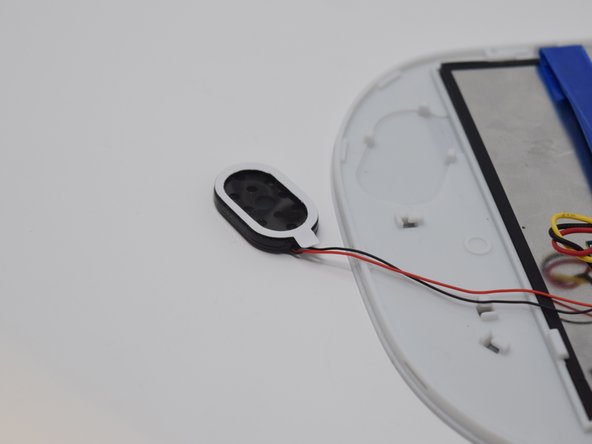
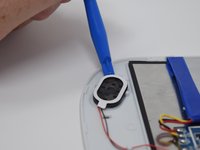
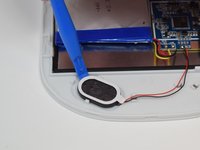
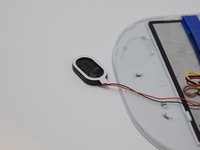
To reassemble your device, follow these instructions in reverse order.

Ekip

UW Tacoma, Team S1-G5, Cardinal Summer 2018 UW Tacoma, Team S1-G5, Cardinal Summer 2018 üyesi
UWT-CARDINAL-SU18S1G5
4 Üyeler
12 adet Kılavuz yazıldı
