Ana içeriğe geç

Game Boy Advance On/Off Switch Replacement

Arşivlenmiş Kılavuz
Bu kılavuz sadece arşivsel amaçlarla muhafaza edilmiştir. Onarımınızı gerçekleştirmek için kılavuzun güncel halini kullanın.

Neye ihtiyacın var

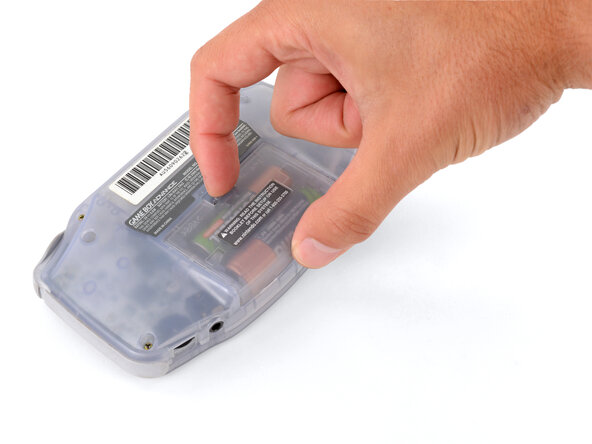
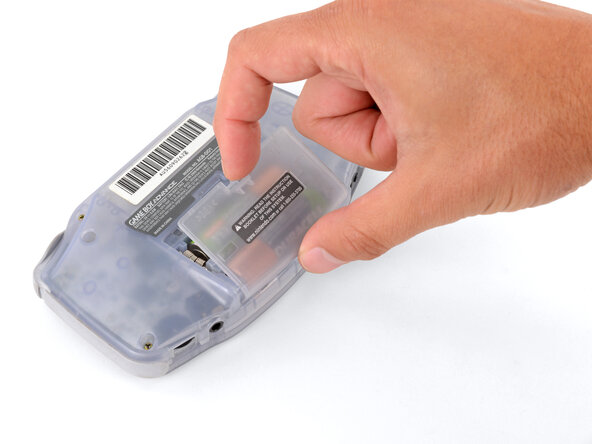
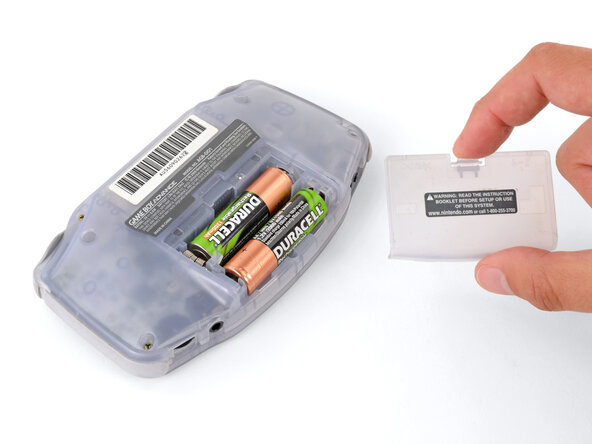
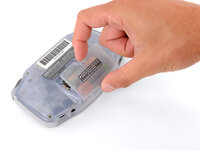
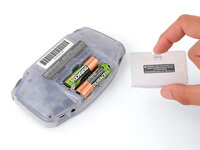
  1. Game Boy Advance On/Off Switch Replacement, Remove the battery cover: adım 1, 3 resimden 1. Game Boy Advance On/Off Switch Replacement, Remove the battery cover: adım 1, 3 resimden 2. Game Boy Advance On/Off Switch Replacement, Remove the battery cover: adım 1, 3 resimden 3.
    • Release the battery cover tab with your finger and swing the cover away from your Game Boy to remove it.

    • During reassembly, insert the tabs on the bottom edge of the cover into their cutouts and press the cover into place.

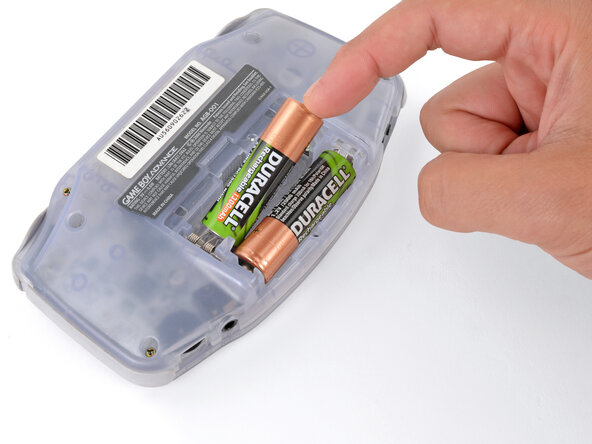
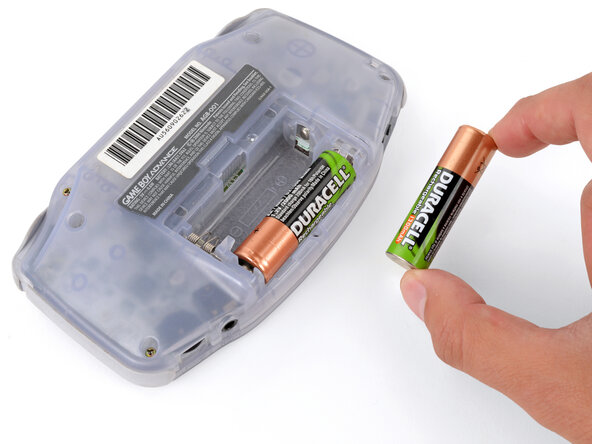
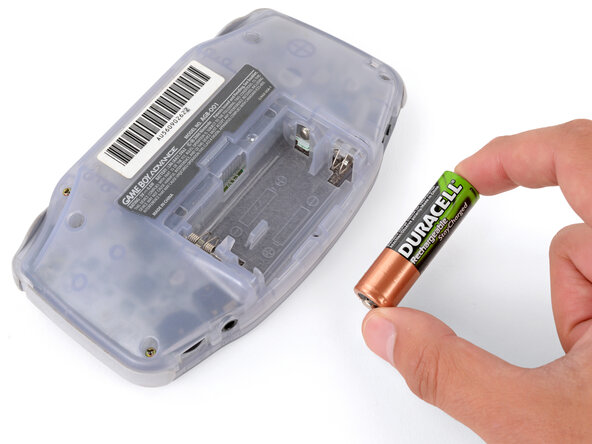
  2. Game Boy Advance On/Off Switch Replacement, Remove the batteries: adım 2, 3 resimden 1. Game Boy Advance On/Off Switch Replacement, Remove the batteries: adım 2, 3 resimden 2. Game Boy Advance On/Off Switch Replacement, Remove the batteries: adım 2, 3 resimden 3.
    • Remove the two AA batteries.

    • If the metal terminals are corroded, follow this guide to clean them.

    • When installing batteries, use the diagram in the battery well to properly orient them.

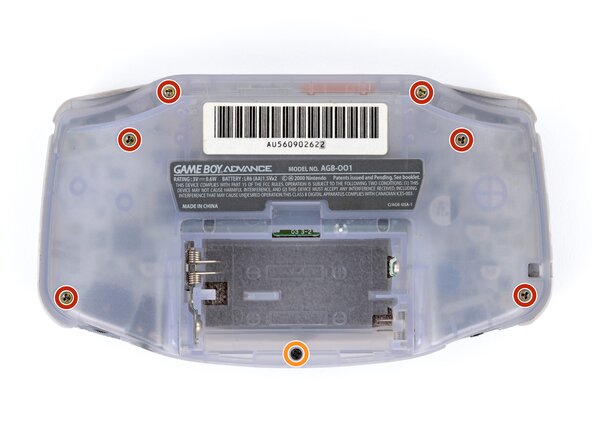
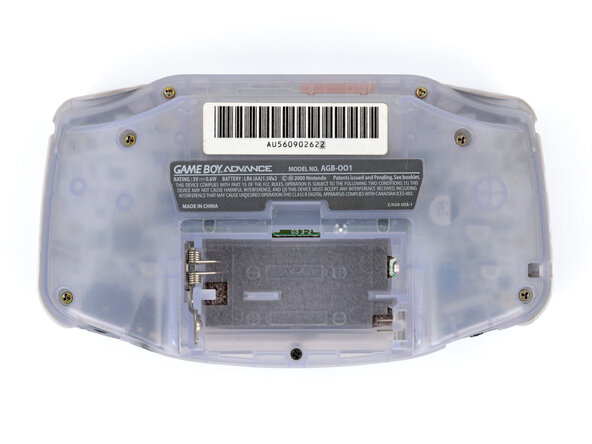
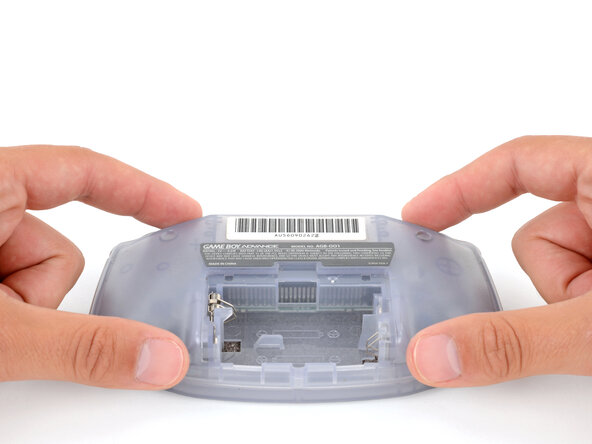
  3. Game Boy Advance On/Off Switch Replacement, Remove the back shell screws: adım 3, 2 resimden 1. Game Boy Advance On/Off Switch Replacement, Remove the back shell screws: adım 3, 2 resimden 2.
    • Remove the seven screws securing the back shell:

    • Six 9.4 mm‑long tri‑point Y0 screws

    • One 8.5 mm‑long JIS 1 screw

    • You can try to use a non-iFixit Phillips driver in a pinch, but you risk damaging or stripping screws. Push down firmly on the driver and twist slowly.

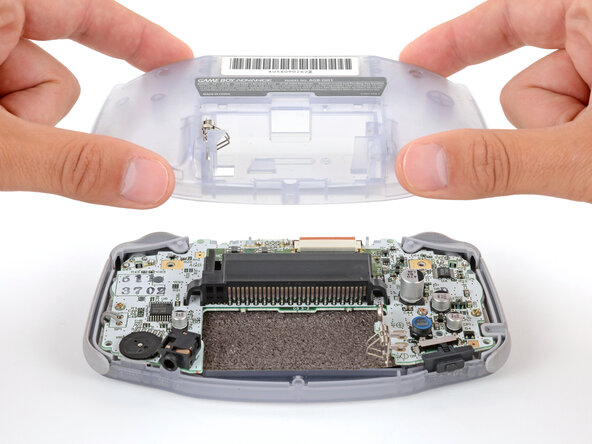
  4. Game Boy Advance On/Off Switch Replacement, Remove the back shell: adım 4, 2 resimden 1. Game Boy Advance On/Off Switch Replacement, Remove the back shell: adım 4, 2 resimden 2.
    • Lift the back shell straight up and remove it.

    • During reassembly, squeeze the shell firmly around the edges and ensure the shoulder buttons and bumpers are properly seated with no large gaps. Gently test the buttons to make sure everything feels correct.

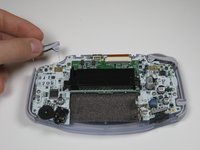
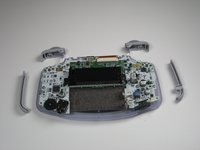
  5. Game Boy Advance On/Off Switch Replacement, Remove Triggers: adım 5, 2 resimden 1. Game Boy Advance On/Off Switch Replacement, Remove Triggers: adım 5, 2 resimden 2.
    • Remove left and right triggers by lifting and pulling them away from the system.

    • Do the same for side panels

    • For finicky or jammed triggers only! Adjust and correct triggers and reassemble. Most jammed triggers are caused by buttons misplaced or jammed in its enclosure.

  6. Game Boy Advance On/Off Switch Replacement, Remove the On/Off Switch: adım 6, 1 resimden 1.
    • Remove the gray On/Off Switch by pulling up and away from the unit. Replace with another switch if necessary.

Sonuç

To reassemble your device, follow these instructions in reverse order.

6 farklı kişi bu kılavuzu tamamladı.

Adam

Üyelik tarihi: 01/20/10

883 İtibar

6 adet Kılavuz yazıldı

Ekip

Cal Poly, Team 16-29, Maness Winter 2010 Cal Poly, Team 16-29, Maness Winter 2010 üyesi

CPSU-MANESS-W10S16G29

5 Üyeler

81 adet Kılavuz yazıldı

0Kılavuz Yorumları

Yorum Ekle

İstatistikleri Görüntüle:

Son 24 Saat: 0

Son 7 gün: 5

Son 30 gün: 21

Her zaman: 22,139