Giriş
Follow this guide to replace the vibration motor in your HMD Pulse+ smartphone.
If the vibrations coming from your phone feels rattly or are intermittent, you might need to replace the vibration motor.
Neye ihtiyacın var
-
-
Unplug all cables from your phone and completely power it down.
-
-
-
Firmly press a SIM eject tool, bit, or straightened paper clip into the SIM card tray hole on the left edge of your phone until the tray ejects.
-
Remove the SIM card tray.
-
-
-
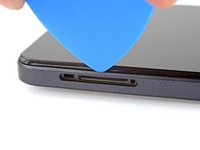
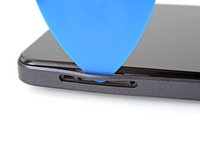
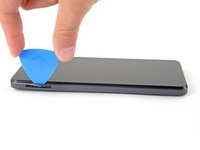
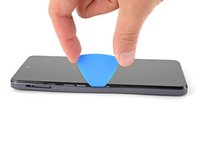
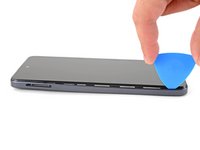
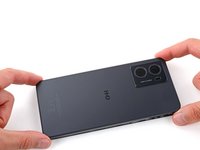
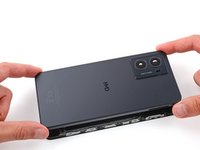
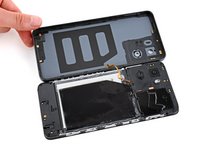
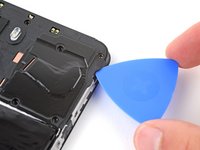
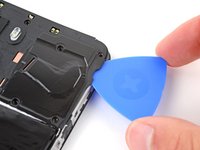
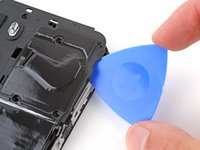
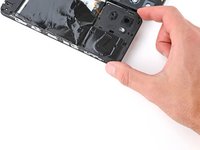
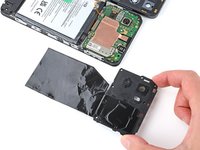
Insert the tip of an opening pick between the back cover and frame, at the SIM card tray cutout.
-
-
Bu adımda kullanılan alet:Tweezers$4.99
-
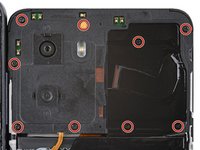
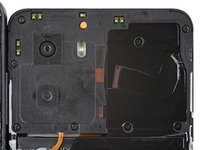
Use a Phillips screwdriver to remove the nine 3.6 mm‑long screws securing the motherboard cover.
-
-
-
-
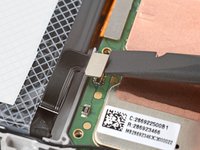
Use the flat end of a spudger to pry up and disconnect the battery press connector from the bottom edge of the motherboard.
-
-
-
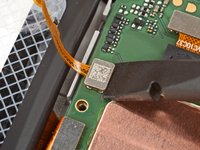
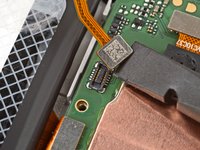
Use the flat end of a spudger to pry up and disconnect the back cover press connector from the bottom edge of the motherboard.
-
-
Bu adımda kullanılan alet:Tweezers$4.99
-
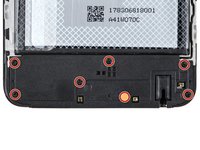
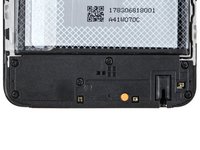
Use a Phillips screwdriver to remove the seven 3.6 mm‑long screws securing the charging board cover.
-
-
-
Use the point of a spudger to pry up and disconnect the charging board cable press connector on the top edge of the board.
-
-
-
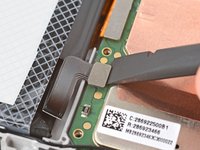
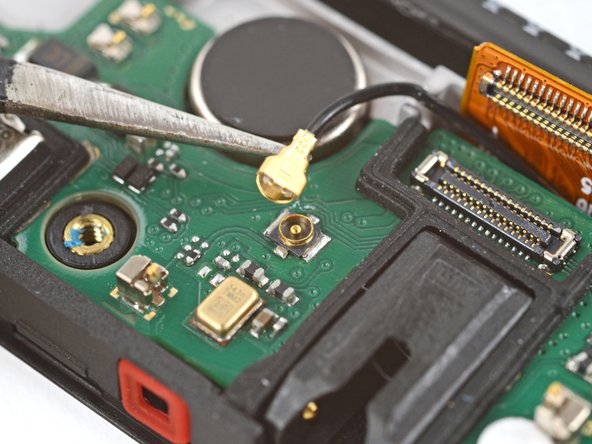
Slide one arm of a pair of tweezers under the metal neck of the black antenna cable's connector head, near the center of the board.
-
Lift straight up to disconnect the cable.
-
-
-
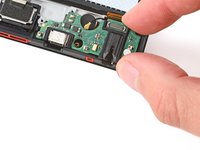
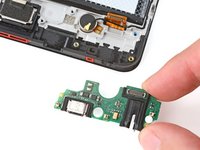
Remove the charging board.
-
Make sure the interconnect cable is flipped up and the black antenna cable is routed through its groove on the right edge.
-
Set the charging board into its recess and press down on the edges to clip it into place.
-
-
Bu adımda kullanılan alet:Tesa 61395 Tape$2.99
-
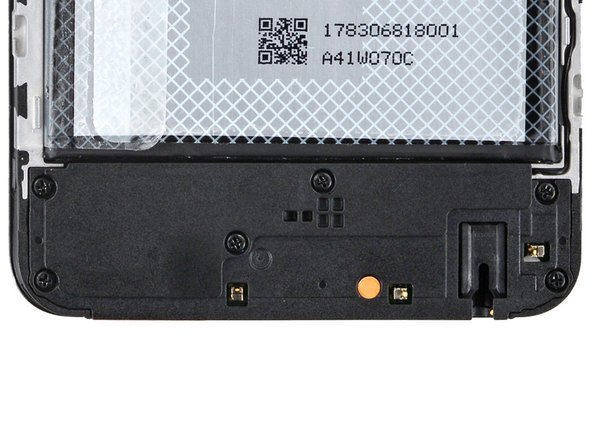
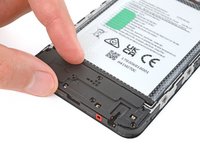
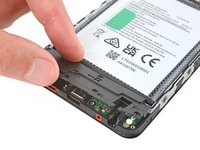
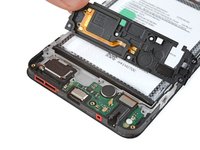
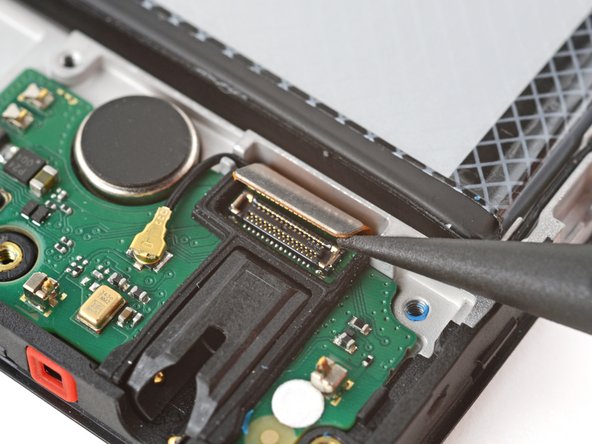
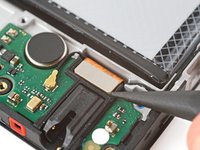
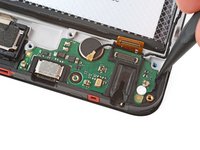
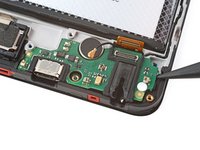
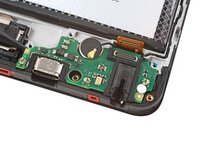
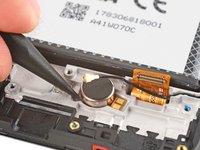
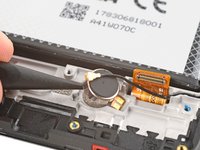
Insert the point of a spudger under the left side of the vibration motor (near the small notch) and pry it up.
-
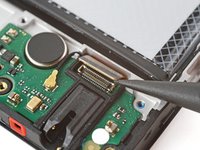
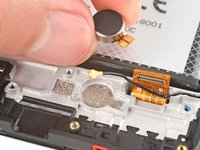
Remove the vibration motor.
-

































To reassemble your device, follow these instructions in reverse order.
Take your e-waste to an R2 or e-Stewards certified recycler.
Repair didn’t go as planned? Try some basic troubleshooting, or ask our Answers community for help.



