Giriş
Is your HP 14-dq5043cl struggling to connect to the internet via WIFI connection. If that's the case, you may have a faulty or damaged WIFI card in need of replacement. This component in your device is responsible for establishing an internet connection between your device and the network. If its unresponsive you won't be able to establish a connection.
Before you begin this guide ensure your device cannot maintain or acquire an internet connection, if this is the case power your device off and follow the following steps.
Neye ihtiyacın var
-
-
-
-
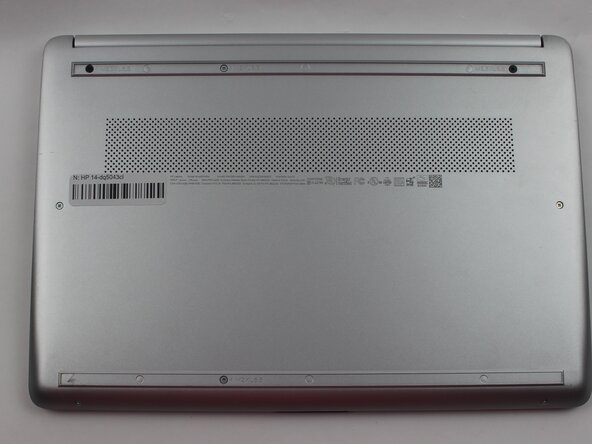
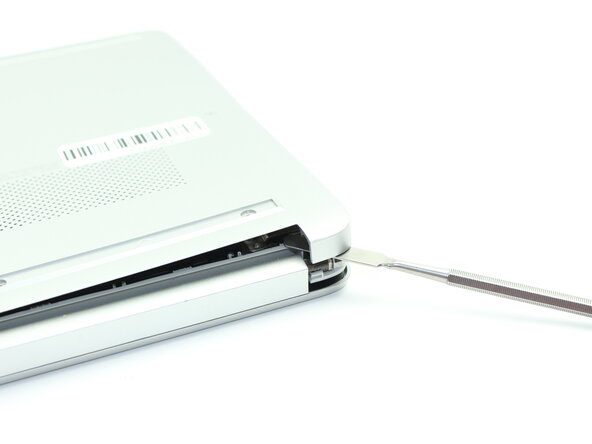
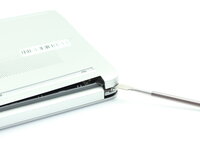
Insert a nylon spudger into the seam between the lower case and chassis.
-
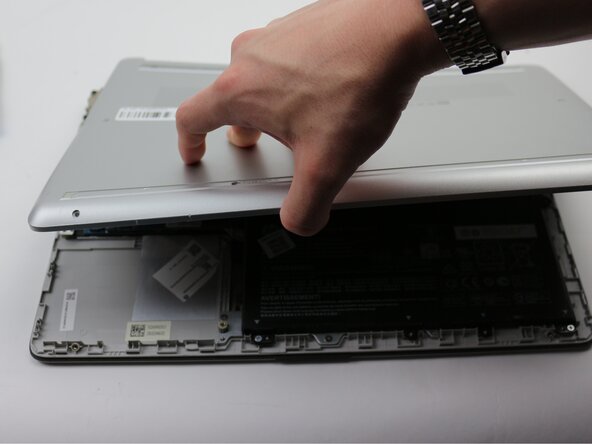
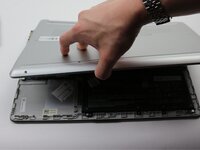
Pry around the entire perimeter until the lower case fully releases.
-
Remove the lower case.
-
-
-
-
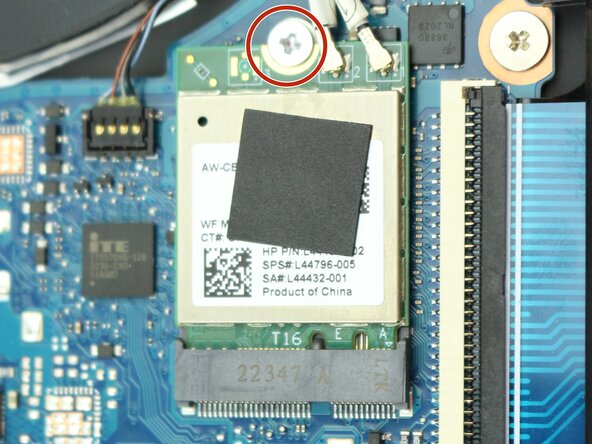
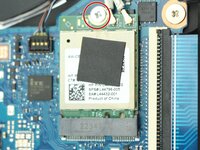
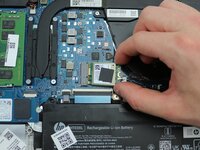
Remove the single M2x6.5 screw that secures the Wi-Fi module.
-
-
-
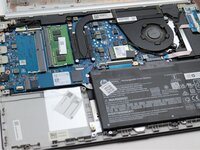
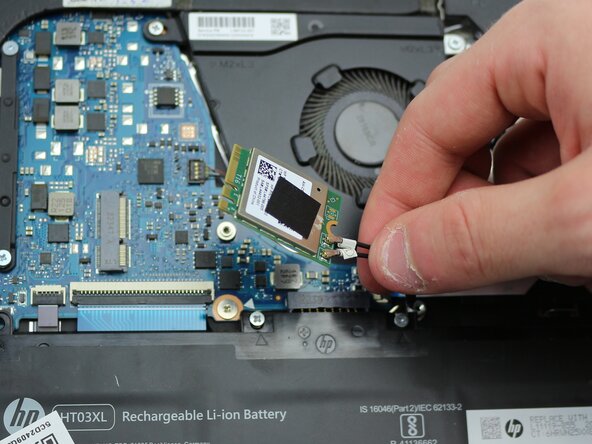
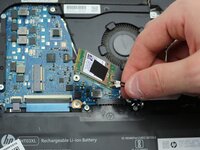
Use the pointed end of a spudger to lift and disconnect the two Wi-Fi module coaxial connectors.
-
-



 FixBot'a Sor





To reassemble your device, follow the above steps in reverse order.
Take your e-waste to an R2 or e-Stewards certified recycler.
Repair didn’t go as planned? Try some basic troubleshooting or ask our Answers community for help.

Ekip

Sam Houston State, Team 17-2, Thornton Spring 2025 Sam Houston State, Team 17-2, Thornton Spring 2025 üyesi
SHSU-THORNTON-S25S17G2
3 Üyeler
25 adet Kılavuz yazıldı
