Giriş
Having trouble charging your JBL Xtreme 4? This guide will walk you through the steps to replace the charging port.
One of the most common signs of a faulty charging port is when your device won't charge even when connected to a working power source. Before jumping into the replacement process, we recommend reviewing our Troubleshooting Guide to confirm that the charging port is the root of the issue.
Before beginning the replacement, ensure your device is powered off and disconnected from any external power source.
Neye ihtiyacın var
-
-
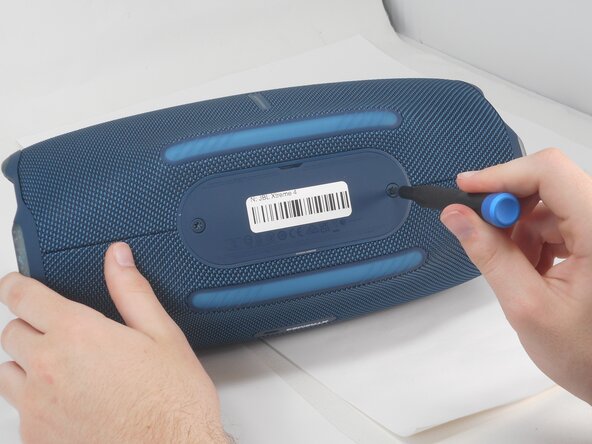
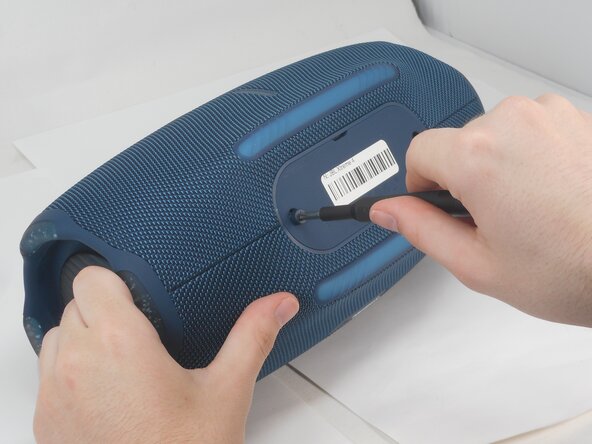
Use a T20 Torx screwdriver to remove the two 12.5 mm screws that secure the battery cover.
-
-
-
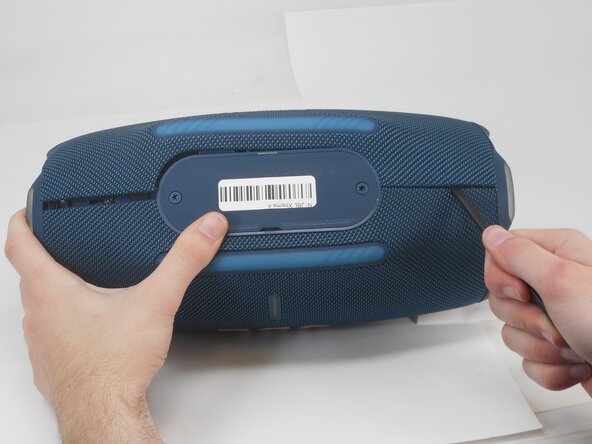
Insert the flat end of a spudger into the mesh cover seam beside the battery compartment.
-
Pry on both sides of the battery compartment until the mesh cover releases.
-
-
-
-
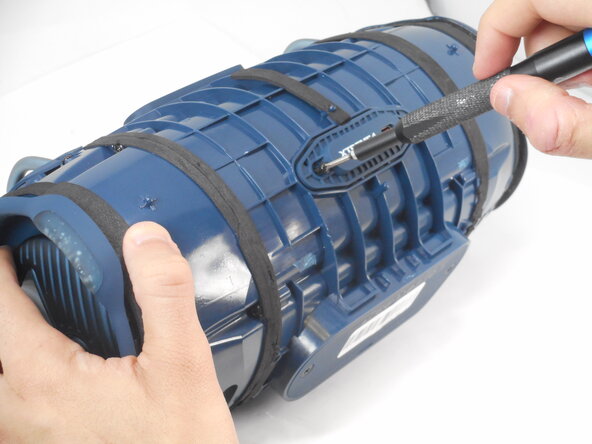
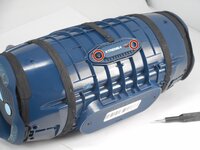
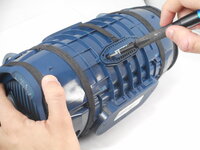
Remove the two 8.5 mm Phillips screws on the charging port cover.
-
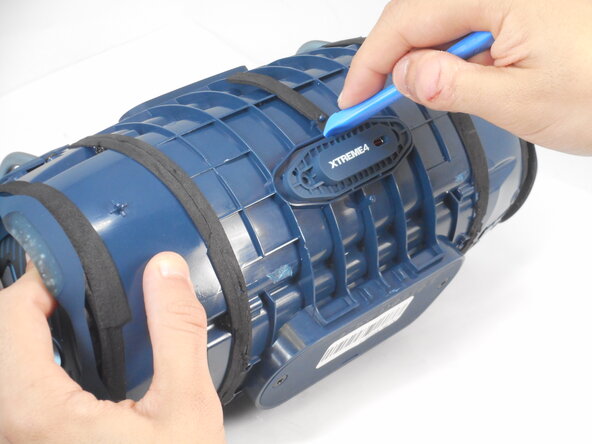
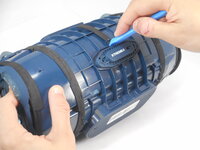
Pry the cover off with an opening tool.
-







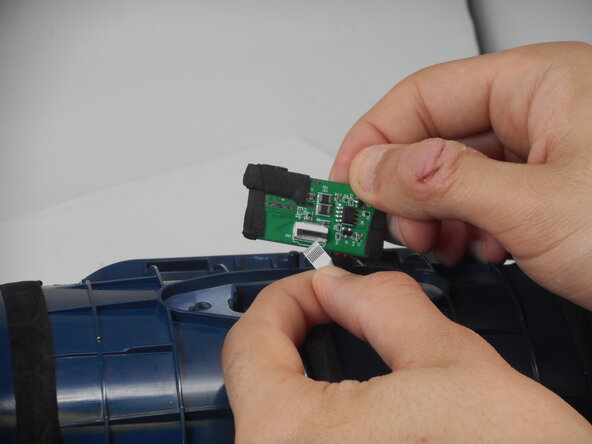
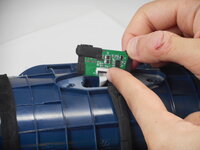
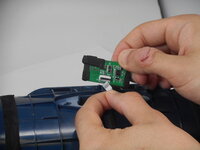

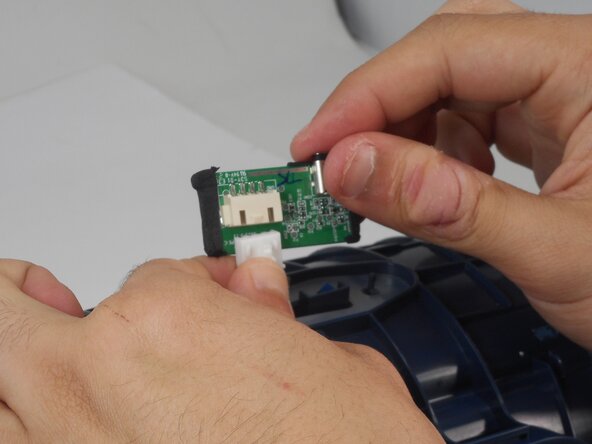
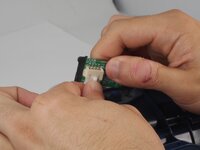
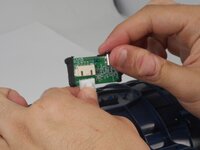
To reassemble your device, follow the above steps in reverse order.
Take your e-waste to an R2 or e-Stewards certified recycler.
Repair didn’t go as planned? Try some basic troubleshooting or ask our Answers community for help.
İptal et: Bu kılavuzu tamamlamadım.
2 farklı kişi bu kılavuzu tamamladı.


Ekip

University of Memphis, Team 2-4, Sneed Spring 2025 University of Memphis, Team 2-4, Sneed Spring 2025 üyesi
UM-SNEED-S25S2G4
3 Üyeler
13 adet Kılavuz yazıldı
