Ana içeriğe geç
Onarım Topluluğuna Katılın - Hesap Oluşturun

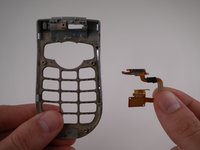
LG VX4500 display interconnect cable

Neye ihtiyacın var

    1. LG VX4500 display interconnect cable, Battery: adım 1, 1 resimden 1.
      • Turn the closed phone so that the back panel is facing you.

      • Press down and forward firmly on the gray tab in the middle of the phone.

      FixBot'a Sor

      Yorum Ekle

    2. LG VX4500 display interconnect cable: adım 2, 2 resimden 1. LG VX4500 display interconnect cable: adım 2, 2 resimden 2.
      • Now just lift up on the battery and remove it from the phone.

      FixBot'a Sor

      Yorum Ekle

    1. LG VX4500 display interconnect cable, Rear Cover: adım 3, 1 resimden 1.
      • Remove the rubber grommet using a spudger.

      FixBot'a Sor

      Yorum Ekle

    2. LG VX4500 display interconnect cable: adım 4, 1 resimden 1.
      • Be sure not to lose the screws. They are small!

      • Remove the five screws using a Phillips #00 Screwdriver.

      FixBot'a Sor

      Yorum Ekle

    3. LG VX4500 display interconnect cable: adım 5, 3 resimden 1. LG VX4500 display interconnect cable: adım 5, 3 resimden 2. LG VX4500 display interconnect cable: adım 5, 3 resimden 3.
      Bu adımda kullanılan alet:
      Tweezers
      $4.99
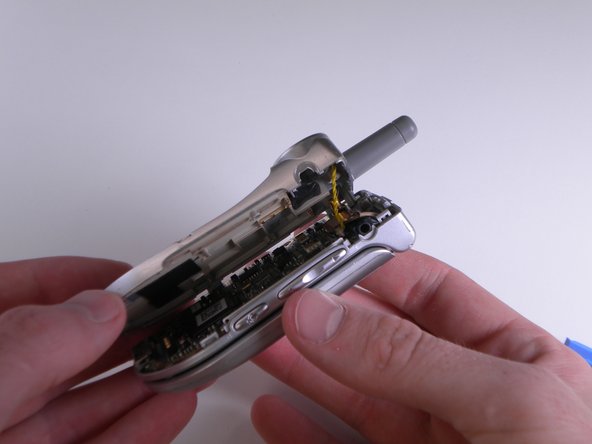
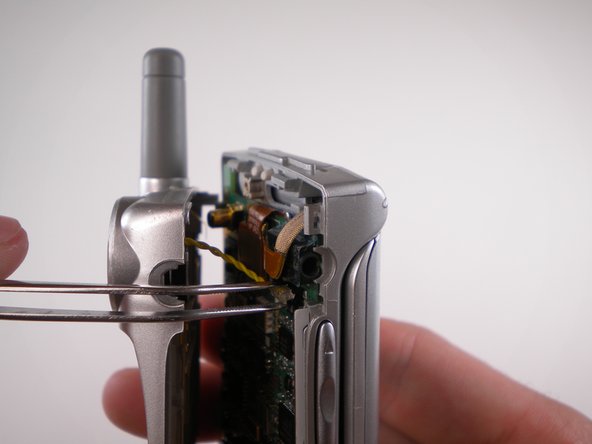
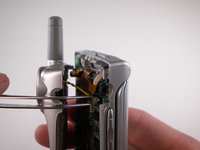
      • When removing back cover, be careful not to break the speaker wires.

      • Using an Opening Tool, carefully pry off the back cover.

      • Using tweezers, gently pull the speaker wires out.

      FixBot'a Sor

      Yorum Ekle

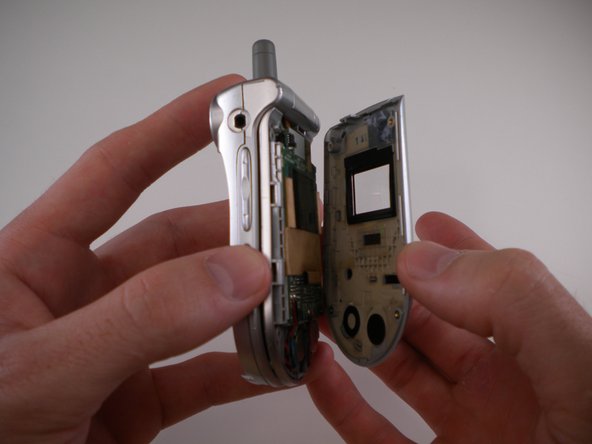
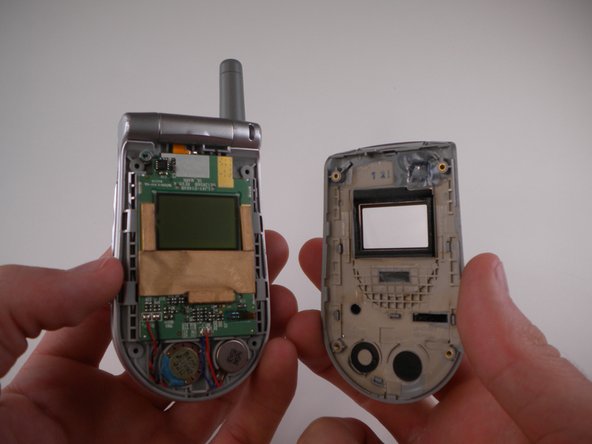
    4. LG VX4500 display interconnect cable: adım 6, 1 resimden 1.
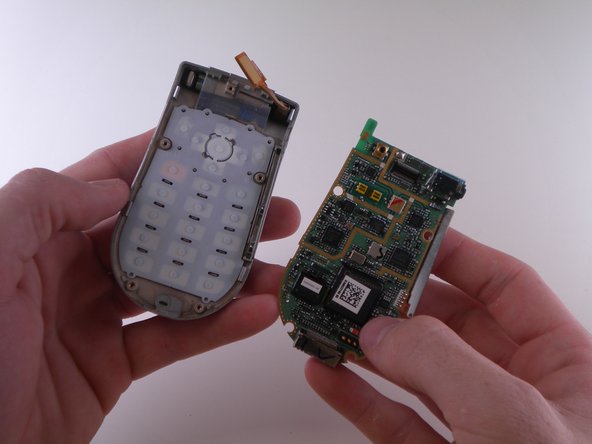
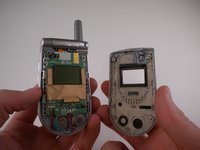
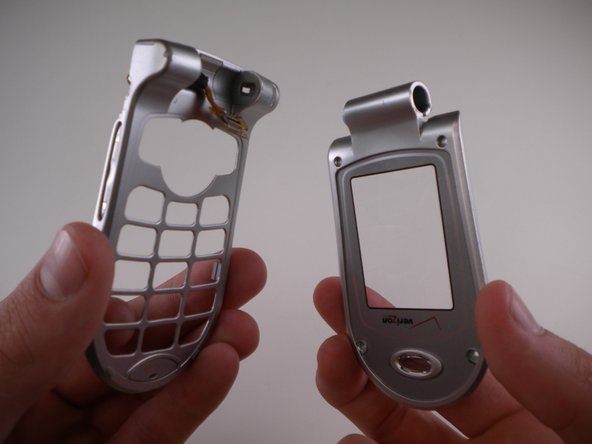
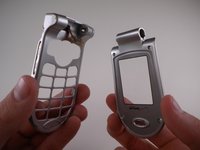
      • Separate the two halves.

      FixBot'a Sor

      Yorum Ekle

    1. LG VX4500 display interconnect cable, Keypad: adım 7, 3 resimden 1. LG VX4500 display interconnect cable, Keypad: adım 7, 3 resimden 2. LG VX4500 display interconnect cable, Keypad: adım 7, 3 resimden 3.
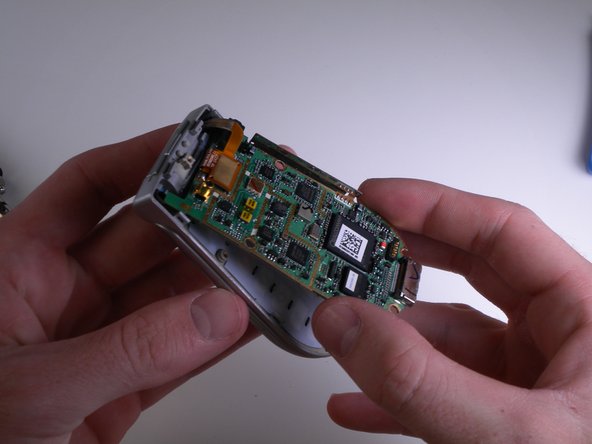
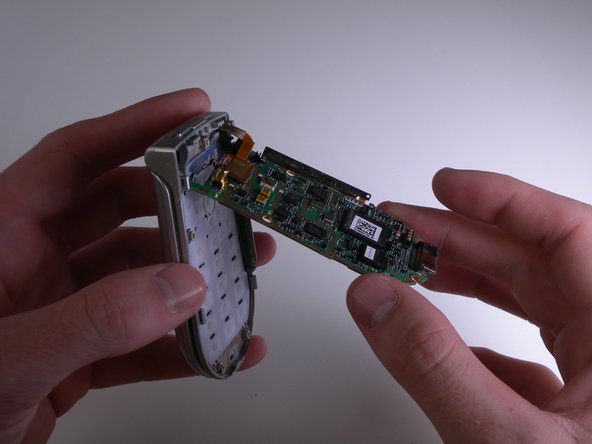
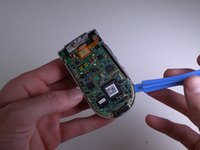
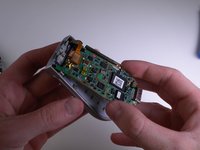
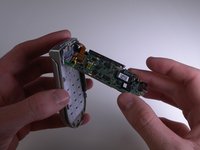
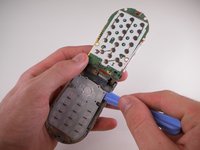
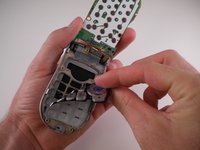
      • Carefully pry and lift up on the logic board using an iPod Opening Tool.

      FixBot'a Sor

      Yorum Ekle

    2. LG VX4500 display interconnect cable: adım 8, 1 resimden 1.
      • Carefully flip the logic board up and out of the way.

      FixBot'a Sor

      Yorum Ekle

    3. LG VX4500 display interconnect cable: adım 9, 3 resimden 1. LG VX4500 display interconnect cable: adım 9, 3 resimden 2. LG VX4500 display interconnect cable: adım 9, 3 resimden 3.
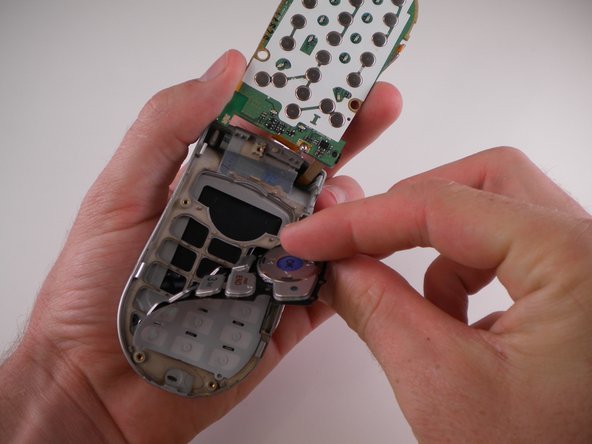
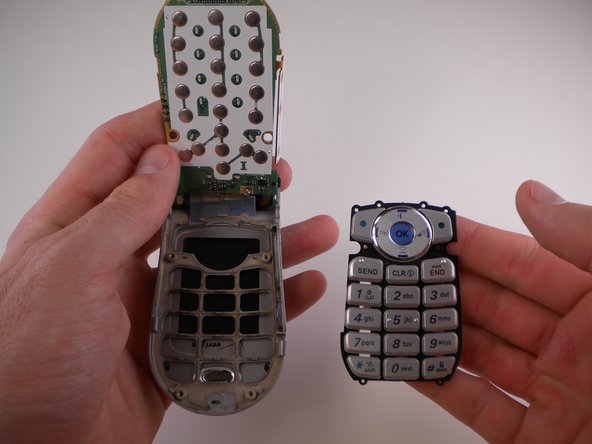
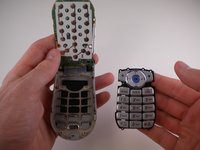
      • Use an iPod Opening Tool to lift up on the keypad and pull it out.

      FixBot'a Sor

      Yorum Ekle

    1. LG VX4500 display interconnect cable, Motherboard: adım 10, 1 resimden 1.
      • DO NOT TOUCH SOLDERING IRON. IT IS EXTREMELY HOT.

      • Use a soldering iron to desolder the solder joint on the front of the motherboard.

      • If you need more information on soldering, refer to this guide.

      FixBot'a Sor

      Yorum Ekle

    2. LG VX4500 display interconnect cable: adım 11, 1 resimden 1.
      • Desolder the joint on the back using a soldering iron.

      FixBot'a Sor

      Yorum Ekle

    3. LG VX4500 display interconnect cable: adım 12, 3 resimden 1. LG VX4500 display interconnect cable: adım 12, 3 resimden 2. LG VX4500 display interconnect cable: adım 12, 3 resimden 3.
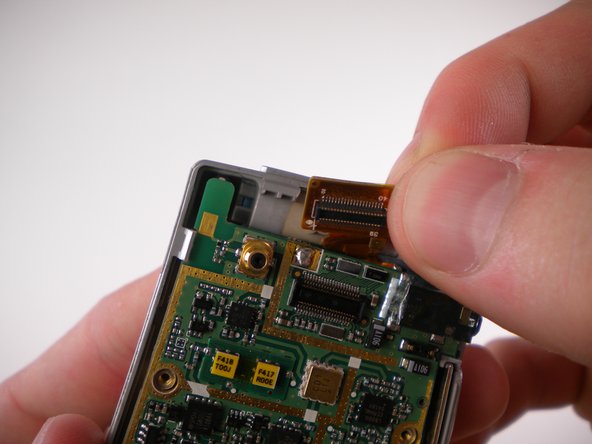
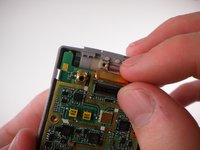
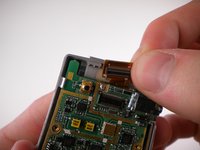
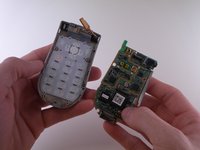
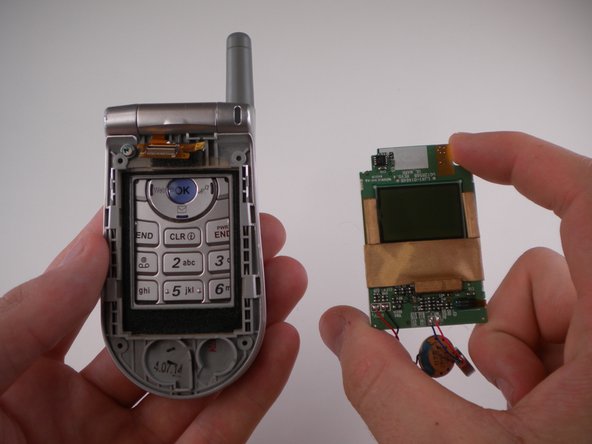
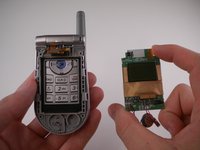
      • Carefully detach the ribbon cable and remove the motherboard.

      FixBot'a Sor

      Yorum Ekle

    1. LG VX4500 display interconnect cable, Outer Display Cover: adım 13, 1 resimden 1.
      • Remove 4 rubber grommets using the Spudger.

      FixBot'a Sor

      Yorum Ekle

    2. LG VX4500 display interconnect cable: adım 14, 1 resimden 1.
      • Remove 4 screws using the Phillips #00 Screwdriver.

      FixBot'a Sor

      Yorum Ekle

    3. LG VX4500 display interconnect cable: adım 15, 3 resimden 1. LG VX4500 display interconnect cable: adım 15, 3 resimden 2. LG VX4500 display interconnect cable: adım 15, 3 resimden 3.
      • Carefully pry off outer cover using iPod Opening Tool.

      FixBot'a Sor

      Yorum Ekle

    1. LG VX4500 display interconnect cable, Display: adım 16, 2 resimden 1. LG VX4500 display interconnect cable, Display: adım 16, 2 resimden 2.
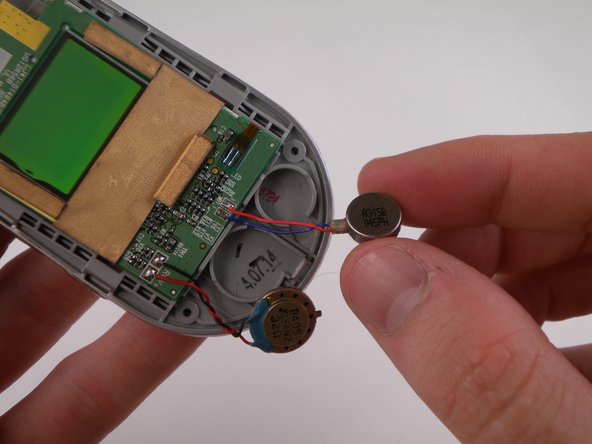
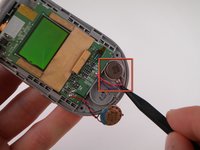
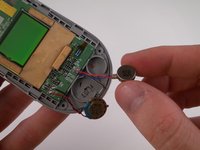
      • Remove speaker using the Spudger.

      FixBot'a Sor

      Yorum Ekle

    2. LG VX4500 display interconnect cable: adım 17, 2 resimden 1. LG VX4500 display interconnect cable: adım 17, 2 resimden 2.
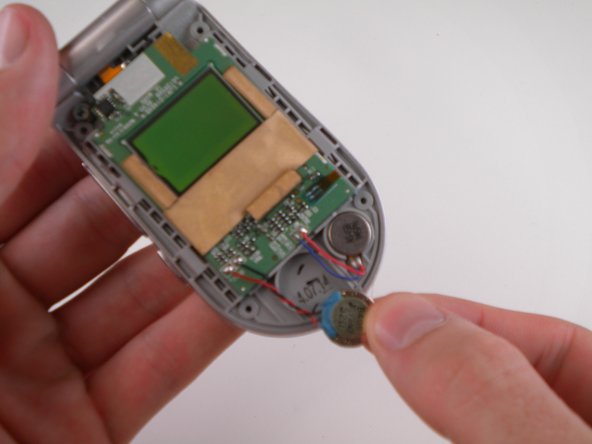
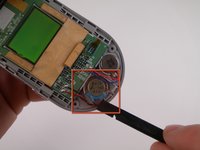
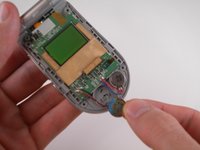
      • Remove vibrator using the Spudger.

      FixBot'a Sor

      Yorum Ekle

    3. LG VX4500 display interconnect cable: adım 18, 2 resimden 1. LG VX4500 display interconnect cable: adım 18, 2 resimden 2.
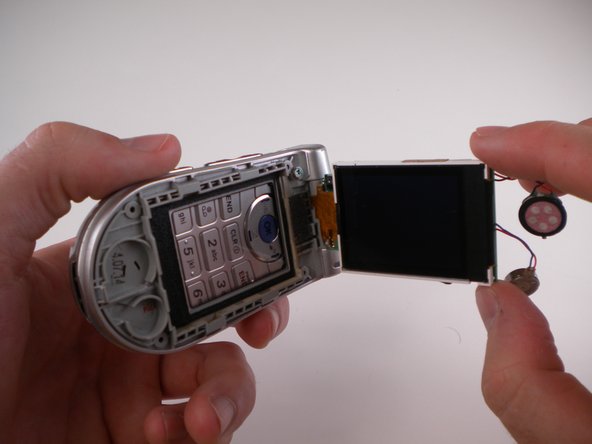
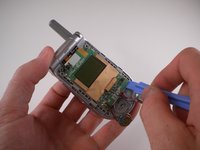
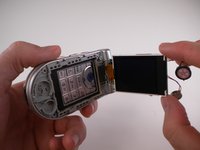
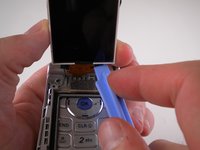
      • Lift up LCD display using iPod Opening Tool.

      FixBot'a Sor

      Yorum Ekle

    4. LG VX4500 display interconnect cable: adım 19, 1 resimden 1.
      • DO NOT TOUCH THE SOLDERING IRON. IT IS EXTREMELY HOT!

      • De-solder solder joint using Soldering Iron.

      FixBot'a Sor

      Yorum Ekle

    5. LG VX4500 display interconnect cable: adım 20, 2 resimden 1. LG VX4500 display interconnect cable: adım 20, 2 resimden 2.
      • Pry off ribbon cable using iPod Opening Tool.

      FixBot'a Sor

      Yorum Ekle

    1. LG VX4500 display interconnect cable, Ribbon Cable: adım 21, 3 resimden 1. LG VX4500 display interconnect cable, Ribbon Cable: adım 21, 3 resimden 2. LG VX4500 display interconnect cable, Ribbon Cable: adım 21, 3 resimden 3.
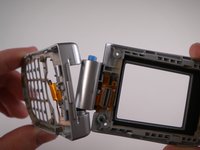
      • Turn phone so that the back side is facing you.

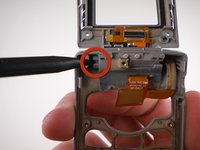
      • Press blue button and remove top half using Spudger.

      FixBot'a Sor

      Yorum Ekle

    2. LG VX4500 display interconnect cable: adım 22, 2 resimden 1. LG VX4500 display interconnect cable: adım 22, 2 resimden 2.
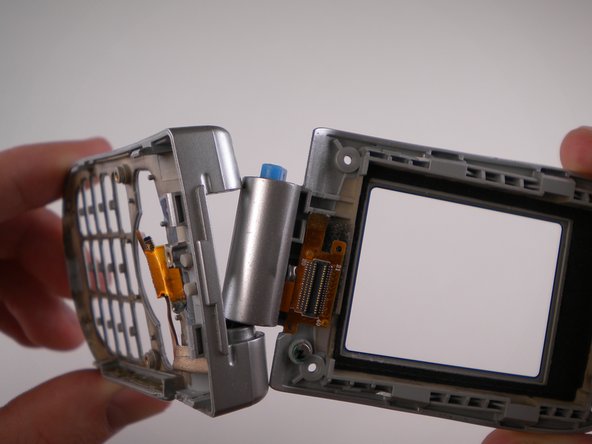
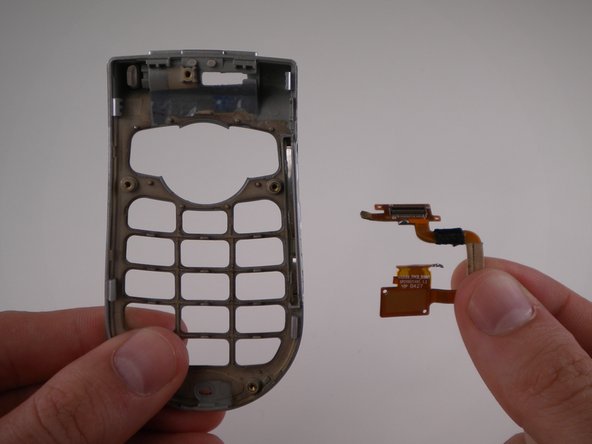
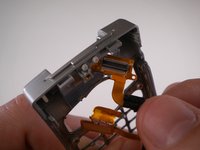
      • Remove cable from bottom section.

      FixBot'a Sor

      Yorum Ekle

Sonuç

To reassemble your device, follow these instructions in reverse order.

İptal et: Bu kılavuzu tamamlamadım.

David Foster

Üyelik tarihi: 04/11/10

1 İtibar

8 adet Kılavuz yazıldı

Ekip

Cal Poly, Team 25-88, Amido Spring 2010 Cal Poly, Team 25-88, Amido Spring 2010 üyesi

CPSU-AMIDO-S10S25G88

4 Üyeler

90 adet Kılavuz yazıldı

0Kılavuz Yorumları

Yorum Ekle

İstatistikleri Görüntüle:

Son 24 Saat: 1

Son 7 gün: 7

Son 30 gün: 17

Her zaman: 3,422