Ana içeriğe geç

Logitech G X56 HOTAS Throttle LED Board Replacement

Neye ihtiyacın var

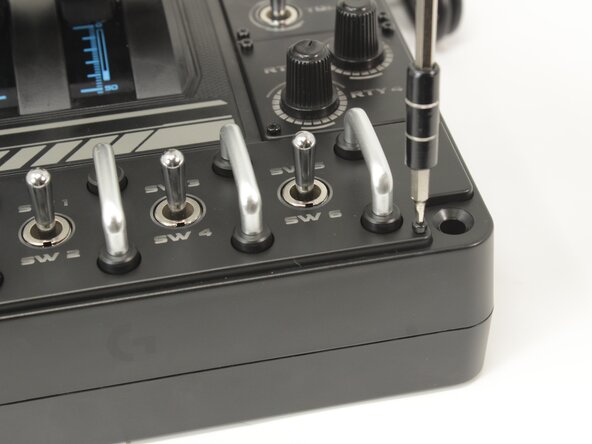
  1. Logitech G X56 HOTAS Throttle LED Board Replacement, Label Plate: adım 1, 2 resimden 1. Logitech G X56 HOTAS Throttle LED Board Replacement, Label Plate: adım 1, 2 resimden 2.
    • Remove the eight 8.6 mm long 1.5 mm hex screws from the label plate.

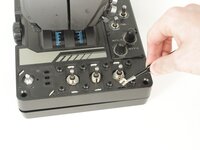
  2. Logitech G X56 HOTAS Throttle LED Board Replacement: adım 2, 1 resimden 1.
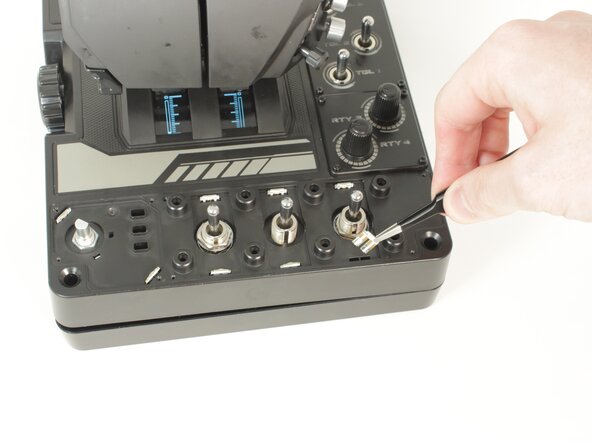
    • Use an opening tool to pry off the mode switch knob.

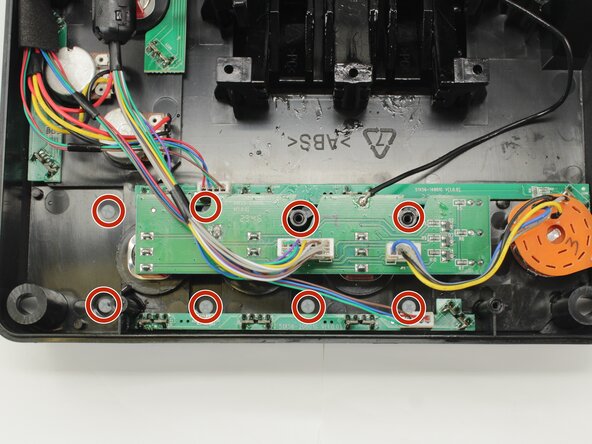
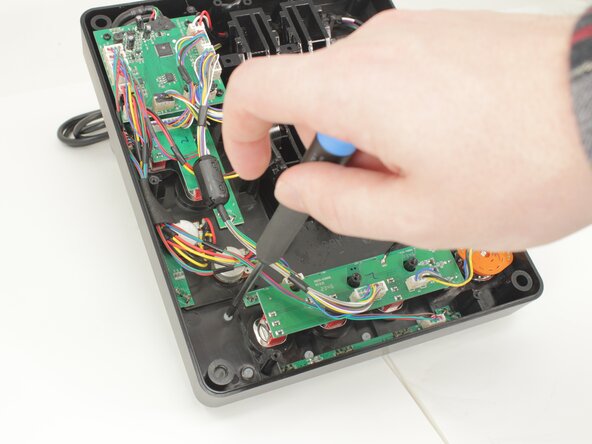
  3. Logitech G X56 HOTAS Throttle LED Board Replacement: adım 3, 3 resimden 1. Logitech G X56 HOTAS Throttle LED Board Replacement: adım 3, 3 resimden 2. Logitech G X56 HOTAS Throttle LED Board Replacement: adım 3, 3 resimden 3.
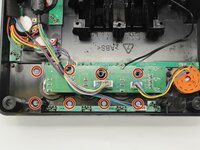
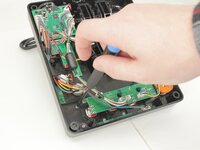
    • Remove the eight 12.5 mm long Phillips #1 screws from the underside of the label plate.

    • These screws are plastic! Be very careful when applying force.

  4. Logitech G X56 HOTAS Throttle LED Board Replacement: adım 4, 2 resimden 1. Logitech G X56 HOTAS Throttle LED Board Replacement: adım 4, 2 resimden 2.
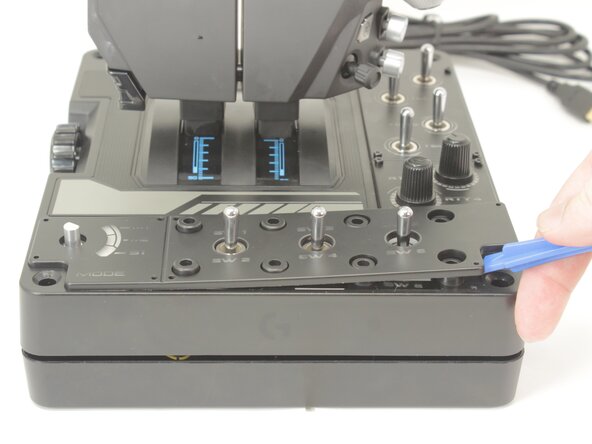
    • Place the throttle right side up again, using the bottom panel as a coaster.

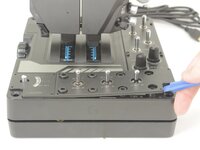
    • Gently pry the label plate from the body of the throttle.

  5. Logitech G X56 HOTAS Throttle LED Board Replacement, Motherboard: adım 5, 2 resimden 1. Logitech G X56 HOTAS Throttle LED Board Replacement, Motherboard: adım 5, 2 resimden 2.
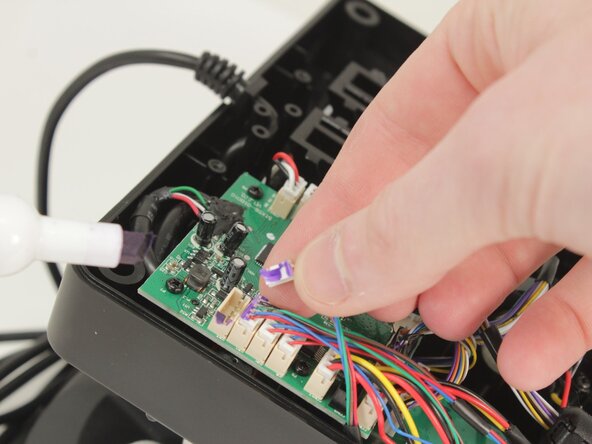
    • Optional: Take a picture or mark each connector as you remove them for ease of reassembly.

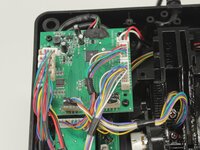
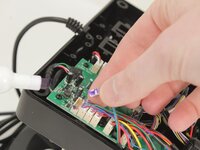
    • Disconnect all of the motherboard connectors by pulling them straight up and out of their sockets.

  6. Logitech G X56 HOTAS Throttle LED Board Replacement: adım 6, 2 resimden 1. Logitech G X56 HOTAS Throttle LED Board Replacement: adım 6, 2 resimden 2.
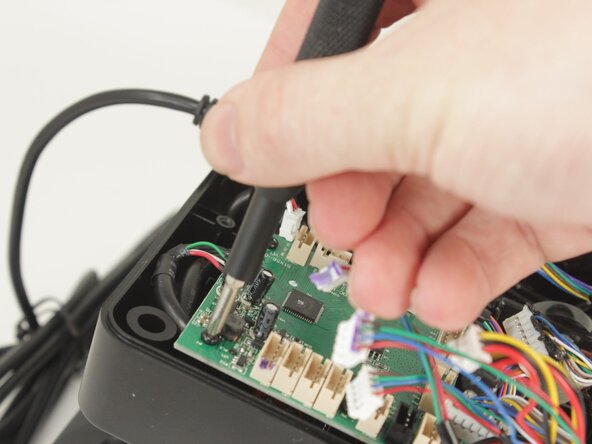
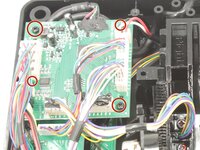
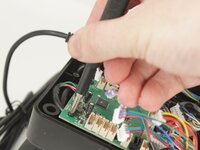
    • Remove the four 11.6 mm-long Phillips #0 screws that secure the motherboard.

  7. Logitech G X56 HOTAS Throttle LED Board Replacement: adım 7, 1 resimden 1.
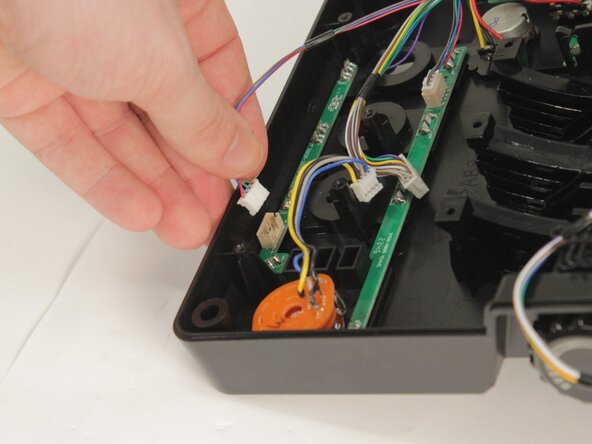
    • Lift the motherboard from the base plate shell, carefully making sure to keep the USB power cable unstrained.

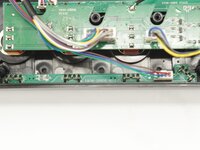
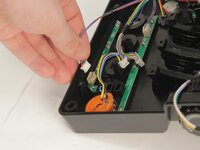
  8. Logitech G X56 HOTAS Throttle LED Board Replacement, LED Board: adım 8, 2 resimden 1. Logitech G X56 HOTAS Throttle LED Board Replacement, LED Board: adım 8, 2 resimden 2.
    • Each LED Board uses the LEDs to hold it against the base plate. It also has a single cable set to the logic and power board.

  9. Logitech G X56 HOTAS Throttle LED Board Replacement: adım 9, 2 resimden 1. Logitech G X56 HOTAS Throttle LED Board Replacement: adım 9, 2 resimden 2.
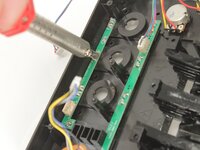
    • Each of the LEDs needs to be removed with a soldering iron and your choice of solder wick or solder sucker.

    • Once free of the solder, the LED must be pushed through to the front.

  10. Logitech G X56 HOTAS Throttle LED Board Replacement: adım 10, 1 resimden 1.
    • Gently Remove the LED board.

Sonuç

To reassemble your device, follow these instructions in reverse order.

Bir başkası bu kılavuzu tamamladı.

0Kılavuz Yorumları

Yorum Ekle

İstatistikleri Görüntüle:

Son 24 Saat: 0

Son 7 gün: 1

Son 30 gün: 15

Her zaman: 151