Ana içeriğe geç
Onarım Topluluğuna Katılın - Hesap Oluşturun

Maze Speed SSB-508 Screen Replacement

Neye ihtiyacın var

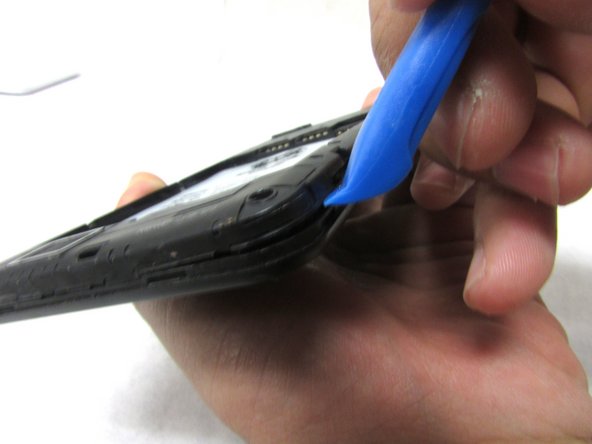
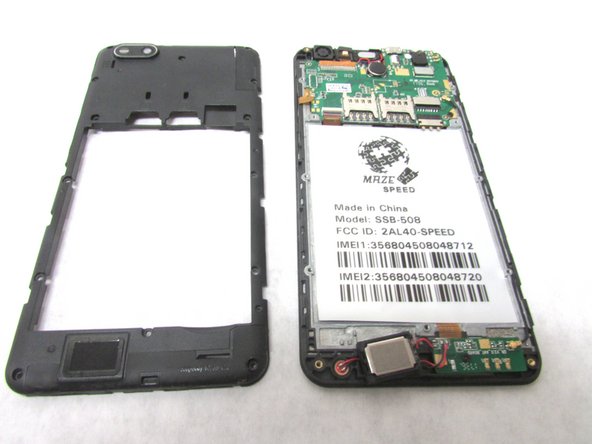
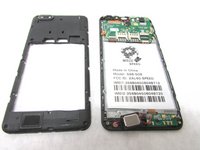
  1. Maze Speed SSB-508 Screen Replacement, Motherboard: adım 1, 3 resimden 1. Maze Speed SSB-508 Screen Replacement, Motherboard: adım 1, 3 resimden 2. Maze Speed SSB-508 Screen Replacement, Motherboard: adım 1, 3 resimden 3.
    • Remove the back cover by inserting the plastic opening tool at the bottom left corner of the device.

    FixBot'a Sor

    Yorum Ekle

  2. Maze Speed SSB-508 Screen Replacement: adım 2, 2 resimden 1. Maze Speed SSB-508 Screen Replacement: adım 2, 2 resimden 2.
    • Remove fifteen 2mm Phillips #00 screws.

    FixBot'a Sor

    Yorum Ekle

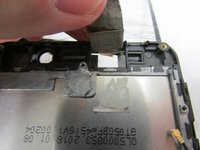
  3. Maze Speed SSB-508 Screen Replacement: adım 3, 3 resimden 1. Maze Speed SSB-508 Screen Replacement: adım 3, 3 resimden 2. Maze Speed SSB-508 Screen Replacement: adım 3, 3 resimden 3.
    • Lift the plastic opening tool up at the bottom left corner to create the gap.

    • Repeat this through all corners to remove the internal casing.

    FixBot'a Sor

    Yorum Ekle

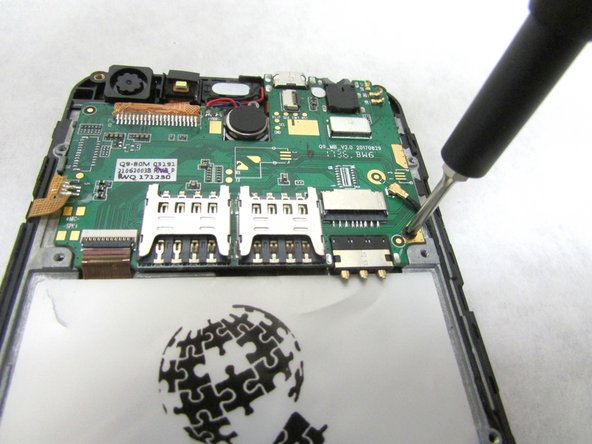
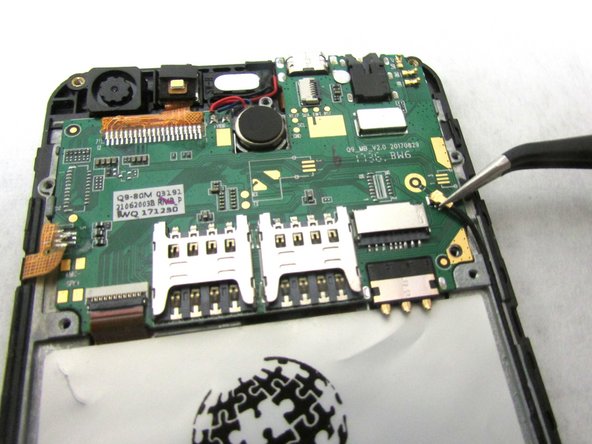
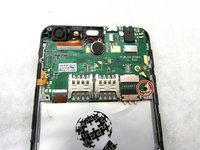
  4. Maze Speed SSB-508 Screen Replacement: adım 4, 3 resimden 1. Maze Speed SSB-508 Screen Replacement: adım 4, 3 resimden 2. Maze Speed SSB-508 Screen Replacement: adım 4, 3 resimden 3.
    • Unscrew the 2mm screw at the bottom right of the motherboard.

    • Remove the internal antenna casing from the motherboard.

    FixBot'a Sor

    Yorum Ekle

  5. Maze Speed SSB-508 Screen Replacement: adım 5, 2 resimden 1. Maze Speed SSB-508 Screen Replacement: adım 5, 2 resimden 2.
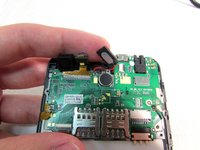
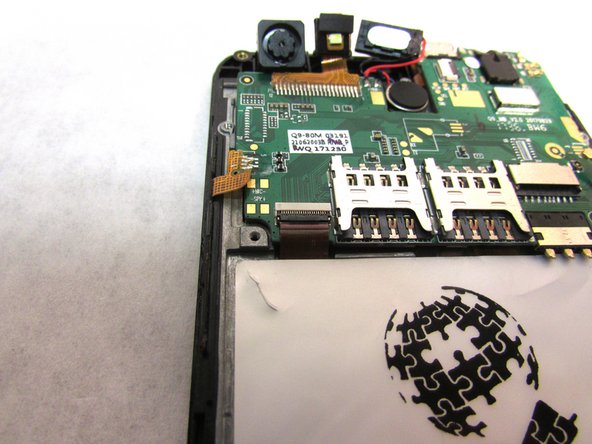
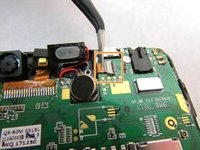
    • Unplug the speaker at the top of the motherboard.

    FixBot'a Sor

    Yorum Ekle

  6. Maze Speed SSB-508 Screen Replacement: adım 6, 2 resimden 1. Maze Speed SSB-508 Screen Replacement: adım 6, 2 resimden 2.
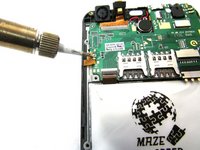
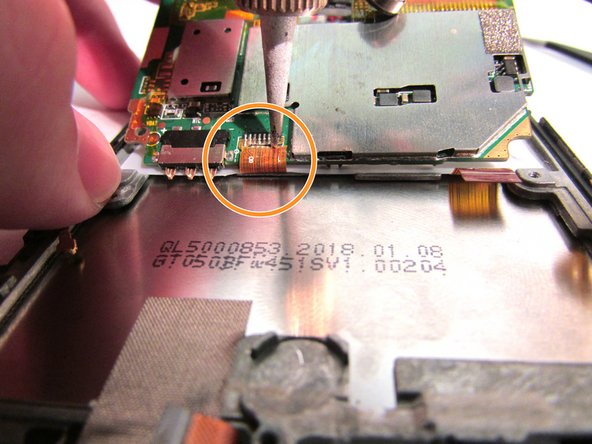
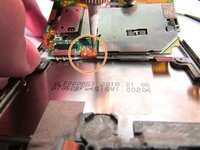
    • Desolder the gold ribbon that is connected to the motherboard at the bottom left corner.

    FixBot'a Sor

    Yorum Ekle

  7. Maze Speed SSB-508 Screen Replacement: adım 7, 3 resimden 1. Maze Speed SSB-508 Screen Replacement: adım 7, 3 resimden 2. Maze Speed SSB-508 Screen Replacement: adım 7, 3 resimden 3.
    Bu adımda kullanılan alet:
    Tweezers
    $4.99
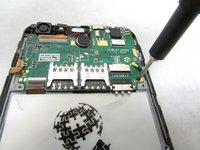
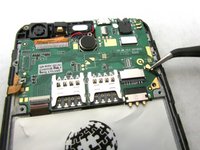
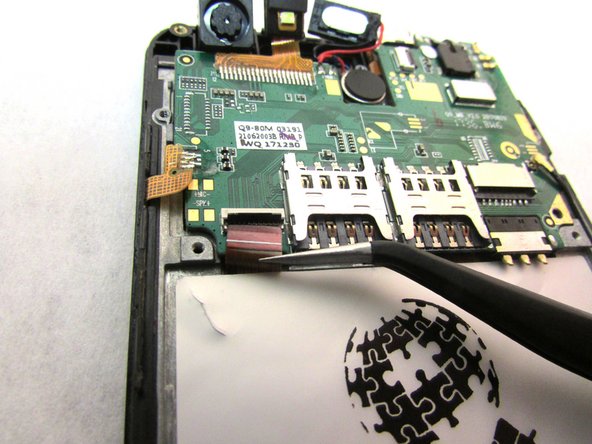
    • Use tweezers to remove cable from the ZIF connectors located at the bottom left of the motherboard.

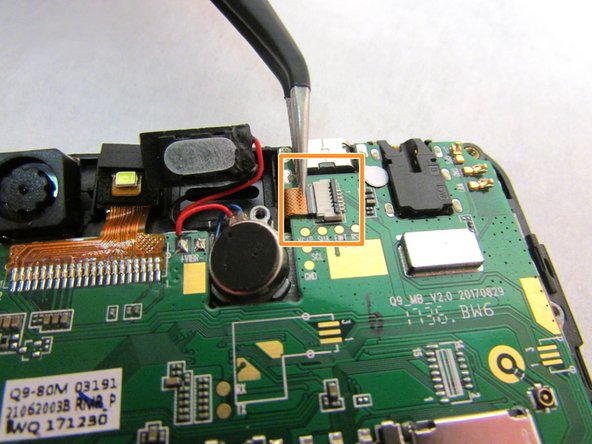
    • Use the tweezers to remove the second cable from ZIF connector located to the right of the speaker that you unplugged in step five.

    • ZIF connector stands for Zero Insertion Force. Flip the small locking tap before removing the cable.

    FixBot'a Sor

    Yorum Ekle

  8. Maze Speed SSB-508 Screen Replacement: adım 8, 2 resimden 1. Maze Speed SSB-508 Screen Replacement: adım 8, 2 resimden 2.
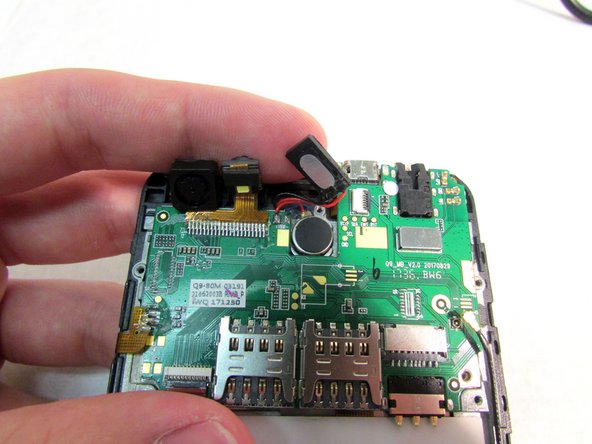
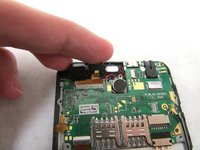
    • At this point, the motherboard should be able to be lifted up from the bottom.

    • Use the tweezers to dislodge the speaker.

    • After the speaker is dislodged, flip the motherboard up so that you can see the cable.

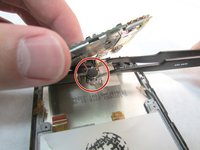
    • Using a soldering tool, desolder the cable from the back of the motherboard.

    FixBot'a Sor

    Yorum Ekle

  9. Maze Speed SSB-508 Screen Replacement: adım 9, 1 resimden 1.
    • Remove the motherboard from the back.

    FixBot'a Sor

    Yorum Ekle

  10. Maze Speed SSB-508 Screen Replacement, Screen: adım 10, 2 resimden 1. Maze Speed SSB-508 Screen Replacement, Screen: adım 10, 2 resimden 2.
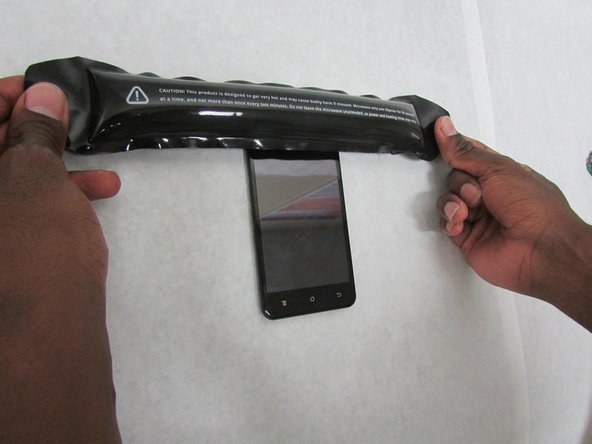
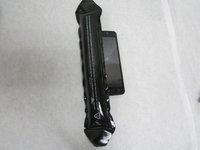
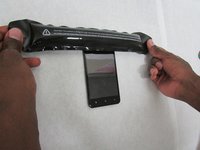
    • Apply the heated iOpener to all sides of the screen (left, right, top, and bottom) for 90 seconds (or more if necessary) to soften the adhesive.

    FixBot'a Sor

    Yorum Ekle

  11. Maze Speed SSB-508 Screen Replacement: adım 11, 3 resimden 1. Maze Speed SSB-508 Screen Replacement: adım 11, 3 resimden 2. Maze Speed SSB-508 Screen Replacement: adım 11, 3 resimden 3.
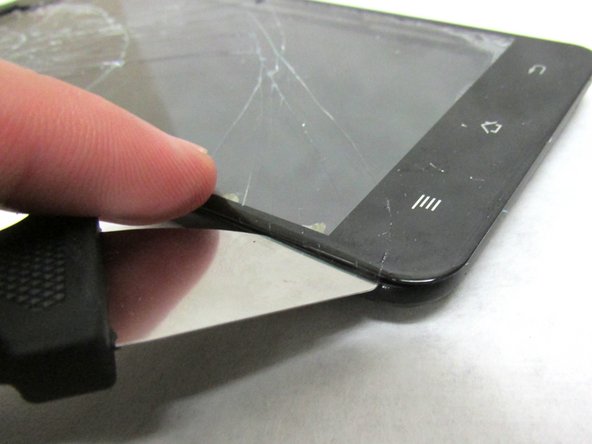
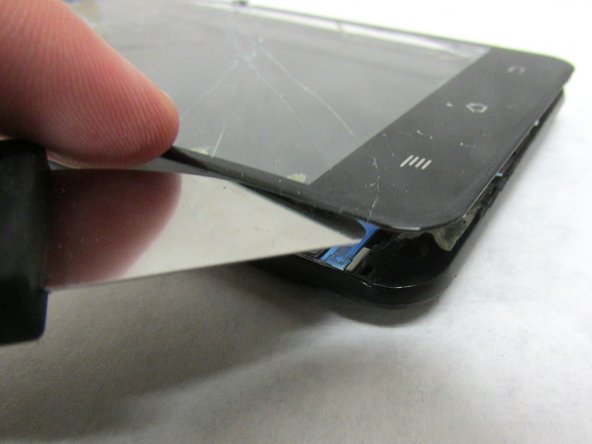
    • Use a Jimmy's flexible steel blade to separate the screen from the frame. Insert the blade between the frame and screen then carefully lift using the blade.

    • Gently lift the glass screen and remove from the frame.

    FixBot'a Sor

    Yorum Ekle

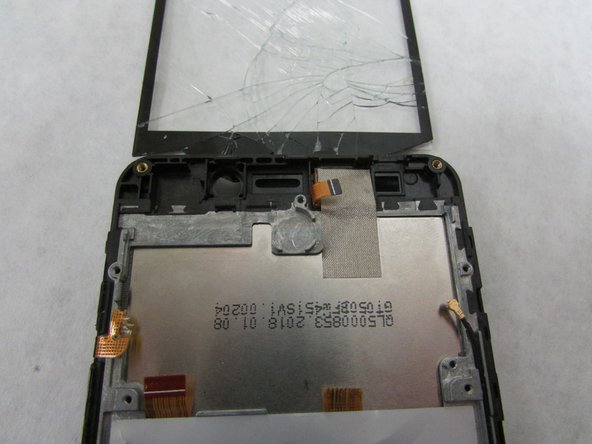
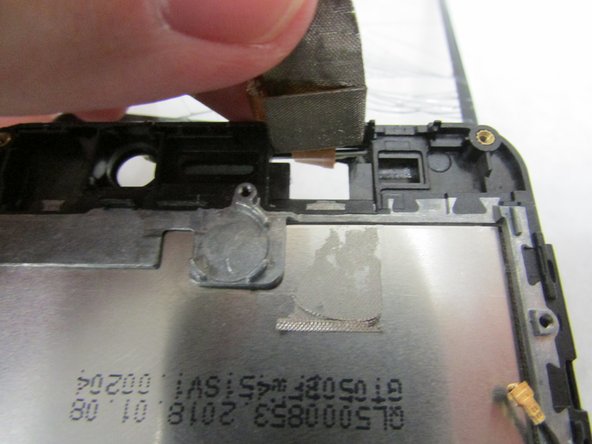
  12. Maze Speed SSB-508 Screen Replacement: adım 12, 3 resimden 1. Maze Speed SSB-508 Screen Replacement: adım 12, 3 resimden 2. Maze Speed SSB-508 Screen Replacement: adım 12, 3 resimden 3.
    • There will be a thin flat cable at the top of the screen in which you need to carefully peel back.

    FixBot'a Sor

    Yorum Ekle

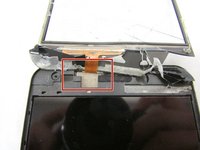
  13. Maze Speed SSB-508 Screen Replacement: adım 13, 1 resimden 1.
    • Move the connecting wire through the hole at the top frame.

    • Then, remove the glass screen and replace with the new one.

    FixBot'a Sor

    Yorum Ekle

Sonuç

To reassemble your device, follow these instructions carefully in reverse order.

İptal et: Bu kılavuzu tamamlamadım.

0Kılavuz Yorumları

Yorum Ekle

İstatistikleri Görüntüle:

Son 24 Saat: 0

Son 7 gün: 4

Son 30 gün: 39

Her zaman: 1,378