Giriş
The battery of the NeuTab Air7 is a vital component that stores all of the electrical power within the device. Without it, your tablet would be unable to function, which is why handling of this component requires a delicate hand. Follow this guide to ensure successful replacement.
Neye ihtiyacın var
-
-
Use the opening tool to gently pry the back cover off of the tablet, running it along the perimeter of the device.
 FixBot'a Sor
-
-
-
-
Remove any adhesive tape that is holding the wires protruding from the battery down.
-
De-solder the red and black wire ends that connect the battery to the motherboard.
-
-
-
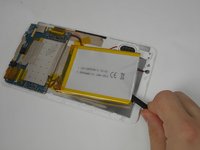
Wedge a plastic or nylon spudger underneath the battery, moving it back and forth to separate it from the device.
-
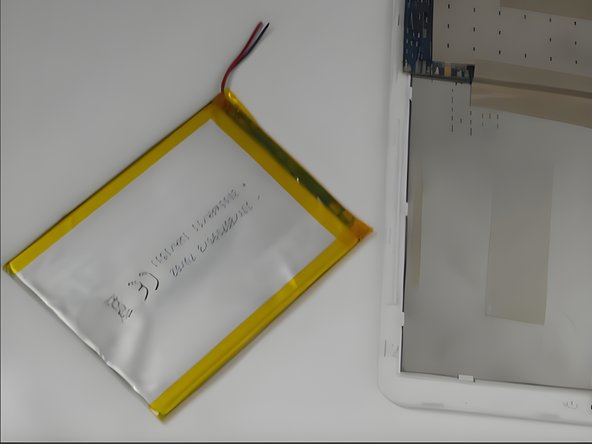
Remove the battery.
-


To reassemble your device, follow these instructions in reverse order.

Ekip

UMass Dartmouth, Team 2-1, Gulbrandsen Fall 2023 UMass Dartmouth, Team 2-1, Gulbrandsen Fall 2023 üyesi
UMASSD-GULBRANDSEN-F23S2G1
4 Üyeler
6 adet Kılavuz yazıldı
