Ana içeriğe geç
Onarım Topluluğuna Katılın - Hesap Oluşturun

Nintendo NES Advantage Joystick Spring Replacement

Neye ihtiyacın var

  1. Nintendo NES Advantage Joystick Spring Replacement, Back Panel: adım 1, 1 resimden 1.
    • Remove the four sticky pads from the bottom of the device.

    • If the pads are stuck, use a spudger to remove them.

    FixBot'a Sor

    Yorum Ekle

  2. Nintendo NES Advantage Joystick Spring Replacement: adım 2, 2 resimden 1. Nintendo NES Advantage Joystick Spring Replacement: adım 2, 2 resimden 2.
    • Remove the six 8 mm screws from the bottom of the device with a Phillips #0 screwdriver.

    • Use your hands to pull the back panel away from the controller.

    FixBot'a Sor

    Yorum Ekle

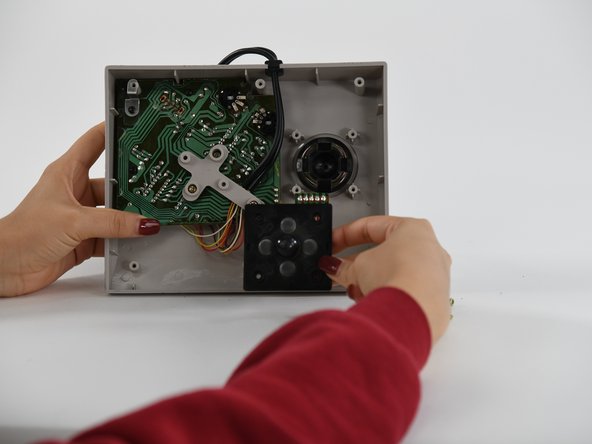
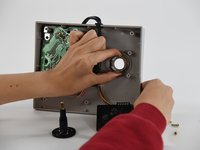
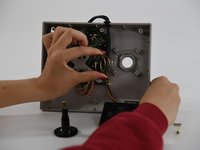
  3. Nintendo NES Advantage Joystick Spring Replacement, Joystick Panel: adım 3, 1 resimden 1.
    • Remove the four 12 mm screws from the small square panel on the right with a Phillips #0 screwdriver.

    • While removing the last (fourth) screw, apply downward pressure on the panel. This will make it easier to remove the last screw because of the joystick spring on the other side of this panel.

    FixBot'a Sor

    Yorum Ekle

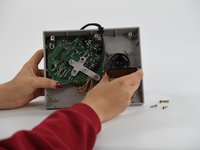
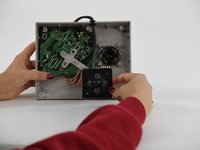
  4. Nintendo NES Advantage Joystick Spring Replacement: adım 4, 2 resimden 1. Nintendo NES Advantage Joystick Spring Replacement: adım 4, 2 resimden 2.
    FixBot'a Sor

    Yorum Ekle

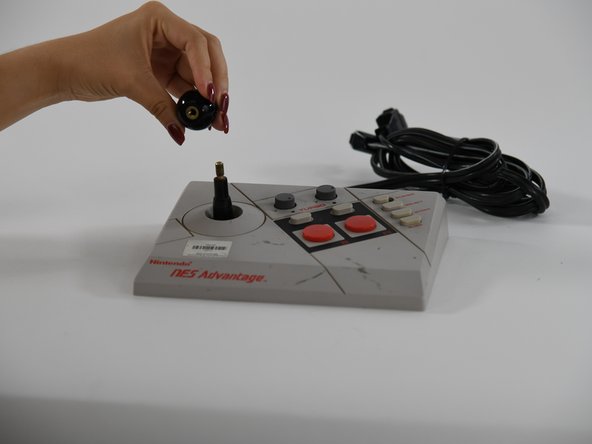
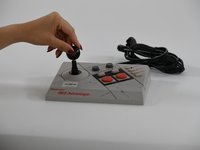
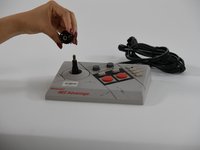
  5. Nintendo NES Advantage Joystick Spring Replacement, Joystick: adım 5, 2 resimden 1. Nintendo NES Advantage Joystick Spring Replacement, Joystick: adım 5, 2 resimden 2.
    • Using your hands, unscrew the ball on top of the joystick.

    FixBot'a Sor

    Yorum Ekle

  6. Nintendo NES Advantage Joystick Spring Replacement: adım 6, 1 resimden 1.
    • Pull the joystick through the back of the NES Advantage Gamepad.

    FixBot'a Sor

    Yorum Ekle

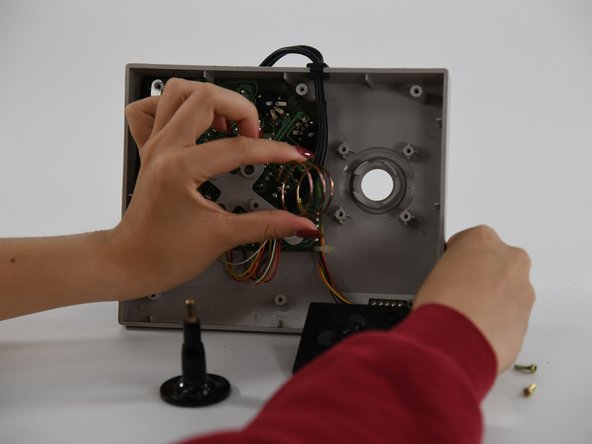
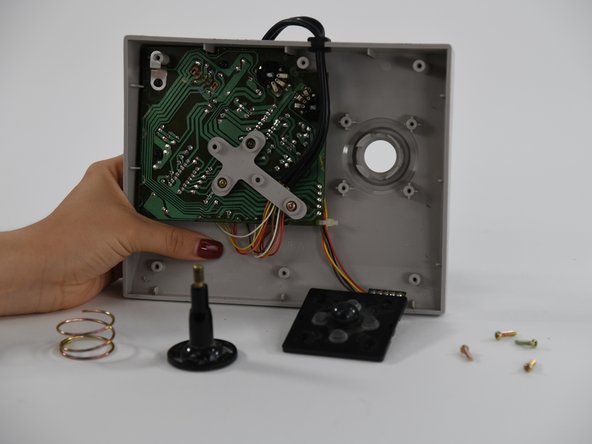
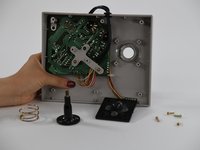
  7. Nintendo NES Advantage Joystick Spring Replacement, Joystick Spring: adım 7, 3 resimden 1. Nintendo NES Advantage Joystick Spring Replacement, Joystick Spring: adım 7, 3 resimden 2. Nintendo NES Advantage Joystick Spring Replacement, Joystick Spring: adım 7, 3 resimden 3.
    • Using your fingers, pull the spring up and off.

    FixBot'a Sor

    Yorum Ekle

Sonuç

To reassemble your device, follow these instructions in reverse order.

İptal et: Bu kılavuzu tamamlamadım.

Danielle Guthrie

Üyelik tarihi: 09/06/22

97 İtibar

1 Kılavuz yazıldı

0Kılavuz Yorumları

Yorum Ekle

İstatistikleri Görüntüle:

Son 24 Saat: 2

Son 7 gün: 8

Son 30 gün: 23

Her zaman: 574