Giriş
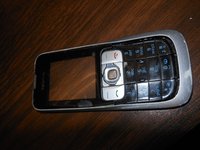
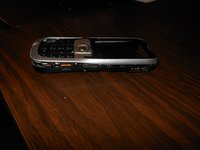
This guide shows how to remove and replace the antenna of the Nokia 2630b after full disassembly of the phone. An antenna replacement may be necessary if the antenna is physically damaged or experiencing signal issues. This repair will help with connectivity issues as well as cosmetics if the antenna is heavily worn. No special skills are needed for this repair. You will need a micro screwdriver and a tool to open the phone.
Neye ihtiyacın var
-
-
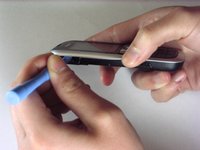
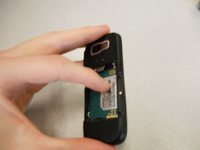
Press and the release button on both sides of the battery cover. While holding down the release buttons pull the battery cover away from the phone
-
-
-
Remove the two screws on either side of the battery case using the microscrewdriver using the T5 bit
-
NOTE: Keep the screws in a safe place while you continue working.
-
-
-
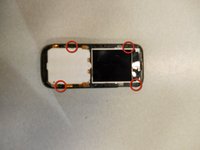
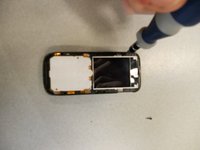
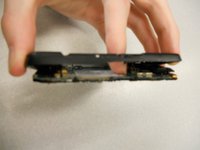
Locate the four screws that secure the back case to the rest of the phone.
-
Unscrew all four screws using a "T-5" star shaped screw driver, turning counter-clockwise.
-
-
-
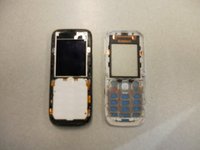
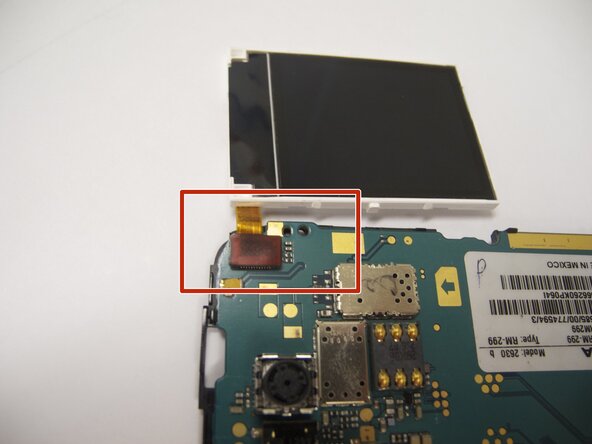
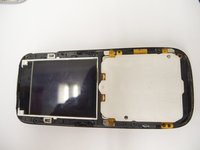
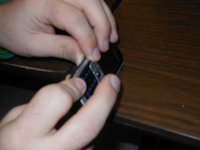
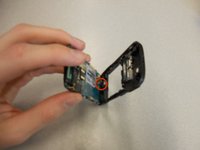
The antenna is the "L" shaped device located on the top of the phone in between the back case and the board.
-
You should be able to remove the antenna with minimal effort.
-
To put in a new antenna, place it in the same location as the old one. There is no need to connect to any hardware on the phone.
-
-
-
To reassemble the device, follow the instructions in reverse order.
-
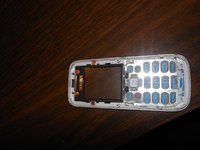
When reinstalling the keyboard, make sure it is in the correct position before screwing the case back together.
-
When reinstalling the battery, make sure the contacts of the battery connect to the contacts on the phone.
-
Double-check the position of the brass contacts in relation to the battery.
-
The photo displays the correct orientation of the battery.
-




















Ekip

Cal Poly, Team 9-61, Walters Spring 2011 Cal Poly, Team 9-61, Walters Spring 2011 üyesi
CPSU-WALTERS-S11S9G61
5 Üyeler
6 adet Kılavuz yazıldı
