Giriş
This guide will show you how to remove and repair a malfunctioning LCD Screen/Touch Screen on a Palm Treo 680 with 4 steps.
Neye ihtiyacın var
-
-
Remove the battery cover by pressing on the small rectangular button located on the back of the phone.
 FixBot'a Sor
-
-
-
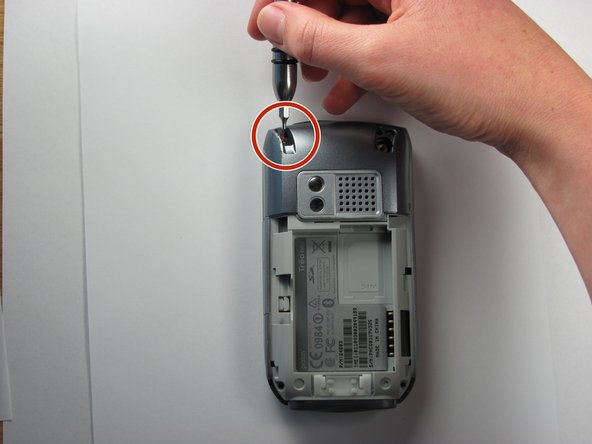
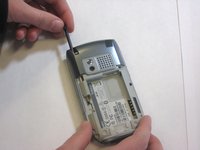
Remove the stylus in order to access the screw.
-
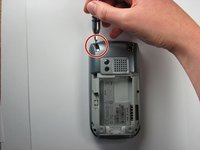
Remove the 27mm top-left screw using a T6 Torx screwdriver.
-
-
-
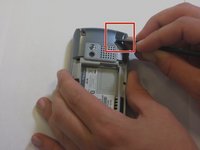
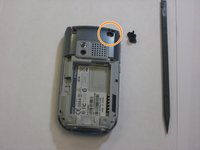
Using the spudger, remove the rubber rectangular cover located in the upper rear, right-hand corner.
-
Remove the 27mm screw using the T6 Torx screwdriver.
-
-
-
-
Remove the remaining two 27mm screws from the bottom using the T6 screwdriver.
-
-
-
Turn the phone so the screen is facing the right side.
-
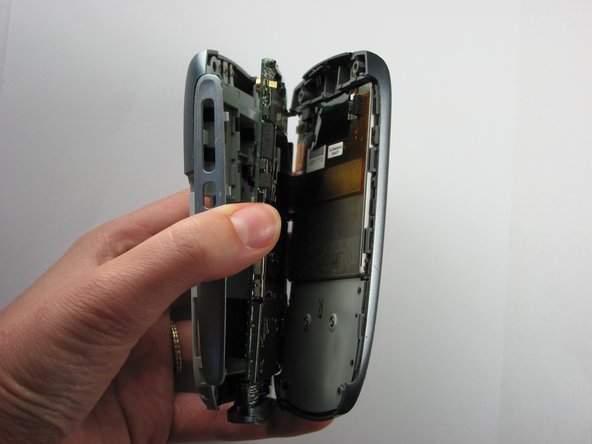
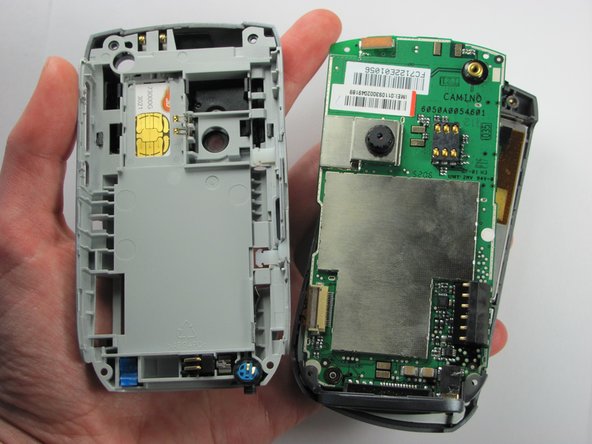
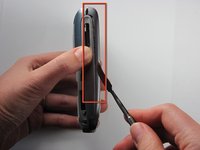
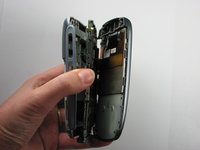
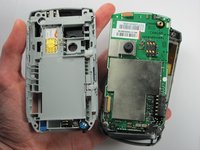
Use a spudger to carefully separate the back panel from the front panel to access components inside the phone.
-
Separate the covers from the left side of the device as indicated in the picture.
-
-
Bu adımda kullanılan alet:Tweezers$4.99
-
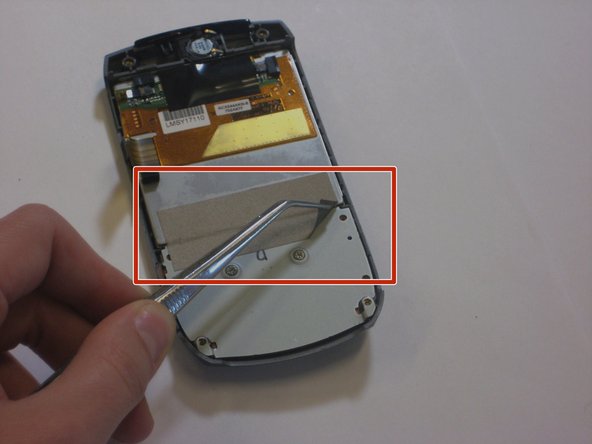
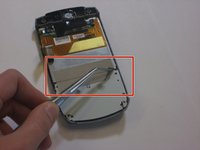
Use a pair of tweezers, to carefully peel off the silver tape from the screen.
-
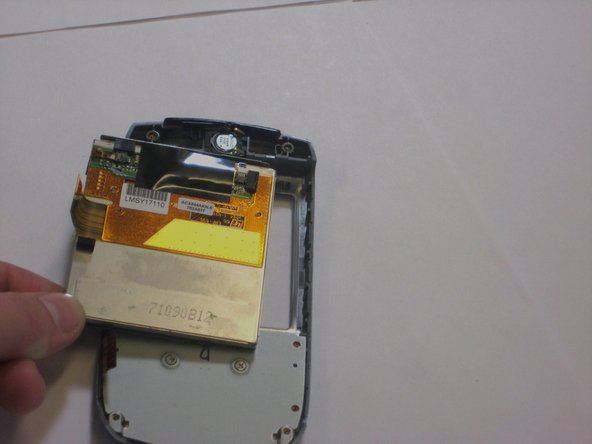
Push the screen out of the back of the front panel to remove it.
-
-
-
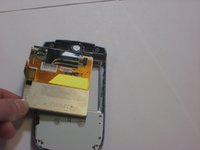
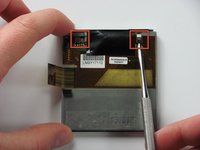
Use a small spudger to flip up both of the locking flaps that hold the orange ribbon cables in place.
-
-
-
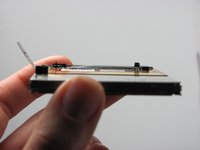
Flip the screen over 180 degrees and remove the metal piece that cushions the screen.
-
Flip the screen over again.
-
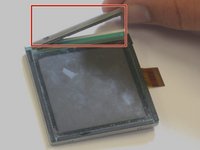
Carefully begin to pull apart the touch screen and LCD screen.
-
-
-
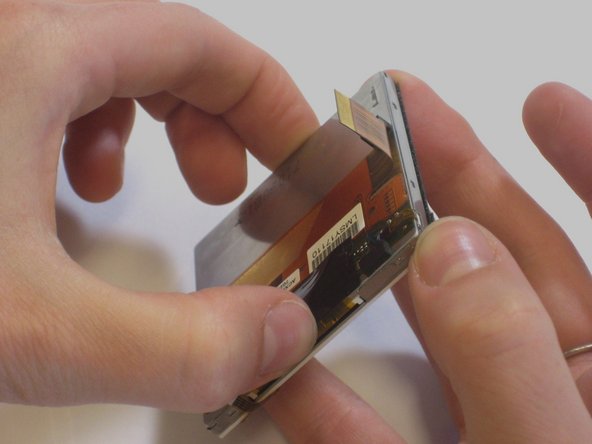
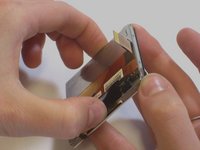
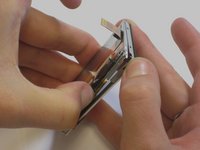
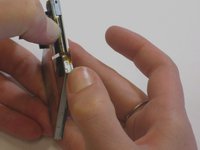
Move your thumbs diagonally to the opposite corner of the screen and slightly pull apart the touch screen from the LCD screen.
-
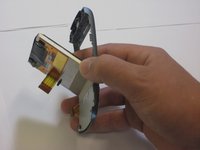
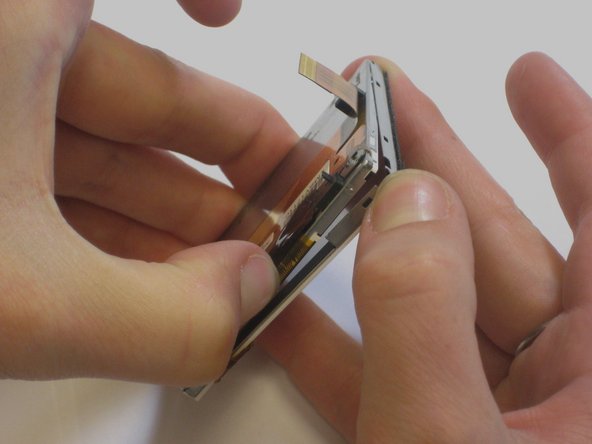
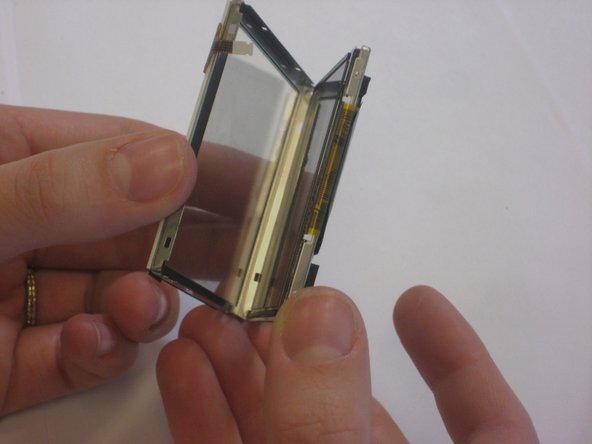
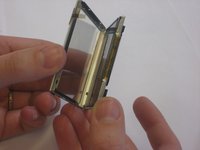
Carefully peel the touch screen away from the LCD screen.
-
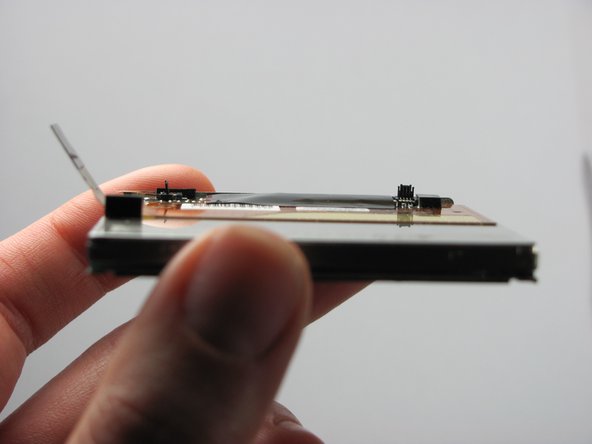
The touch screen and LCD screen should now be completely separated.
-











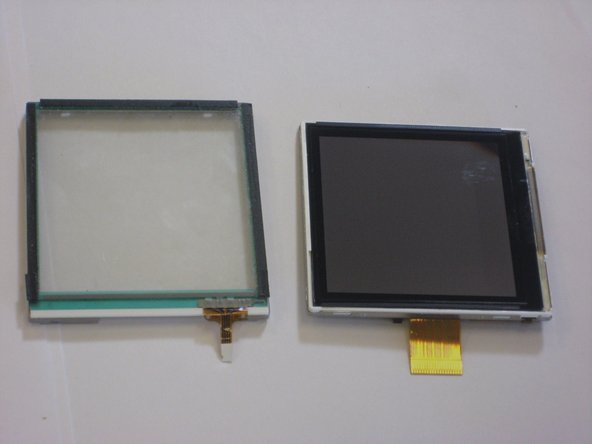
To reassemble your device, follow these instructions in reverse order, but ensure you use the new screen. Take your e-waste to an R2 or e-Stewards certified recycler.
İptal et: Bu kılavuzu tamamlamadım.
2 farklı kişi bu kılavuzu tamamladı.

Ekip

Cal Poly, Team 6-4, Maness Fall 2009 Cal Poly, Team 6-4, Maness Fall 2009 üyesi
CPSU-MANESS-F09S6G4
4 Üyeler
21 adet Kılavuz yazıldı
2Kılavuz Yorumları
where can i get the new touch scree, actually my mobile has fallen down and broken the touch scree. i am a resident in India, Andhra Pradesh, Hyderabad........at Ramkote.... please give me message at chinthala.prasad@yahoo.com please
These are very nice instructions. They are clear and detailed for anyone to follow. Thanks for putting together the steps and sharing it.
I have not tried all steps completely yet. But will do so. I will left with probably a question what to do with touch screen. My phone has
never fallen down nor damaged. It worked perfectly well and one fine day, touch screen stopped working. In any case, I will try.
RJ
