Giriş
If your Rexing V1P Plus (also known as the Rexing V1P-4k) is randomly rebooting or will not power on, your device's battery may be damaged or faulty. This guide will walk you through how to replace the battery for the device.
The battery on the Rexing V1P Plus does not hold a charge for long without being connected to a power source. To ensure the battery is safe to remove, leave the device unplugged for a short period to drain the battery of any charge it may have.
This replacement requires the use of a soldering iron. If you have no prior experience using a soldering iron, it is recommended to do some additional research to gain familiarity with using this tool.
The battery being replaced is a GTECAP 5.5V 3.5F battery.
Neye ihtiyacın var
-
-
-
Orient the device with the LCD screen facing down.
-
Remove the four 6 mm screws, located on the backside of the device, using the Phillips #00 screwdriver.
 FixBot'a Sor
-
-
-
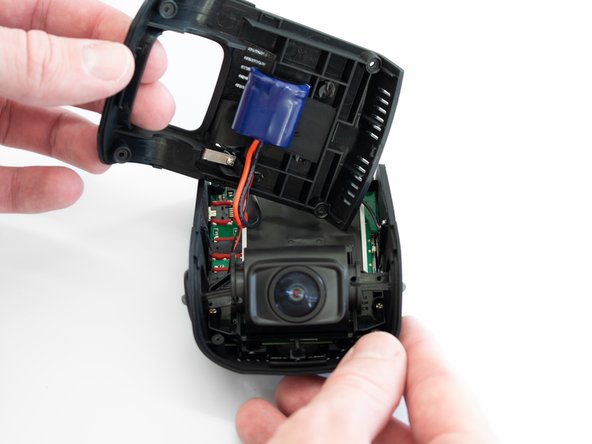
Remove the back cover of the device and place it to the side, with care not to strain the connected battery cable.
-
Rotate the device 180 degrees to where the camera is facing you.
-
-
-
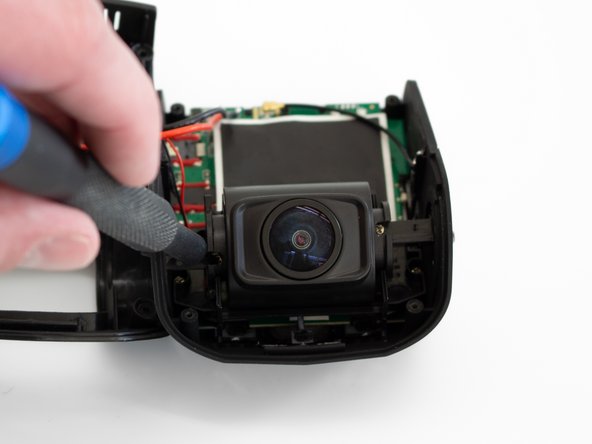
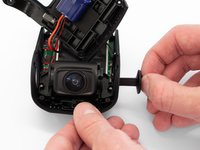
Remove the two 5 mm screws on either side of the lens using the Phillips #00 screwdriver.
-
-
-
-
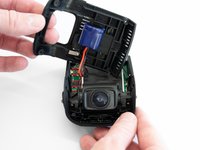
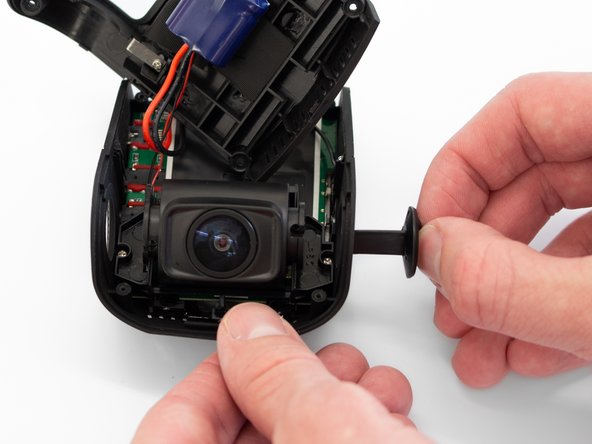
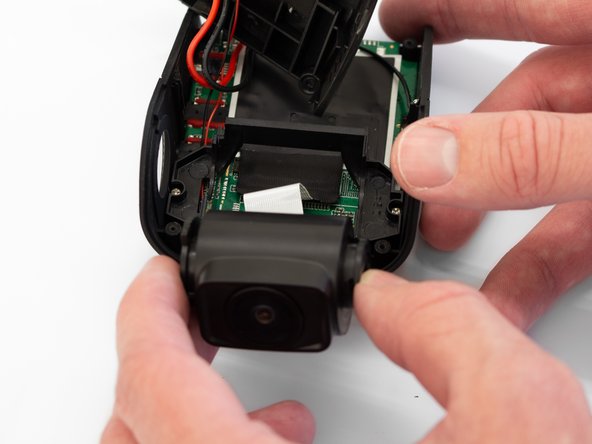
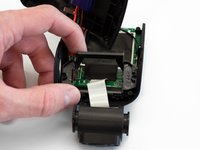
Remove the two camera angle adjusters from the side of the device and carefully pull out the lens.
-
-
-
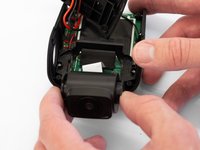
Remove the two 5 mm screws securing the camera support bracket using the Phillips #00 screwdriver.
-
-
-
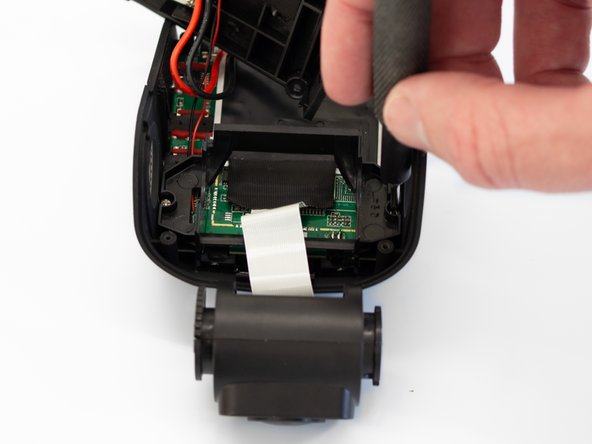
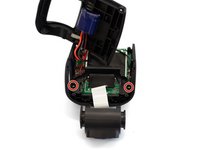
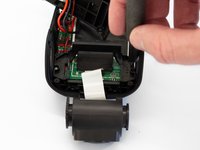
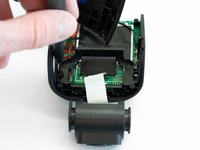
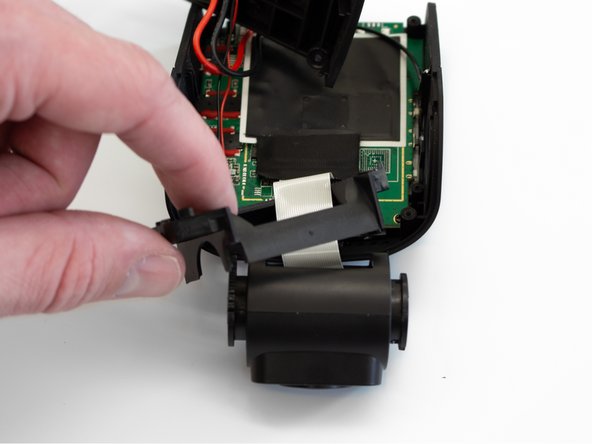
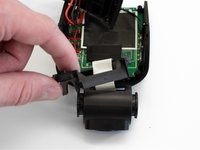
Carefully remove the plastic frame from its previously secured position on the motherboard.
-
Rotate the device 180 degrees to where the camera is facing away from you.
-
-
-
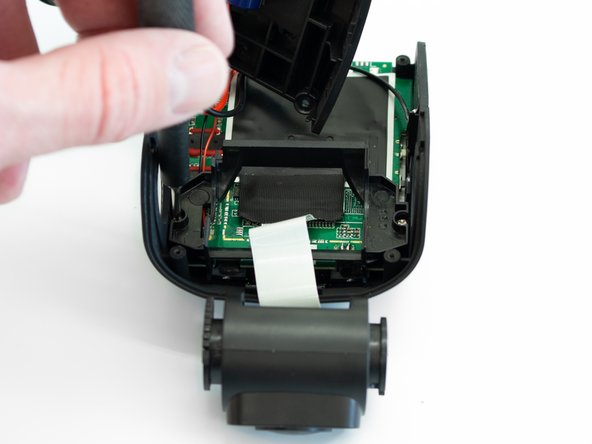
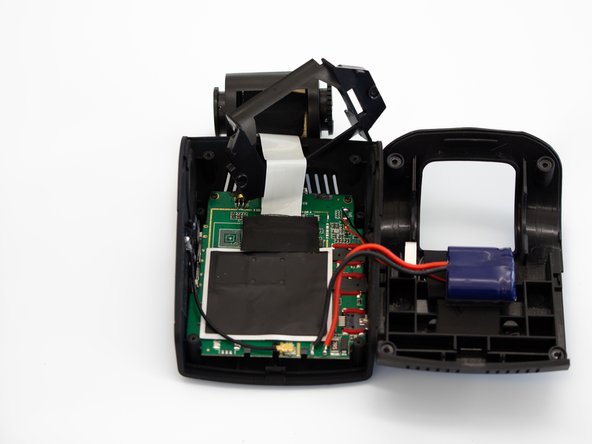
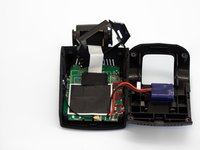
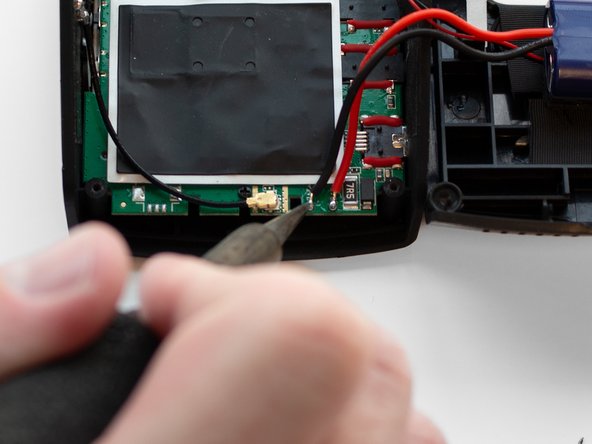
Using a soldering iron, remove the two wires connecting the battery to the motherboard.
-
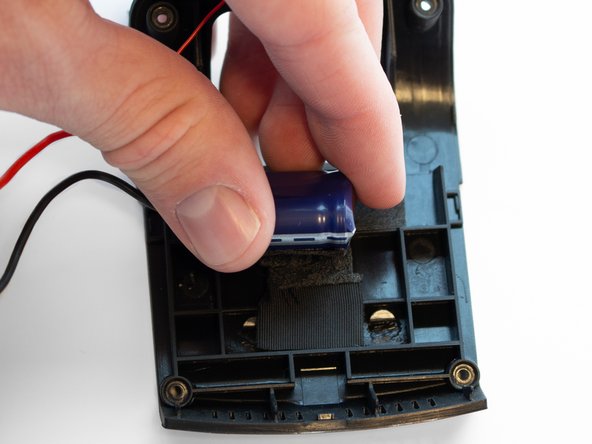
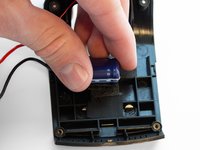
Once the wires are removed, peel the battery off of the case adhesive.
-
-






To reassemble your device, follow these instructions in reverse order.
İptal et: Bu kılavuzu tamamlamadım.
2 farklı kişi bu kılavuzu tamamladı.

Ekip

Western Carolina University, Team 1-1, Virtue Spring 2023 Western Carolina University, Team 1-1, Virtue Spring 2023 üyesi
WCU-VIRTUE-S23S1G1
4 Üyeler
15 adet Kılavuz yazıldı
4Kılavuz Yorumları
Where is it possible to get the replacement battery? Searching on ebay reveals nothing for the information given.
Did you find the replacement capacitors?
Just realized this appears to be what is known as a 'super capacitor' rather than a battery so it's possible any 5.5V 3.5Farad capacitor will work. The form factor may be an issue though.
