Ana içeriğe geç

Rienok S1 Mini Charging Port Replacement

Neye ihtiyacın var

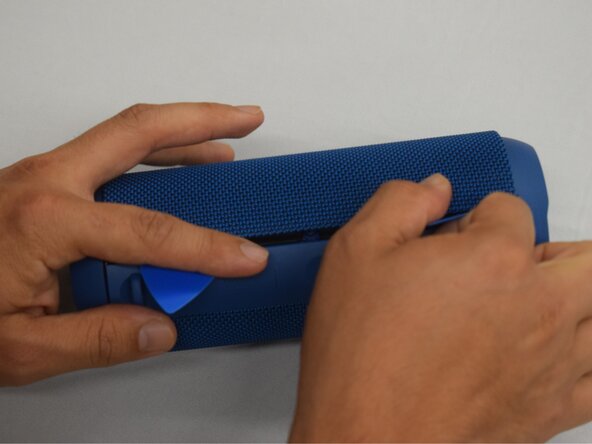
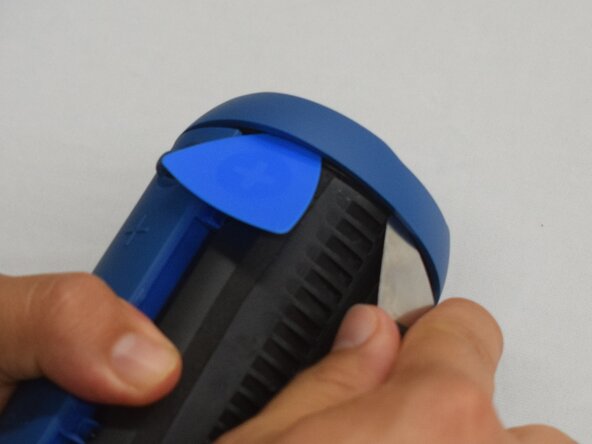
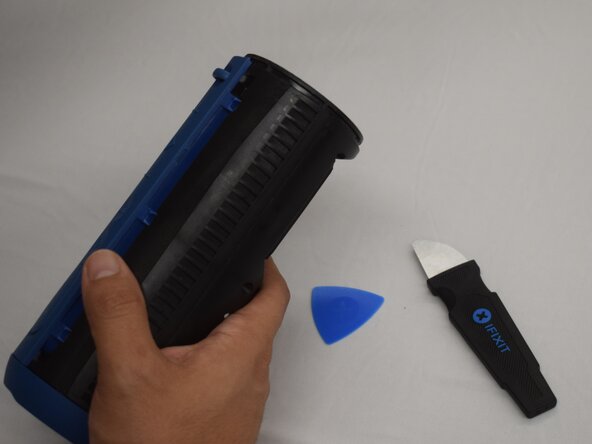
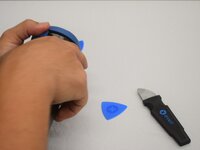
  1. Rienok S1 Mini Charging Port Replacement, Grille: adım 1, 2 resimden 1. Rienok S1 Mini Charging Port Replacement, Grille: adım 1, 2 resimden 2.
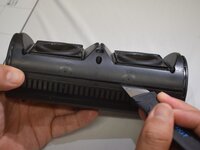
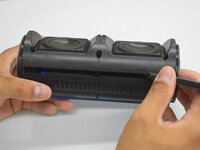
    • Start with the buttons panel up and facing you.

    • Wedge in one iFixit opening pick, and apply outward pressure to pop out one side of the grille.

    • Using a second pick, slide from the first pick towards the opposite end until one whole side is popped out.

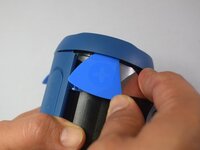
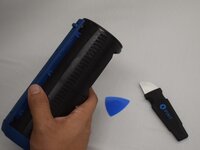
  2. Rienok S1 Mini Charging Port Replacement: adım 2, 1 resimden 1.
    • While holding the other side open so it doesn't snap closed, wedge in one opening pick into one corner of the closed side.

    • Apply outward pressure until that side also pops out.

    • Using a second opening pick, slide from the first one until both sides have popped out.

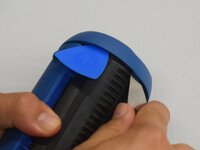
  3. Rienok S1 Mini Charging Port Replacement: adım 3, 1 resimden 1.
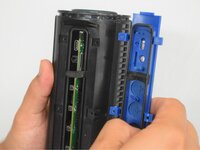
    • Pull outward on one end, while holding the other open.

    • Pull in the opposite direction on the top or bottom rings while slightly rotating the center until the whole grille is removed.

  4. Rienok S1 Mini Charging Port Replacement, Top and Bottom Rings: adım 4, 2 resimden 1. Rienok S1 Mini Charging Port Replacement, Top and Bottom Rings: adım 4, 2 resimden 2.
    • Wedge an iFixit opening pick into the space between the ring and the housing.

    • Insert a Jimmy into the gap created.

    • Apply an out-and-upward pressure with the Jimmy to disconnect the plastic clips surrounding the ring.

    • Work the Jimmy around the ring, disconnecting the clips along the way until they are all disconnected.

    • It may help to insert additional opening picks as you go to keep the previous clips from reconnecting.

  5. Rienok S1 Mini Charging Port Replacement: adım 5, 2 resimden 1. Rienok S1 Mini Charging Port Replacement: adım 5, 2 resimden 2.
    • After removing the first ring, turn the device to the other side.

    • Repeat the previous step to remove the second ring.

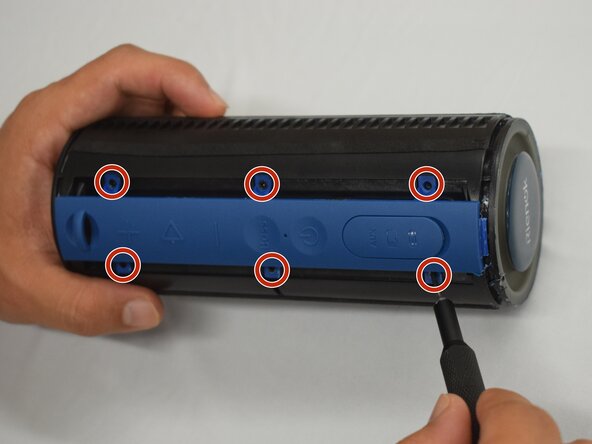
  6. Rienok S1 Mini Charging Port Replacement, Buttons Panel: adım 6, 2 resimden 1. Rienok S1 Mini Charging Port Replacement, Buttons Panel: adım 6, 2 resimden 2.
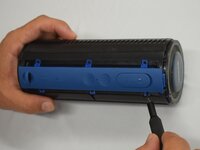
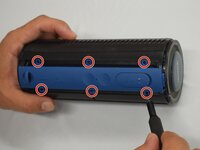
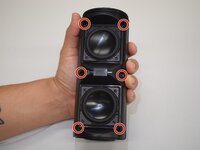
    • Remove the six 8 mm black screws using a Phillips #000 screwdriver.

  7. Rienok S1 Mini Charging Port Replacement: adım 7, 2 resimden 1. Rienok S1 Mini Charging Port Replacement: adım 7, 2 resimden 2.
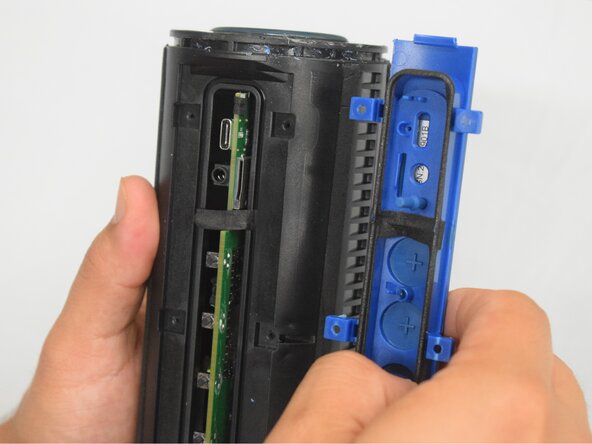
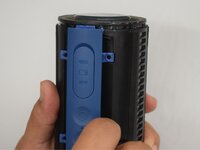
    • With the screws removed, grasp the buttons panel and pull it off.

  8. Rienok S1 Mini Charging Port Replacement, Case: adım 8, 3 resimden 1. Rienok S1 Mini Charging Port Replacement, Case: adım 8, 3 resimden 2. Rienok S1 Mini Charging Port Replacement, Case: adım 8, 3 resimden 3.
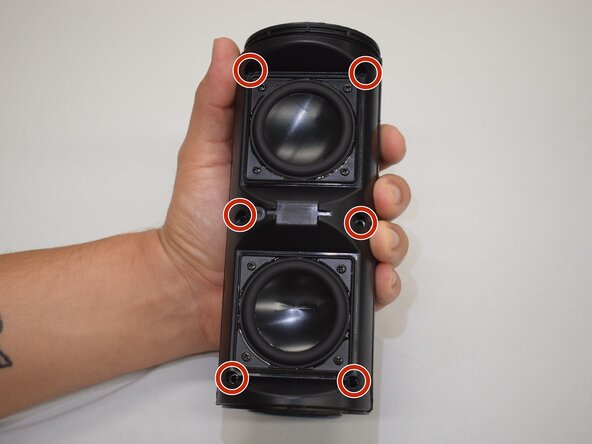
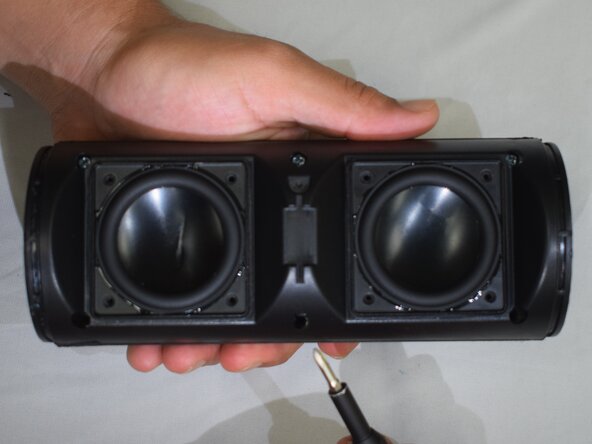
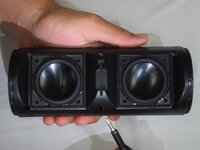
    • Hold the device with the speakers facing up.

    • Remove the six 10 mm silver screws connecting the two halves of the case with a Phillips #1 screwdriver.

  9. Rienok S1 Mini Charging Port Replacement: adım 9, 3 resimden 1. Rienok S1 Mini Charging Port Replacement: adım 9, 3 resimden 2. Rienok S1 Mini Charging Port Replacement: adım 9, 3 resimden 3.
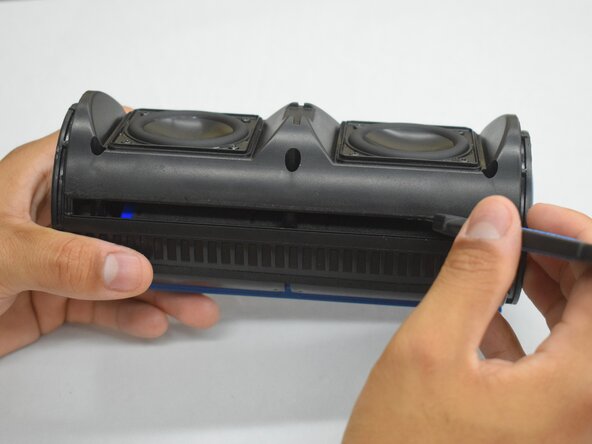
    • Insert a Jimmy into the seam between both halves.

    • Lightly twist the Jimmy until a small gap appears.

    • Work the Jimmy across the length creating and widening the gap as you go across.

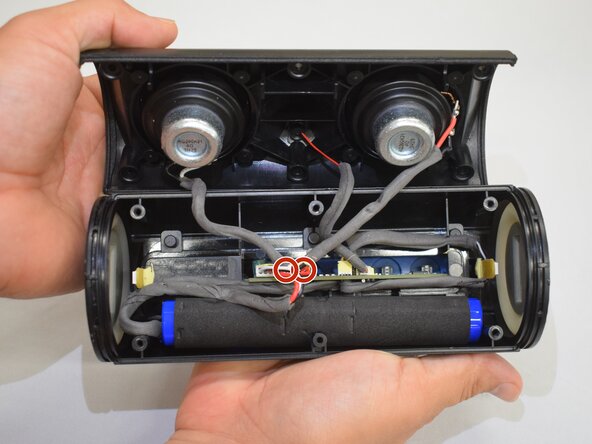
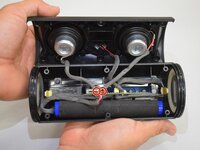
    • With the gap across the whole length, grasp both halves and lightly pull apart.

    • DO NOT yank apart; the two halves are still connected by a few cords.

  10. Rienok S1 Mini Charging Port Replacement: adım 10, 2 resimden 1. Rienok S1 Mini Charging Port Replacement: adım 10, 2 resimden 2.
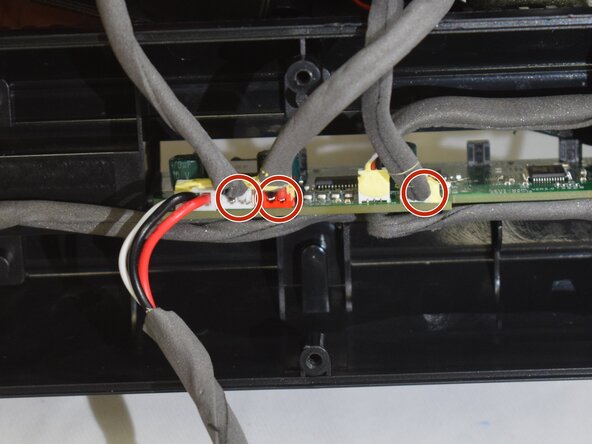
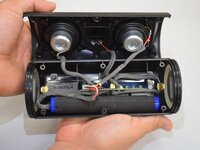
    • Remove the foam glue from the plugs.

    • Grip the plugs with your fingernails, and gently pull each plug until all three are disconnected.

    • If replacing the case, pull on the battery and motherboard, and they will come right out.

  11. Rienok S1 Mini Charging Port Replacement, Charging Port: adım 11, 2 resimden 1. Rienok S1 Mini Charging Port Replacement, Charging Port: adım 11, 2 resimden 2.
    • Instructions provided are without fully removing the motherboard. If that optional step was taken, there will be more freedom in taking these same steps.

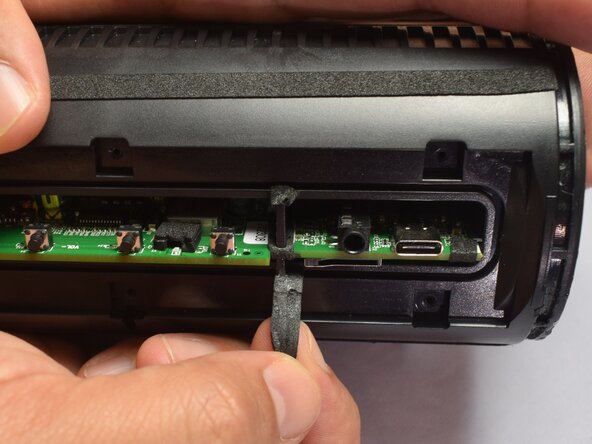
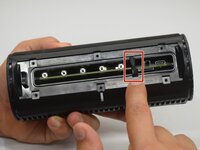
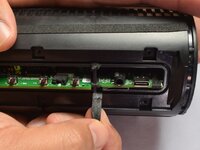
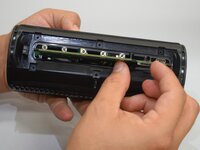
    • Grasp the rubber stop and lightly pull down to allow the motherboard to be removed.

  12. Rienok S1 Mini Charging Port Replacement: adım 12, 3 resimden 1. Rienok S1 Mini Charging Port Replacement: adım 12, 3 resimden 2. Rienok S1 Mini Charging Port Replacement: adım 12, 3 resimden 3.
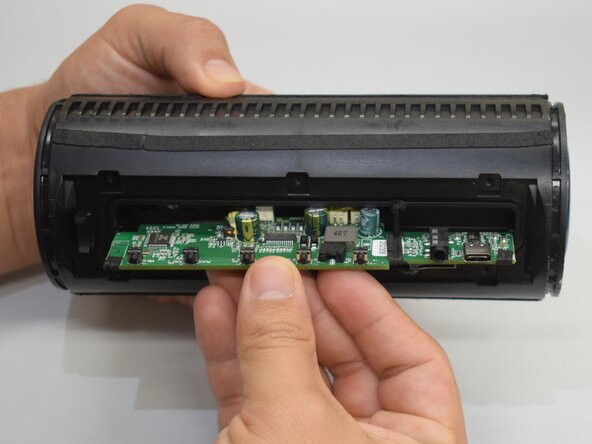
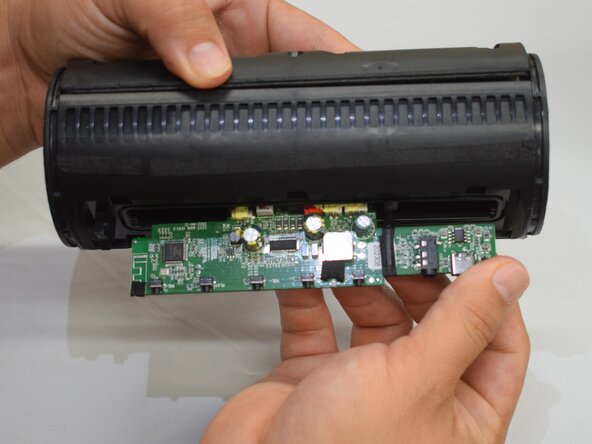
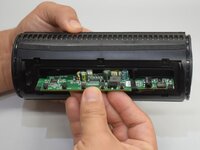
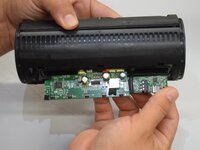
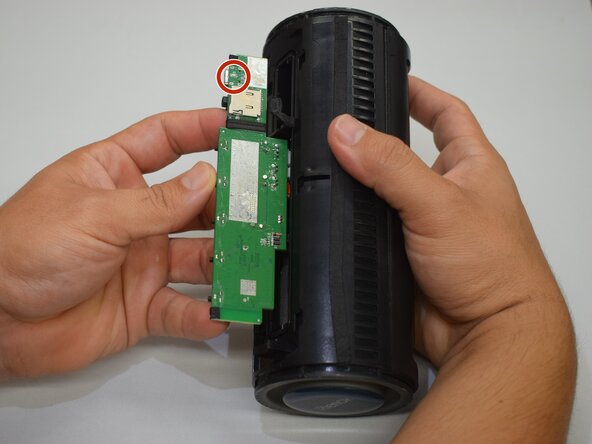
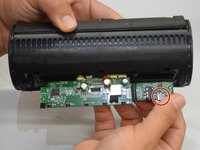
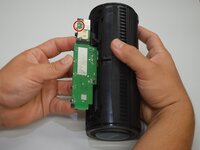
    • Grasp the motherboard and lightly wiggle the motherboard out until the point you see here.

  13. Rienok S1 Mini Charging Port Replacement: adım 13, 2 resimden 1. Rienok S1 Mini Charging Port Replacement: adım 13, 2 resimden 2.
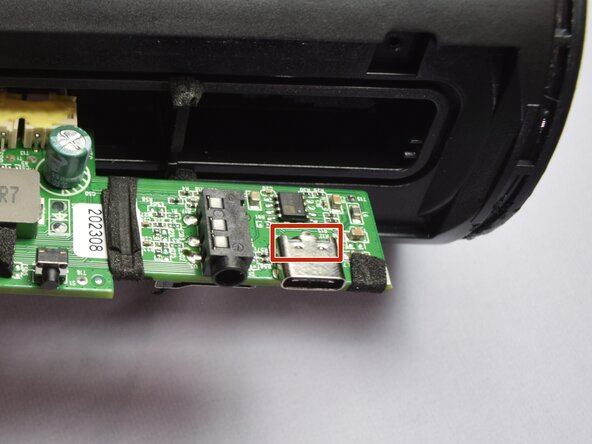
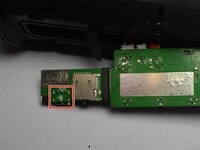
    • The charging port can be located here.

    • Prop the case so that the top side of the motherboard is facing you, and prepare the space for soldering.

  14. Rienok S1 Mini Charging Port Replacement: adım 14, 3 resimden 1. Rienok S1 Mini Charging Port Replacement: adım 14, 3 resimden 2. Rienok S1 Mini Charging Port Replacement: adım 14, 3 resimden 3.
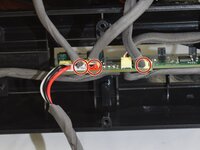
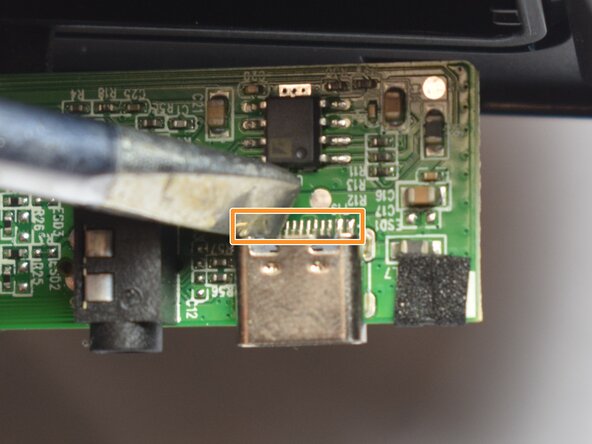
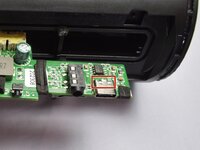
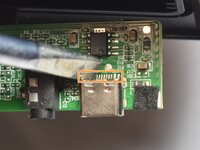
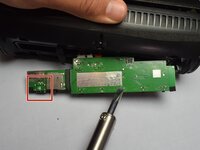
    • Locate the charging port on top of the motherboard, and look at the back end of it for a row of contacts.

    • Desolder this row of contacts that directs power into the motherboard, ensuring all solder is off the contacts.

    • Flip and prop the motherboard up with the bottom side facing you.

    • Information on how to solder and de-solder components can be found here.

    • Many small components are soldered just next to the contacts to be removed; touching these with the soldering iron could damage the motherboard or components.

  15. Rienok S1 Mini Charging Port Replacement: adım 15, 3 resimden 1. Rienok S1 Mini Charging Port Replacement: adım 15, 3 resimden 2. Rienok S1 Mini Charging Port Replacement: adım 15, 3 resimden 3.
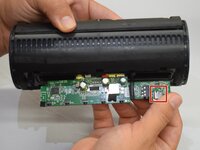
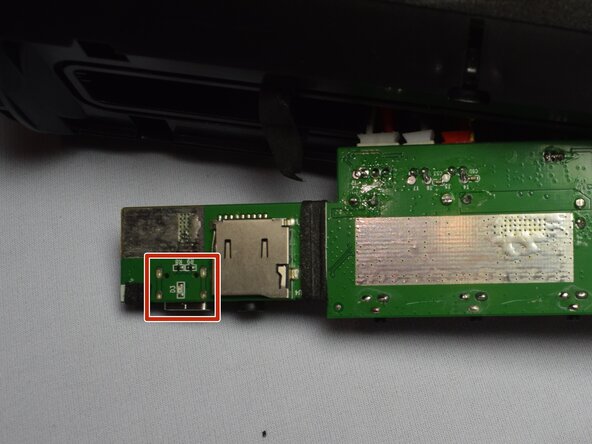
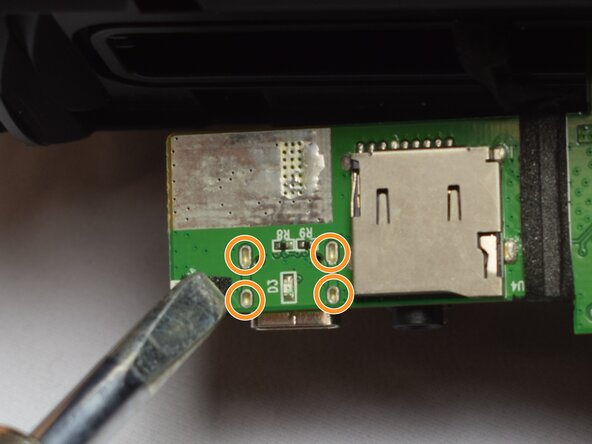
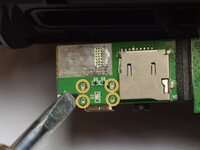
    • The charging port can be located on the underside of the motherboard here.

    • Desolder the four connections that connect the charging port to the motherboard.

    • Resolder the new charging port in the same locations.

    • Information on how to solder and de-solder components can be found here.

Sonuç

To reassemble your device, follow these instructions in reverse order.

Zoey S.

Üyelik tarihi: 02/22/25

781 İtibar

5 adet Kılavuz yazıldı

Ekip

CSU Los Angeles, Team 7-1, Kershman Spring 2025 CSU Los Angeles, Team 7-1, Kershman Spring 2025 üyesi

CSULA-KERSHMAN-S25S7G1

5 Üyeler

9 adet Kılavuz yazıldı

0Kılavuz Yorumları

Yorum Ekle

İstatistikleri Görüntüle:

Son 24 Saat: 1

Son 7 gün: 5

Son 30 gün: 22

Her zaman: 219