Giriş
If your Rienok S1 Mini has recently lost functionality, use this guide to replace the motherboard.
The motherboard is the central circuit board that distributes power to the rest of the speaker. It handles charging, Bluetooth connections, processing audio signals to power the speaker drivers, and appropriately responding to button presses. It is also the power source for lighting different LED lights that are part of the speaker and producing sounds that signal the speaker is powering on, connected to a device, etc. Your motherboard might need to be replaced if any of these functions behave abnormally.
This guide involves interacting with the battery of the speaker. A punctured battery can cause a dangerous fire. If your battery is swollen, take appropriate precautions.
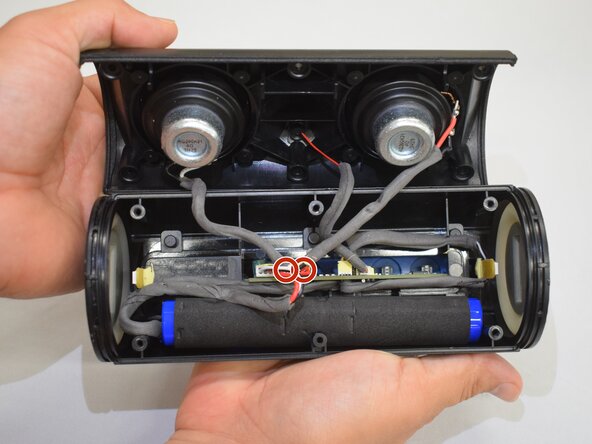
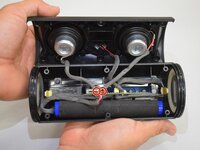
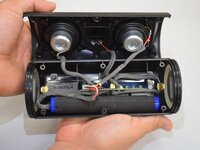
Once reaching Step 10, look for burned speaker components or any component that is not properly attached. This could indicate the issue is coming from another component and not the motherboard. The main picture of Step 10 can be used as a reference for how the inside of the speaker should look.
Because this guide works with open wires from a battery, there exists the possibility of a shock hazard. Take care when removing/unplugging wires.
Before beginning, ensure that the speaker is powered off and disconnected from any external power source.
Neye ihtiyacın var
-
-
Start with the buttons panel up and facing you.
-
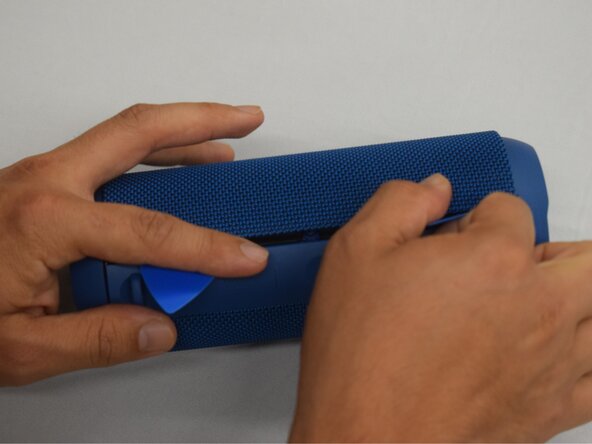
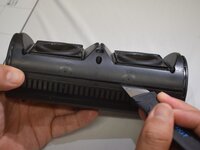
Wedge in one iFixit opening pick, and apply outward pressure to pop out one side of the grille.
-
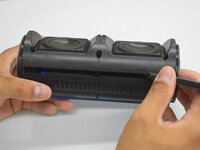
Using a second pick, slide from the first pick towards the opposite end until one whole side is popped out.
-
-
-
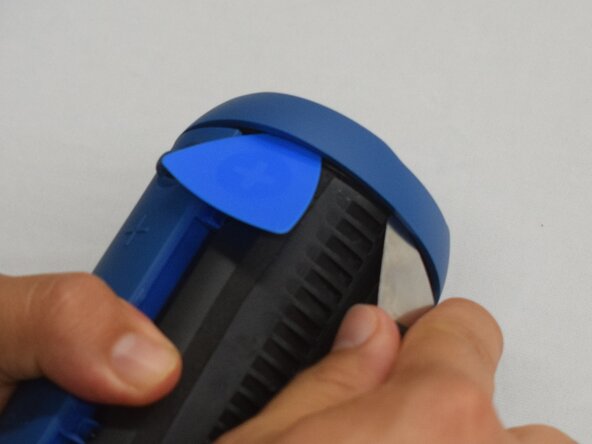
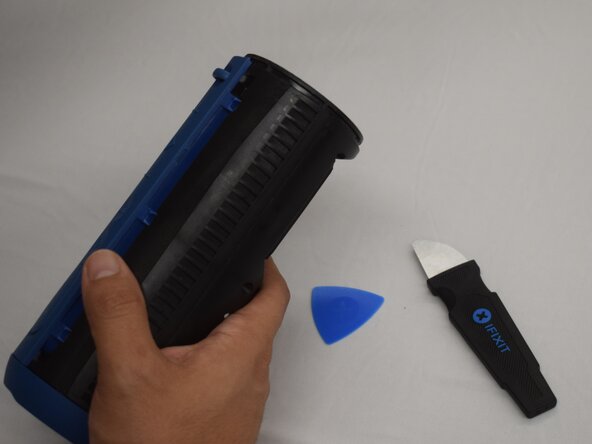
Wedge an iFixit opening pick into the space between the ring and the housing.
-
Insert a Jimmy into the gap created.
-
Apply an out-and-upward pressure with the Jimmy to disconnect the plastic clips surrounding the ring.
-
Work the Jimmy around the ring, disconnecting the clips along the way until they are all disconnected.
-
-
-
-
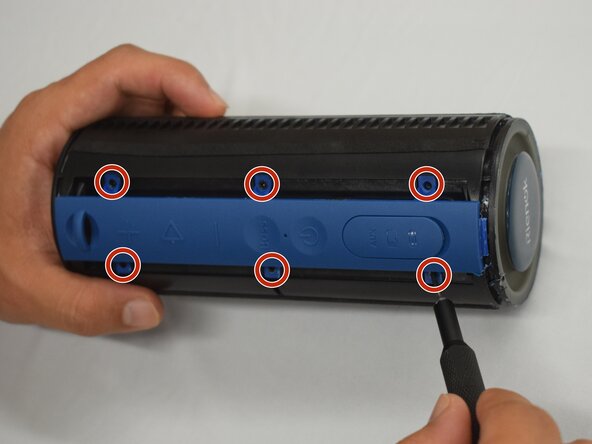
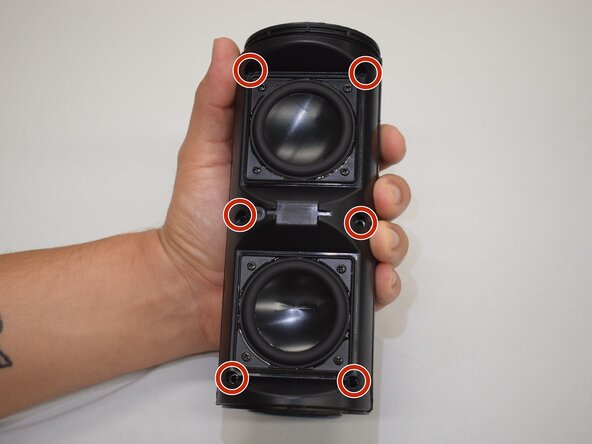
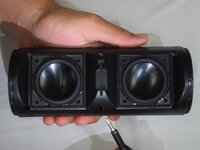
Hold the device with the speakers facing up.
-
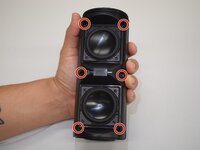
Remove the six 10 mm silver screws connecting the two halves of the case with a Phillips #1 screwdriver.
-
-
-
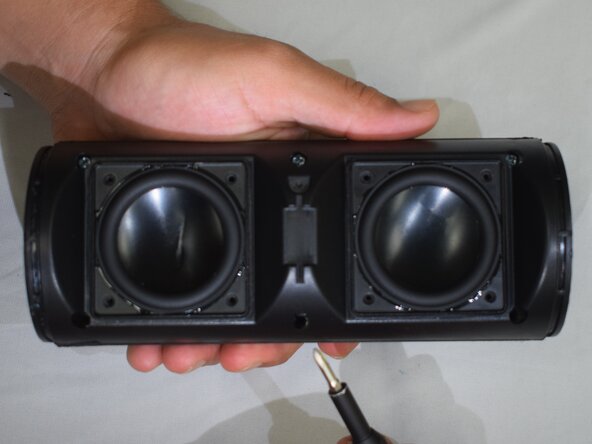
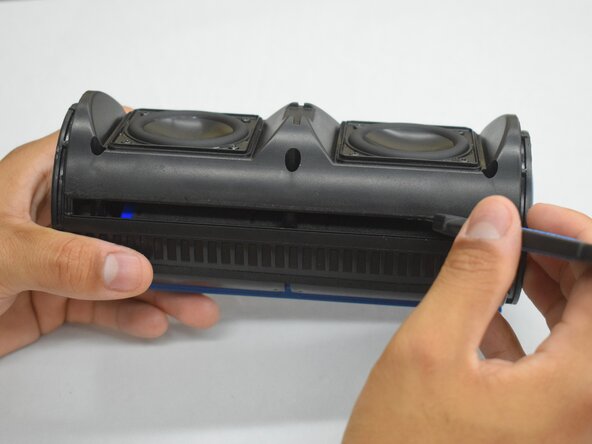
Insert a Jimmy into the seam between both halves.
-
Lightly twist the Jimmy until a small gap appears.
-
Work the Jimmy across the length creating and widening the gap as you go across.
-
With the gap across the whole length, grasp both halves and lightly pull apart.
-
DO NOT yank apart; the two halves are still connected by a few cords.
-
-
-
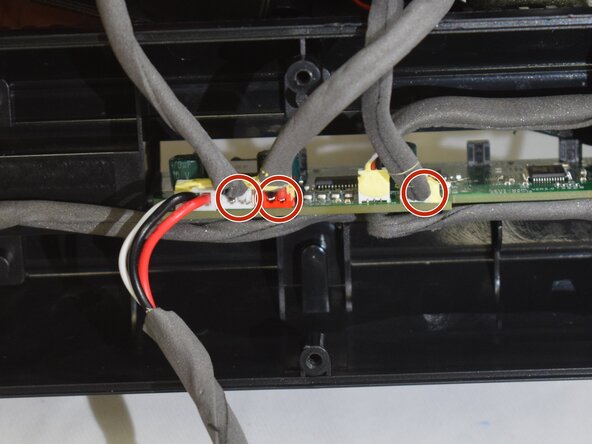
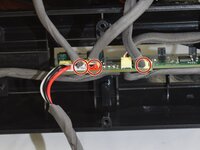
Remove foam glue and pull out the plug connecting the battery to the motherboard.
-





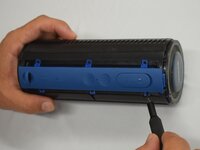
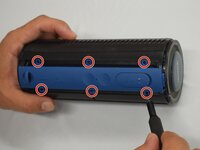

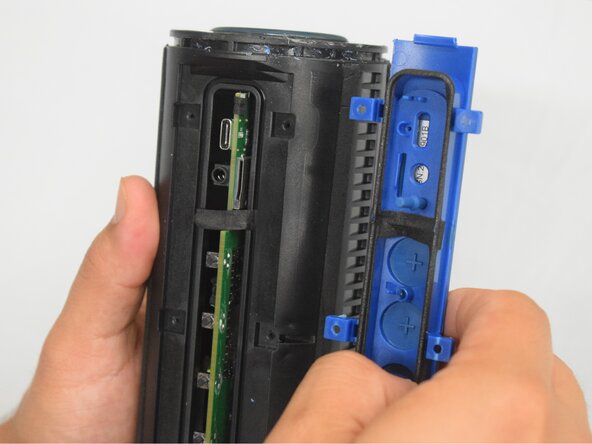
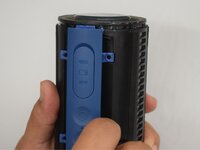
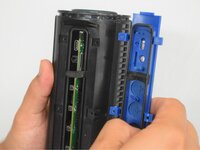





To reassemble your device, follow these instructions in reverse order.

Ekip

CSU Los Angeles, Team 7-1, Kershman Spring 2025 CSU Los Angeles, Team 7-1, Kershman Spring 2025 üyesi
CSULA-KERSHMAN-S25S7G1
5 Üyeler
9 adet Kılavuz yazıldı
