Ana içeriğe geç

SCUF Reflex Joystick Replacement

Neye ihtiyacın var

  1. SCUF Reflex Joystick Replacement, Remove the middle trim: adım 1, 1 resimden 1.
    • Insert an opening pick underneath the middle trim at the bottom-right corner of the controller to release the clips.

    • Loosen the rest of the clips and take the middle trim out.

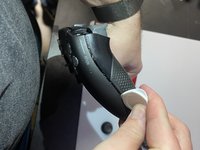
  2. SCUF Reflex Joystick Replacement, Remove L1 and R1: adım 2, 3 resimden 1. SCUF Reflex Joystick Replacement, Remove L1 and R1: adım 2, 3 resimden 2. SCUF Reflex Joystick Replacement, Remove L1 and R1: adım 2, 3 resimden 3.
    • Use a tool to pop the R1 and L1 buttons off of the controller.

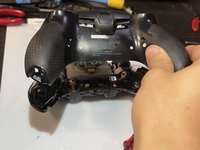
  3. SCUF Reflex Joystick Replacement, Unscrew the grips: adım 3, 2 resimden 1. SCUF Reflex Joystick Replacement, Unscrew the grips: adım 3, 2 resimden 2.
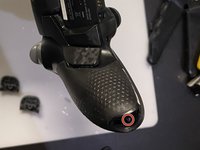
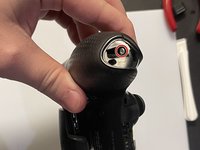
    • Unscrew and remove the screw from the bottom of each grip.

  4. SCUF Reflex Joystick Replacement, Unscrew behind L1 and R1: adım 4, 1 resimden 1.
    • Unscrew the screws behind the L1 and R1 buttons.

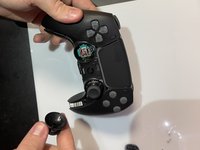
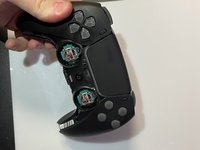
  5. SCUF Reflex Joystick Replacement, Pull the joysticks off: adım 5, 2 resimden 1. SCUF Reflex Joystick Replacement, Pull the joysticks off: adım 5, 2 resimden 2.
    • Pull the joysticks off of the controller.

  6. SCUF Reflex Joystick Replacement, Pull the scuff buttons off: adım 6, 1 resimden 1.
    • Pull the scuff buttons off the back of the controller by sliding them down.

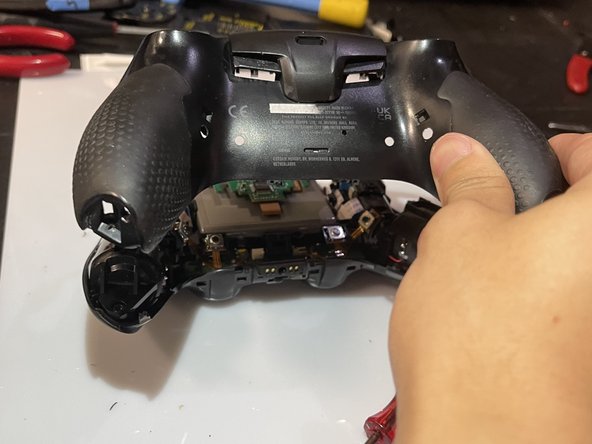
  7. SCUF Reflex Joystick Replacement, Remove the rear case: adım 7, 2 resimden 1. SCUF Reflex Joystick Replacement, Remove the rear case: adım 7, 2 resimden 2.
    • Slide the prying tool down the edge of the rear casing of the controller to remove the rear case.

    • Be sure to deal with all the clips!

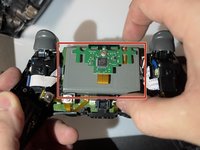
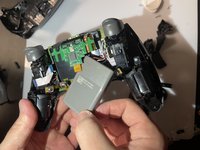
  8. SCUF Reflex Joystick Replacement, Slide the battery out: adım 8, 2 resimden 1. SCUF Reflex Joystick Replacement, Slide the battery out: adım 8, 2 resimden 2.
    • Slide the battery out of the controller. It's grey and held in by a couple of wires, so be careful not to damage them.

  9. SCUF Reflex Joystick Replacement, Unplug the battery: adım 9, 1 resimden 1.
    • Unplug the battery to finish removing the battery from the controller.

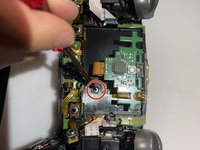
  10. SCUF Reflex Joystick Replacement, Take the battery bracket out: adım 10, 2 resimden 1. SCUF Reflex Joystick Replacement, Take the battery bracket out: adım 10, 2 resimden 2.
    • Unscrew the screw on the back of the controller to remove the battery bracket.

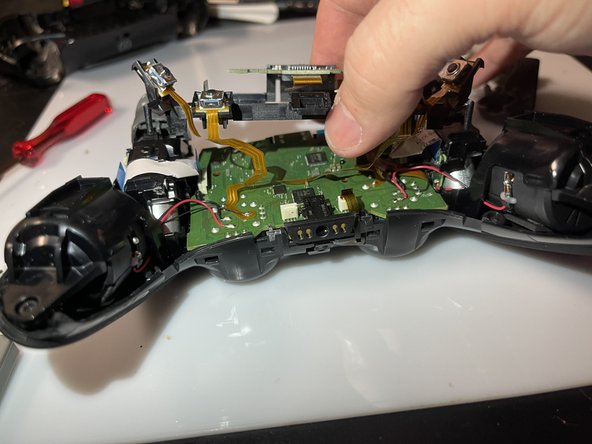
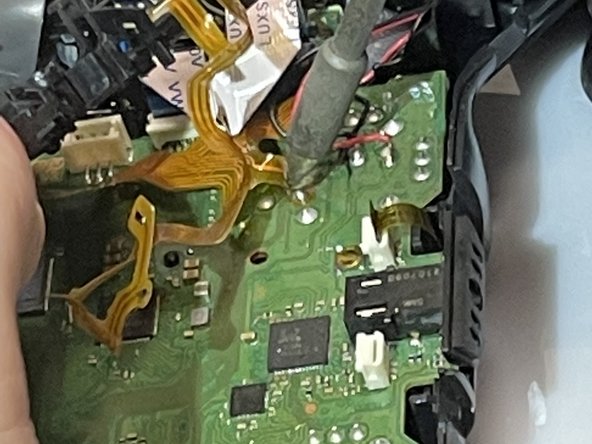
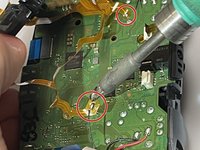
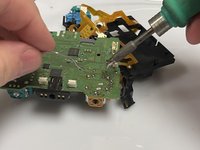
  11. SCUF Reflex Joystick Replacement, Desolder the ribbon cables: adım 11, 2 resimden 1. SCUF Reflex Joystick Replacement, Desolder the ribbon cables: adım 11, 2 resimden 2.
    • Use a soldering iron to desolder the ribbon cables on the motherboard.

  12. SCUF Reflex Joystick Replacement: adım 12, 1 resimden 1.
    • Unplug these four cables from the motherboard.

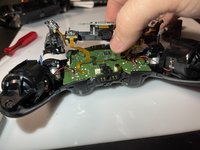
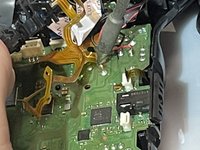
  13. SCUF Reflex Joystick Replacement: adım 13, 1 resimden 1.
    • Use the soldering iron to desolder the black and red wires off of the motherboard.

  14. SCUF Reflex Joystick Replacement: adım 14, 1 resimden 1.
    • Remove the motherboard and the battery bracket from the controller to expose the joystick component.

  15. SCUF Reflex Joystick Replacement: adım 15, 1 resimden 1.
    Bu adımda kullanılan alet:
    Desoldering Pump
    $3.99
    • Use the soldering iron and the desoldering pump to desolder the 14 connections for the component.

  16. SCUF Reflex Joystick Replacement: adım 16, 1 resimden 1.
    • Remove the component from the motherboard.

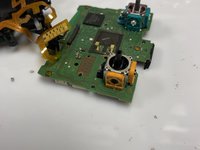
  17. SCUF Reflex Joystick Replacement: adım 17, 2 resimden 1. SCUF Reflex Joystick Replacement: adım 17, 2 resimden 2.
    • Put the new component on the motherboard.

    • Use the soldering iron to connect the new component to the motherboard.

Sonuç

To reassemble your device, follow these instructions in reverse order.

4 farklı kişi bu kılavuzu tamamladı.

Tri Truong

Üyelik tarihi: 02/13/23

435 İtibar

2 adet Kılavuz yazıldı

1Rehber Yorum

Hi! Wich replacement component do you use?

Antonis Lambropoulos - Yanıt

Yorum Ekle

İstatistikleri Görüntüle:

Son 24 Saat: 35

Son 7 gün: 214

Son 30 gün: 821

Her zaman: 15,968