Ana içeriğe geç
Onarım Topluluğuna Katılın - Hesap Oluşturun

Samsung Exhibit II 4G Rear Facing Camera Replacement

Neye ihtiyacın var

  1. Samsung Exhibit II 4G Rear Facing Camera Replacement, Battery: adım 1, 1 resimden 1.
    • Insert plastic opening tool under back cover.

    • Apply pressure on tool while using a downward motion to pop off back cover.

    FixBot'a Sor
  2. Samsung Exhibit II 4G Rear Facing Camera Replacement: adım 2, 1 resimden 1.
    • Insert plastic opening tool under battery.

    • Pry battery out.

    FixBot'a Sor
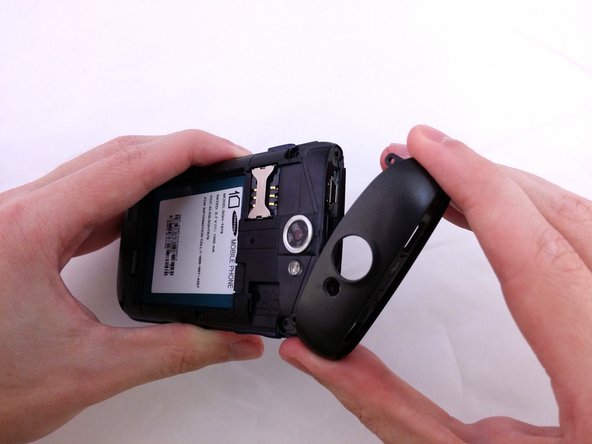
  3. Samsung Exhibit II 4G Rear Facing Camera Replacement, Top Rear Housing Cover: adım 3, 1 resimden 1.
    • Insert plastic opening tool under back cover.

    • Pry the top cover upward to remove it from the phone.

    FixBot'a Sor
  4. Samsung Exhibit II 4G Rear Facing Camera Replacement: adım 4, 1 resimden 1.
    • Remove the top cover.

    FixBot'a Sor
  5. Samsung Exhibit II 4G Rear Facing Camera Replacement: adım 5, 2 resimden 1. Samsung Exhibit II 4G Rear Facing Camera Replacement: adım 5, 2 resimden 2.
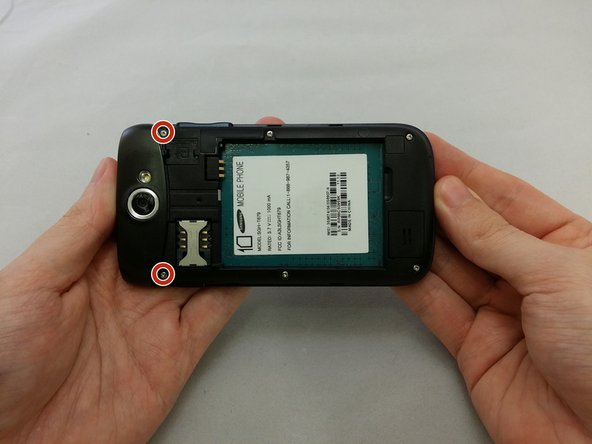
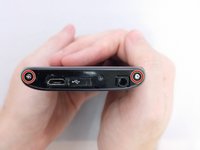
    • Remove the four 3.8mm Phillips #000 screws securing the top cover to the back assembly.

    • Two screws from top and two screws from back.

    FixBot'a Sor
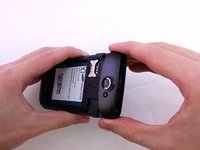
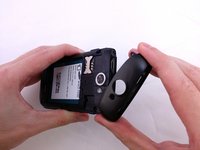
  6. Samsung Exhibit II 4G Rear Facing Camera Replacement: adım 6, 3 resimden 1. Samsung Exhibit II 4G Rear Facing Camera Replacement: adım 6, 3 resimden 2. Samsung Exhibit II 4G Rear Facing Camera Replacement: adım 6, 3 resimden 3.
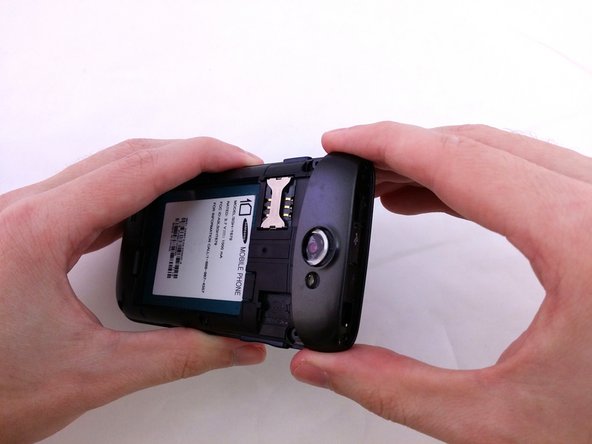
    • Insert plastic opening tool under top cover.

    • Using hand slide top cover away from phone.

    FixBot'a Sor
  7. Samsung Exhibit II 4G Rear Facing Camera Replacement, Midframe: adım 7, 1 resimden 1.
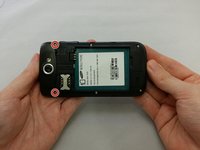
    • Remove the four 3.8mm Phillips #000 screws securing the back assembly to the phone.

    FixBot'a Sor
  8. Samsung Exhibit II 4G Rear Facing Camera Replacement: adım 8, 1 resimden 1.
    • Insert plastic opening tool between back assembly and phone.

    • Pry the back assembly away from phone.

    FixBot'a Sor
  9. Samsung Exhibit II 4G Rear Facing Camera Replacement: adım 9, 1 resimden 1.
    • With plastic opening tool continue prying around the edge of the back assembly.

    FixBot'a Sor
  10. Samsung Exhibit II 4G Rear Facing Camera Replacement: adım 10, 1 resimden 1.
    • Pull back panel assembly away from main body.

    FixBot'a Sor
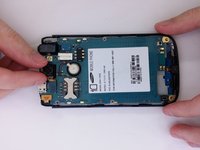
  11. Samsung Exhibit II 4G Rear Facing Camera Replacement, Rear Facing Camera: adım 11, 1 resimden 1.
    • Use the flat end of a spudger to disconnect the camera assembly cable.

    FixBot'a Sor
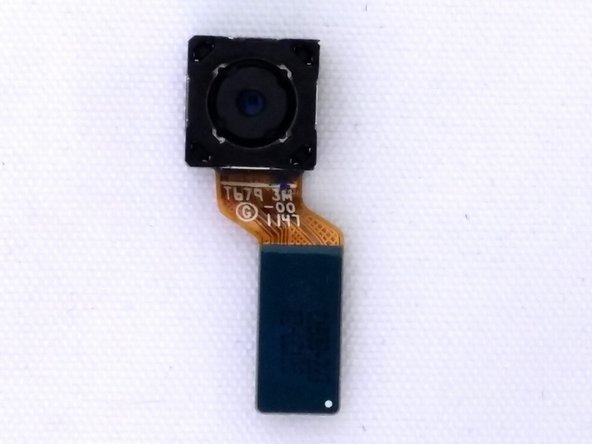
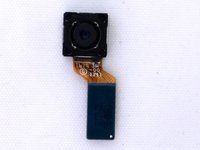
  12. Samsung Exhibit II 4G Rear Facing Camera Replacement: adım 12, 2 resimden 1. Samsung Exhibit II 4G Rear Facing Camera Replacement: adım 12, 2 resimden 2.
    • Remove camera from square housing.

    FixBot'a Sor
Sonuç

To reassemble your device, follow these instructions in reverse order.

Bir başkası bu kılavuzu tamamladı.

David R

Üyelik tarihi: 07/20/15

1.152 İtibar

9 adet Kılavuz yazıldı

0Kılavuz Yorumları

Yorum Ekle

İstatistikleri Görüntüle:

Son 24 Saat: 2

Son 7 gün: 4

Son 30 gün: 42

Her zaman: 521