Ana içeriğe geç
Onarım Topluluğuna Katılın - Hesap Oluşturun

Samsung NP700Z5AH Fan Replacement

Neye ihtiyacın var

  1. Samsung NP700Z5AH Fan Replacement, Battery: adım 1, 1 resimden 1.
    • Remove the ten 6.6mm Philips#00 screws securing the lower case to the upper case.

    FixBot'a Sor

    Yorum Ekle

  2. Samsung NP700Z5AH Fan Replacement: adım 2, 3 resimden 1. Samsung NP700Z5AH Fan Replacement: adım 2, 3 resimden 2. Samsung NP700Z5AH Fan Replacement: adım 2, 3 resimden 3.
    • Using your fingers, pinch the edge of the SD card and pull to remove it.

    FixBot'a Sor

    Yorum Ekle

  3. Samsung NP700Z5AH Fan Replacement: adım 3, 2 resimden 1. Samsung NP700Z5AH Fan Replacement: adım 3, 2 resimden 2.
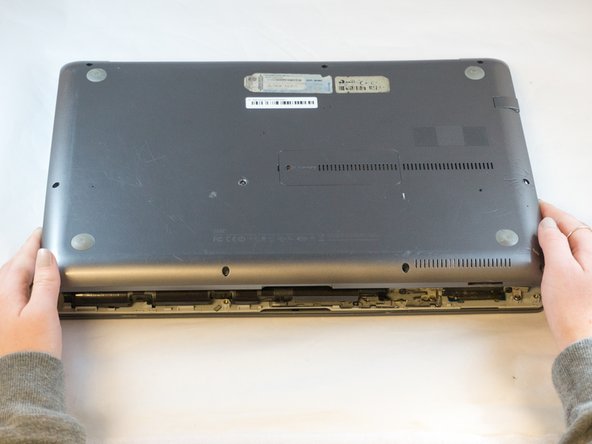
    • Wedge your fingers in between the upper case and the lower case

    • Gently pull the lower case away from the upper case to remove it

    FixBot'a Sor

    Yorum Ekle

  4. Samsung NP700Z5AH Fan Replacement: adım 4, 2 resimden 1. Samsung NP700Z5AH Fan Replacement: adım 4, 2 resimden 2.
    Bu adımda kullanılan alet:
    Tweezers
    $4.99
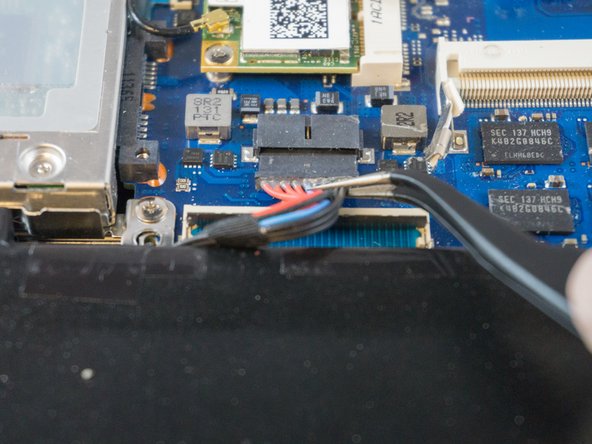
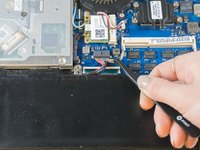
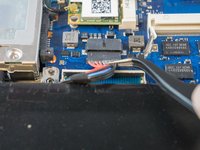
    • Using tweezers or your fingertips, carefully pull on the battery connector to disconnect it from the motherboard.

    • Be sure to pull straight backwards, or you risk damaging the wires.

    FixBot'a Sor

    Yorum Ekle

  5. Samsung NP700Z5AH Fan Replacement: adım 5, 1 resimden 1.
    • Remove the two 4.4mm Phillips#00 screws from the battery case.

    FixBot'a Sor

    Yorum Ekle

  6. Samsung NP700Z5AH Fan Replacement: adım 6, 2 resimden 1. Samsung NP700Z5AH Fan Replacement: adım 6, 2 resimden 2.
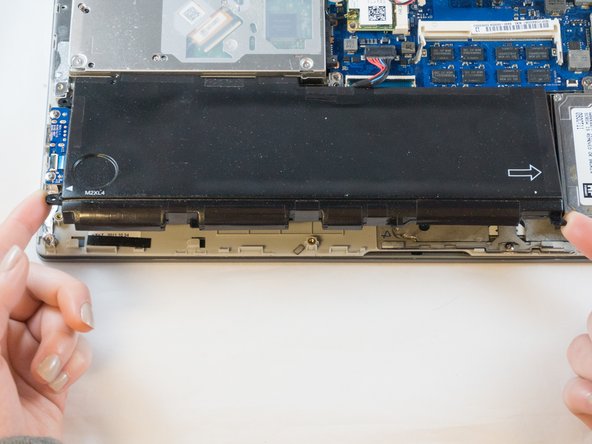
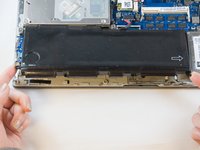
    • Place your fingers on the corner sections of the battery.

    • Lift to remove the battery.

    • If you choose to use tools to remove the battery be careful not to damage it. A damaged lithium-ion battery may leak dangerous chemicals and/or catch fire. Use only plastic pry tools.

    FixBot'a Sor

    Yorum Ekle

  7. Samsung NP700Z5AH Fan Replacement, Fan: adım 7, 2 resimden 1. Samsung NP700Z5AH Fan Replacement, Fan: adım 7, 2 resimden 2.
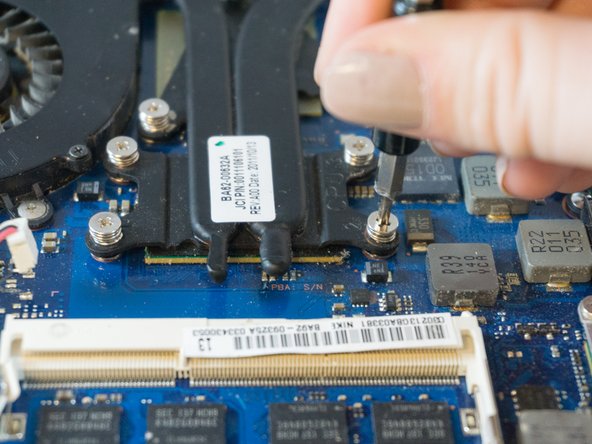
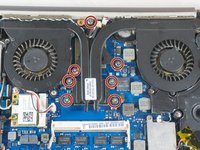
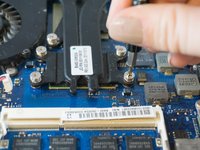
    • Loosen but don't remove the 7 silver Phillips #00 3.5mm screws securing the fan to the motherboard. They should detach from the motherboard and remain attached to the fan assembly.

    FixBot'a Sor

    Yorum Ekle

  8. Samsung NP700Z5AH Fan Replacement: adım 8, 2 resimden 1. Samsung NP700Z5AH Fan Replacement: adım 8, 2 resimden 2.
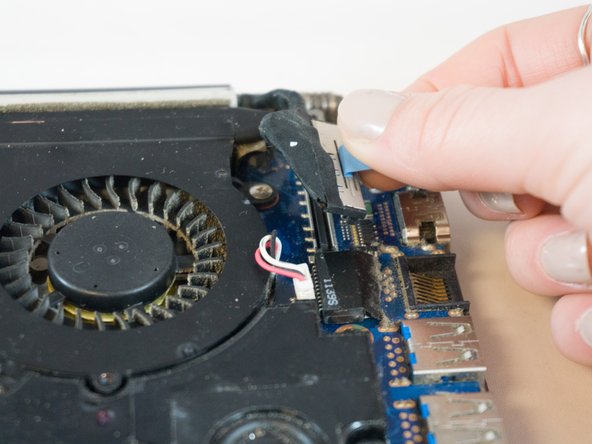
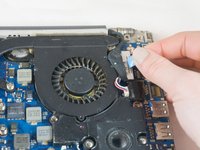
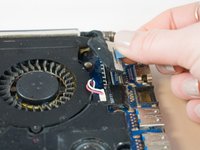
    • Using your fingers, grasp the blue ribbon on the fan connector and pull straight up to disconnect it from the motherboard.

    • To reinstall the cable, hold it near the end and push it straight into the connector, being careful not to kink the cable.

    FixBot'a Sor

    Yorum Ekle

  9. Samsung NP700Z5AH Fan Replacement: adım 9, 2 resimden 1. Samsung NP700Z5AH Fan Replacement: adım 9, 2 resimden 2.
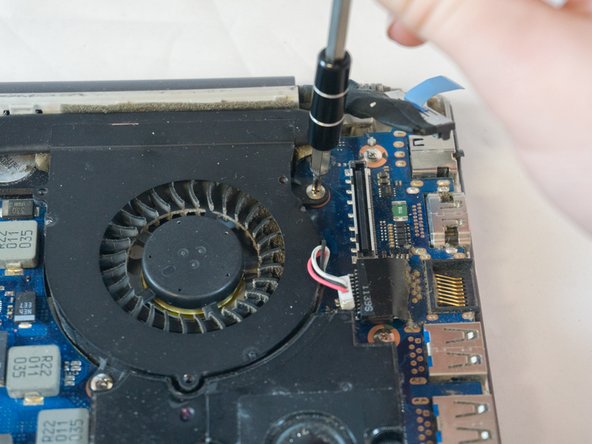
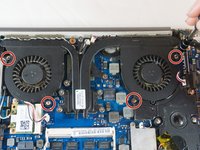
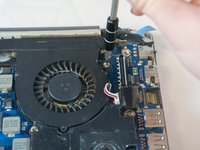
    • Using the Phillips#00 remove the four 3.5mm screws securing the fan to the motherboard.

    FixBot'a Sor

    Yorum Ekle

  10. Samsung NP700Z5AH Fan Replacement: adım 10, 2 resimden 1. Samsung NP700Z5AH Fan Replacement: adım 10, 2 resimden 2.
    Bu adımda kullanılan alet:
    Tweezers
    $4.99
    FixBot'a Sor

    Yorum Ekle

  11. Samsung NP700Z5AH Fan Replacement: adım 11, 3 resimden 1. Samsung NP700Z5AH Fan Replacement: adım 11, 3 resimden 2. Samsung NP700Z5AH Fan Replacement: adım 11, 3 resimden 3.
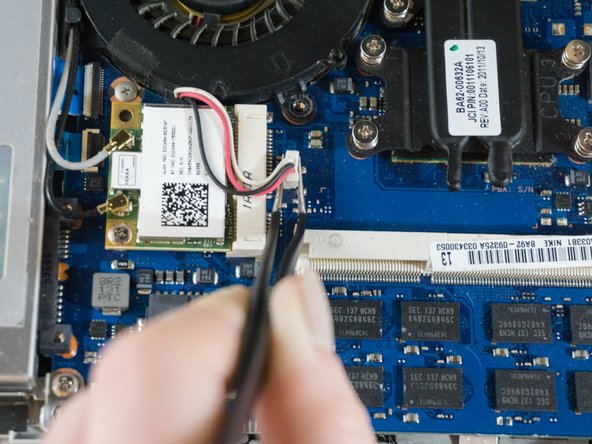
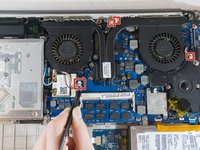
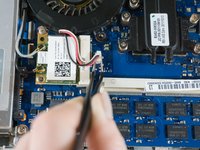
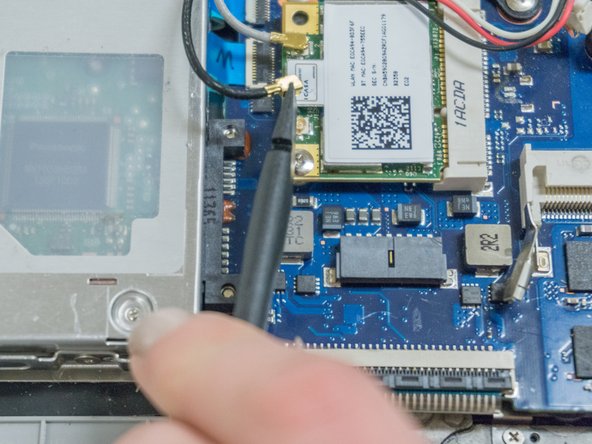
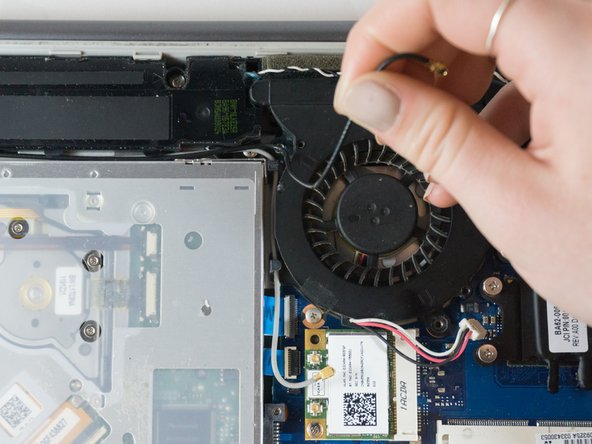
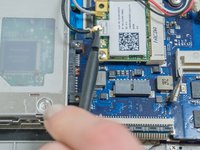
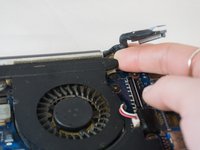
    • Place the tip of the spudger under the metal caps of the black and grey coaxial connectors and pry upwards to disconnect them.

    • After they are disconnected, un-thread them from around the fan.

    • To reinstall, hold the connectors in place and gently press them straight down. The connectors “snap” into their sockets much like the metal snaps on a jacket.

    FixBot'a Sor

    Yorum Ekle

  12. Samsung NP700Z5AH Fan Replacement: adım 12, 3 resimden 1. Samsung NP700Z5AH Fan Replacement: adım 12, 3 resimden 2. Samsung NP700Z5AH Fan Replacement: adım 12, 3 resimden 3.
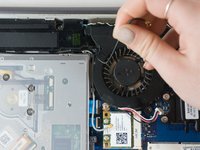
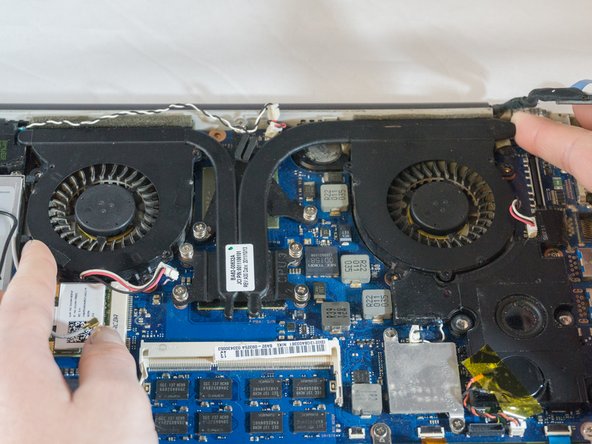
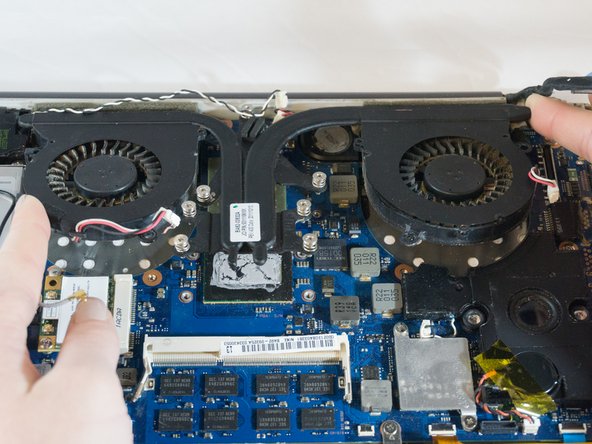
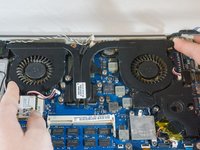
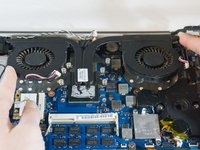
    • Wedge your fingers under opposite corners of the fan and lift to remove it.

    FixBot'a Sor

    Yorum Ekle

Sonuç

To reassemble your device, follow these instructions in reverse order.

İptal et: Bu kılavuzu tamamlamadım.

Bir başkası bu kılavuzu tamamladı.

0Kılavuz Yorumları

Yorum Ekle

İstatistikleri Görüntüle:

Son 24 Saat: 0

Son 7 gün: 7

Son 30 gün: 36

Her zaman: 1,307