Giriş
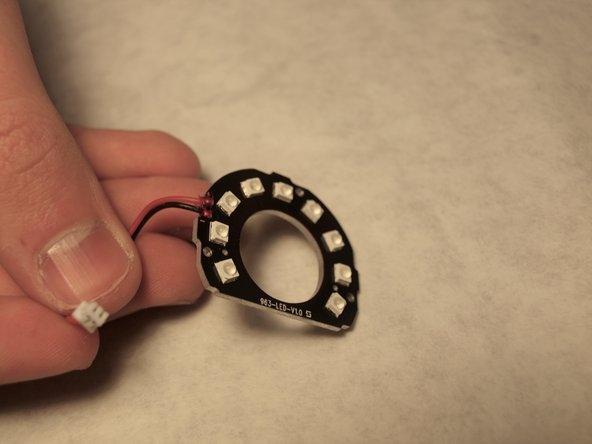
This repair guide shows how to remove the infrared LED on a Swann Wi-Fi Indoor Security Camera. The infrared LEDs allow for the camera to record video at night or in dim lighting. Common issues include the LEDs going bad and experiencing problems similar to the issues listed in the troubleshooting guide here.
This repair guide requires the handling of electrical components that may be sensitive to ESD (Electrostatic Discharge), so proper ESD protection is also advised.
Neye ihtiyacın var
-
-
-
Use the Phillips #0 to remove the screw located on the back of the camera above the mount.
-
Slide the mount out from the bottom of the device.
 FixBot'a Sor
-
-
-
Remove the back of the case by placing a iFixit opening tool underneath the edge of the case and prying it up.
-
-
-
-
Carefully remove the back of the case without pulling the cables connected to the motherboard and the speaker on the back of the case.
-
-
-
-
-
Facing the inside of the front case, unscrew the three 2.0 mm Phillips #0 black screws located on the back of the LED ring.
-
-
-
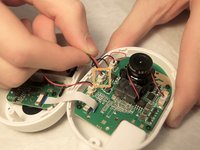
Release the clip connection connecting the LED ring to the motherboard.
-
Remove the infrared LED assembly.
-
-


To reassemble your device, follow these instructions in reverse order.

Ekip

Western Carolina University, Team S1-G4, Virtue Fall 2019 Western Carolina University, Team S1-G4, Virtue Fall 2019 üyesi
WCU-VIRTUE-F19S1G4
4 Üyeler
12 adet Kılavuz yazıldı
