Bu çeviri bir makine tarafından oluşturulmuştur ve henüz bir kişi tarafından incelenmemiştir. Bu dili konuşuyor musunuz? İnceleme için.
Giriş
YCCTEAM YCC-SW4001 cihazınız açılmıyorsa veya pil şarj olmuyor ise, pilini değiştirmek için bu kılavuzu takip edebilirsiniz. Bu işlem, kontrolcünün arka yarısındaki çoğu bileşenin ve pili yerinde tutan yapışkanın çıkarılmasını gerektirir.
Pil, kontrolcü prize takılı olmadığında ona güç sağlamak için önemlidir. Pil olmadan kontrolcünüz açılmaz. Pili değiştirmeden önce, yaşadığınız sorunun pilin durumundan kaynaklandığından emin olun. Bu önemlidir çünkü pil, kontrolcüye bir yapışkan kullanılarak tutturulmuştur. Pili değiştirirseniz, pil ayrılan bölmesinden daha küçük olduğu için yapışkanı da değiştirmeniz gerekir.
Neye ihtiyacın var
-
-
-
Arka kasayı sabitleyen 9,15 mm'lik sekiz vidayı çıkarmak için bir yıldız tornavida kullanın.
 FixBot'a Sor
-
-
-
Kontrol cihazının arkasındaki üç adet 9,15 mm vidayı bir yıldız tornavida kullanarak çıkarın.
-
-
-
Bazı modellerde, ön ve arka paneller ayrılmadan önce çıkarılması gereken, yanlarda iki adet daha yıldız vida bulunur.
-
-
-
-
ZIF konnektörün siyah kilitleme kapakçığını yukarı kaldırmak için açma penasının ucunu kullanın.
-
-
-
-
-
İki joystick kapağını tutun ve orta kuvvette yukarı doğru çekerek çıkarın.
-
-
-
Beyaz plastik batarya konnektörünü tutmak için cımbız kullanın. Konnektörü doğrudan yukarı kaldırarak soketinden çıkarın.
-
-
-
Anakartı sabitleyen üç adet 7,5 mm'lik vidayı çıkarmak için bir yıldız tornavida kullanın.
-
Oyuncu LED'lerini anakarttan çıkarın.
-
-
-
Anakartı nazikçe kaldırarak kontrolcüden çıkarın ve iki tutma yerinin tam arasına yerleştirin.
-
-
-
Bataryayı kontrol cihazından nazikçe kaldırmak için bir plastik kanırtma aparatı kullanın.
-
-


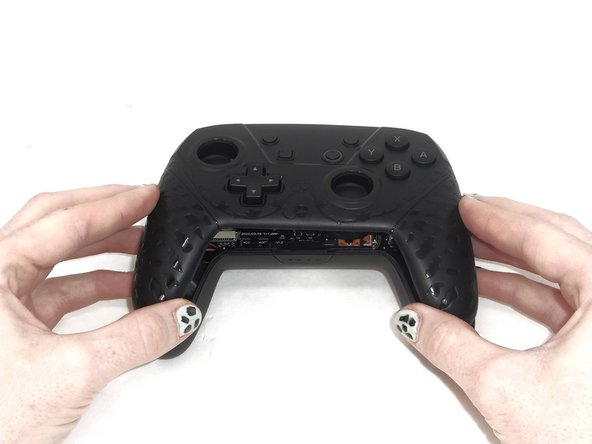
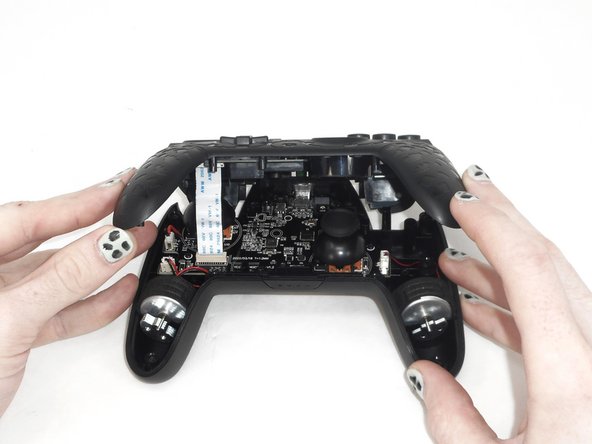
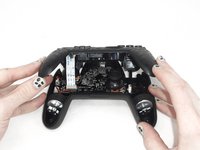

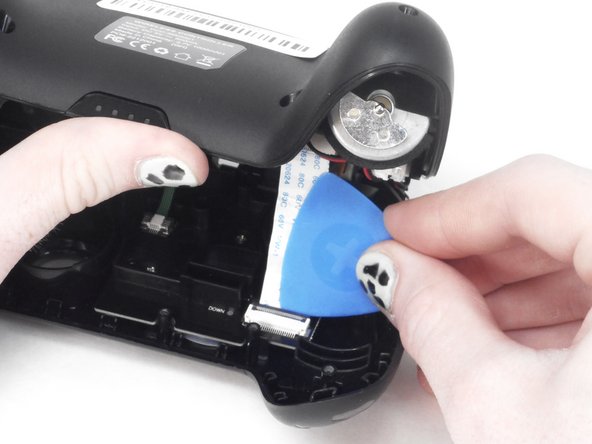
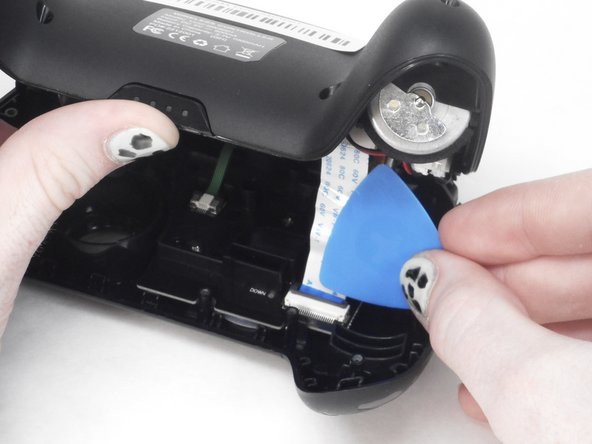
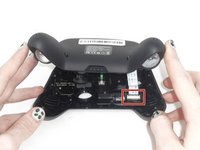
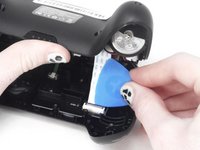
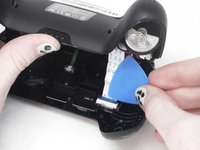

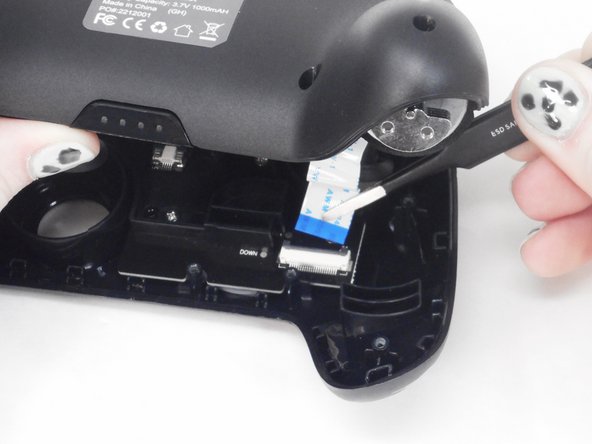
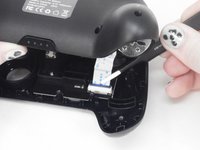
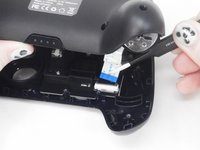


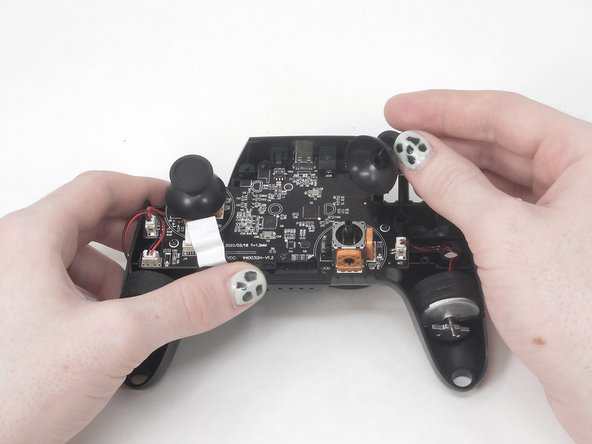
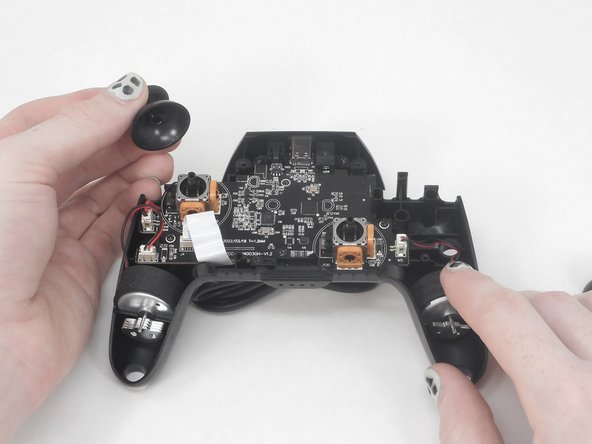
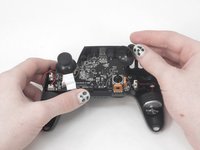
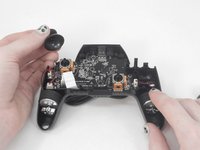

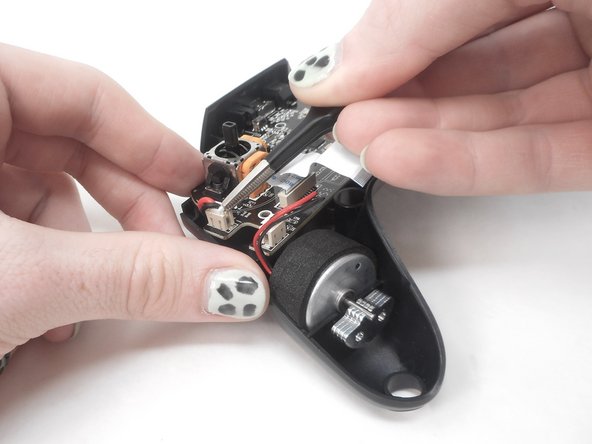
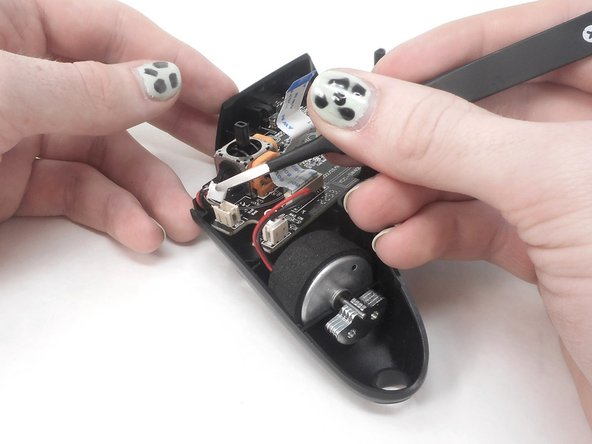
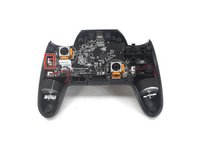
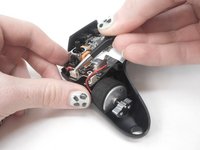
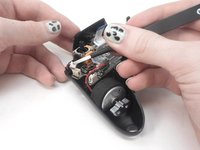

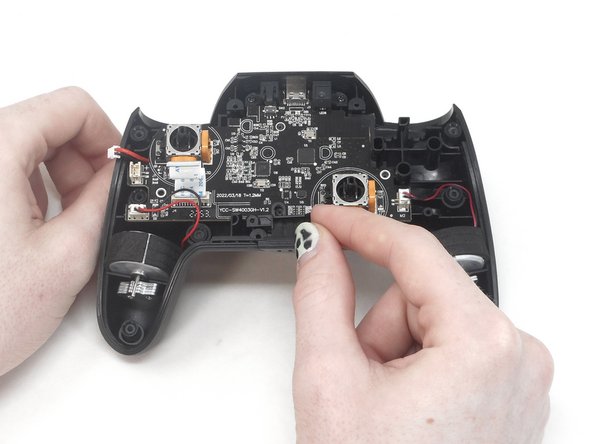
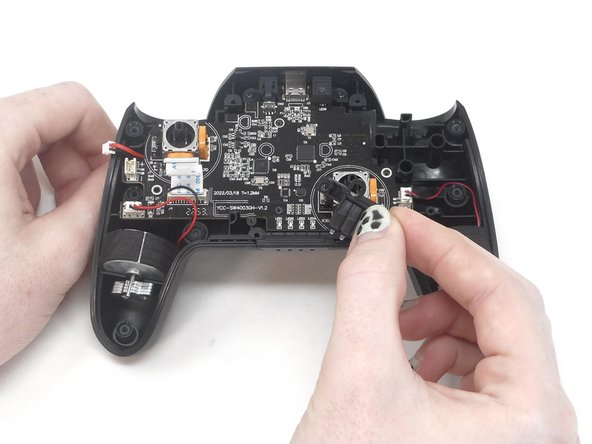
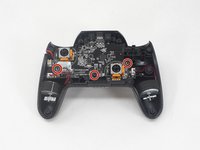
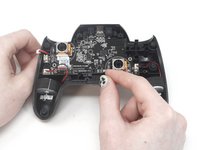
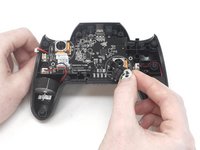

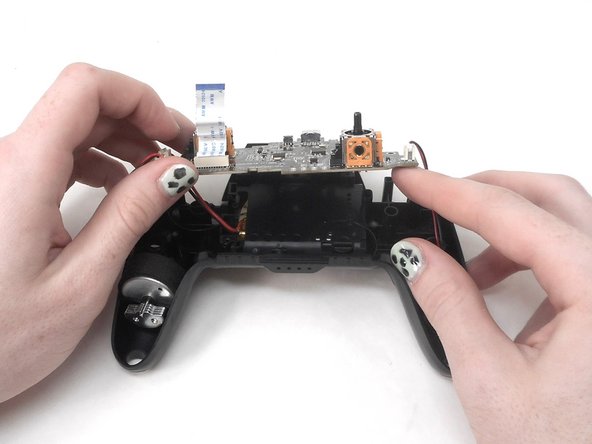
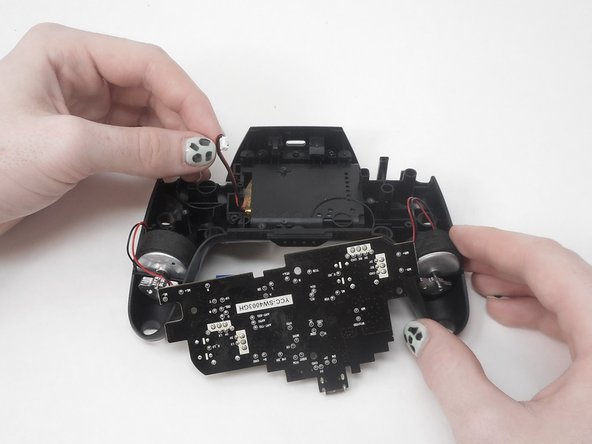
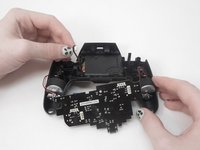

Cihazınızı tekrar toplamak için bu talimatları ters sırayla uygulayın.
Bu çevirmenlere özel teşekkürler:
100%

Translation Bot dünyayı onarmamıza yardım ediyor! Katkıda bulunmak ister misiniz?
Çeviriye Başlayın ›

Ekip

University of Memphis, Team 1-1, Sneed Spring 2024 University of Memphis, Team 1-1, Sneed Spring 2024 üyesi
UM-SNEED-S24S1G1
3 Üyeler
66 adet Kılavuz yazıldı
